Create a Service Provider Profile for Secret Server on DualShield
Log into the Dualshield Administration Console
Go to SSO>Service Providers

Click on  on the top right.
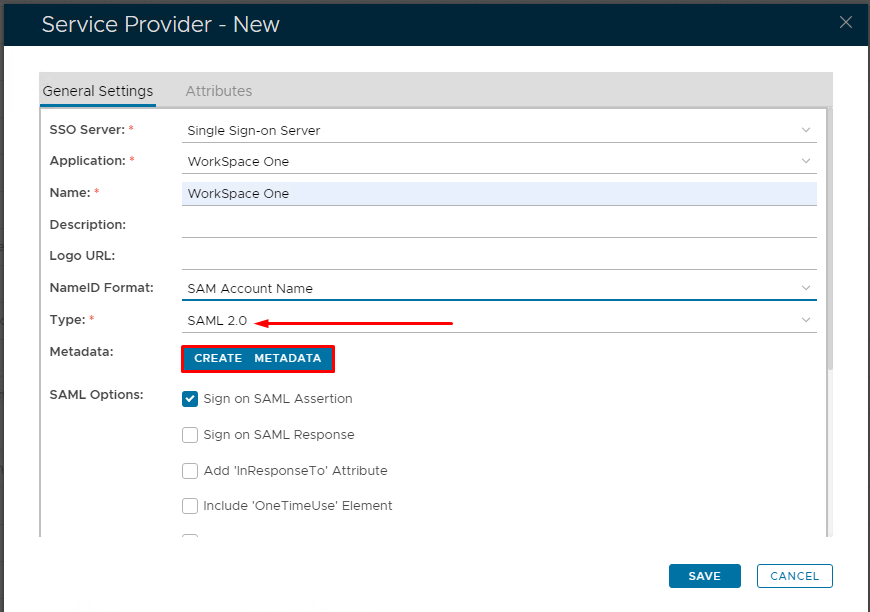
Fill in the details as per screenshot on right and make sure you select SAML 2.0 as Type.
Click on Create Metadata
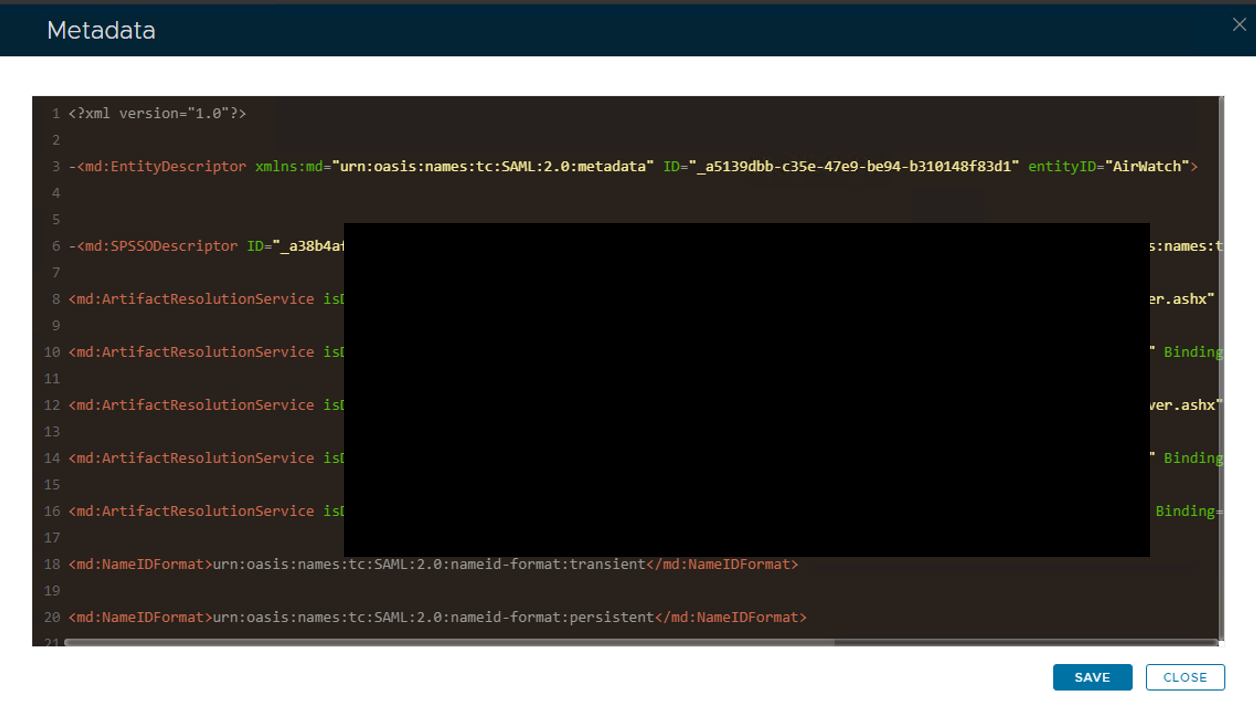
Open the Service Provider Metadata file you obtained in Workspace One Configuration.
Copy and past the metadata into Notepad or Notepad ++.
Remove the last three ACS locations and edit the file so it looks as follows.

Copy and paste the edited file into the Service Provider Metadata Windows and click Save