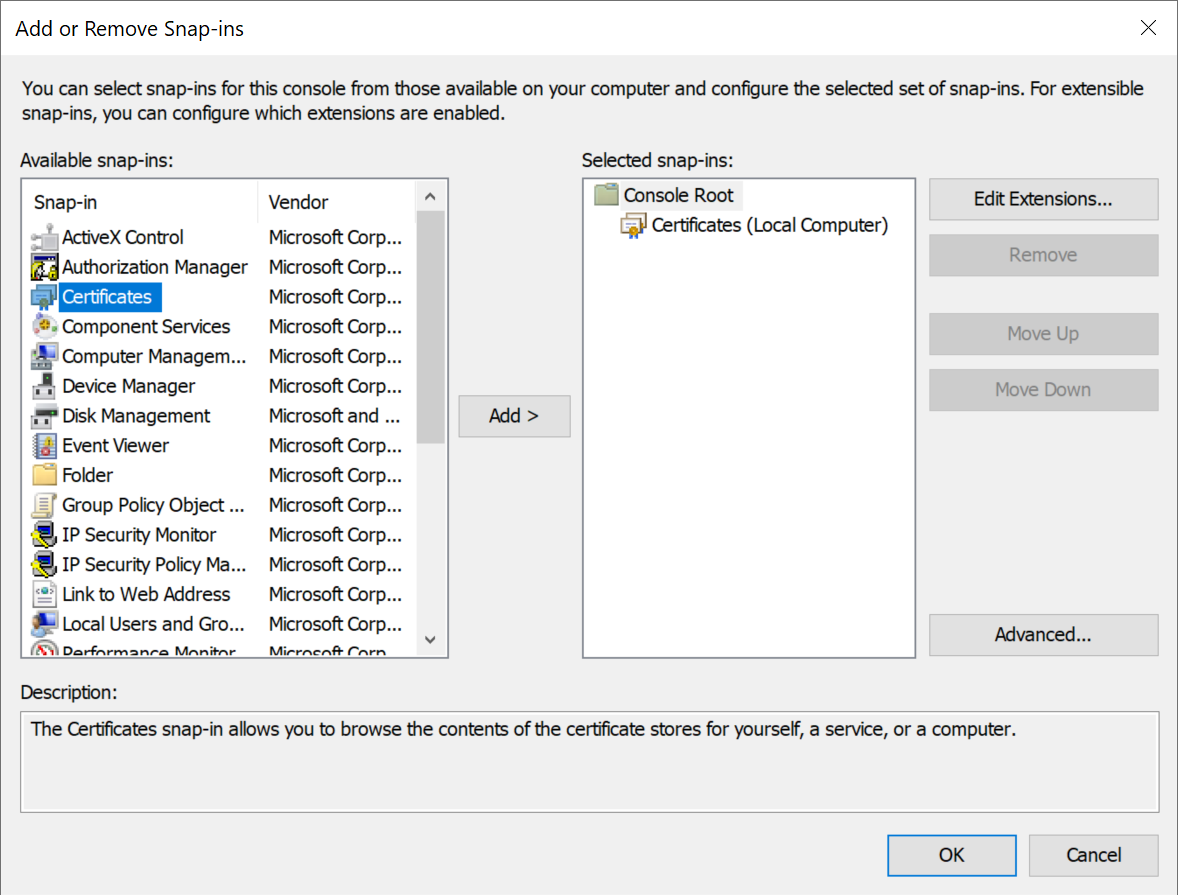
This article describes how to export a SSL certificate from the Windows certificate store using the Microsoft Management Console (MMC) and the Certificates Snap-in.
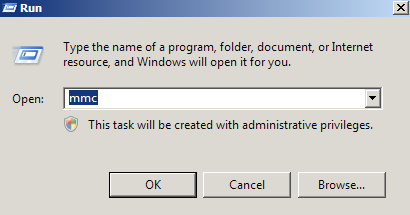
Open the MMC (Start > Run > MMC)
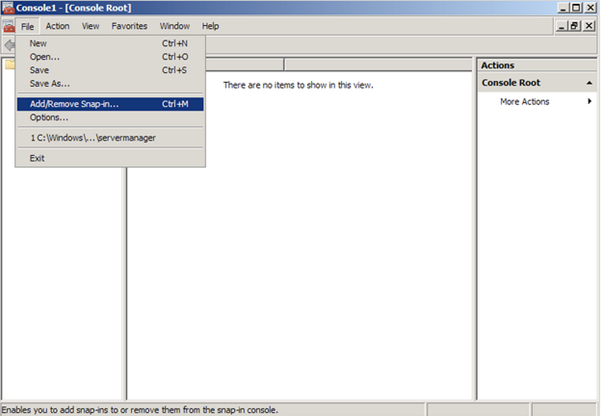
Go to File > Add/Remove Snap In
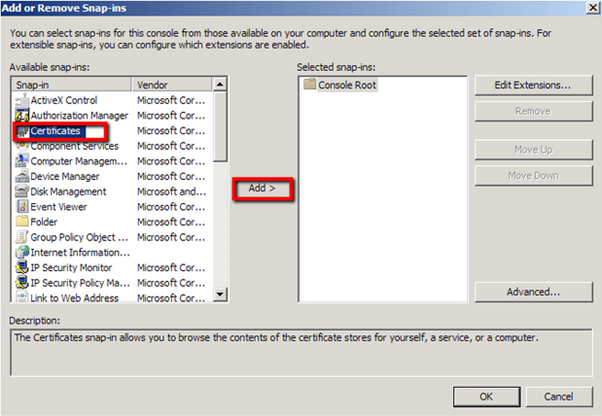
Click on Certificates and click on Add >
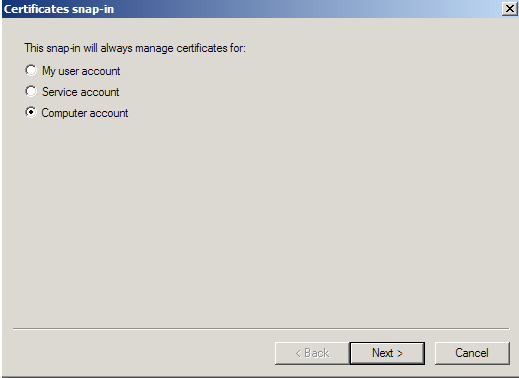
Select Computer account
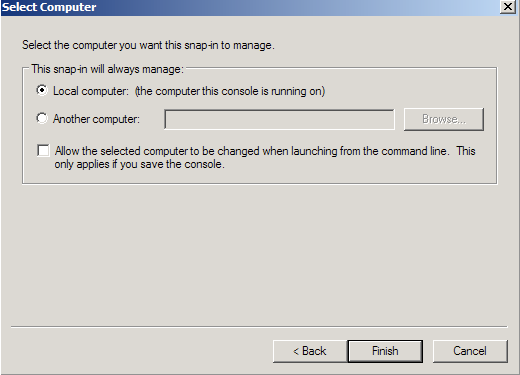
Select Local Computer, the click Finish
Click OK to exit the Snap-In window.