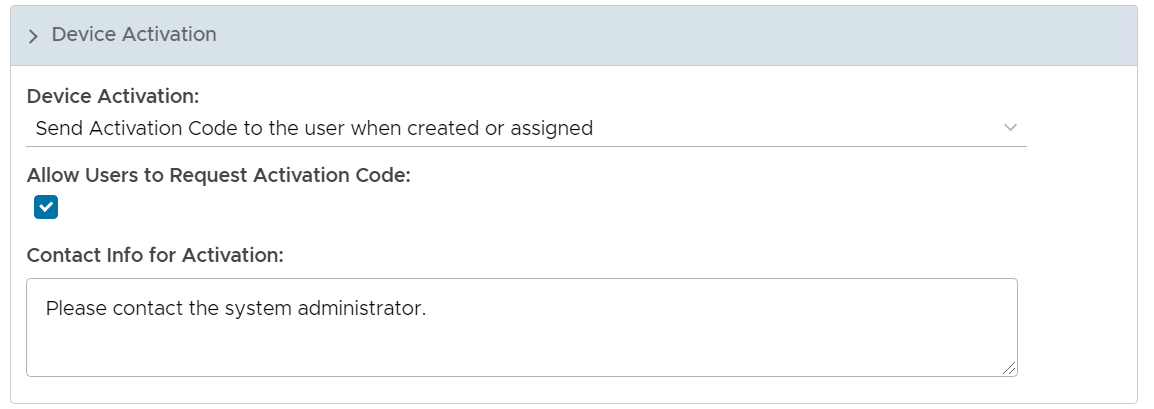
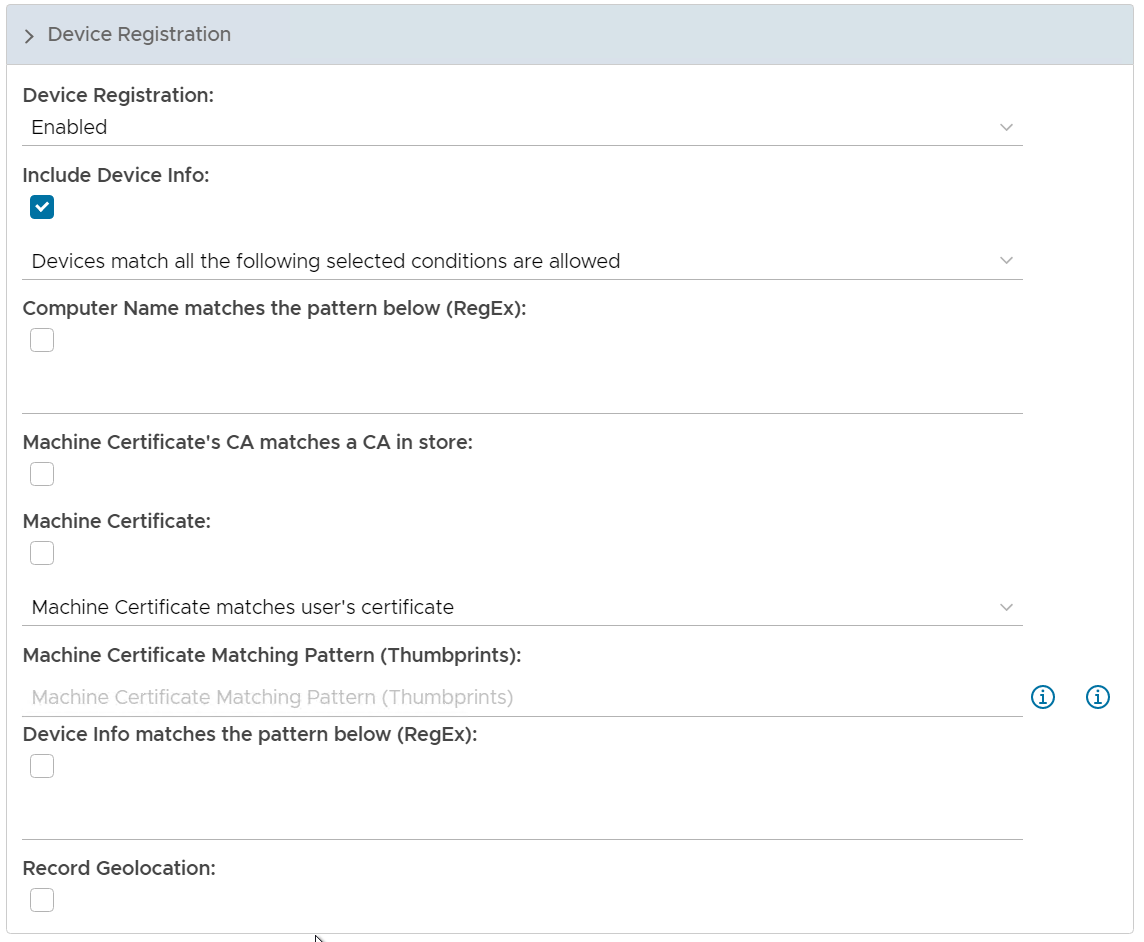
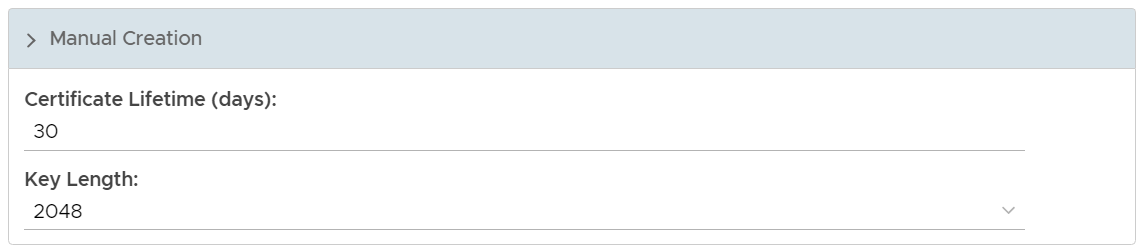
The user experience of Device Certificate Authentication, such as the registration and verification process, is controlled by the DeviceCert policy. You can either edit the existing, default DeviceCert system policy, or you can create a new DeviceCert policy. Latter is recommended.
Select "Administration | Policies" on the side panel,
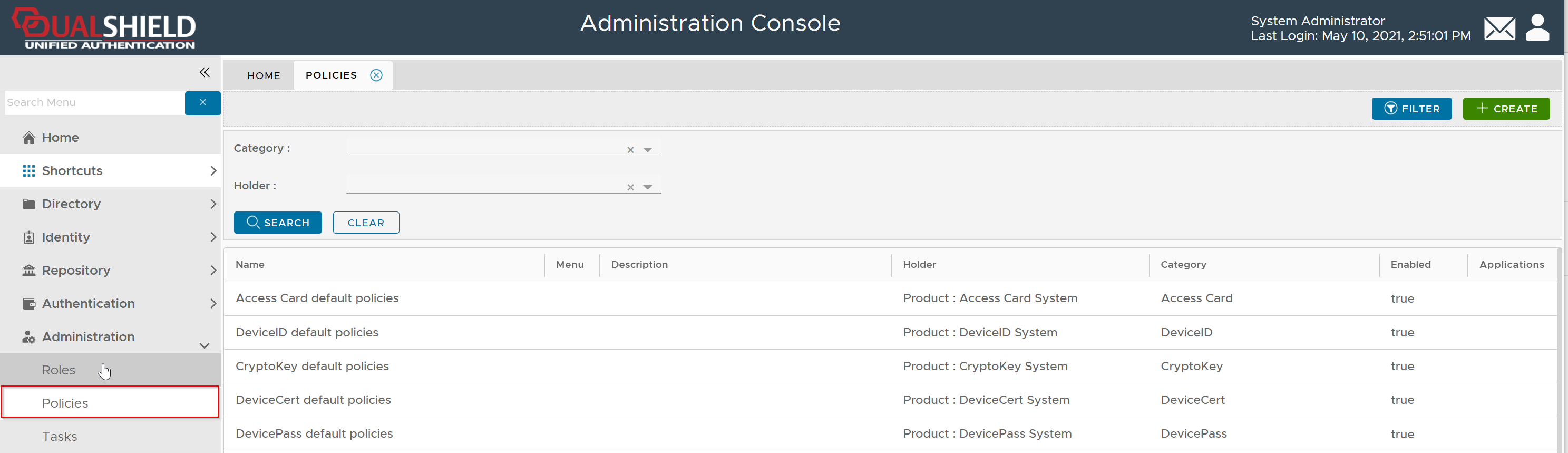
To create a new policy, click the "CREATE" button on the toolbar to open the policy editor window.
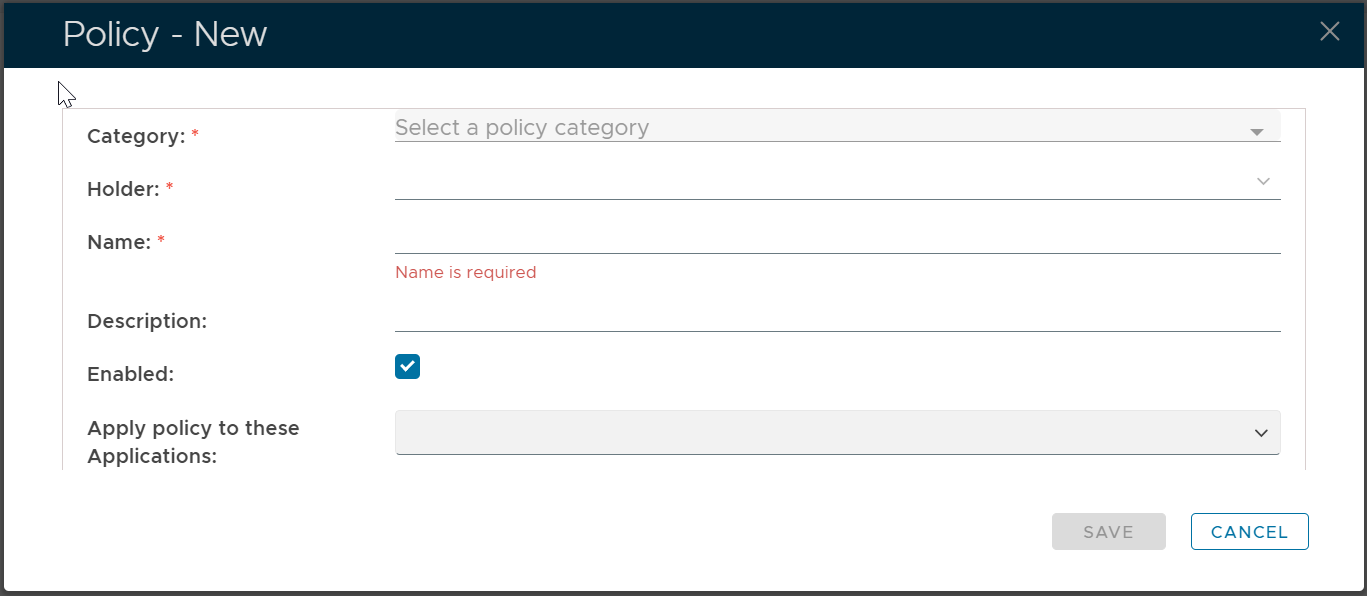
In the policy editor, firstly select DeviceCert from the Category drop-down list
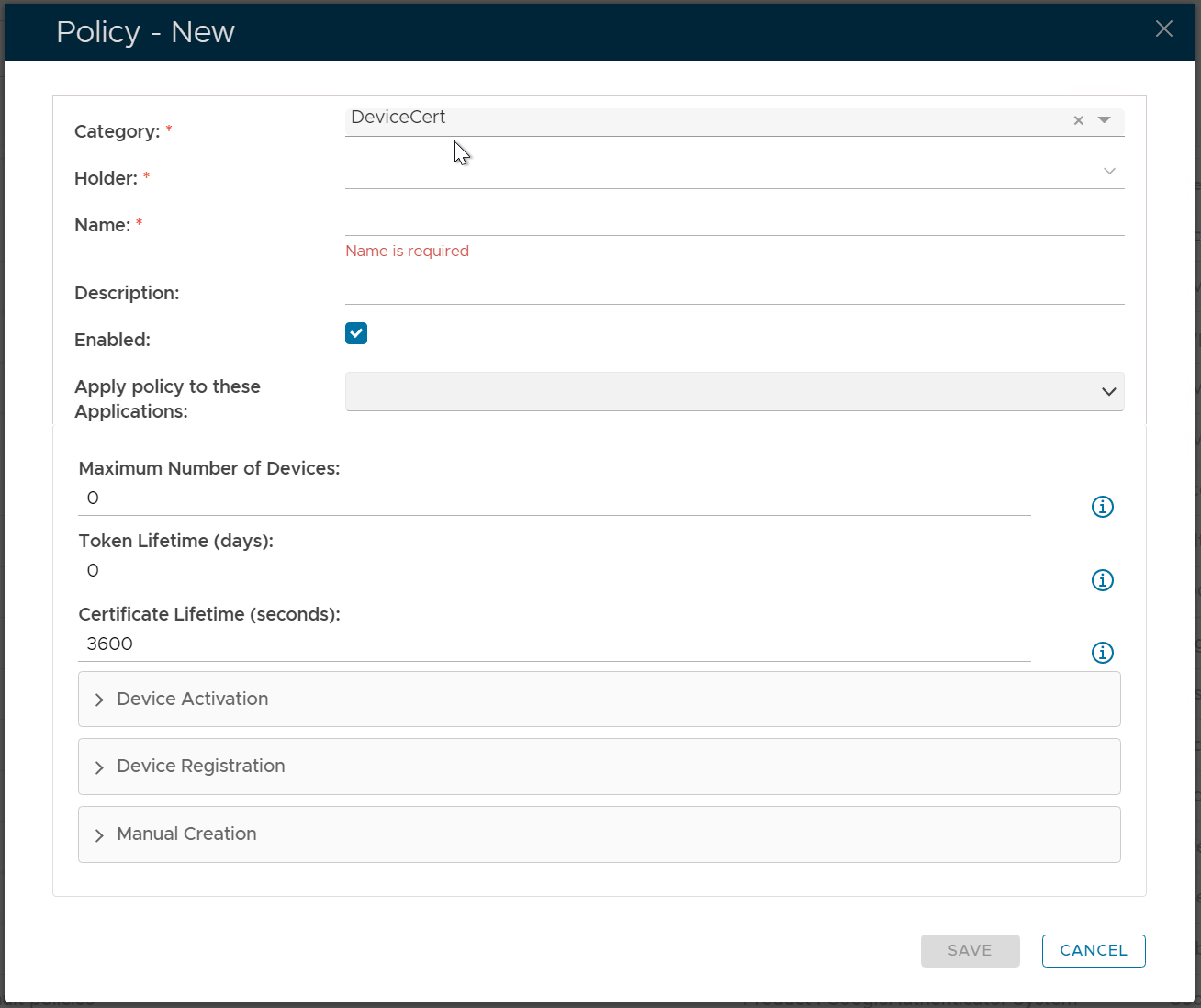
Policy Bindings
| Holder: | The policyholder defines the scope of the policy.
|
| Name: | A unique name that describes this policy |
| Applications: | Optionally, you can bind the policy to a specific application or a list of applications. To specify the application(s), select the field: Apply policy to these applications If the field Apply policy to these applications is left empty, then the policy will be applied to all applications. |

Policy Options
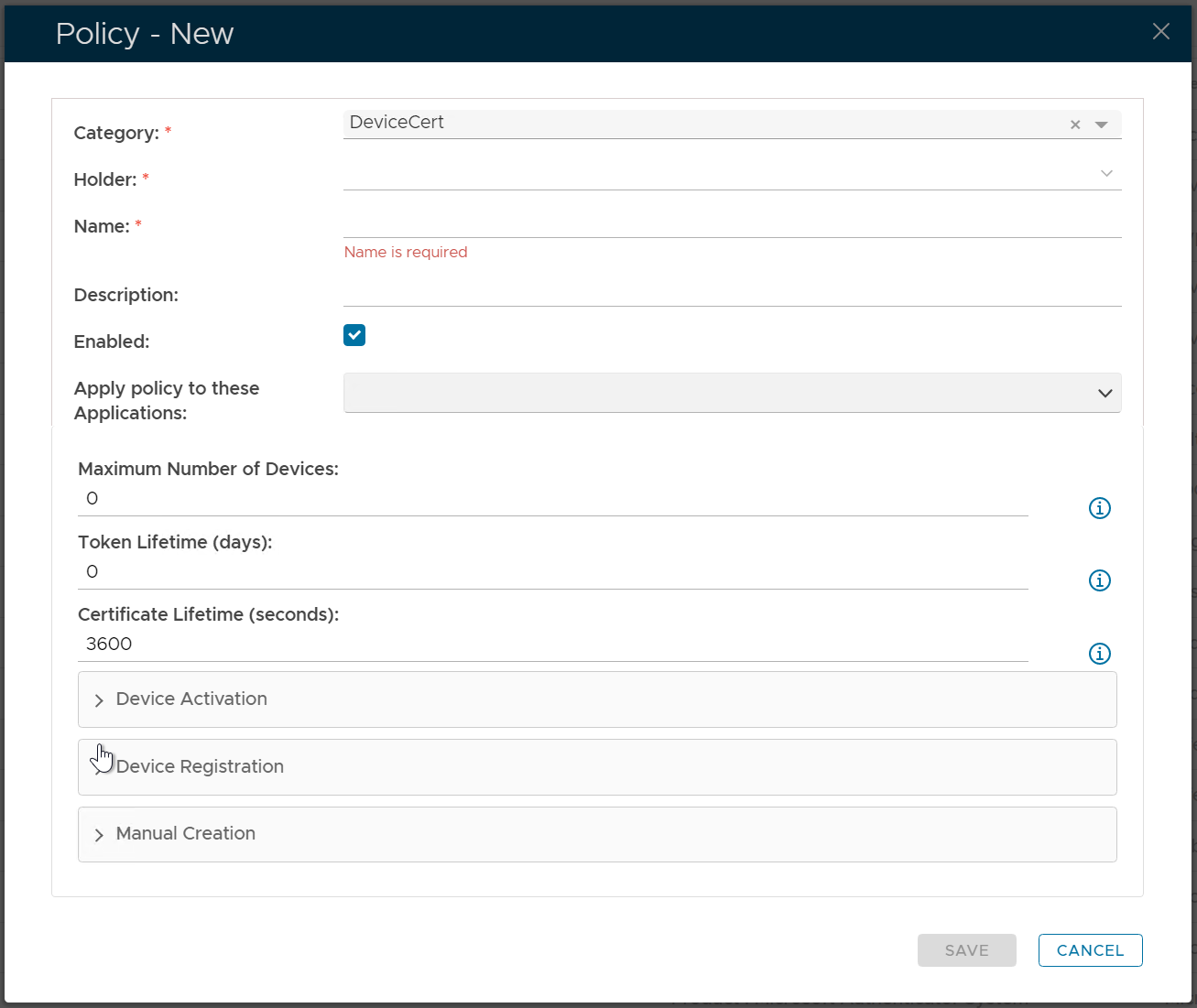
| Option | Value or Selection | Remark |
|---|---|---|