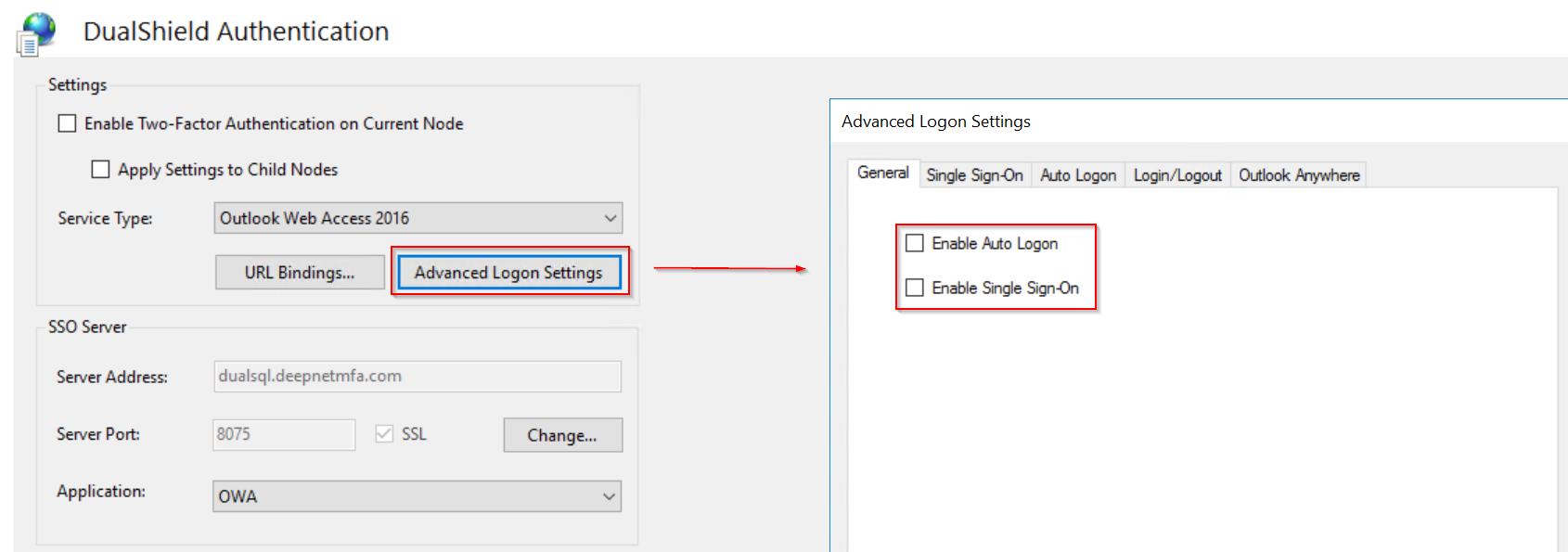
When a web application is secured by the DualShield IIS Agent with MFA, the agent adds an extra layer of authentication process over the web applications's own form-based authentication. Without the Single Sign-On or Auto Logon, users will be firstly authenticated by both the DualShield SSO, then by the web application's orginal logon process which is usually the user's AD credential verification.
You have 2 options:
- Configure DualShield SSO to verifiy the 2nd factor only, e.g. one-time password etc, and keep the application's orginal logon process which will verify the user's AD credentials. In this option. you do not need to enable Single Sign-On or Auto Logon.
- Configure DualShield SSO to verifiy both the 2nd factor and the 1st factor. In this option. you will need to enable Single Sign-On or Auto Logon.
From the security point of view, both options have no difference.
From the user experience point of view. option 2 will deliver a more coherent user experience.