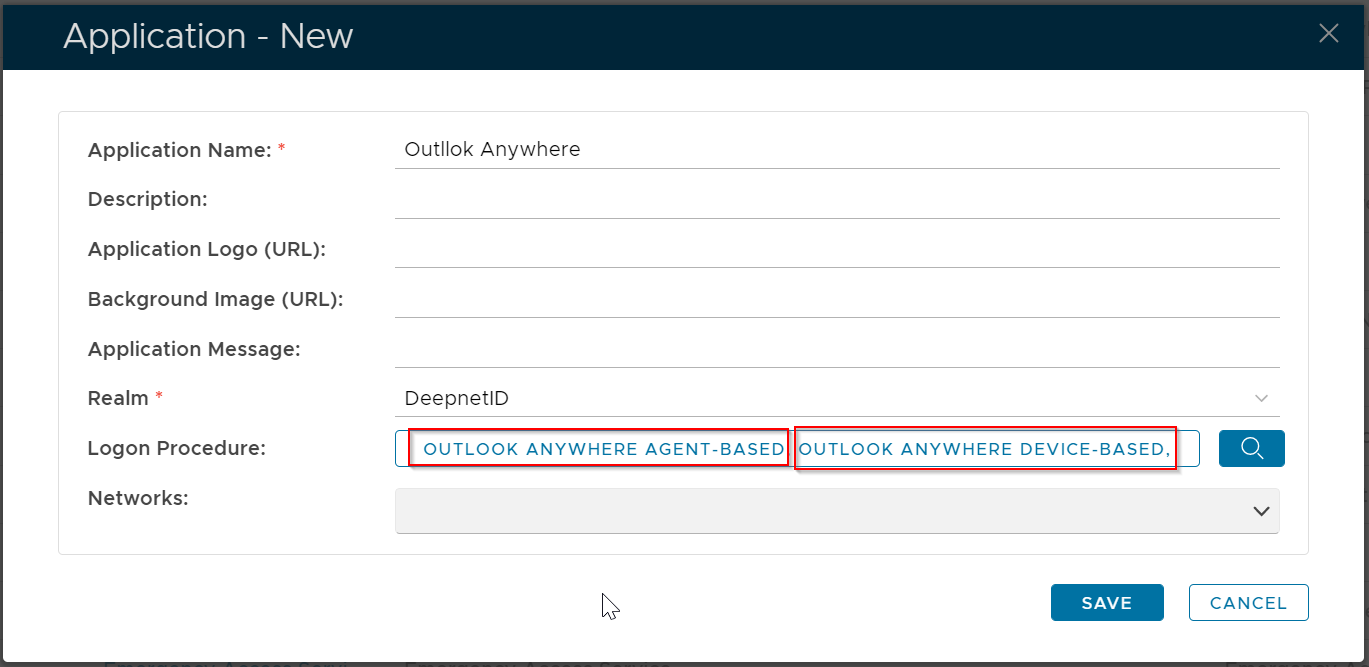
In DualShield, an application does not have a type. Therefore, creating an application for any integration is the same.

Select "CREATE" on the toolbar

Select the Realm to be linked to this application, e.g. Deep.Net
Select the Logon Procedure to be used by this application, e.g.. Office 365
Click "SAVE" to save the application.

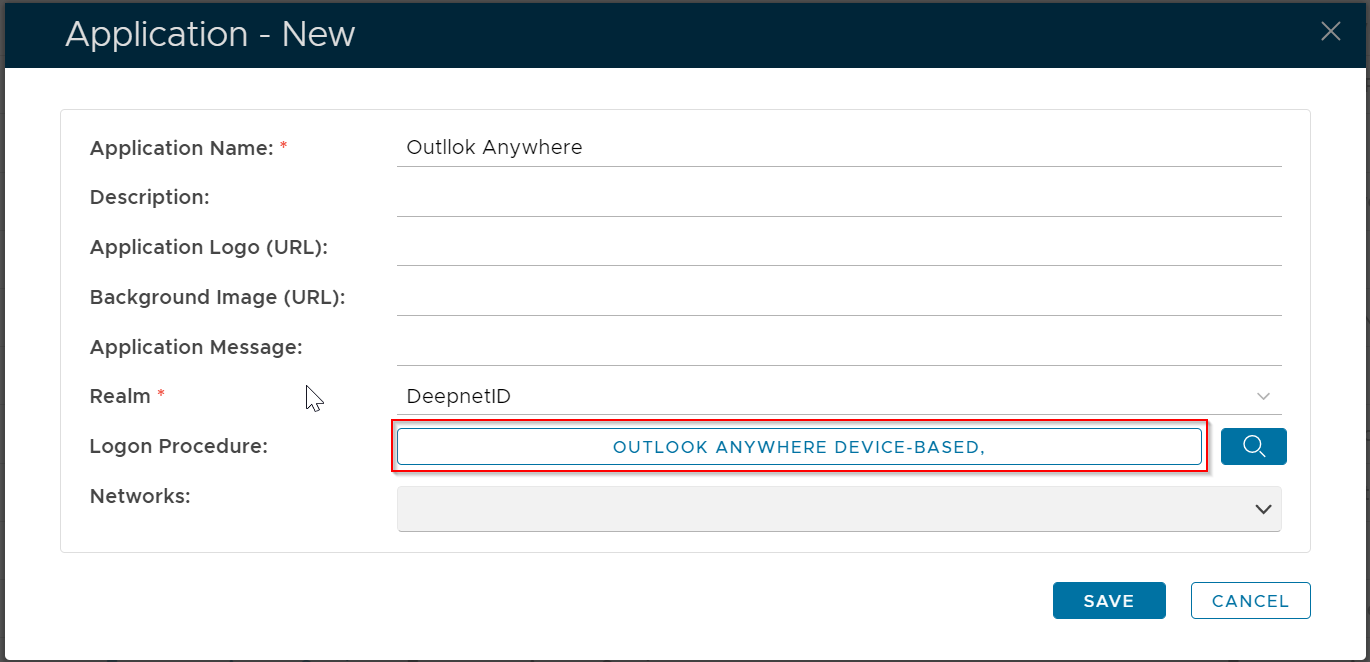
If you are implementing the Device-Base Outlook Anywhere MFA, then you must select the Logon Procedure that is of the type of Exchange Mails, e.g. "Outlook Anywhere Device-Based" that was created in the previous step
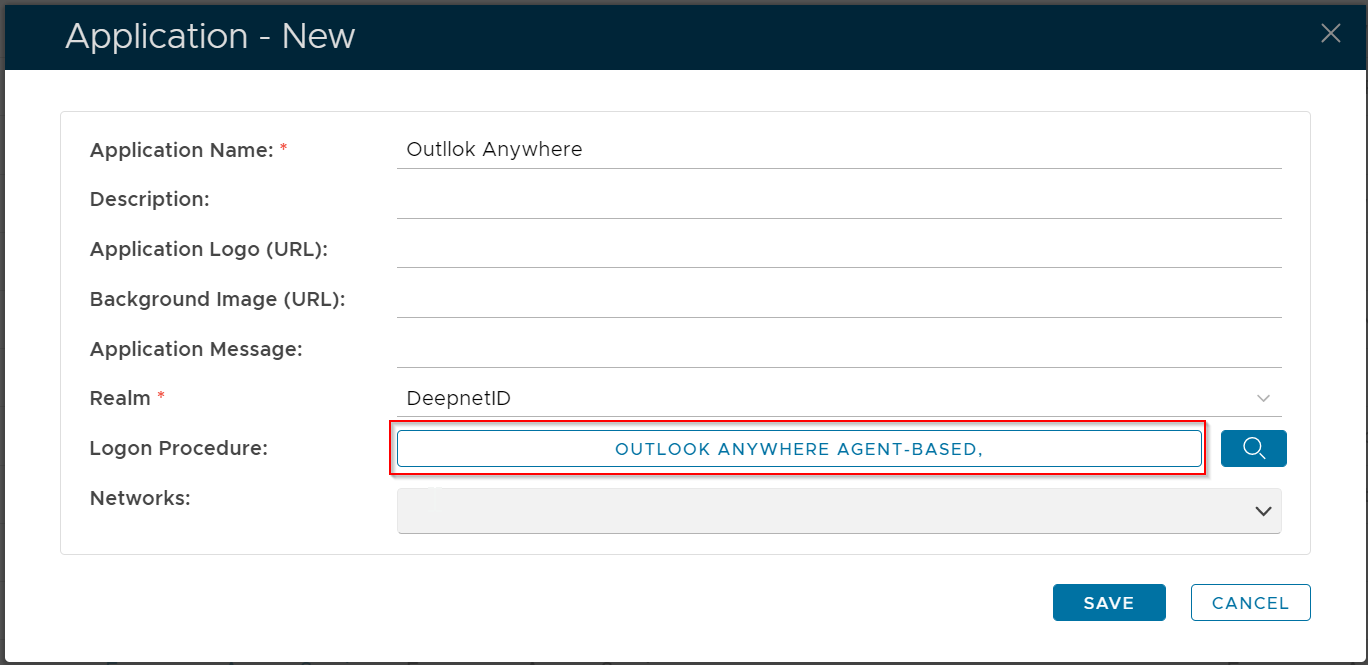
If you are implementing the Agent-Base Outlook Anywhere MFA, then you must select the Logon Procedure that is of the type of Web SSO, e.g. "Outlook Anywhere Agent-Based" that was created in the previous step
If you are implementing both the Agent-Base and Device Based Outlook Anywhere MFA, then you must select both Logon Procedures