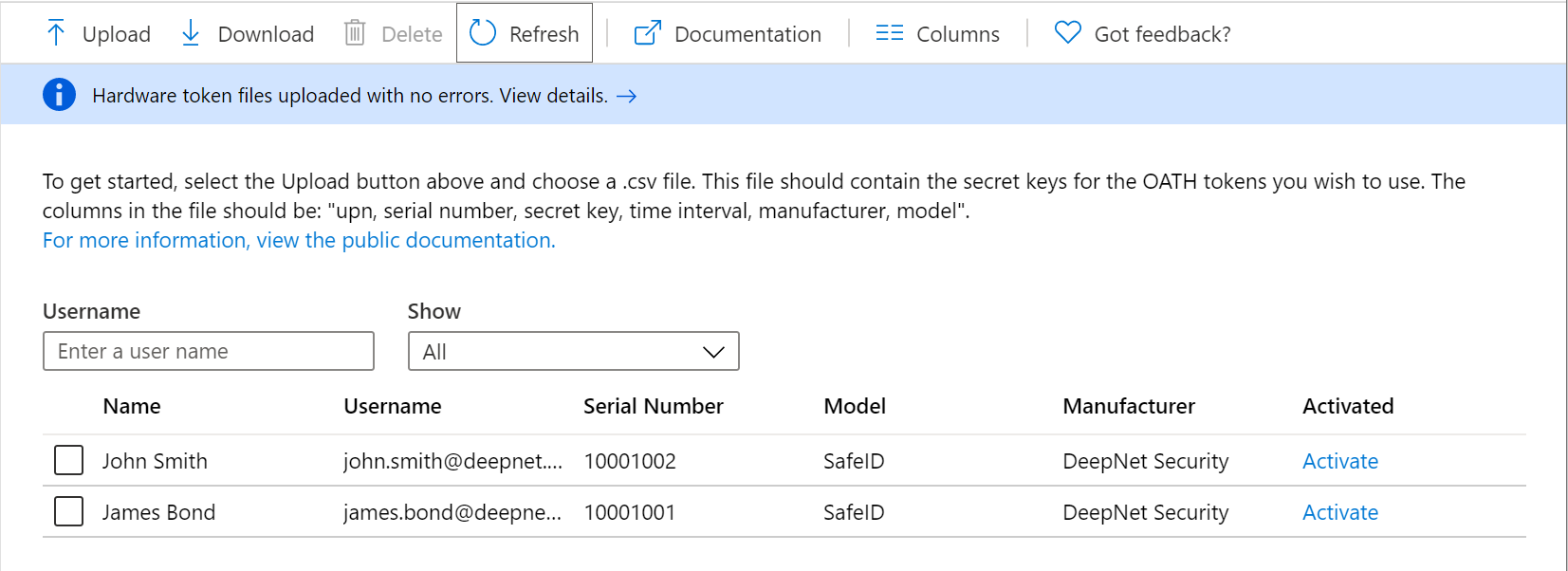
To upload tokens onto Entra ID, follow steps below:
Sign in to the Azure portal and navigate to "Entra ID > Security > Multifactor Authentication > OATH Tokens (Preview)"
| Expand | ||||||
|---|---|---|---|---|---|---|
|
Click the “Upload” button.
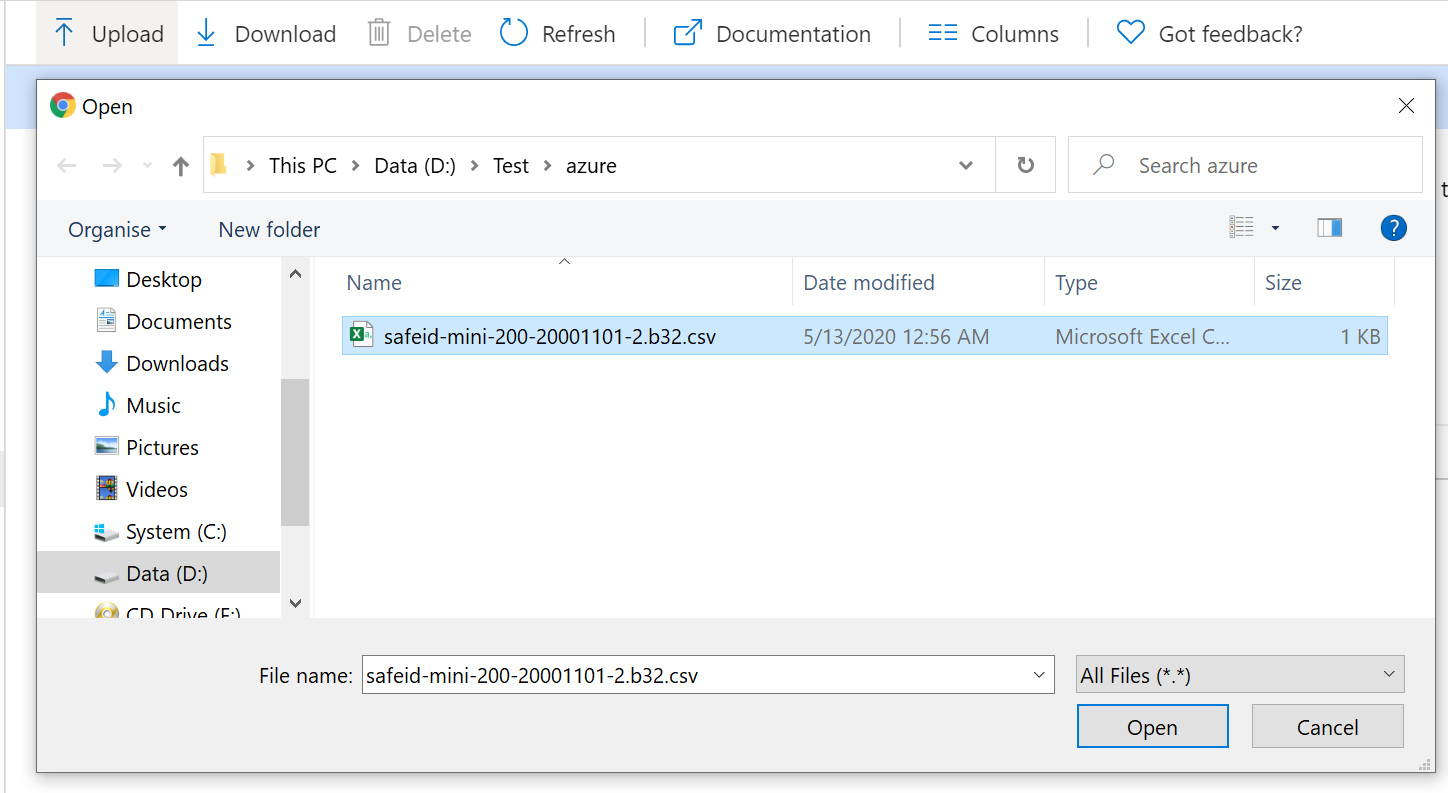
Select the CSV file to be uploaded, then click the Open button.
Depending on the size of the CSV file, it may take a few minutes to process.
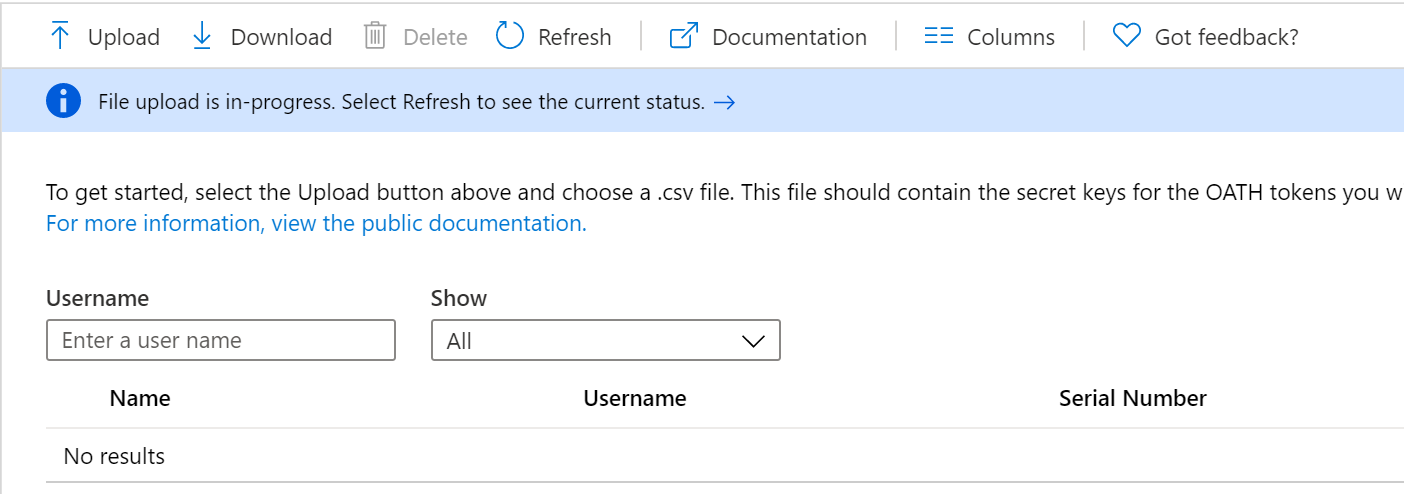
Click the Refresh button to get the current status. If there are any errors in the file, you will have the option to download a CSV file listing any errors for you to resolve.
Once the uploading process has been completed, the list of tokens will be displayed.