...
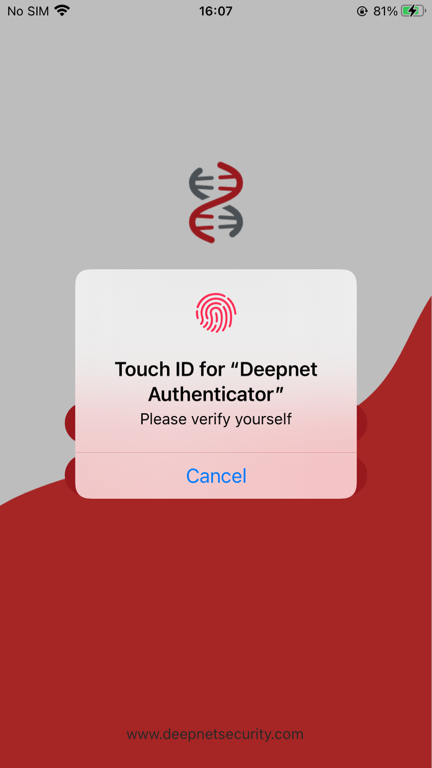
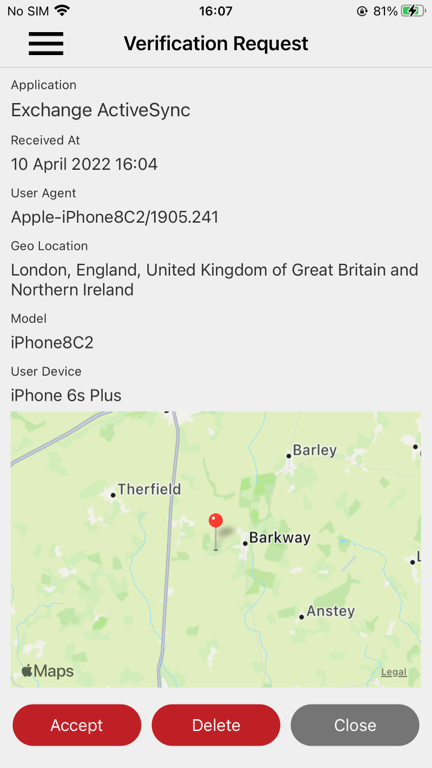
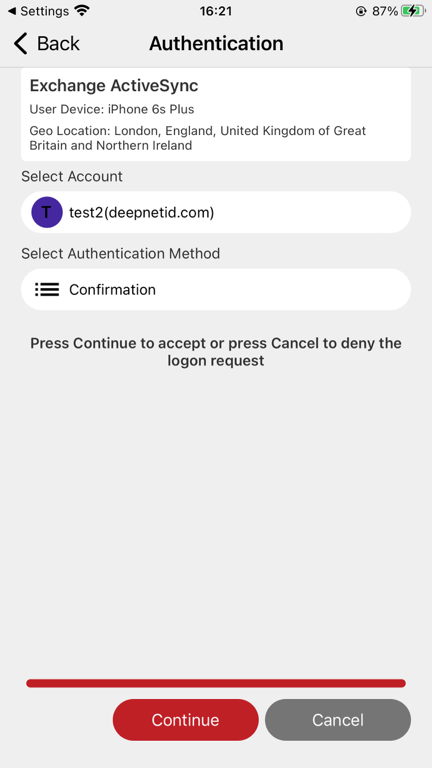
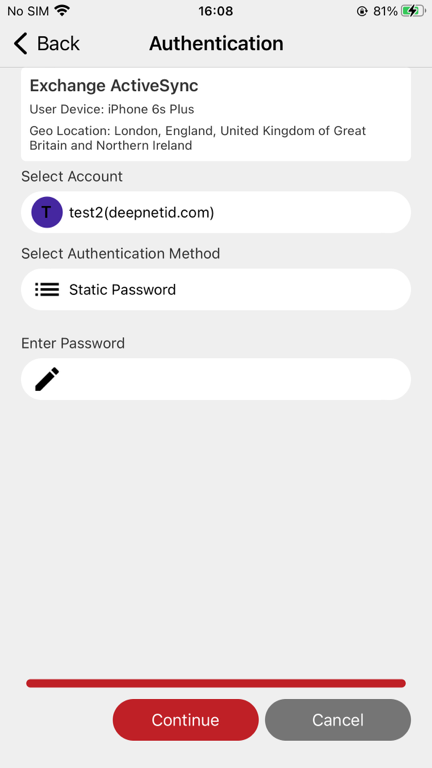
If the Grace Period option is enabled in the DeviceID policy, then the user will experience the following
| Expand | ||||
|---|---|---|---|---|
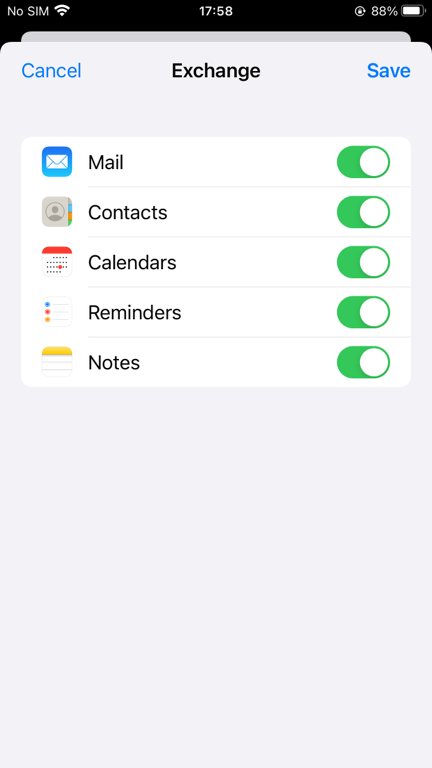
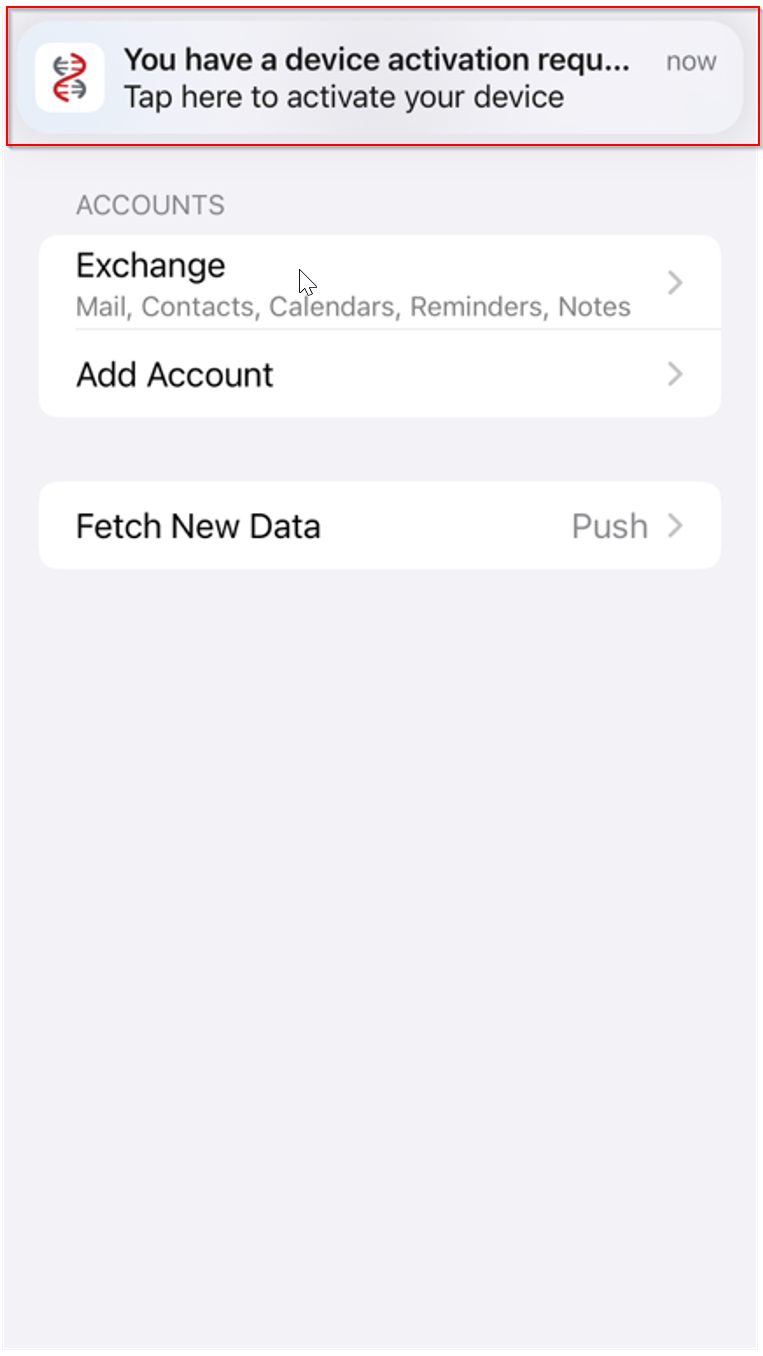
Click "Save" A push notification message "You have a device activation request" will be received
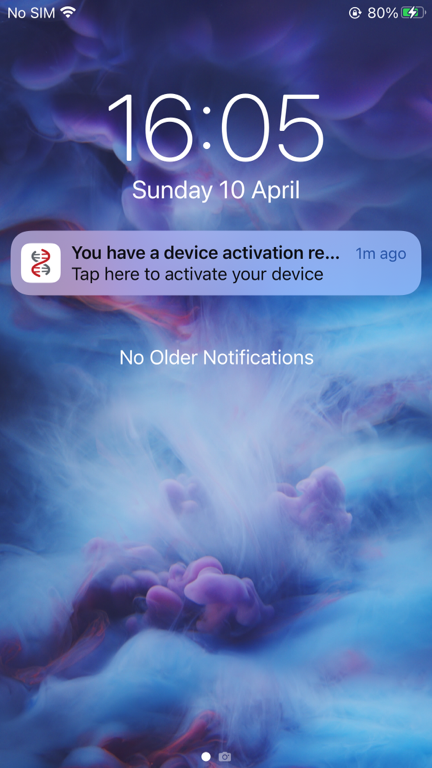
Pull down the notification screen
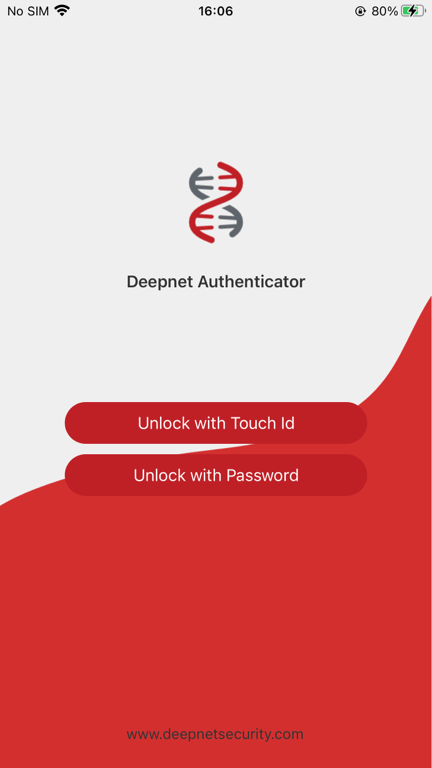
Click the notification message "You have a device activation request" This will bring up the DeepNet Authenticator app
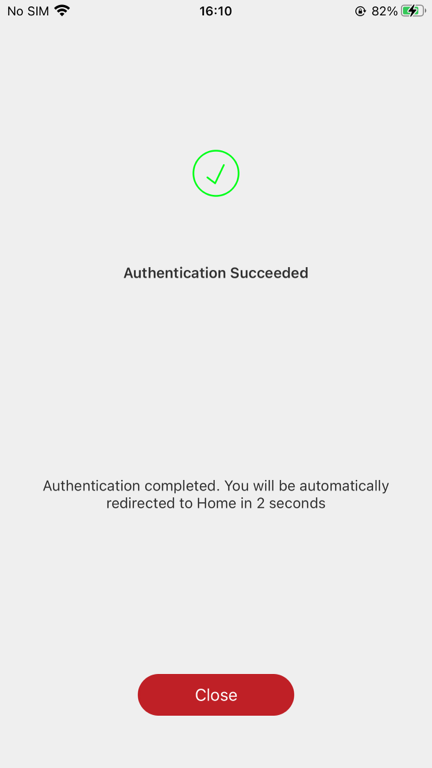
Click Accept Depending on the logon procedure, the user might or might not be required to authenticate again
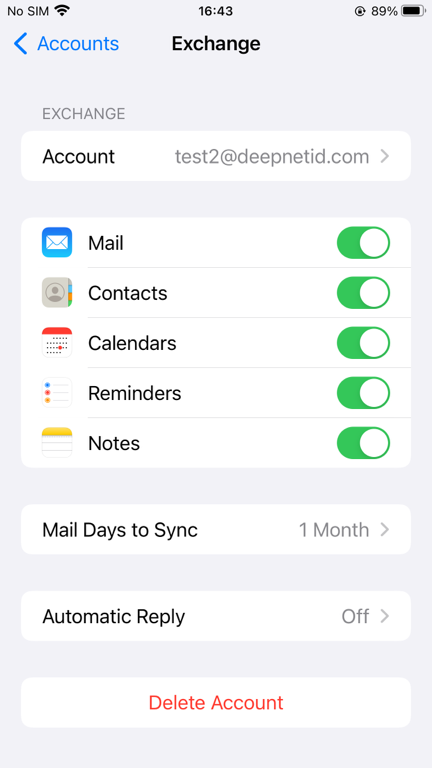
Your email account is now fully activated on this device |
If the Grace Period option is disabled in the DeviceID policy, then the user will experience the following
| Expand | ||||
|---|---|---|---|---|
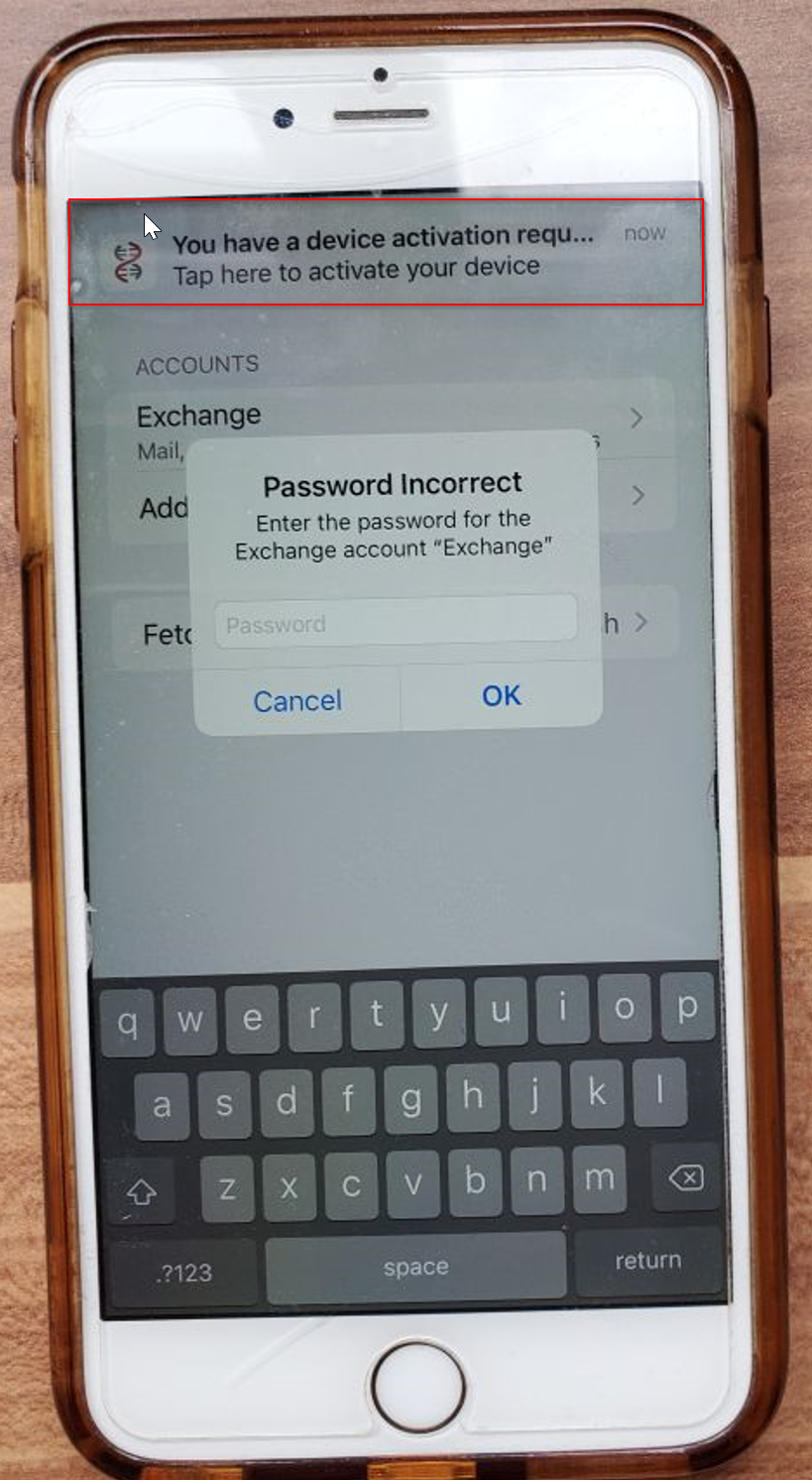
The "Password Incorrect" window will pop up on the screen. In the meantime, a push notification message "You have a device activation request" will also arrive
Press the "Cancel" button to close the "Password Incorrect" window Switch to Pull down the Home notification screen
Click the notification message "You have a device activation request" This will bring up the DeepNet Authenticator app
Click Accept Depending on the logon procedure, the user might or might not be required to authenticate again
Now, you need to go back to the email account and re-enter your email password
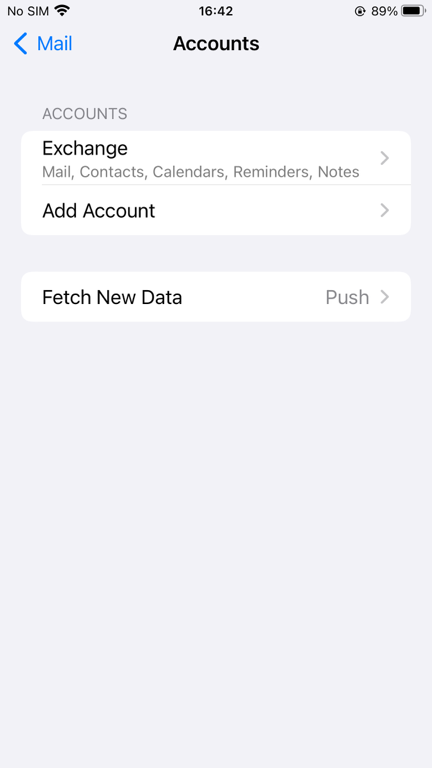
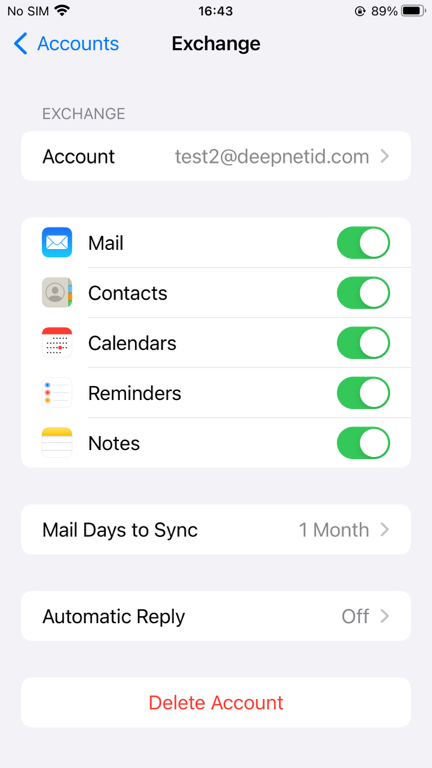
Click "Exchange ..."
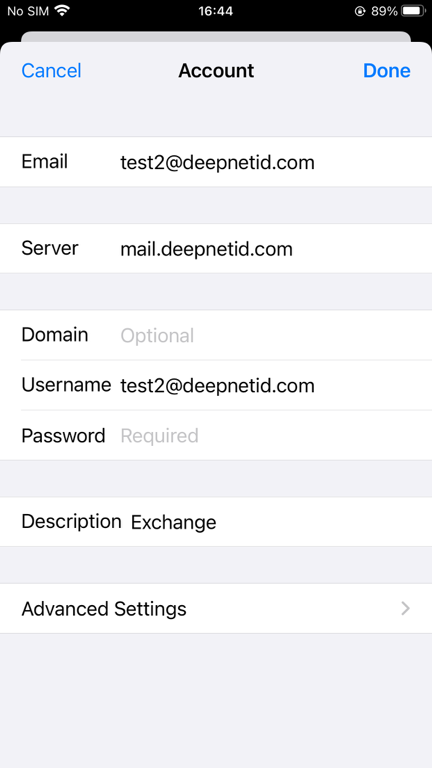
Click your email account, e.g. "test2@deepnetid.com"
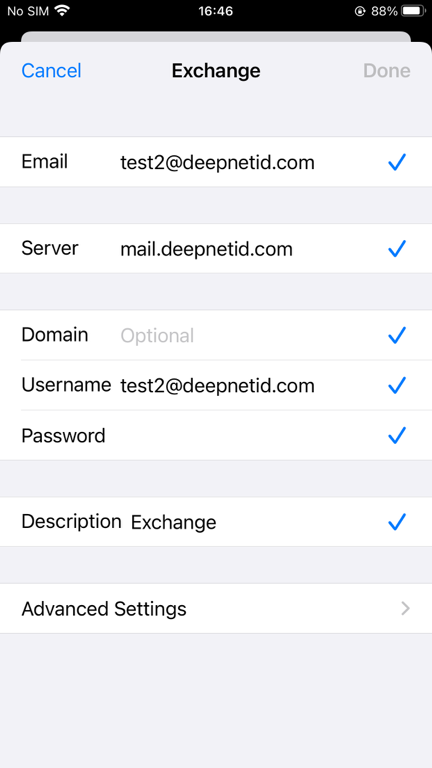
Remove and re-enter the password then, click "Done"
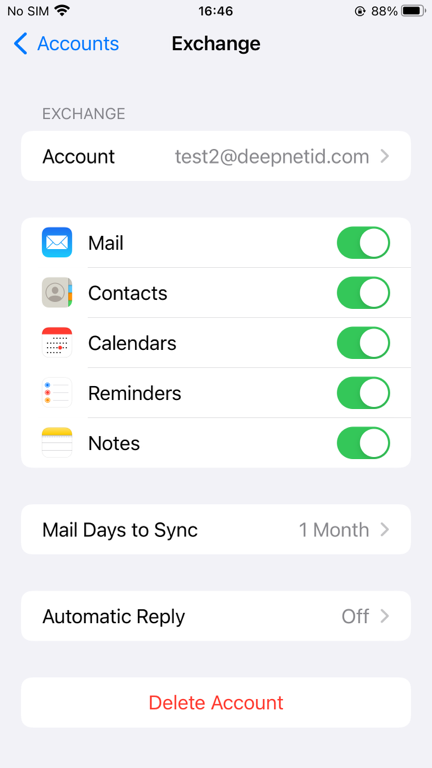
Your email account is now fully activated on this device. |
...