...
Add Logon Steps
| Section |
|---|
|
| Column |
|---|
Specify the following values in the EAP Options | Options | Value |
|---|
| Enabled | Make sure this is checked! | | Default EAP Type: | Tunnel Based(PEAP) | | Server Certificate | Select the SSL Certificate you imported in the previous section, from the drop |
| -down | | Inner EAP Type | GTC | | Challenge String | Password: | | Max Session: | 4096 | | Max Time To Live(seconds): | 1200 | | Max Time To Idle: | 60 |
|
| Column |
|---|
|
| Panel |
|---|
| borderColor | #9EBEE5 |
|---|
| bgColor | #FFFFFF |
|---|
| borderWidth | 1px |
|---|
| 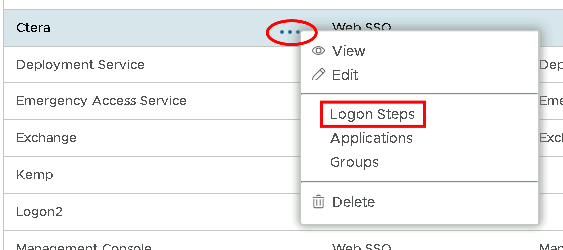 Image Removed Image Removed Image Added Image Added
|
|
|
In the Logon Steps Dialogue box, click the  button.
...