In the main menu select Radius>Radius Servers

Click on the  corresponding to the RADIUS Server and select EAP Options

Add Logon Steps
Select the drop down menu corresponding to the Logon Procedure you will be using and click on Logon Steps.
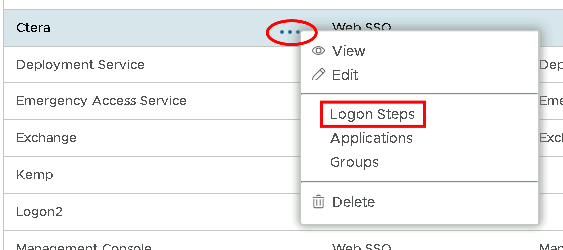
In the Logon Steps Dialogue box, click the  button.
Tick the desired authentication method, e.g. Static Password
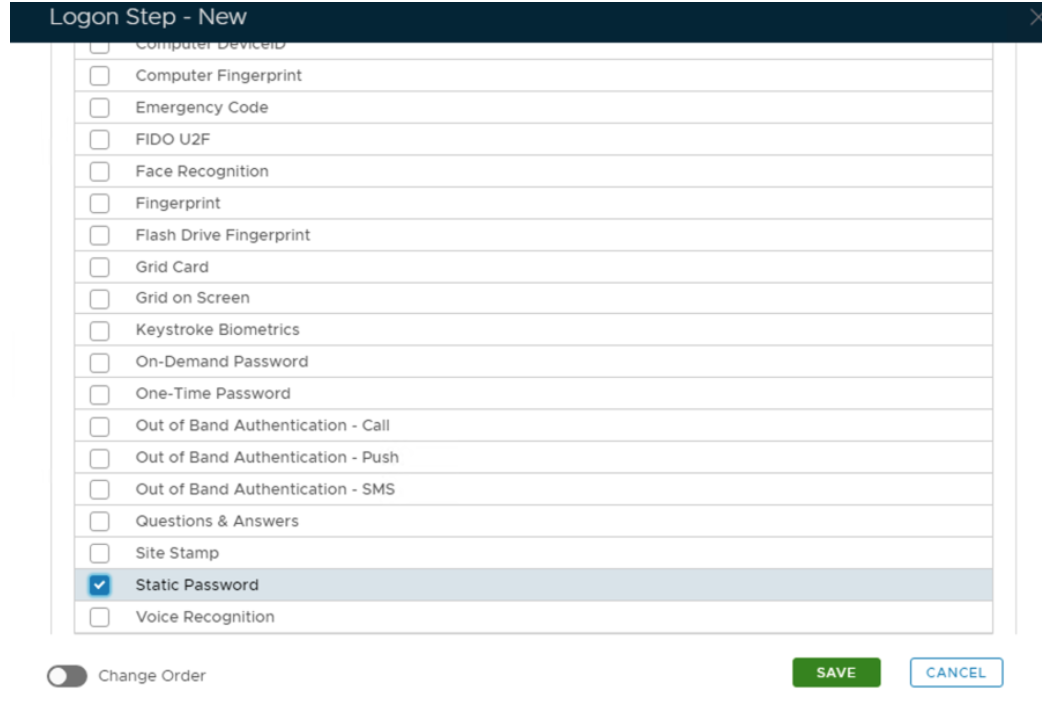
Click Save.
Repeat to add extra steps.
I have added two steps; Static Password and One-Time Password
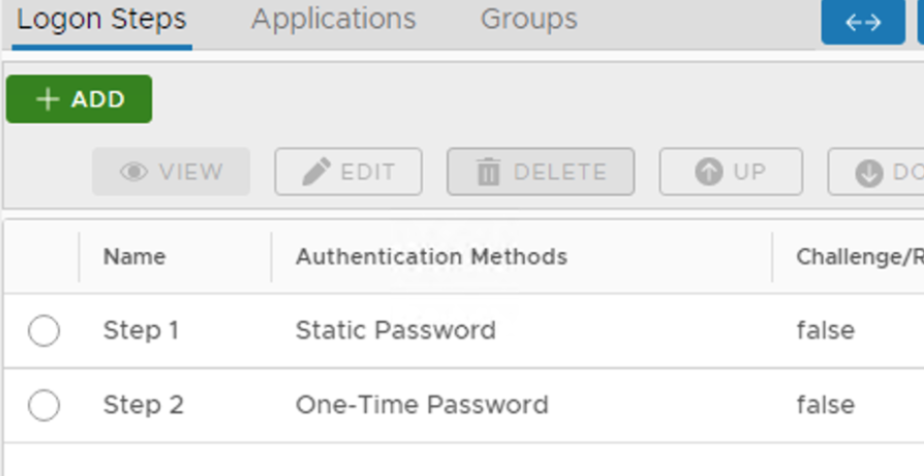
Create an Application:
Authentication> Applications
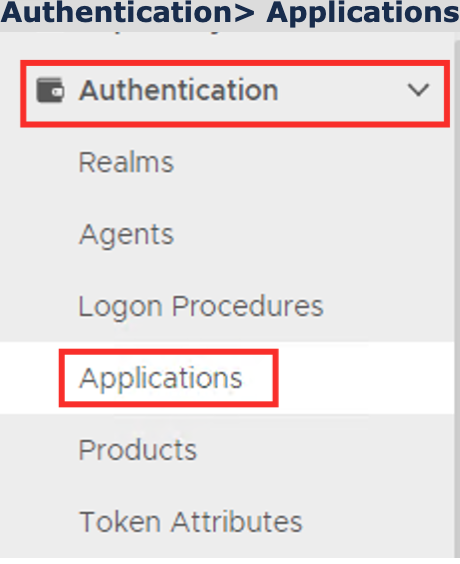
Click on  on the top right.
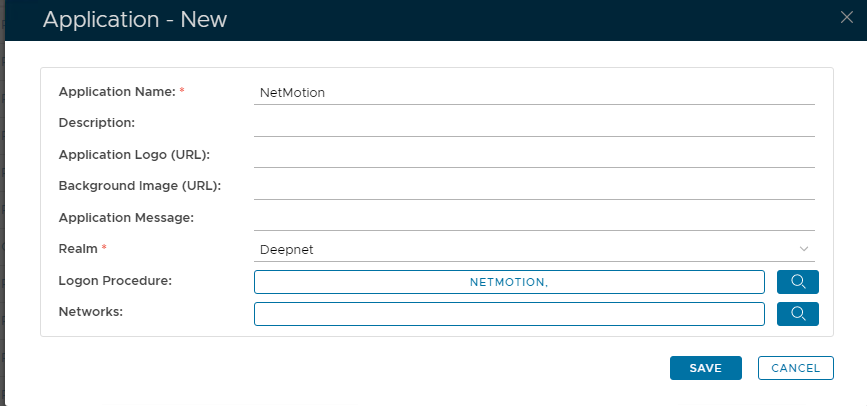
In the new Application window, please enter the following information:
| Option | Value |
|---|---|
| Name: | Enter a friendly name |
| Realm: | Select your Realm |
| Logon Procedure: | Select the Logon Procedure you had created in the previous step |
Click: Save
Bind the Application to a RADIUS Server Agent