...
| Expand | ||
|---|---|---|
| ||
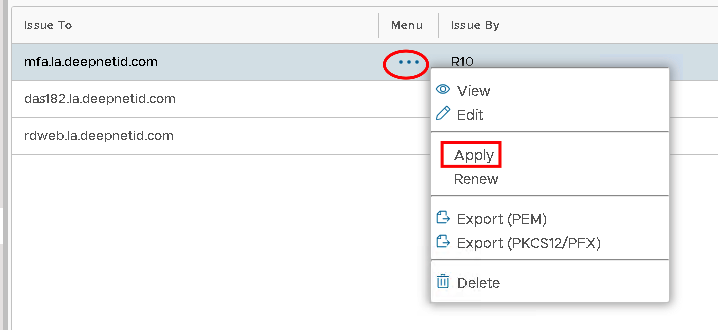
Click on the ellipses corresponding to context menu icon of the newly imported Server Certificate and select Apply
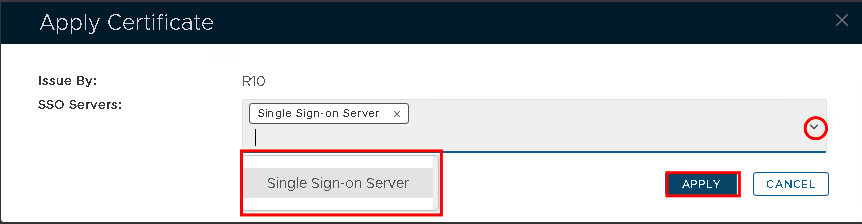
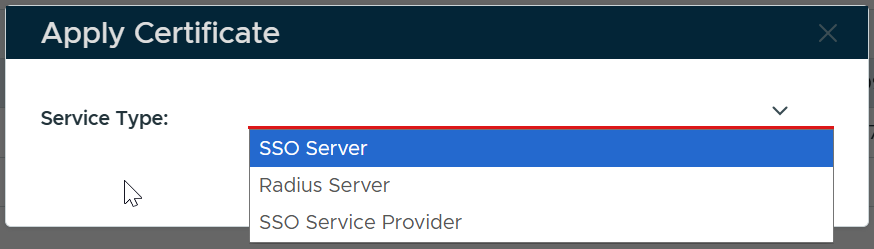
Select the correct SSO Server from the drop down...
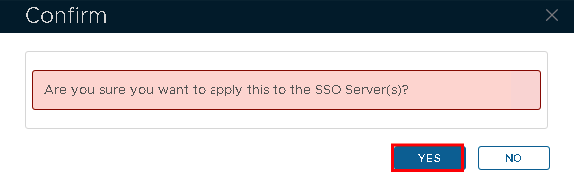
Hit Apply
Certificate
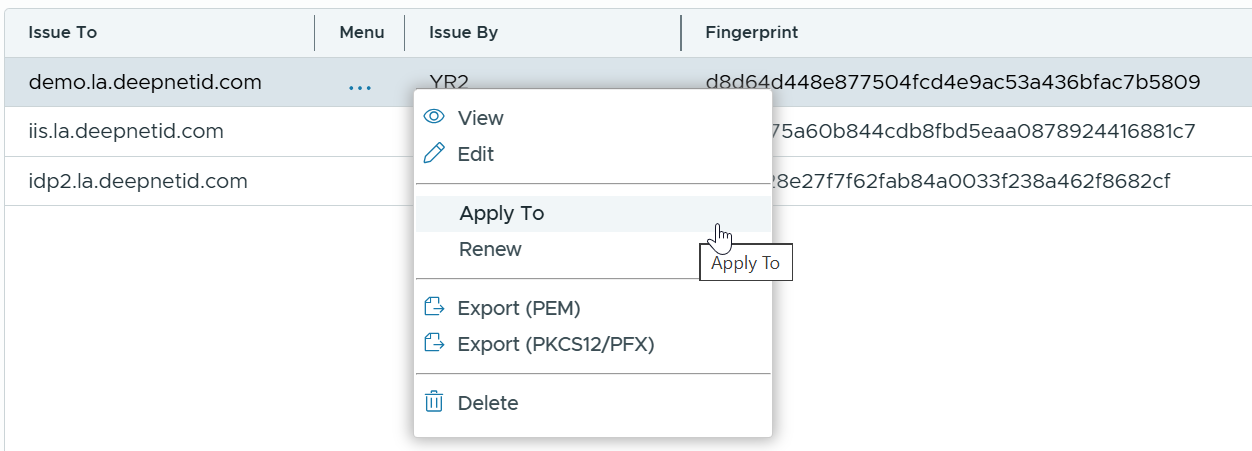
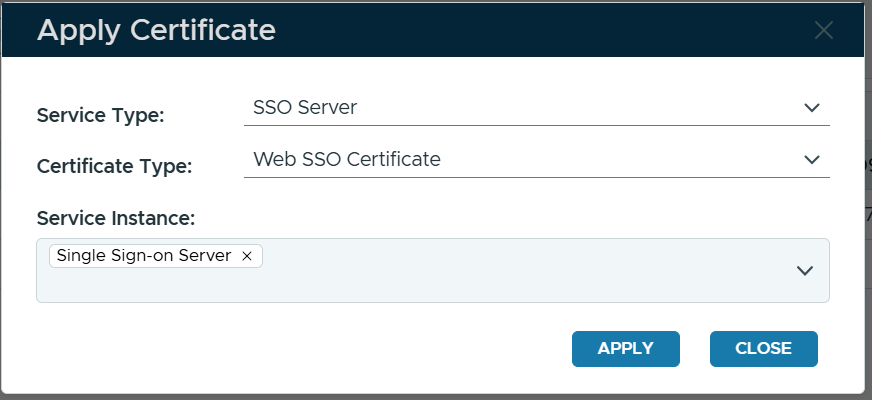
Select Apply To
Select the type of service to which the certificate will be applied, e.g. SSO Server
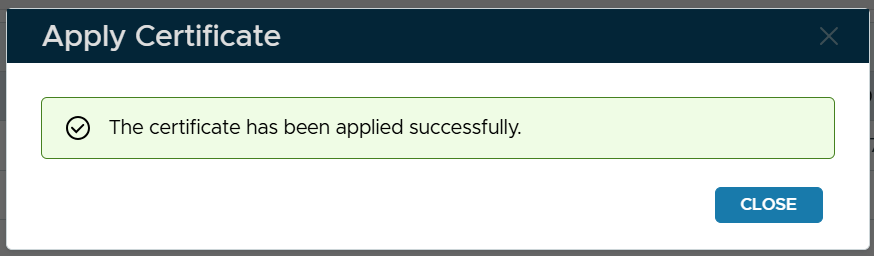
Select the type of certificate, e.g. Web SSO Certificate Select the instance(s) the SSO server(s) Click Apply
|
| Expand | ||||||
|---|---|---|---|---|---|---|
| ||||||
|
...