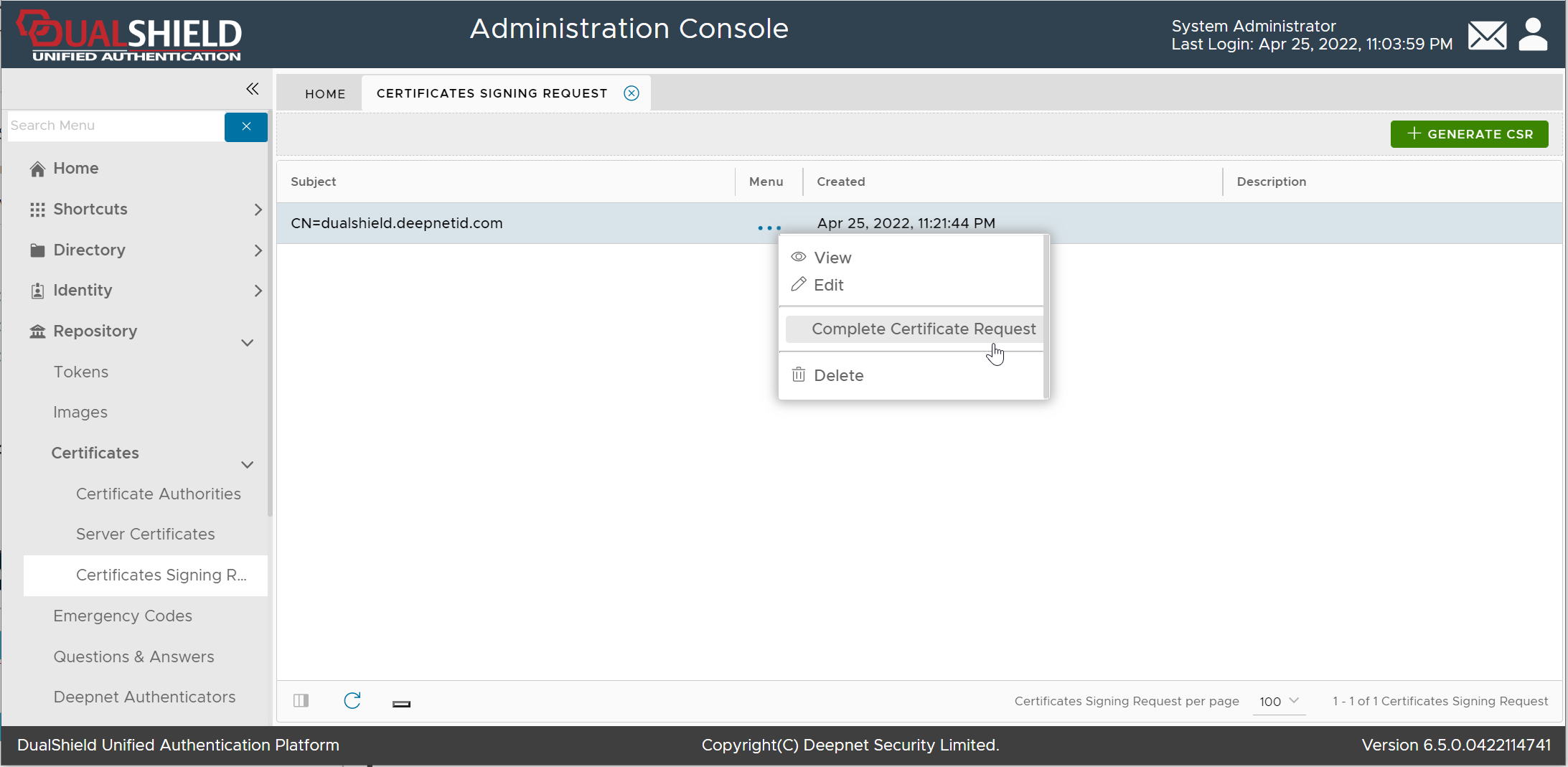
Finally, you need to complete the Certificate Signing Request using the certificate that you downloaded from the CA
Click the context menu of the Certificate Signing Request
Select "Complete Certificate Request"
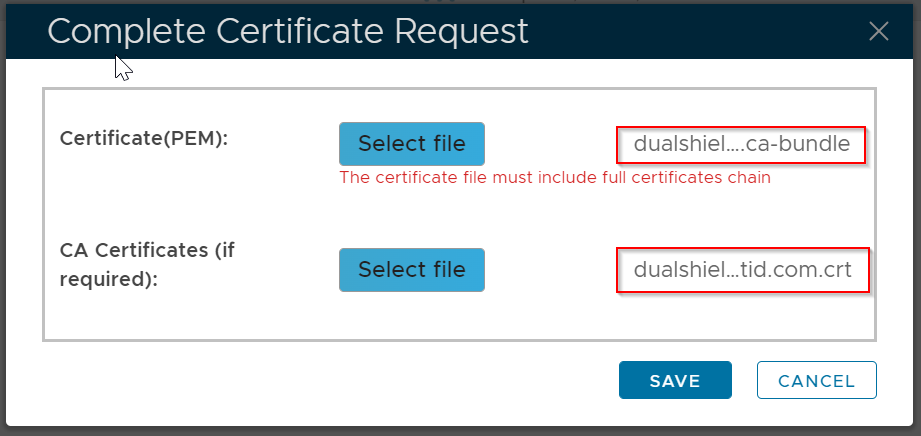
Select the CA Bundle file, and the certificate CRT file
Click Save
The certificate will be saved in the "Server Certificate" list
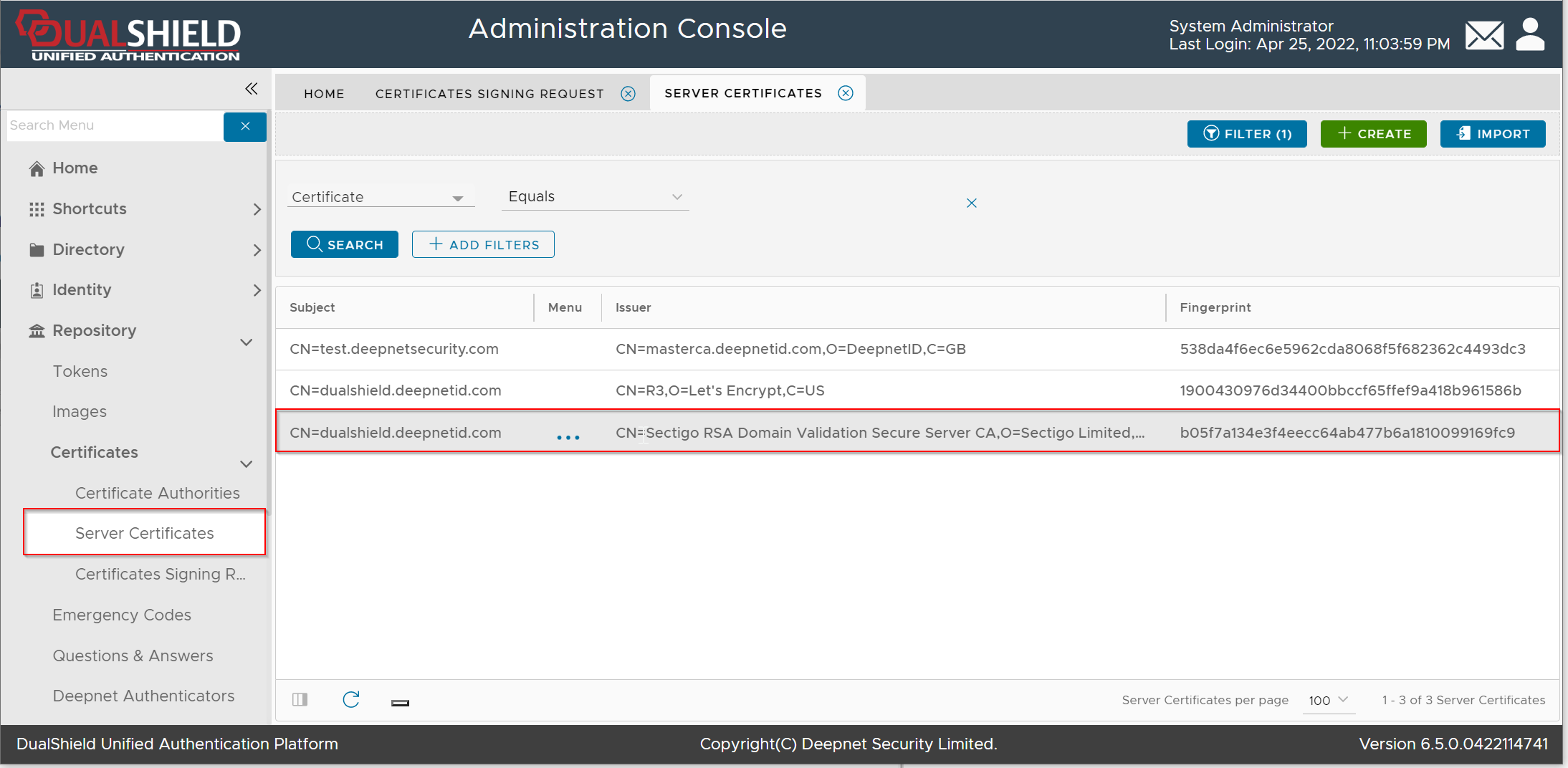
Please note that this does not automatically update the web certificate of your DualShield consoles. If you wish to do that then...
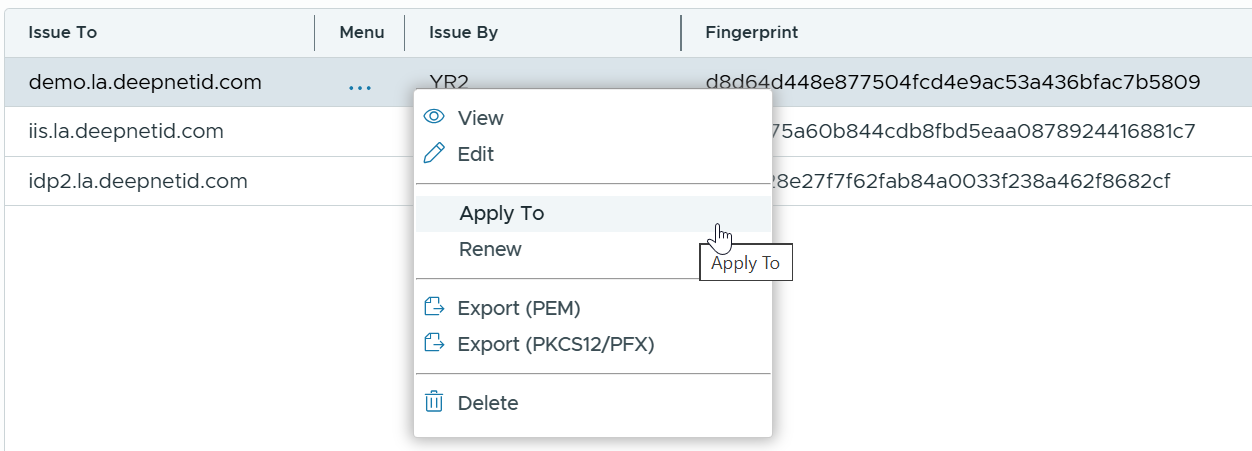
Click on the context menu icon of the newly imported Server Certificate
Select Apply To
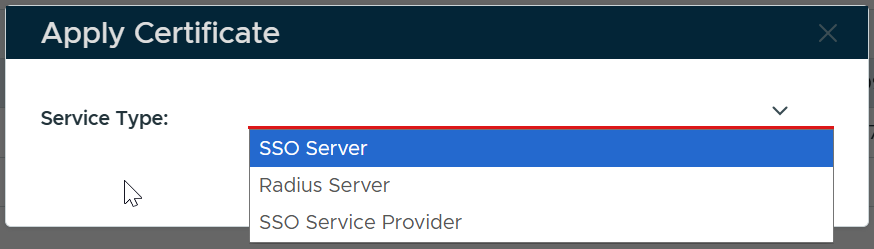
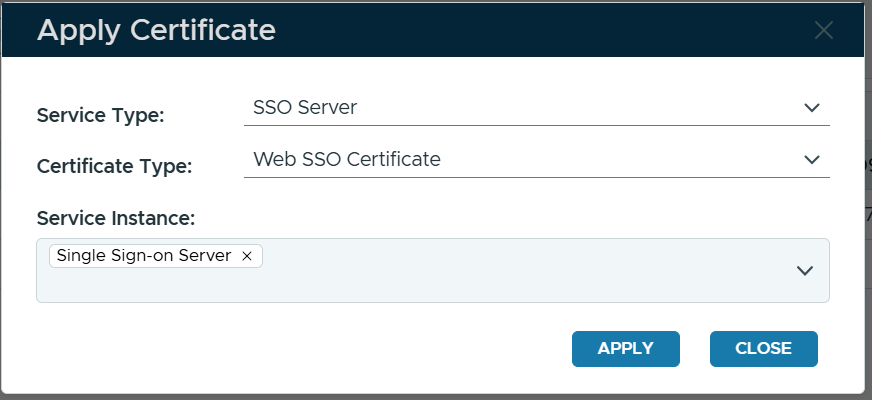
Select the type of service to which the certificate will be applied, e.g. SSO Server
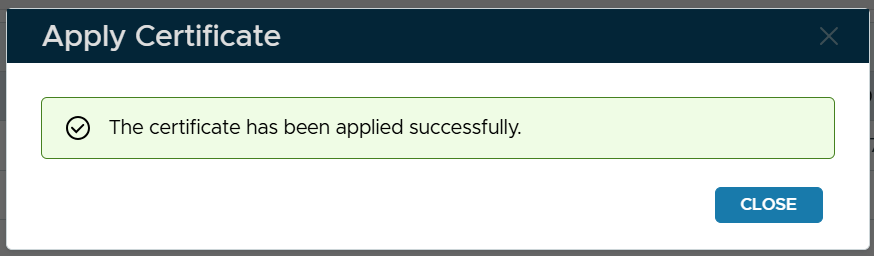
Select the type of certificate, e.g. Web SSO Certificate Select the instance(s) the SSO server(s) Click Apply
|