In a web browser, Sign in to the you GoDaddy account,
Insert you Fido2 key into an available USB port, Select "Security key", then click  ;
;
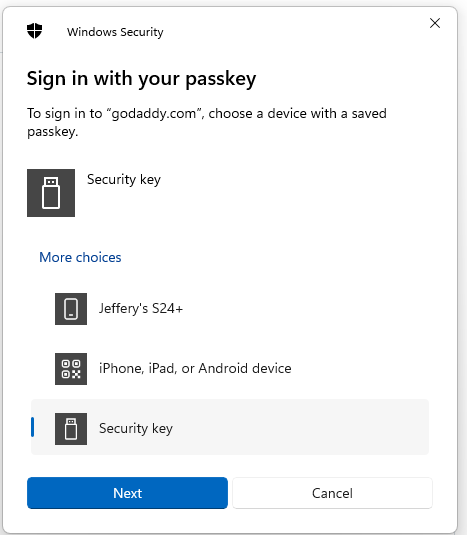
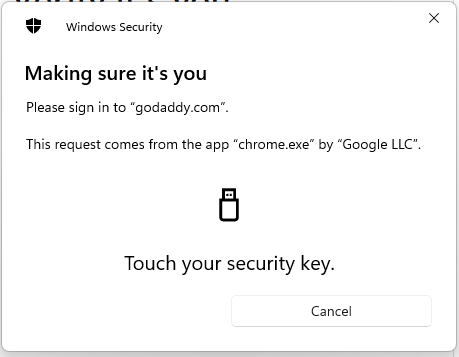
You will now be asked to touch the Fido2 key (in the case of a Fido key with a fingerprint reader you will need to swipe your finger on the key);
After touching your Fido2 key you may be asked provide a mobile number to be used as an account verification option;
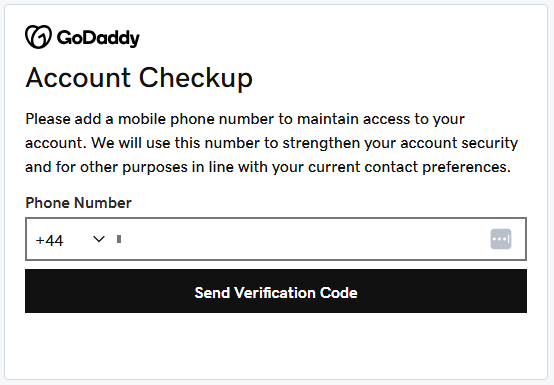
Supply the phone number to be used, and after you receive the code enter into this form and you will be able to access your GoDaddy account.