GoDaddy Inc. is an American publicly traded Internet domain registry, domain registrar and web hosting company.
Once you have registered your FIDO2 key with GoDaddy, the key will be ready to be used as an authentication method when accessing your account;
Register your FIDO2 key in your GoDaddy Account
Before you can use your FIDO2 key as an access method for your GoDaddy Account, you will need to register the key with GoDaddy using the following procedure;
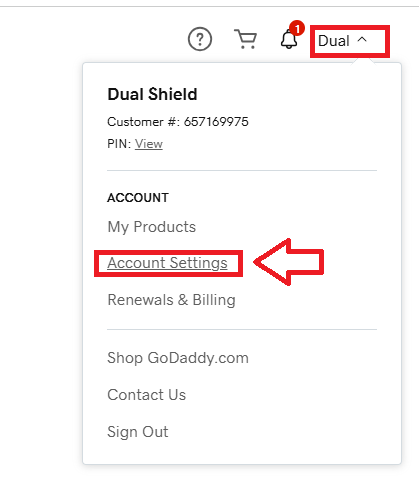
- Sign in to the you GoDaddy account,, then select "Account Settings" (see below);
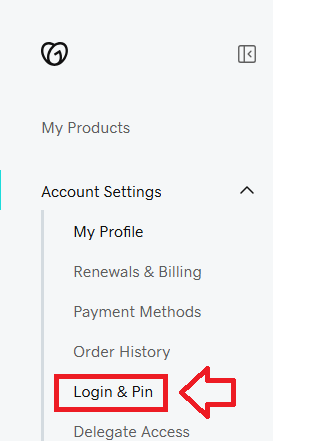
Next select the option "Login & Pin";
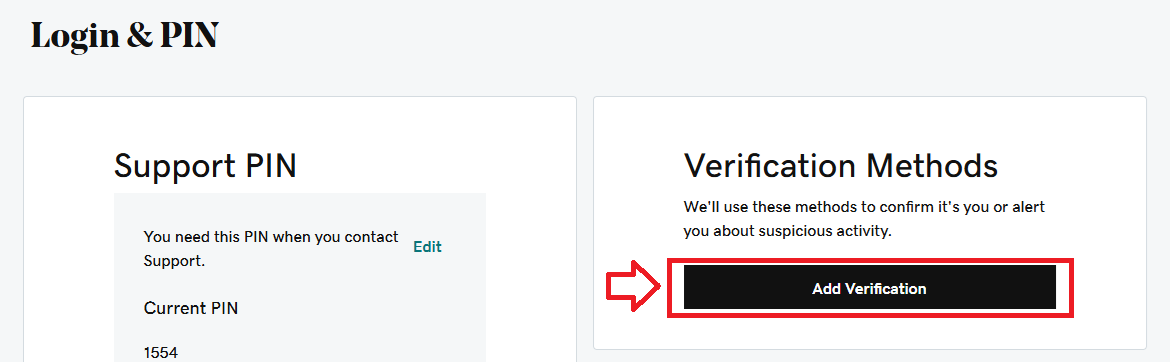
A new window titled "Login & Pin" will now open, in the section "Verification Methods" click on the button "Add Verification";
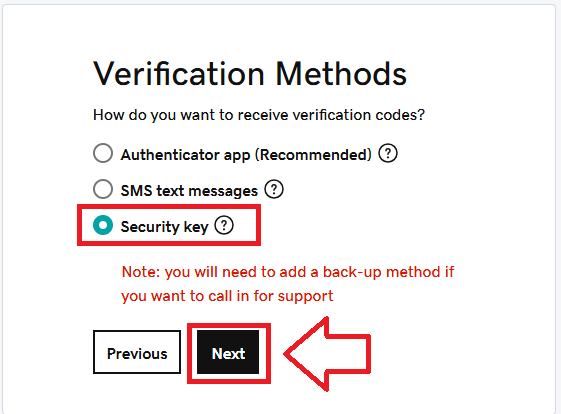
Select the option "Security key", then click
 ;
;
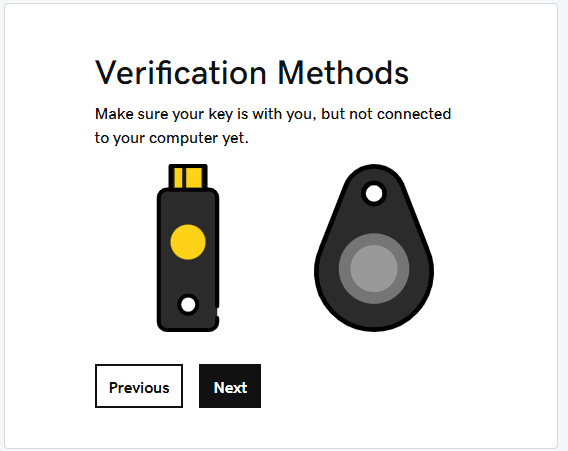
Insert you Fido2 key into an available USB port then click
 ;
;
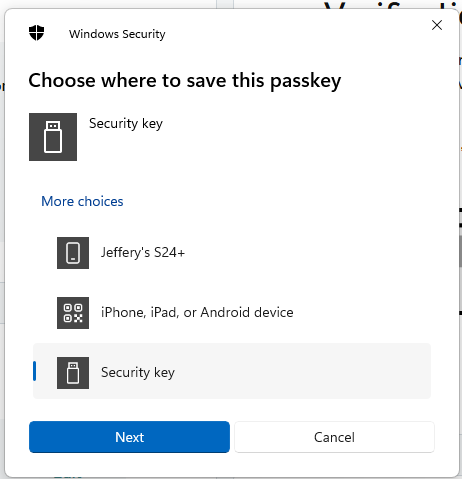
Select the option "Security Key", then click
 ;
;
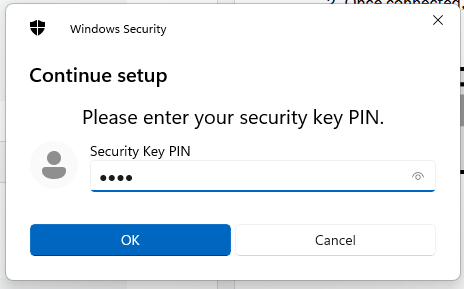
You will now be prompted to enter the PIN code for your Fido2 key.
At the prompt "Security Key PIN", enter the PIN code, then click
 .
. (in the case of a Fido key with a fingerprint reader you will need to swipe your finger on the key);
You are now prompted to touch the key (to prove you are present and giving permission for the key to be used).
Touch the necessary area on your Fido key;
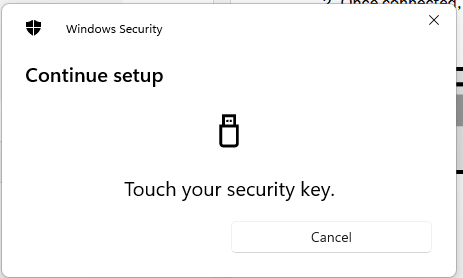
Once you have touched the Fido2 Key will be added as a passkey authentication method to your GoDaddy account.
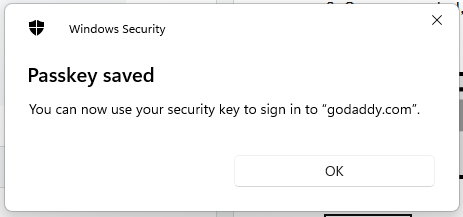
You will now be prompted to name this new authentication method.
At the prompt "Security key name", provide a name for your device then click
 ;
;
At this point you will be provided with the option to set up a secondary verification method (to be used in the event of loss or theft of your key);
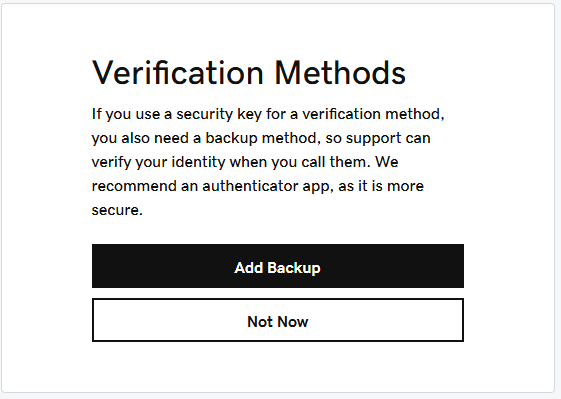
Use the the
 to add additional methods now, or click
  to postpone the backup method for later.
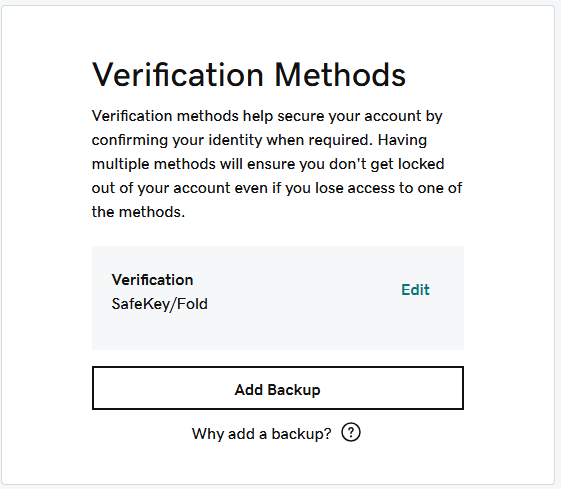
When all addition backup methods have been added you will return to the list of verification methods, and your new Fido2 method will be shown;
Signing in to your GoDaddy Account with a FIDO2 key
Once you have registered you FIDO2 key with GoDaddy, the key will be ready to be used as an authentication method when accessing your account;
- In a web browser, Sign in to the you GoDaddy account,
Insert you Fido2 key into an available USB port, Select "Security key", then click
 ;
;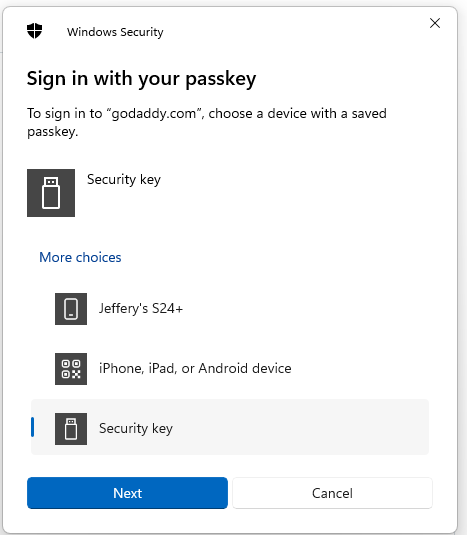
You will now be asked to touch the Fido2 key (in the case of a Fido key with a fingerprint reader you will need to swipe your finger on the key);
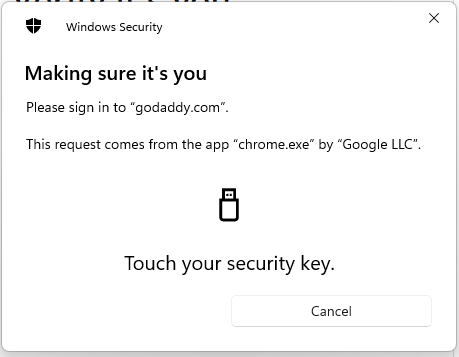
After touching your Fido2 key you may be asked provide a mobile number to be used as an account verification option;
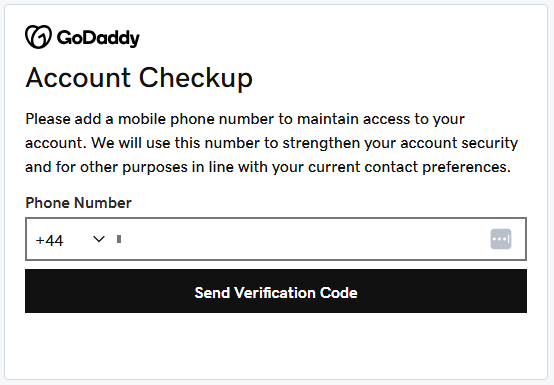
Supply the phone number to be used, and after you receive the code enter into this form and you will be able to access your GoDaddy account.
Related Articles