Log in to your Rublon account, then you will be presented with the list of available authentication methods (which now include the fidokey option;
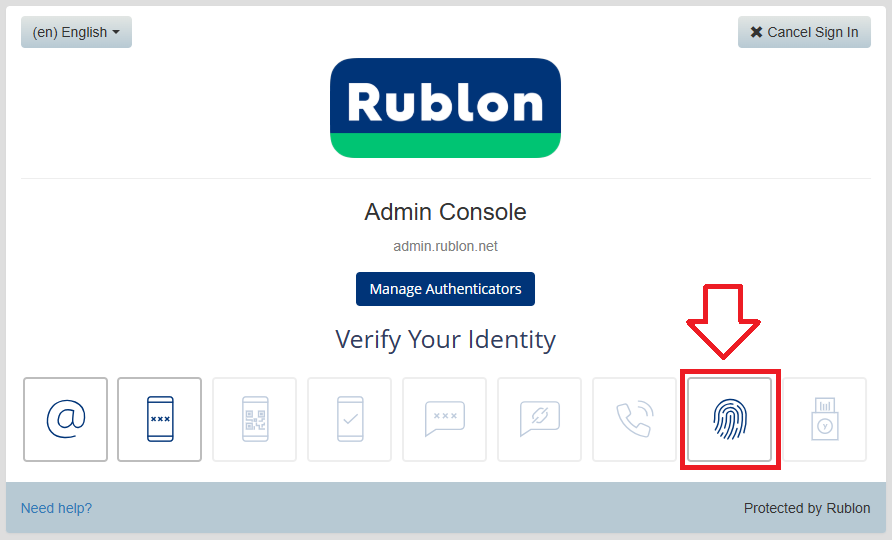
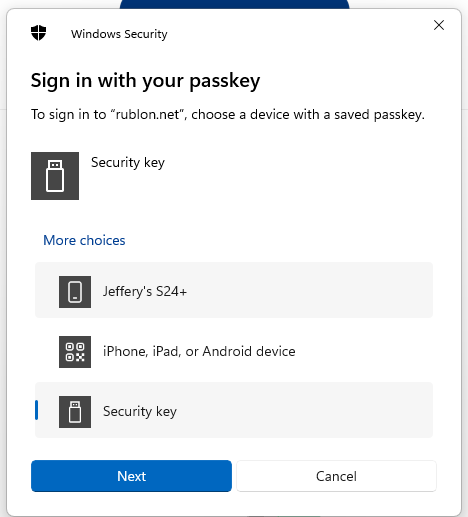
Click on the fingerprint icon, then when prompted to sing in with your passkey select the option "Security Key", then click  ;
;
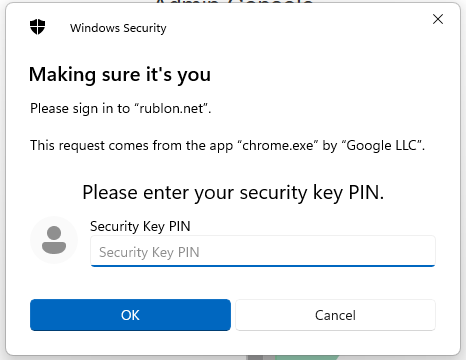
You will now be prompted to enter the PIN code for your Fido2 key.
At the prompt "Security Key PIN", enter the PIN code, then click  .
.
(in the case of a Fido key with a fingerprint reader you will need to swipe your finger on the key);
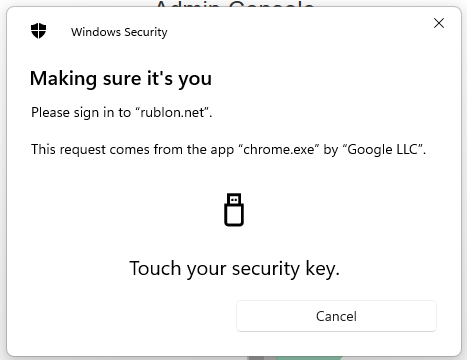
You are now prompted to touch the key (to prove you are present and giving permission for the key to be used).
Touch the necessary area on your Fido key;
Once you have touched the Fido2 Key you will be logged in to your Rublon account.