Log in to your LastPass user account, and after supplying your username you will be offered the option for passwordless login;
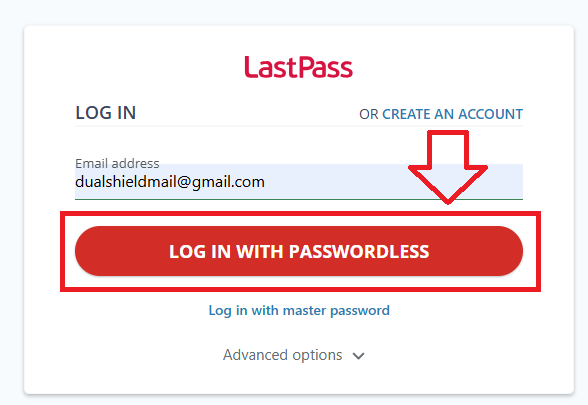
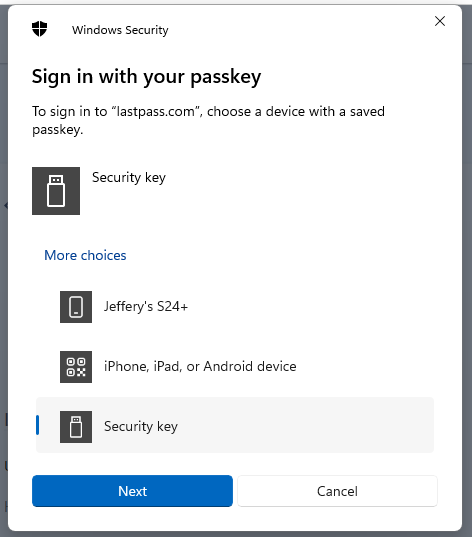
Click on  , and when asked to sign in with your passkey select the option "Security Key", then click
  ;
;
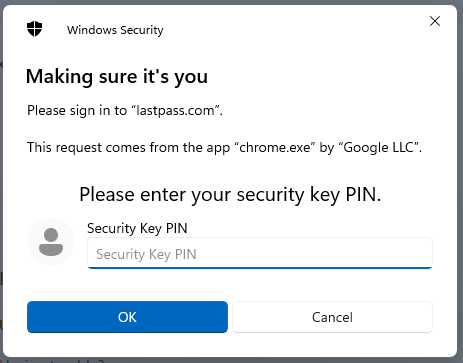
At this point you will be asked to provide the PIN code that protects your Fido2 key;
You will now be asked to touch the Fido2 key (in the case of a Fido key with a fingerprint reader you will need to swipe your finger on the key);
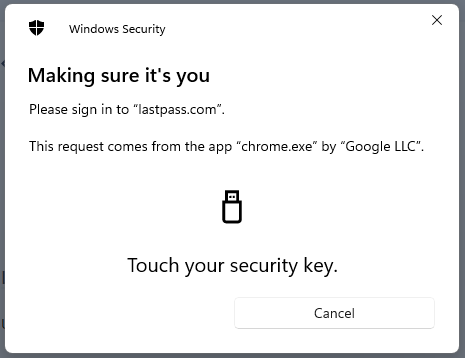
After touching the button you will be logged in to your LastPass account.