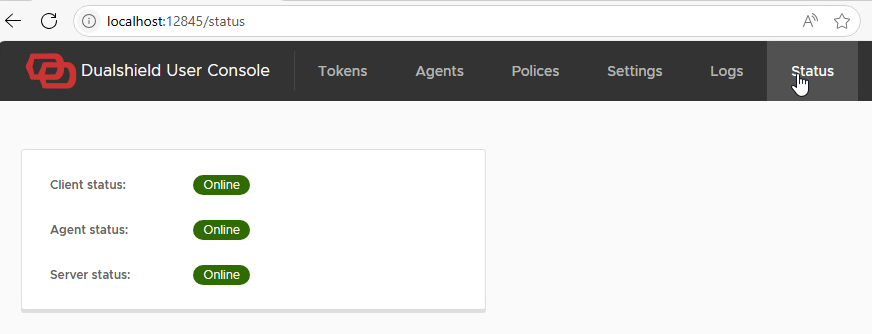
Once you have installed the Computer Logon Client software (refer to Install Computer Logon Client Software on to the Non-Domain Joined PC) launch a browser and go to http://localhost:12845
This will take you to the client interface:
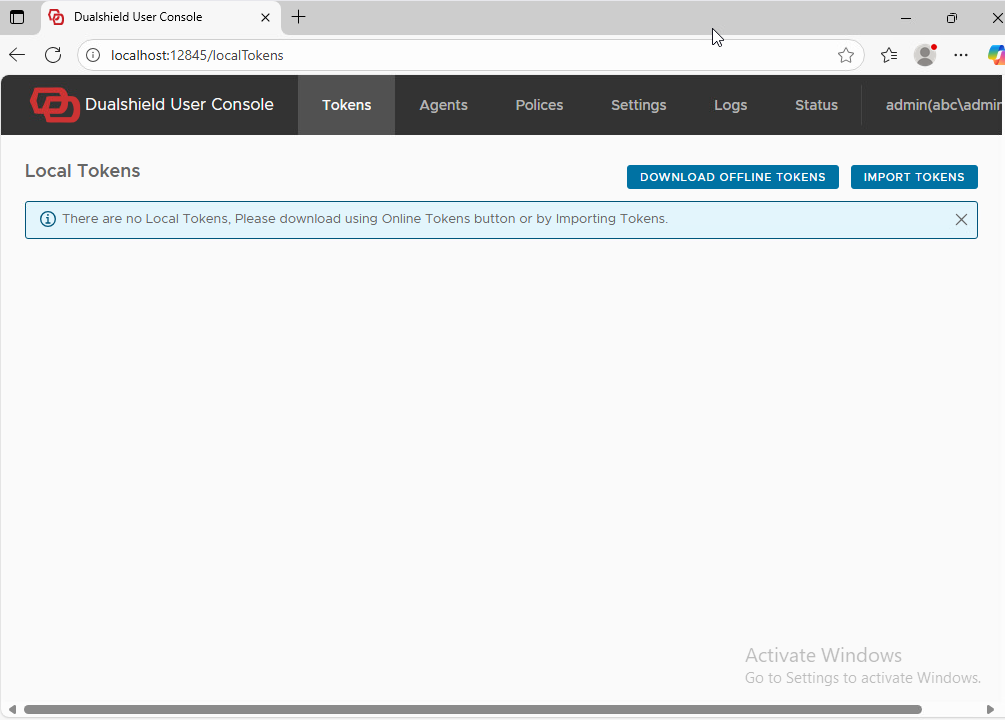
Unfortunately, the client will not pick up the agent on a non-domain-joined PC; therefore, please follow these steps to add the agent manually.
In the other case where you do not want to add an A record to your public DNS records, then your users will have to manually enter the public URL of the logon agent in to their logon clients.
In the User Console, click the Agent tab, then click the Add Agent button

In "Address" Enter the DNS name of the logon agent with the prefix tcp:// , e.g. tcp://dsagent.la.deepnetid.com
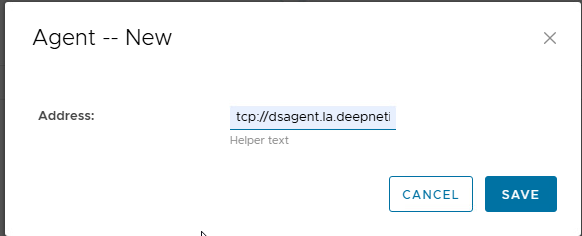
Click SAVE
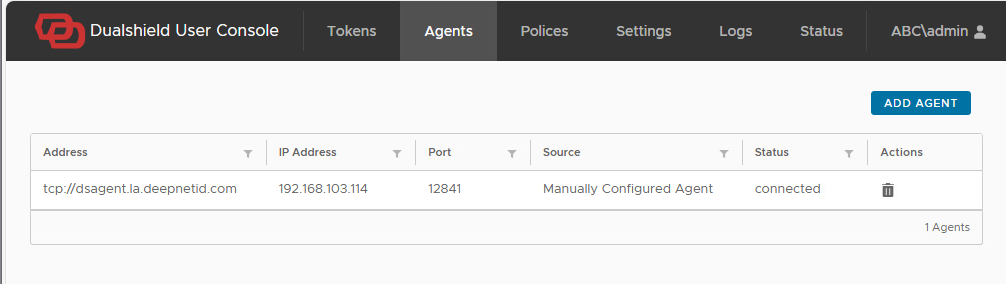
The logon client should be able to resolve the IP address of the newly added agent
Click on the Status tab at the top to check that the agent status is displayed as online.