EAP-MSCHAPv2 is a password-based authentication method that integrates the Microsoft Challenge Handshake Authentication Protocol version 2 into the EAP framework.
PEAP (Protected EAP) creates a secure TLS tunnel before the MSCHAPv2 exchange happens, protecting your credentials from eavesdropping and offline dictionary attacks.
To enable PEAP, you will need a valid SSL certificate. You can either register for a new one or you can use an existing one, for example, the one you use to protect your DualShield Service Consoles.
You can either import an existing SSL certificate
In the Admin Console, select "Repository | Certificates | Server Certificates"
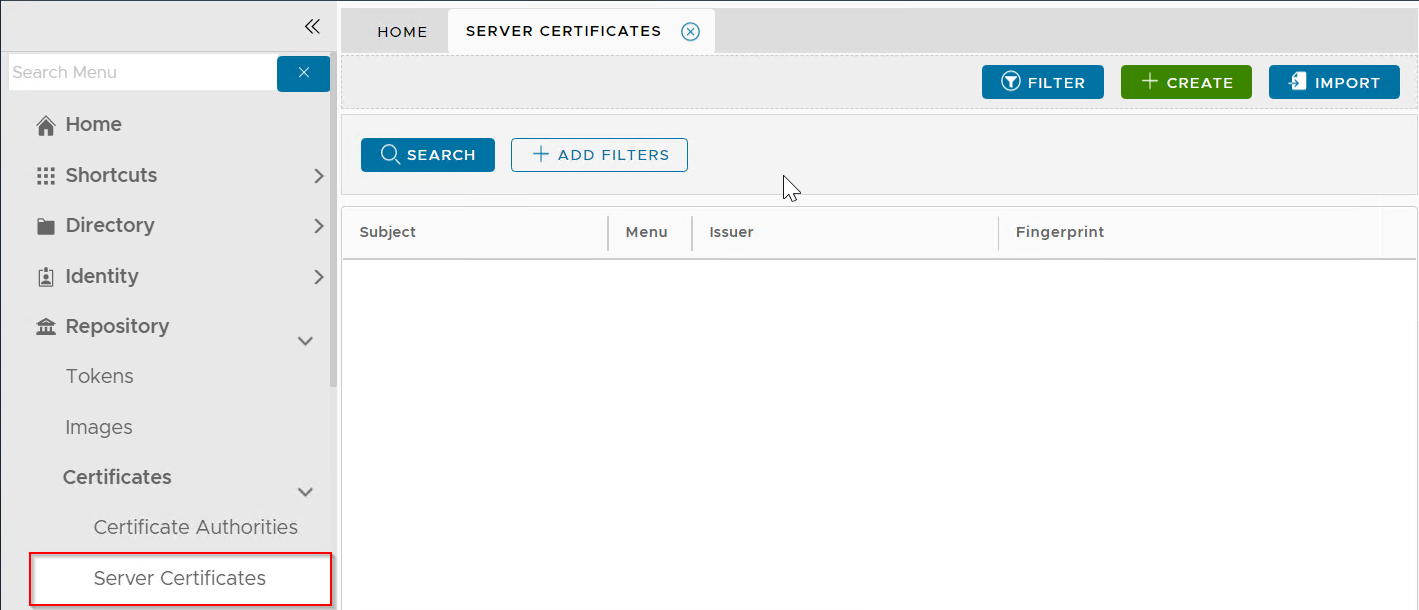
Click the "Import" button
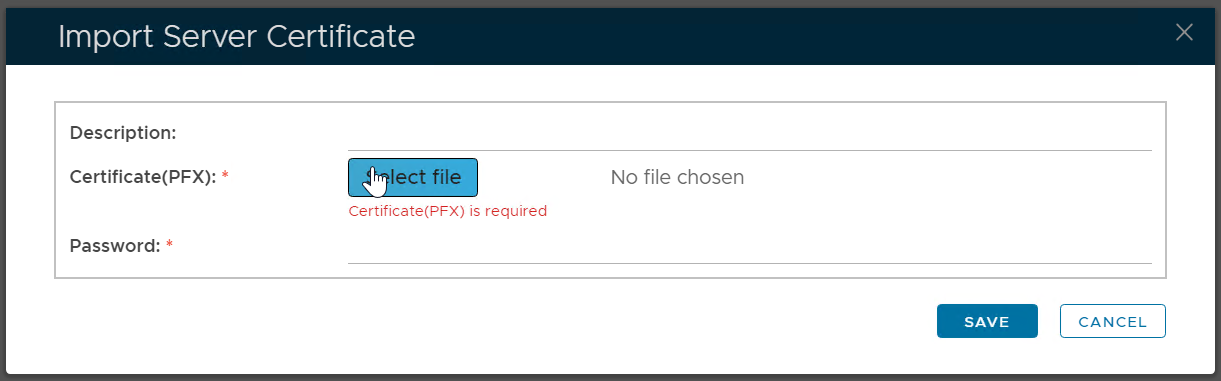
Enter a description
Select the certificate PFX file to be imported
Enter the password of the PFX file
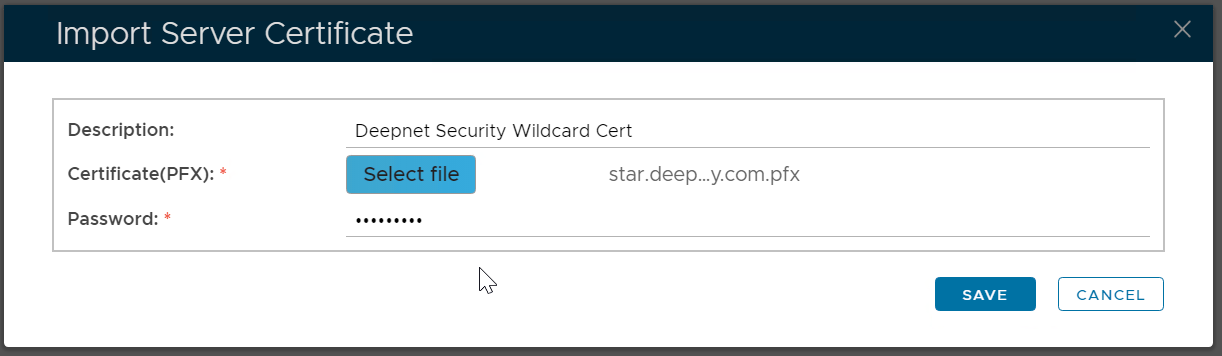
Click "Save"
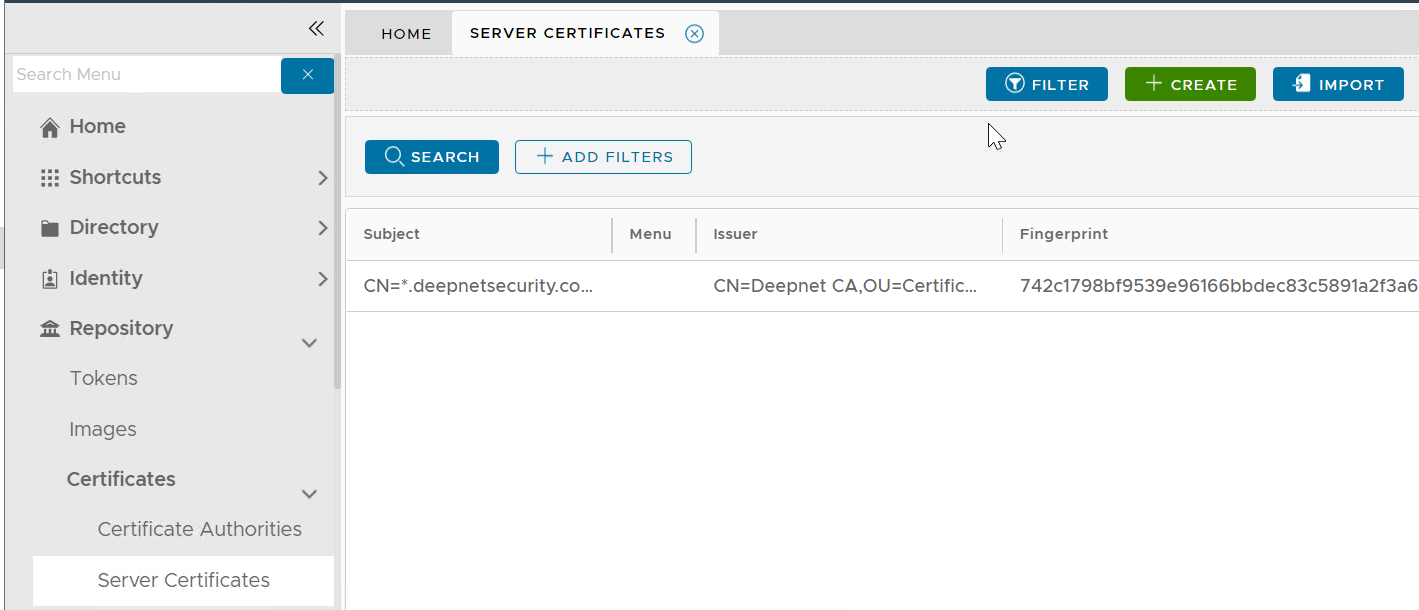
Please note that this does not automatically update the web certificate of your DualShield consoles. If you wish to do that then...
Navigate to "SSO | SSO Servers", click the context menu of "Single Sign-On Server"
Select "Replace Certificate" from the context menu

The "Replace Console Certificate" window will pop up:
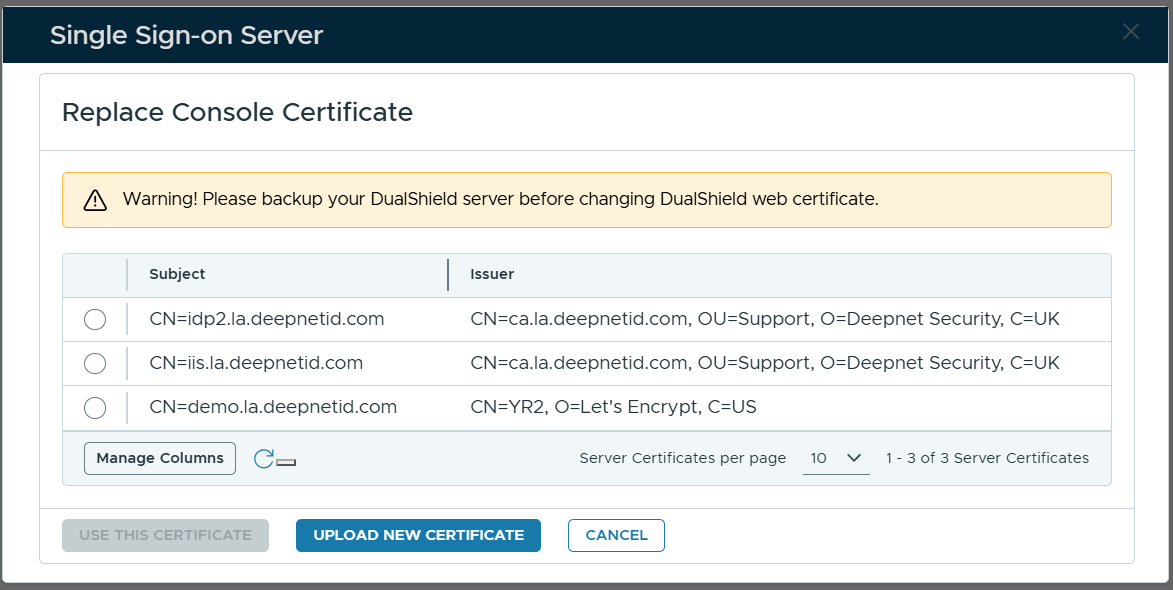
Select the certificate to be used
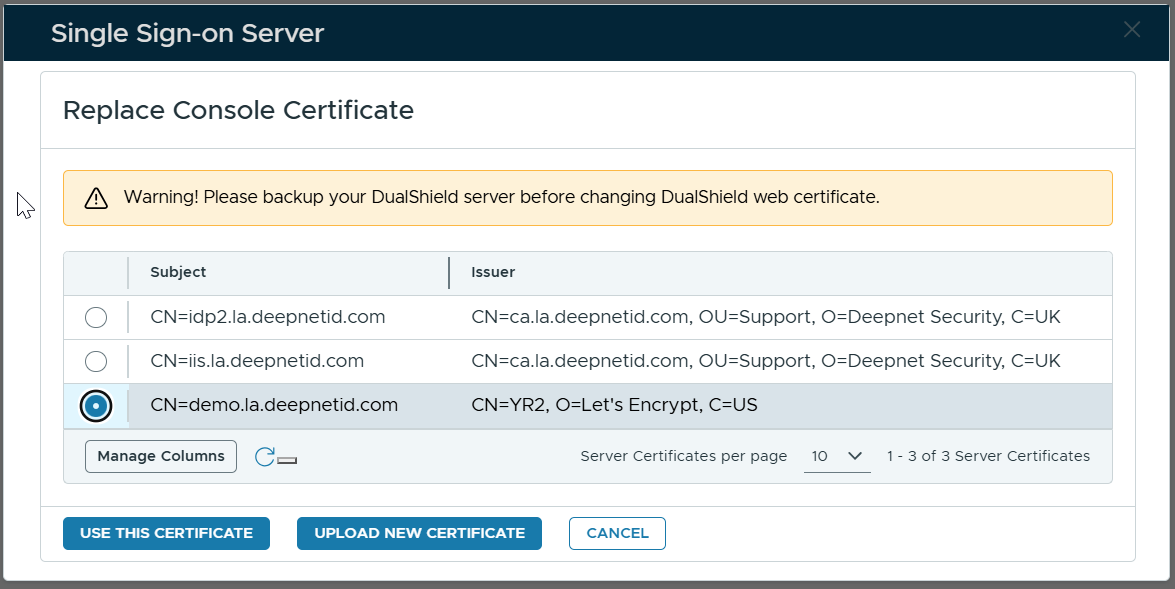
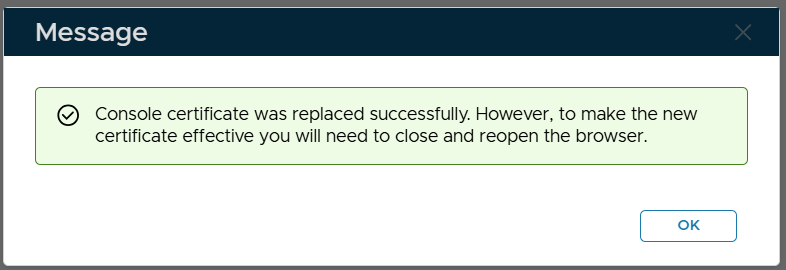
Click "Use This Certificate"
Or, you can apply for a new SSL certificate
Once the certificate has been prepared, you will need to configure the RADIUS server for Fortigate IPSec integration
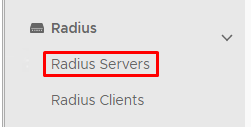
In the main menu select Radius>Radius Servers
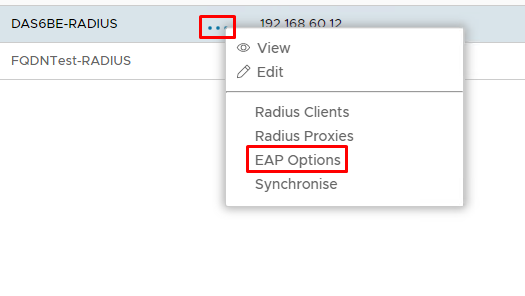
Click on the  corresponding to the RADIUS Server and select EAP Options
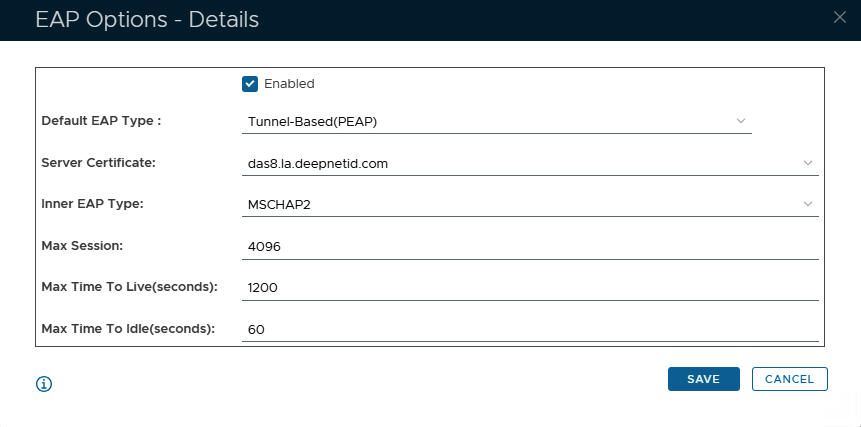
Specify the following values in the EAP Options
| Options | Value |
|---|---|
| Enabled | Make sure this is checked! |
| Default EAP Type: | Tunnel Based(PEAP) |
| Server Certificate | Select a SSL Certificate to be used as the RADIUS service |
| Inner EAP Type | MSCHAP2 |
| Max Session: | 4096 |
| Max Time To Live(seconds): | 1200 |
| Max Time To Idle: | 60 |
Click Save