Before tasks are scheduled (or run manually), we should provide the task parameters that are used during processing of the task script.
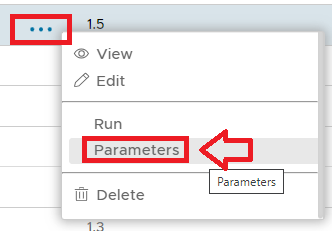
To access the task parameters left click on the context menu of the task then select "Parameters";
A new window titled "Task Parameters" will now open that lists the parameters that have been created for this task (see example below);
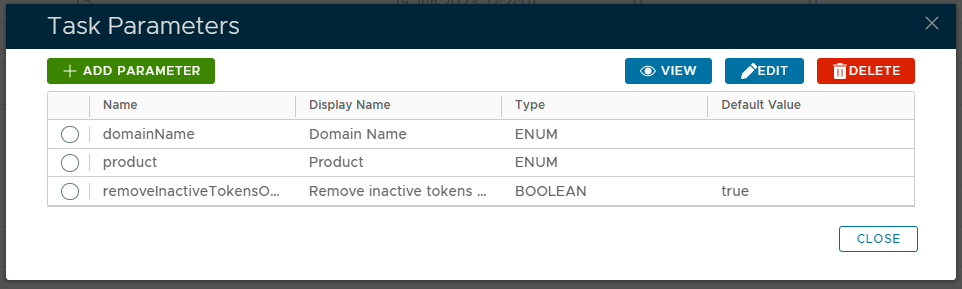
The  button can be used to edit the task parameters.