A personal Microsoft account is a free account used to access various Microsoft services and devices, such as Outlook.com, OneDrive, Xbox Live, and Windows. It's designed for personal use and allows you to manage your personal information, subscriptions, and other settings.
Once you have registered your FIDO2 key with Microsoft, the key will be ready to be used as an authentication method when accessing your personal Microsoft account;
Register your FIDO2 key in your Microsoft personal account
Before you can use your FIDO2 key as an access method for your Microsoft account you will need to register the key with Microsoft using the following procedure;
- Visit https://account.microsoft.com/
Sign in your account
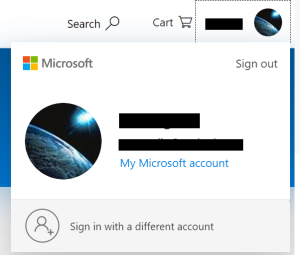
Click your avatar and click My Microsoft account
Find the Security section
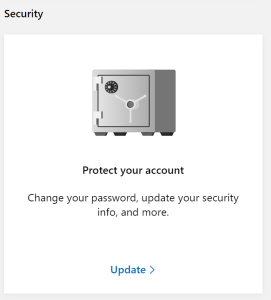
Click Update
Find the More security options section
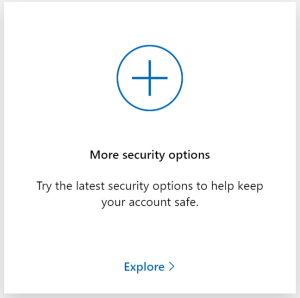
Click Explore
Find the Windows Hello and security keys section
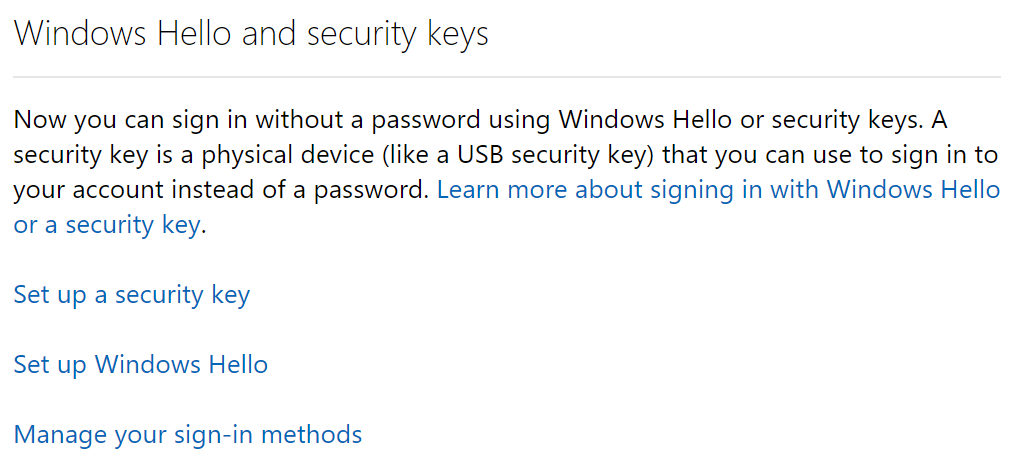
Click Set up a security key
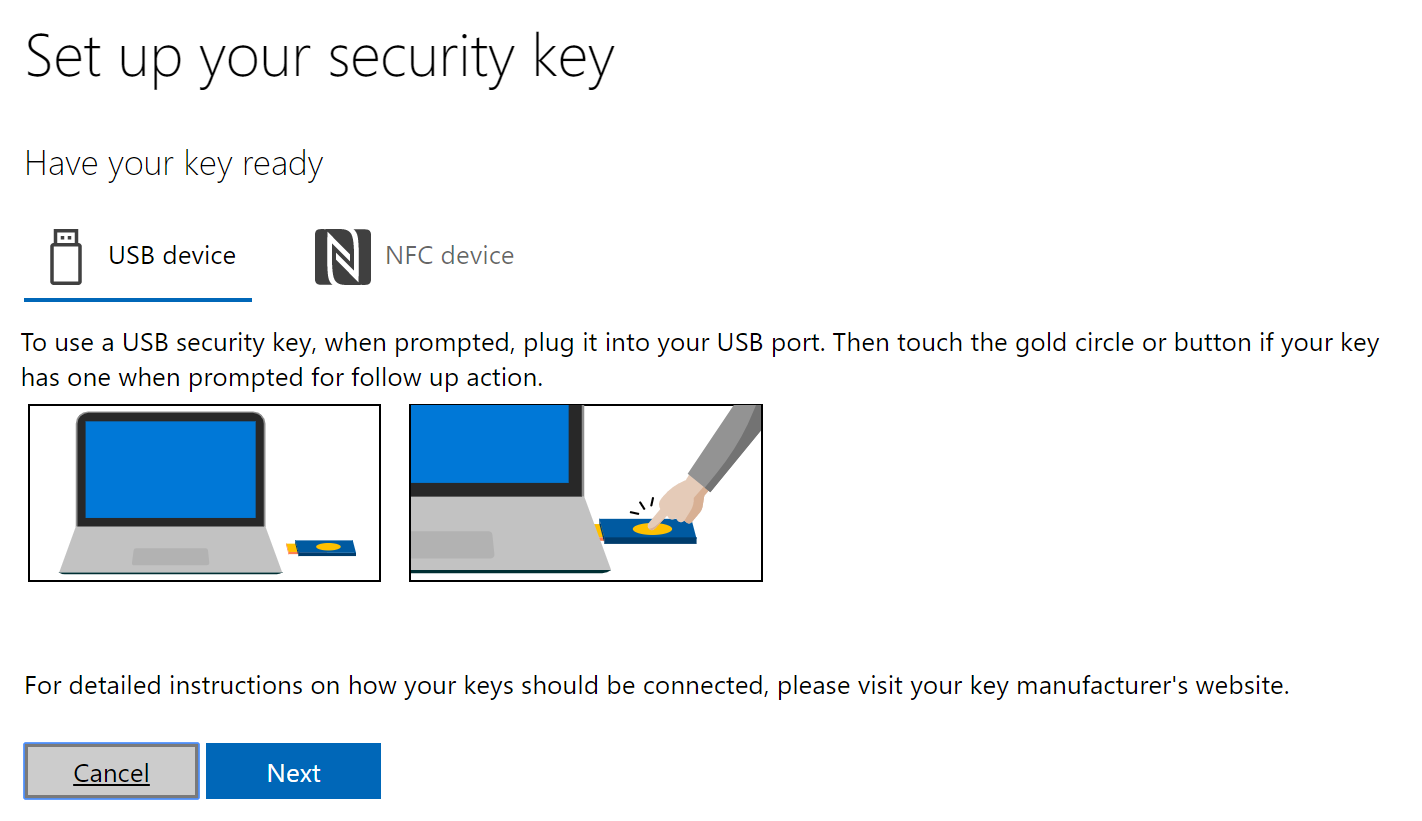
Insert your FIDO2 security key, click Next
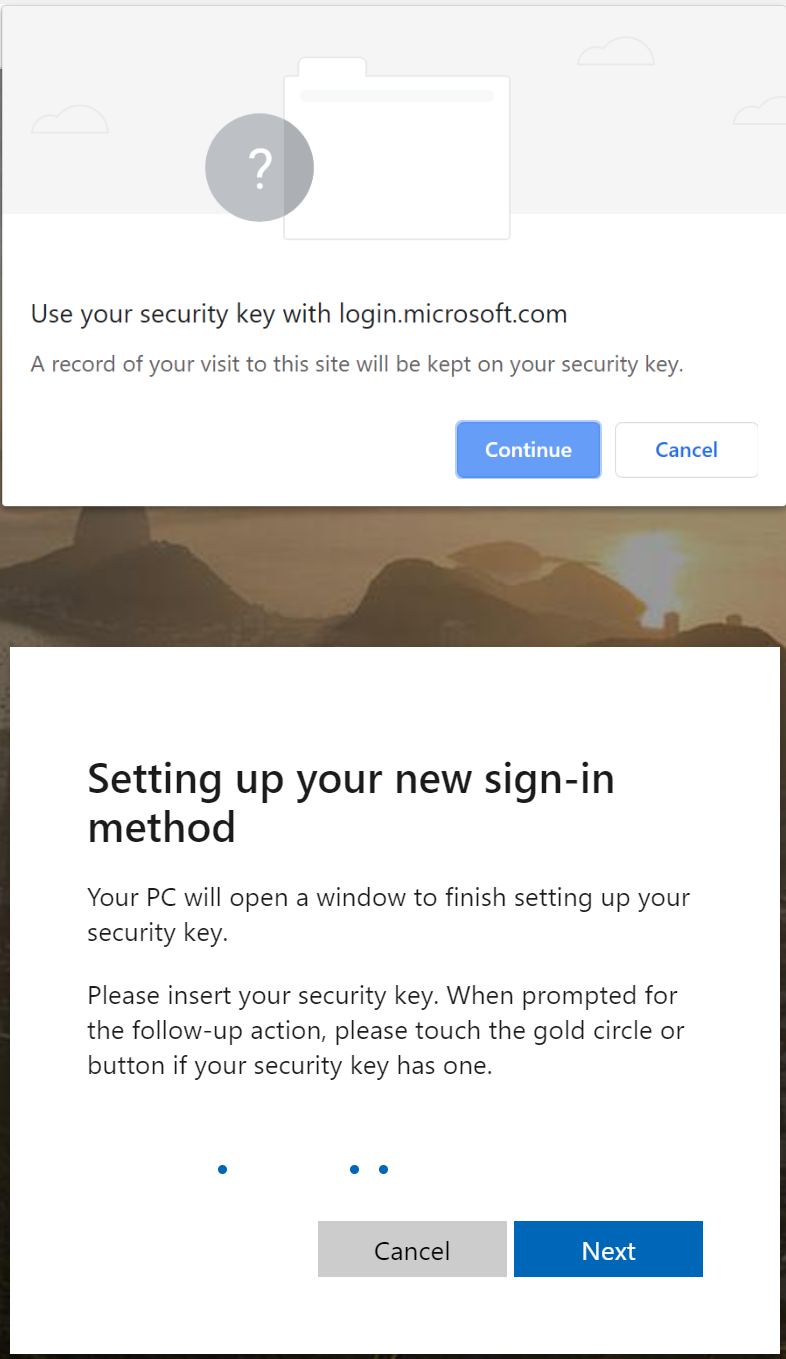
Click Continue
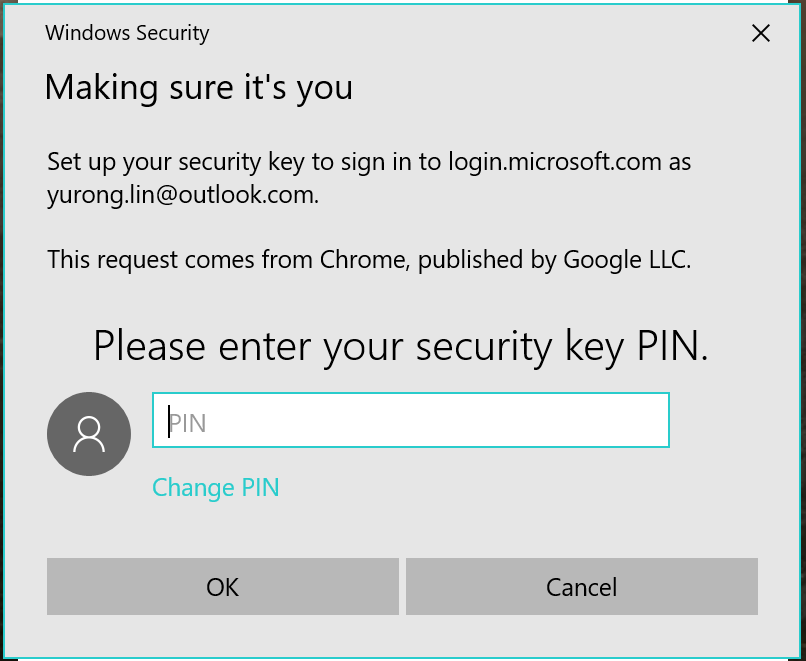
Enter the PIN of the security key
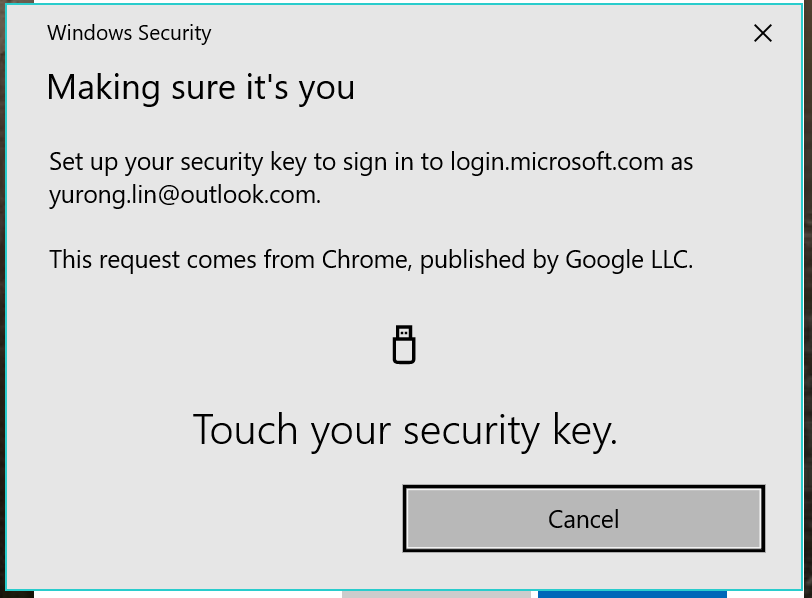
Touch the key
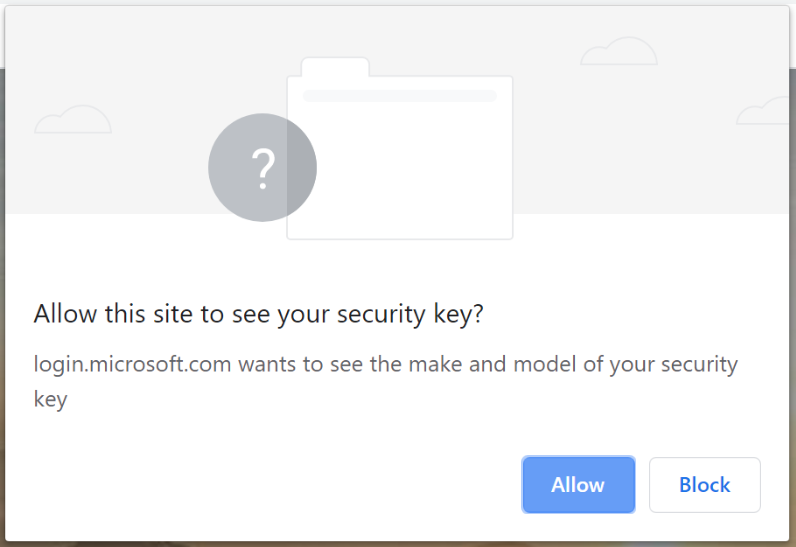
Click Allow
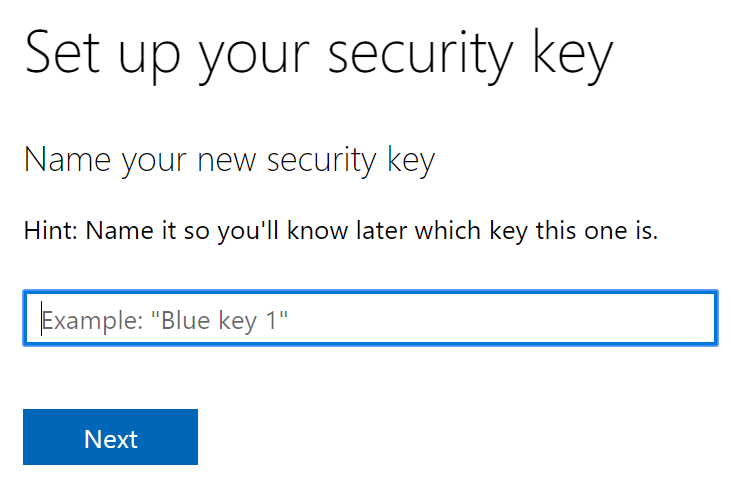
Enter a name for the security key
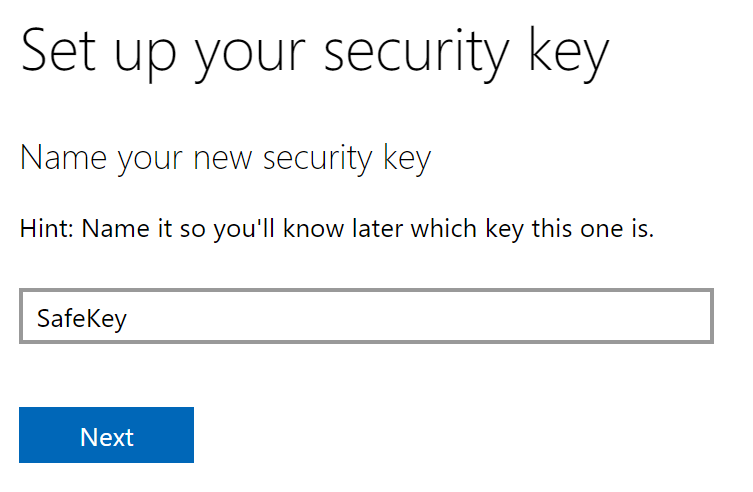
Click Next
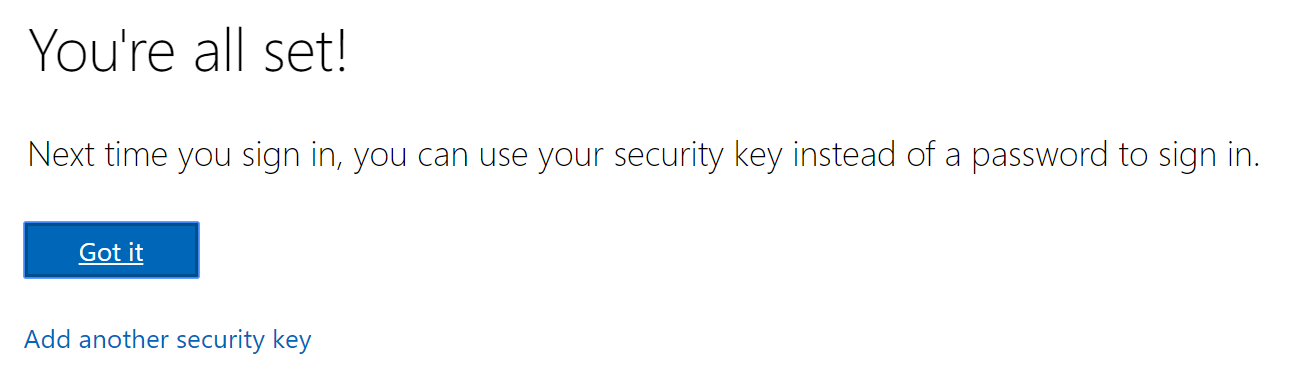
Done!
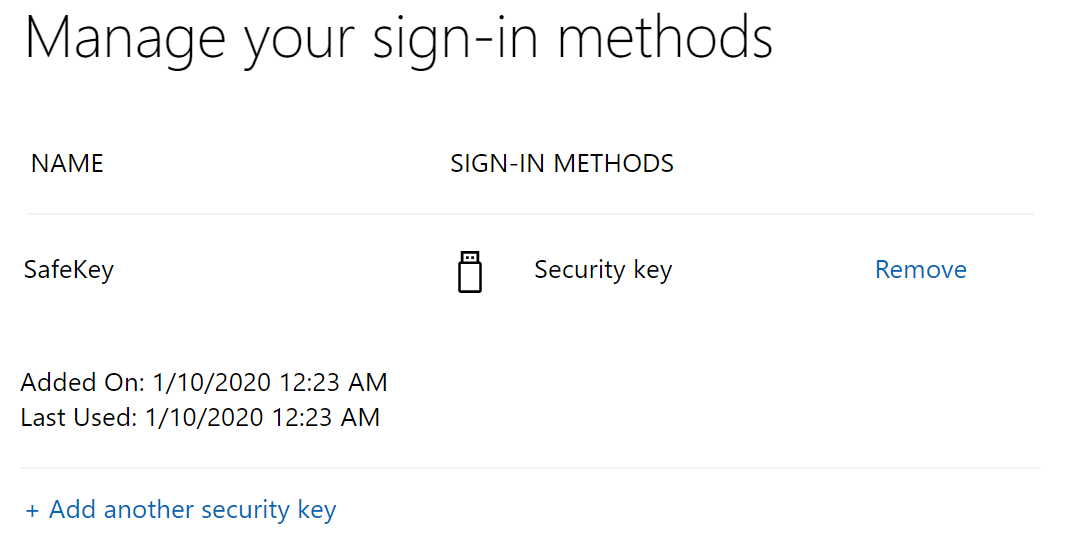
To check security keys that you have registered in your account, find the Windows Hello and security keys section
Click Manage your sign-in methods
Signing in to Microsoft personal portals with your FIDO2 key
Once you have registered you FIDO2 key with Microsoft the key will be ready to be used as an authentication method when accessing your account;
- We use Outlook.com as an example
Visit Outlook.com
Click Sign in
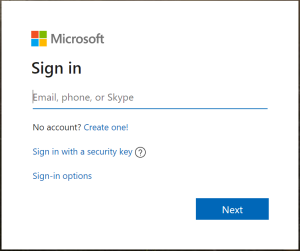
Click Sign in with a security key
If "Sign in with a security key" is not displayed, click Sign-in options
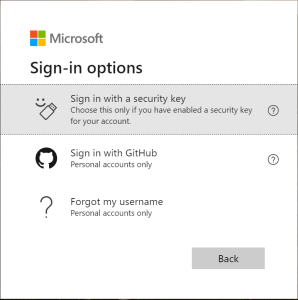
Click Sign in with a security key
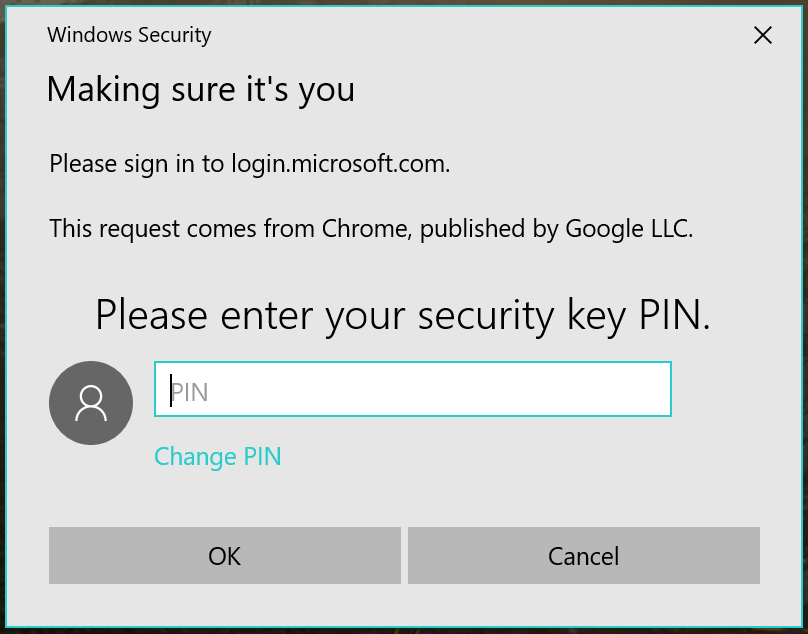
Enter the PIN
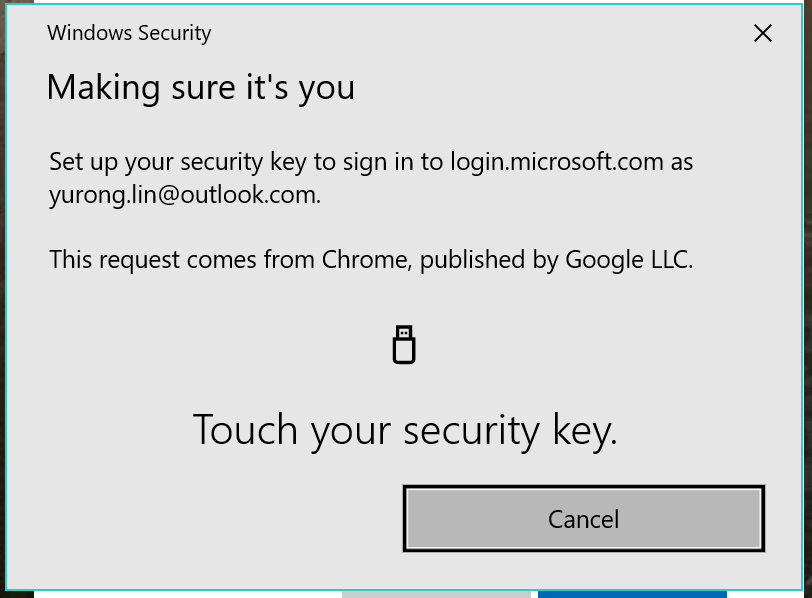
Touch the key, and you are signed in your Outlook portal without providing your password!
Related Articles