- Go into Citrix Gateway > Policies > Traffic
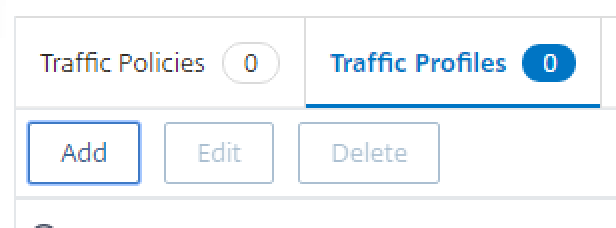
- Click the Traffic Profiles tab, and click Add
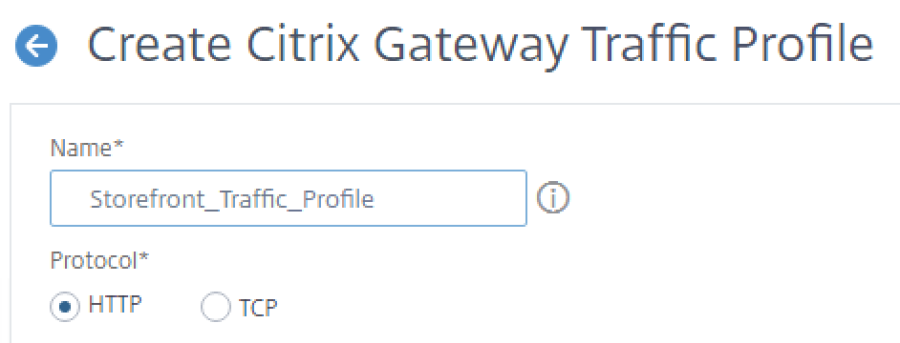
- Enter a Name
- Configure the SSO user expression as http.req.user.attribute(1)

- Configure the SSO password expression as http.req.user.attribute(2).B64DECODE

- Click Create at the bottom.
- Ignore the following warning. Just hit OK
