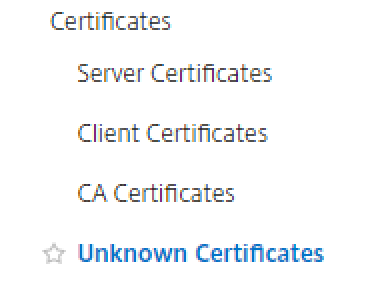
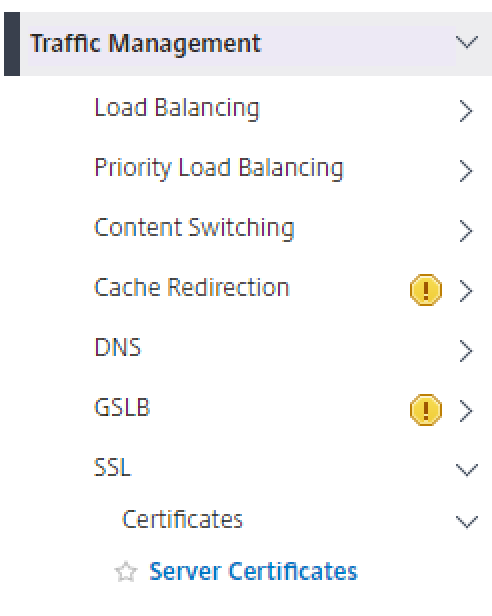
- Log in to the NetScaler VPX web console, select Traffic Management > SSL > Certificates > Server Certificates.
- click Install at the top
- Enter a Certificate-Key Pair Name and pload the DualShield SSO server certificate from the local store
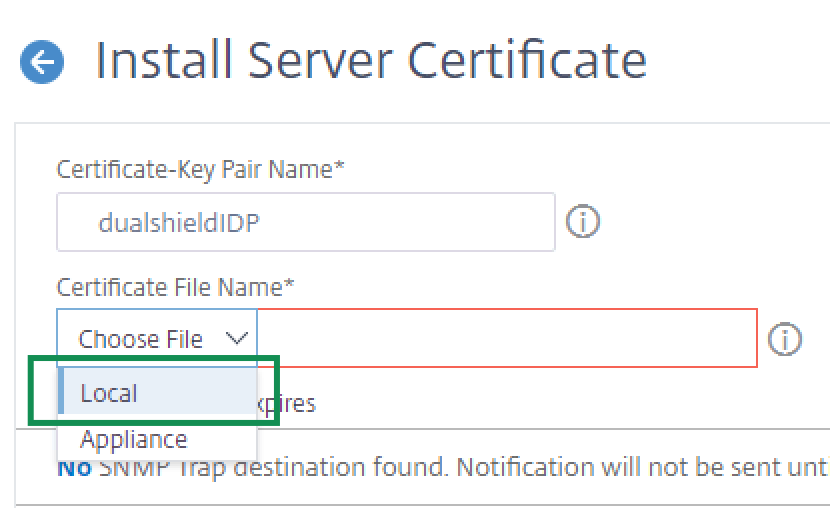
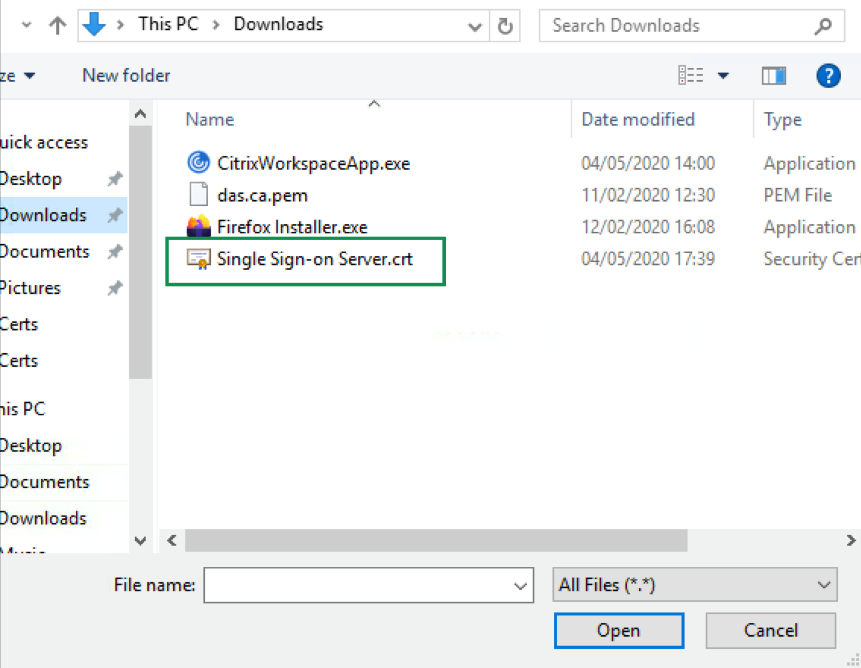
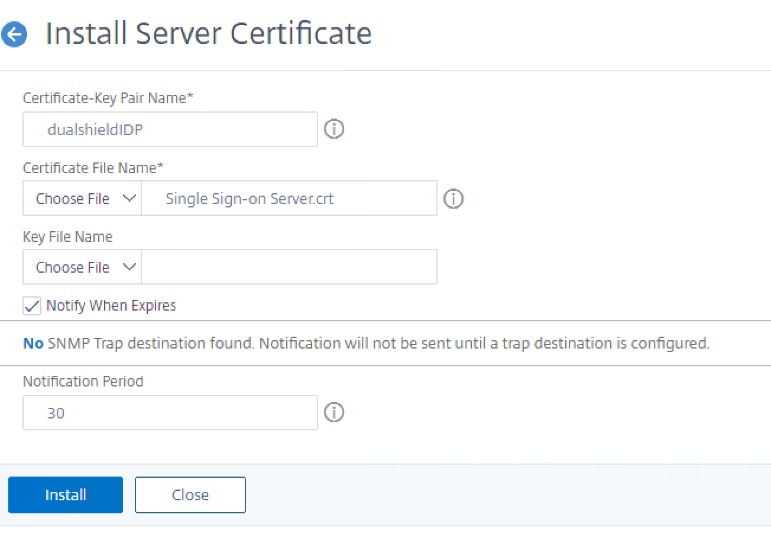
- Click on Install.
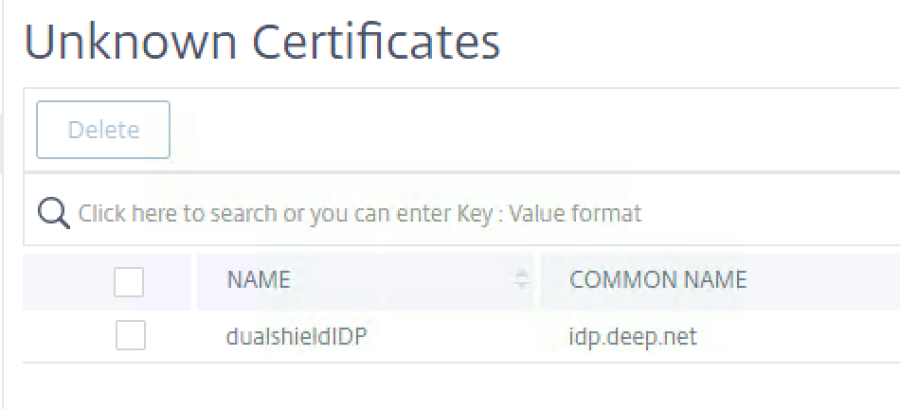
- The file may appear under Unknown Certficates.