In a web browser, sign in to your salesforce account (providing your email address in the usual way);
After supplying your email address you will no longer be asked for your password, but instead you will see a screen similar to the following
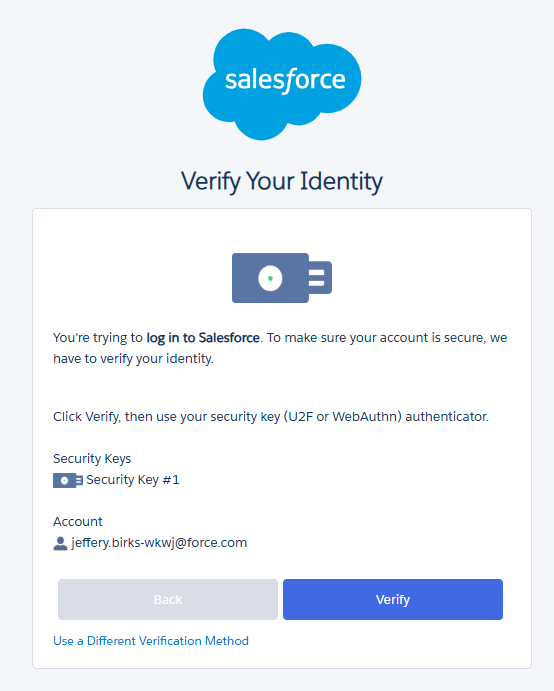
Click  , and you will be presented with a list of passkey options.
Insert you Fido2 key into an available USB port, Select "Security key", then click  ;
;
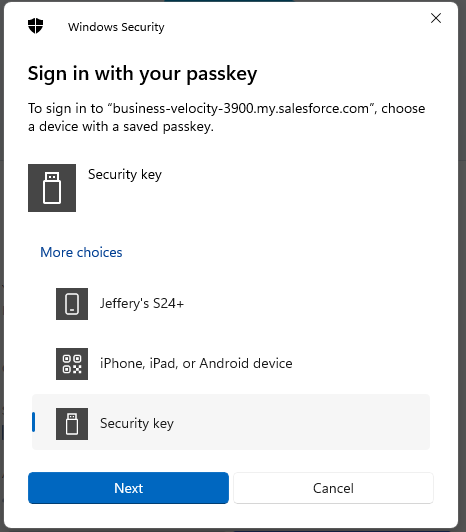
At this point you will be asked to provide the PIN code that protects your Fido2 key;
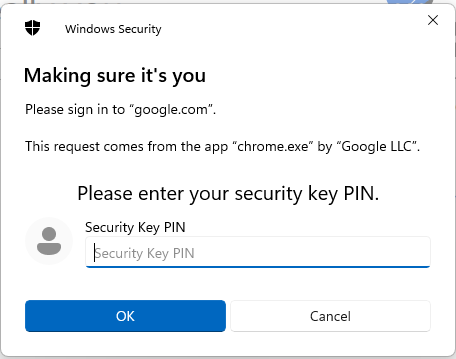
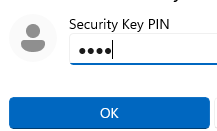
At the "Security key PIN" prompt, supply the PIN code for your Fido2 key, then click  ;
;
You will now be asked to touch the Fido2 key (in the case of a Fido key with a fingerprint reader you will need to swipe your finger on the key);
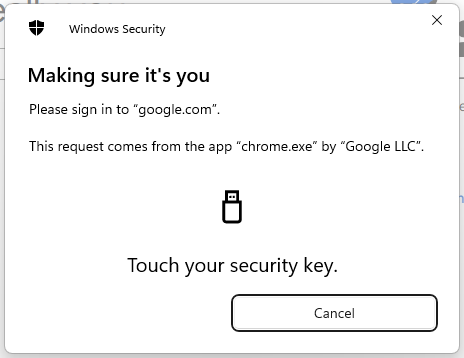
Once the key has been touched you will be logged in to your Salesforce account.