Setup a Traffic Profile
- Go into Citrix Gateway > Policies > Traffic
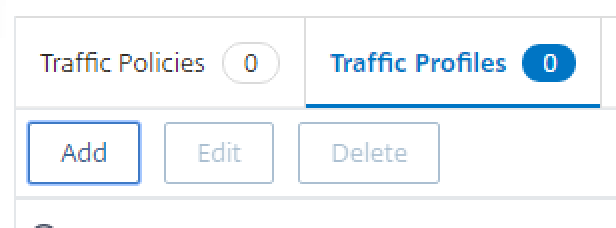
- Click the Traffic Profiles tab, and click Add
3. Enter a Name
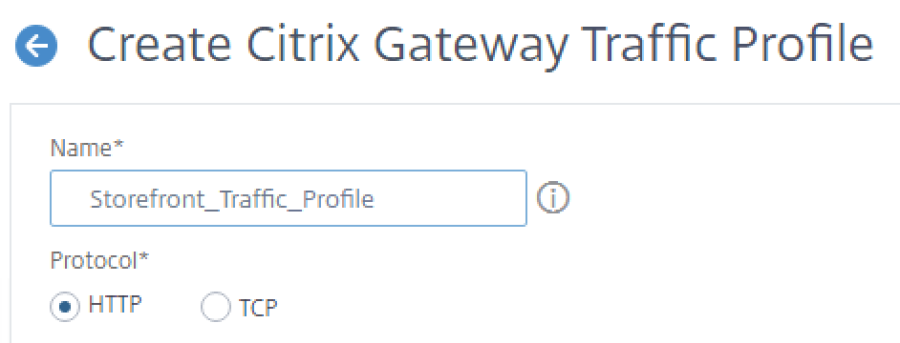
4. Configure the SSO user expression as http.req.user.attribute(1)

5. Configure the SSO password expression as http.req.user.attribute(2).B64DECODE

6. Click Create at the bottom.
7. Ignore the following warning. Just hit OK

Setup a Traffic Policy
- Go into Citrix Gateway > Policies > Traffic
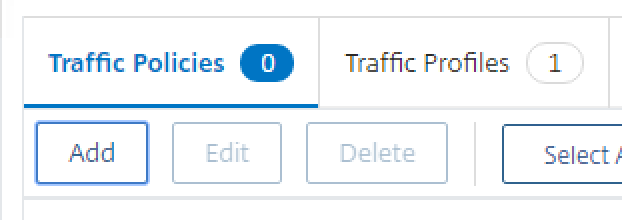
- Click the Traffic Policies tab, and click Add
3. Enter a Name and then select the newly create Traffic Profile from the dropdown
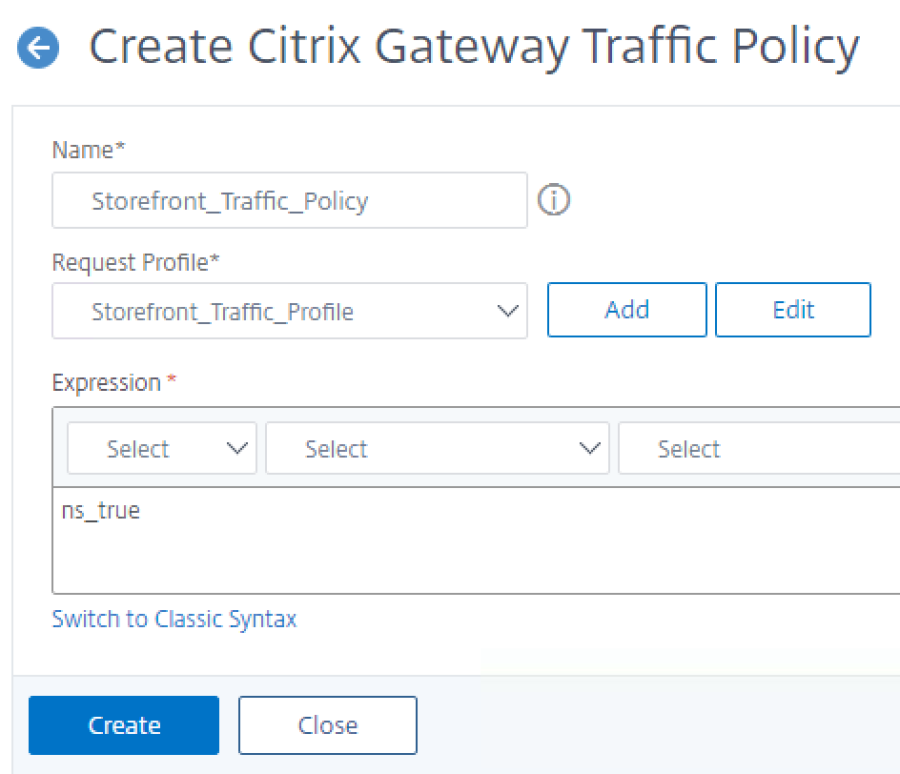
4. Insert an ns_true expression and click Create.
5. Ignore any warnings. Just click on OK.