Introduction
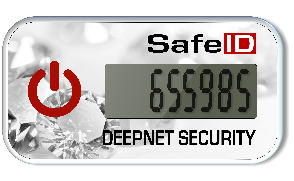
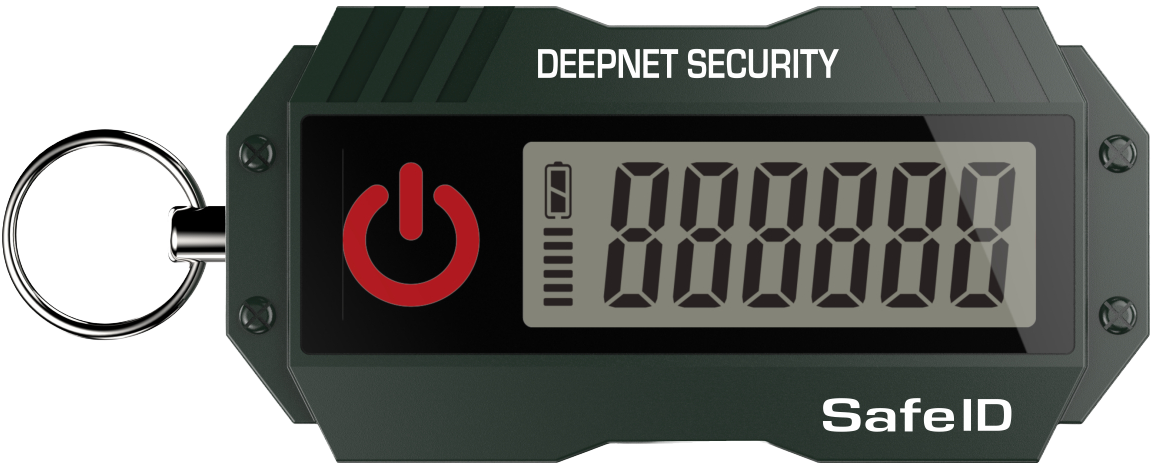
There are circumstance where you may want to replace a mobile phone based authentication app (such as google authenticator) with a programmable hardware token (such as the SafeID/Diamond or SafeID/Pro programmable tokens).
Preparation
Before you can use an NFC enabled phone to burn programmable tokens you will need to perform the following preparatory steps;
Make sure you’re running the latest version of Android (the majority of new Android smartphones have an NFC chip in the phone).
Turn on your device and slide from the top down to access the android settings.
Maximise the displayed icons then ensure the "NFC" icon is enabled;
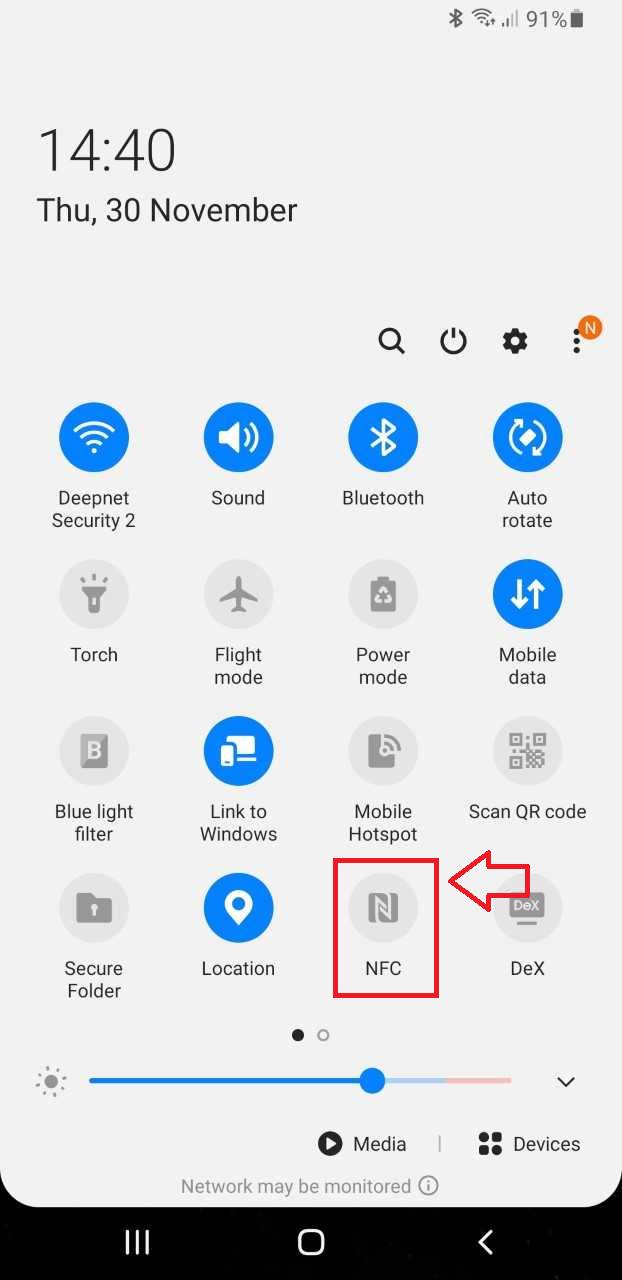
If asked if you want to turn on "Android Beam", confirm that you want the feature enabled.
If your mobile device runs android you will need to visit the Google play store and search for the app "Deepnet SafeID Programmer"
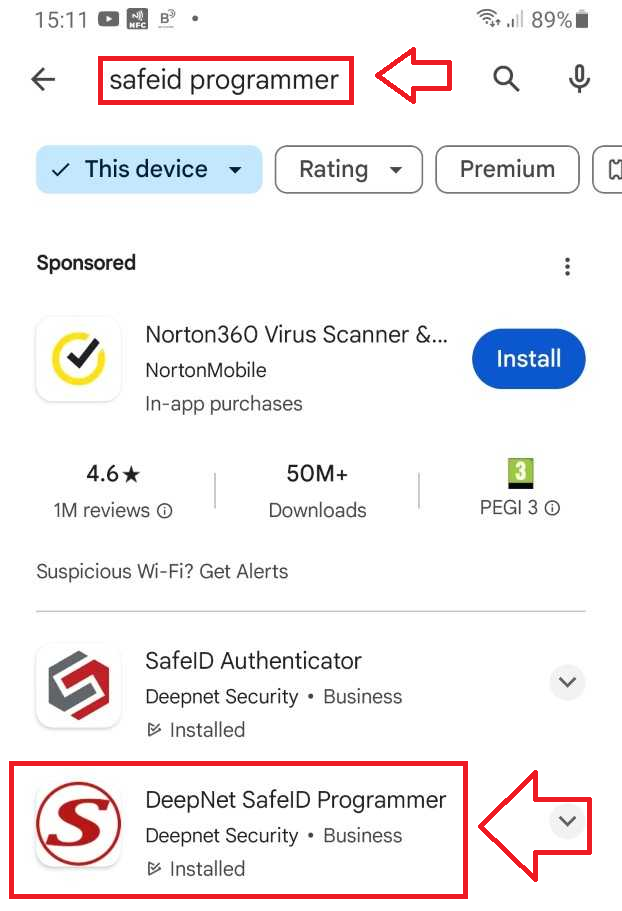
Download, Install and run this app.
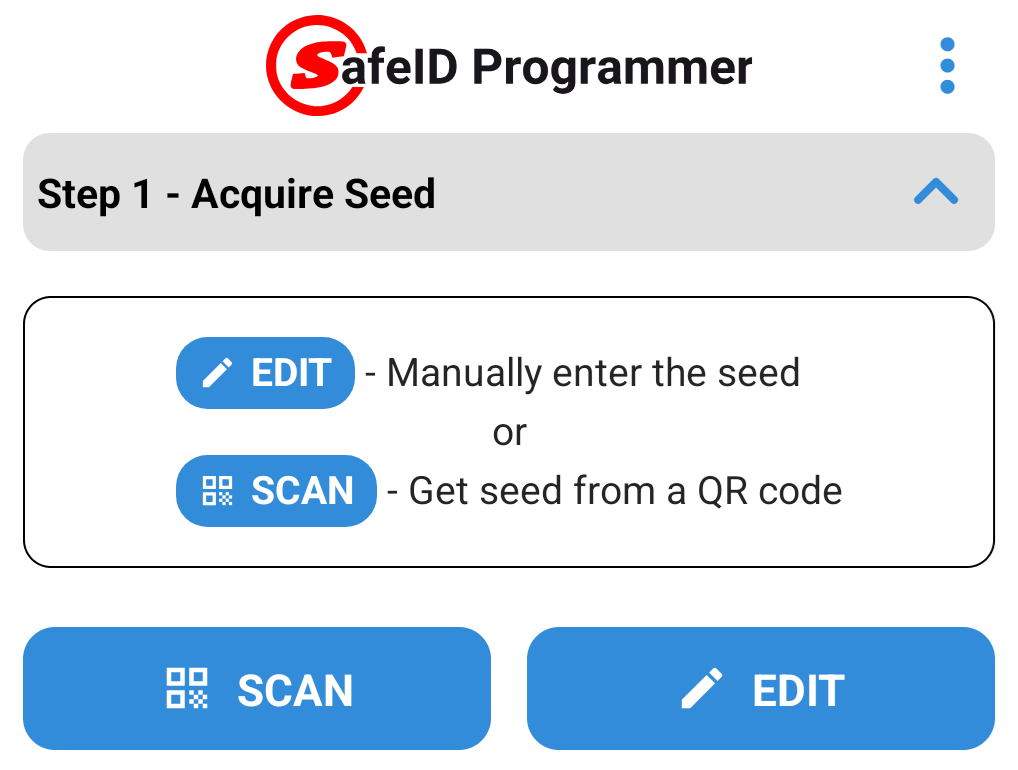
Before you can produce OTP codes using a programmable token you will need to obtain the seed data (either in the form of a compatible QR code that can be scanned, or in hex or base32 encoded format).
Once the seed data for the token has been obtained it can be transferred to the app either by scanning the QR code, or manual entry of the Base32/Hex encoded seed:
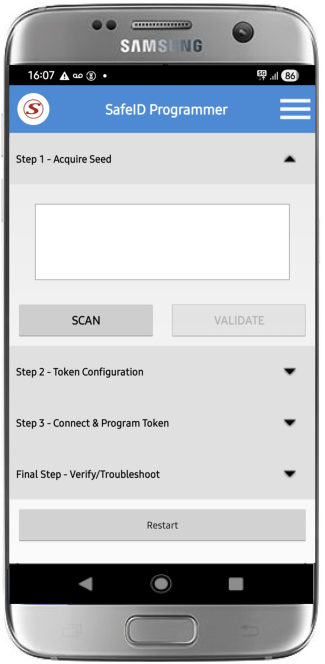
When scanning a QR Code on an Android (or IOS) SafeID programming App you first need to make ensure that the QR code is ready for scanning using the camera on your smartphone.
Display the QR Code ready for scanning (the QR code below is just an example);
Next launch the app on your mobile device, point the camera at your QR code, then click on the
 button;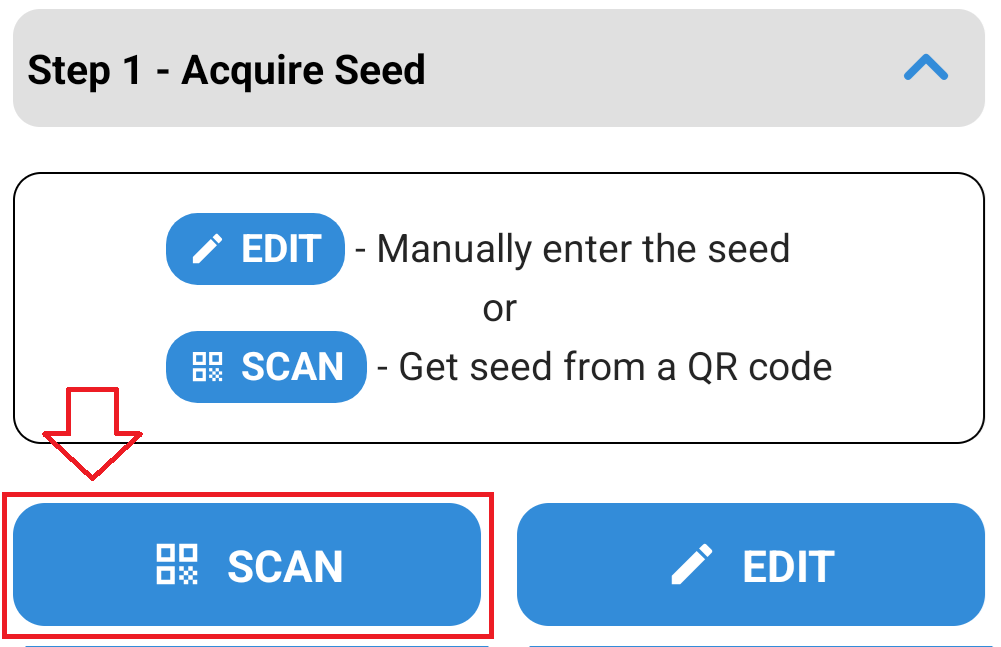
Point the camera the QR code and the code will be automatically scanned;
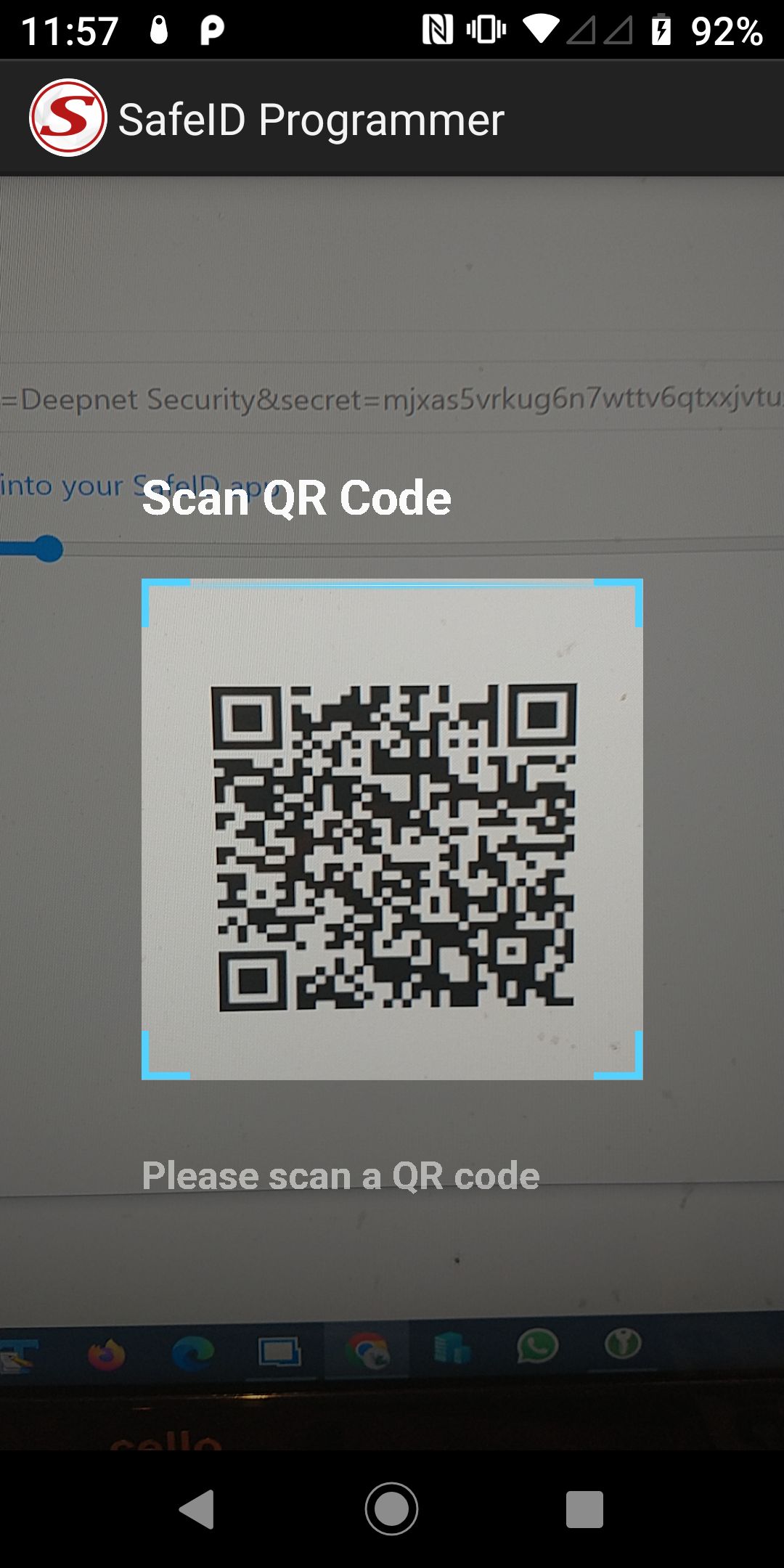
The token's seed/secret is extracted from the QR code, and you will progress onto the next step "Token Configuration";
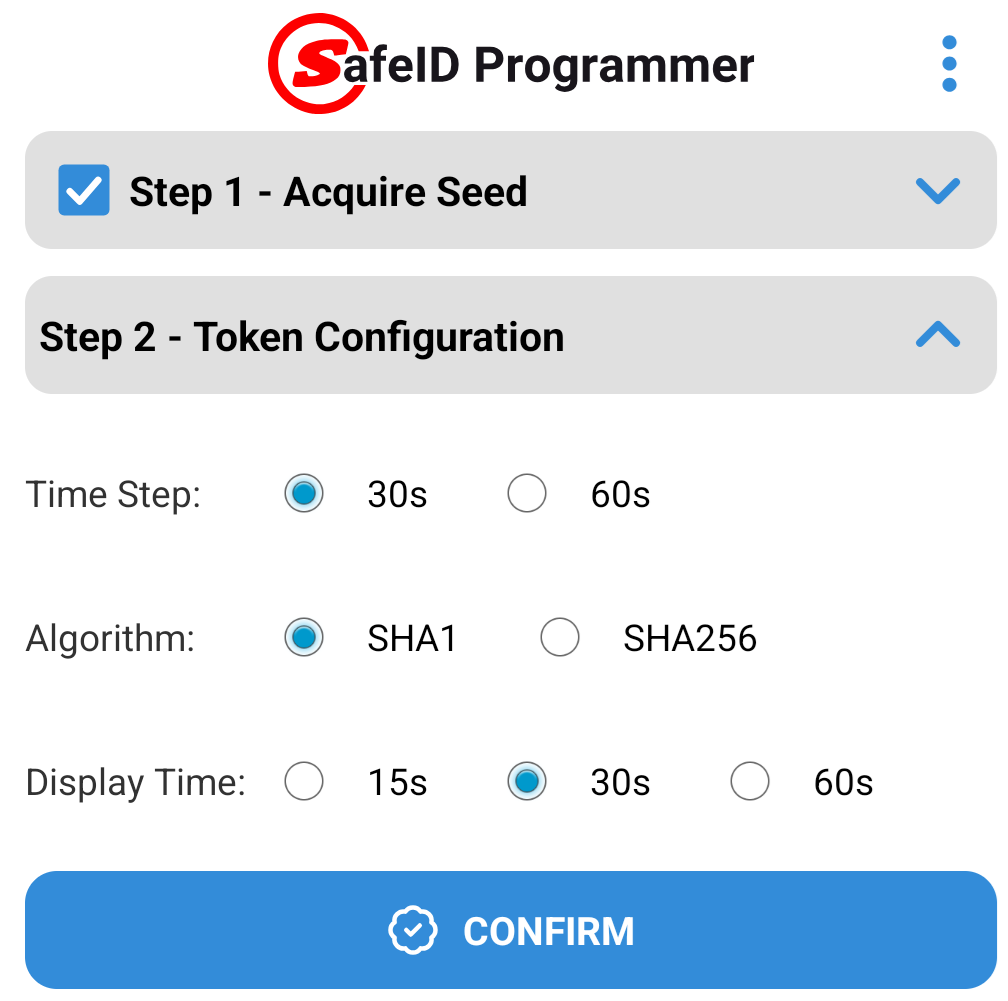
Check these settings then press
 to start burning the seed details onto the token.
Manual entry of the seed may be performed with either a Base32, or Hex encoded seed., and is performed after pressing the
 button;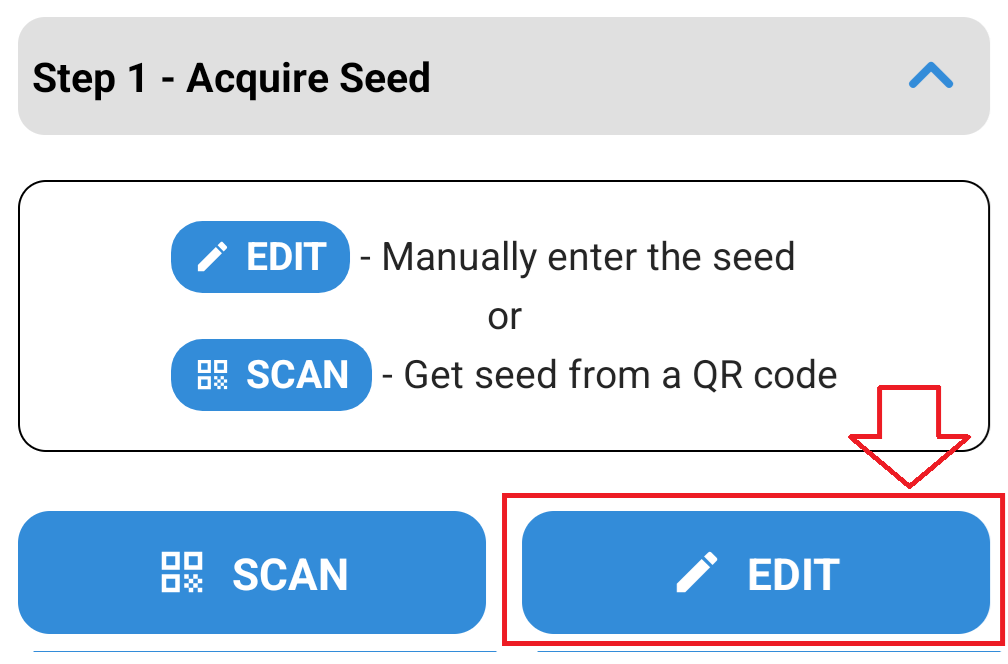
A box will now open where you can copy and paste your seed into the input area then press the "VALIDATE" button;
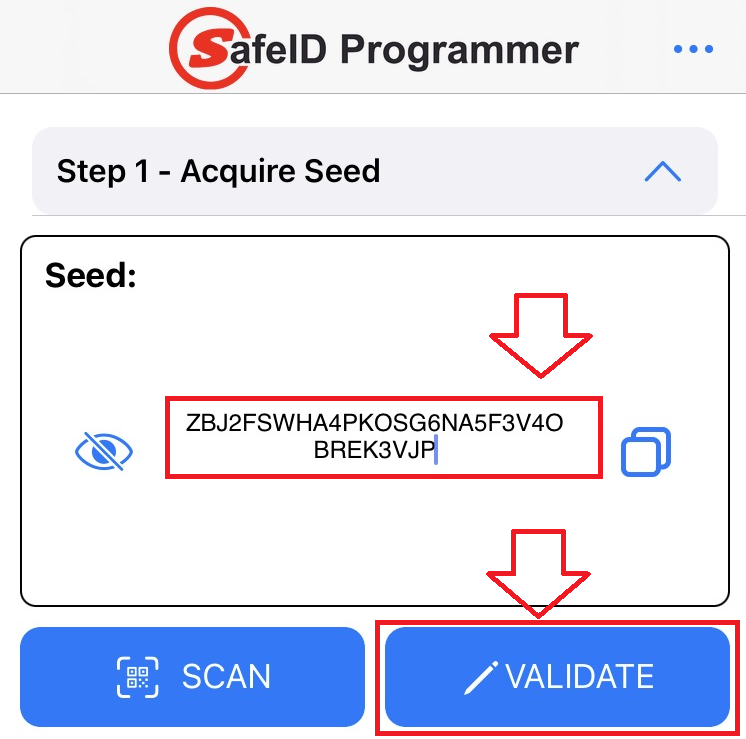
The software will then examine your seed and confirm if it is a valid Base32 or Hex seed (If the programming app cannot identify a valid seed then you may be requested to correct the entry).
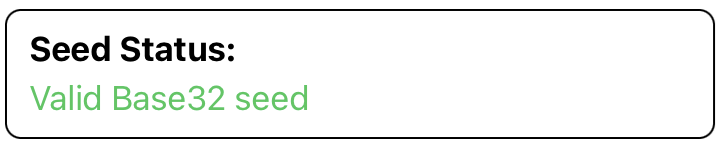
When a valid seed has been entered you will see the message "Valid Base32 seed".
Press
 to proceed to step 2 - Token Configuration;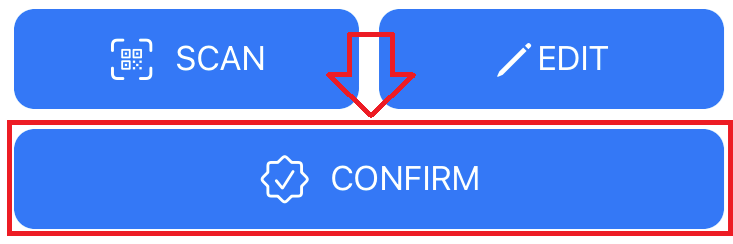
Generally speaking, if the token is to be replacing an authentication app, then these parameters can be left at their default settings (but if you are aware that either a different time window size, or algorithm setting are needed, then you will need to manually adjust these settings from the default.
Check that the token configuration settings match your requirements;

If you are happy with these settings then press
to start burning the seed details onto the token.
Burning Seed data onto the Programmable Tokens using an NFC enabled smartphone
Once the token parameters have been confirmed you will be asked to turn on the token.
Turn on the token then press  ;
;
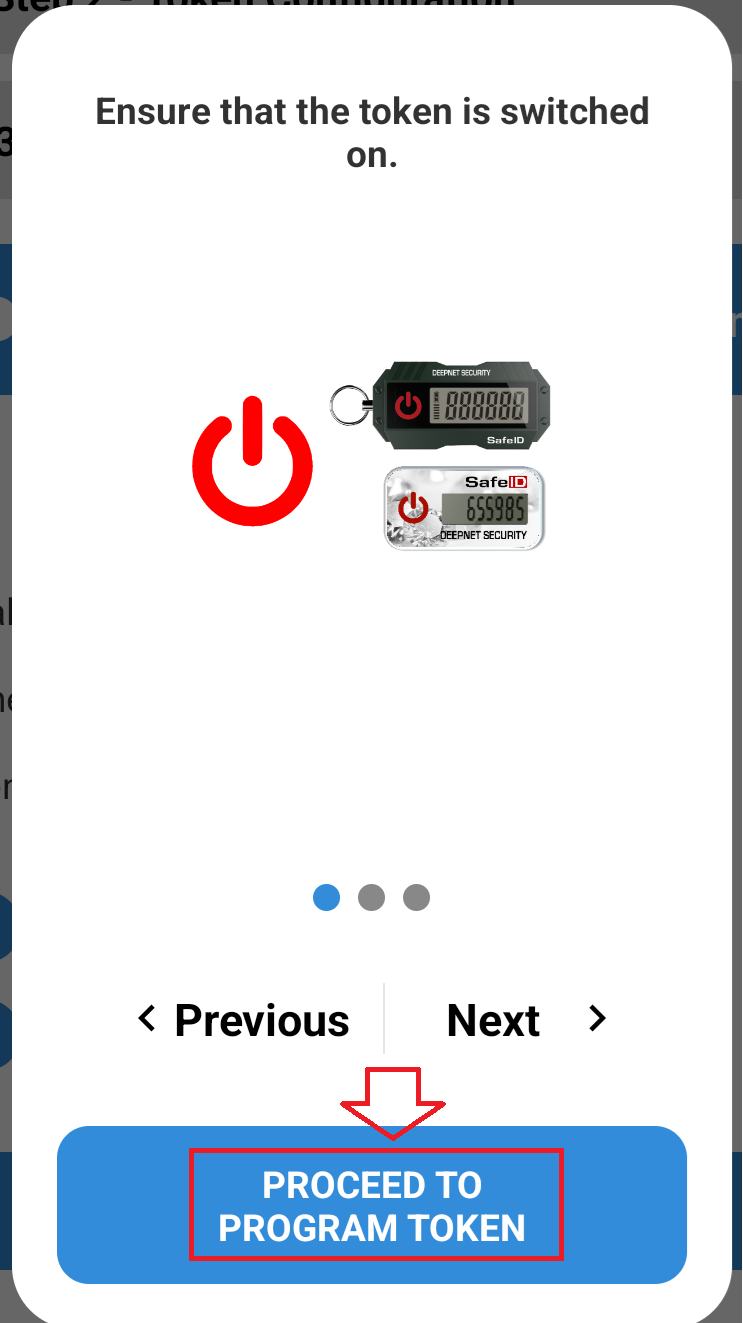
The app will update to show that the token is currently not connected to the app;
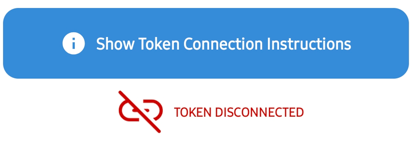
With NFC on the mobile enabled, ensure your token is turned on, then place the token near the NFC reader on your phone (typically this will be near the top at the back of your phone).
The app will update and show that the token is now connected, and will display details about the token that it has found;
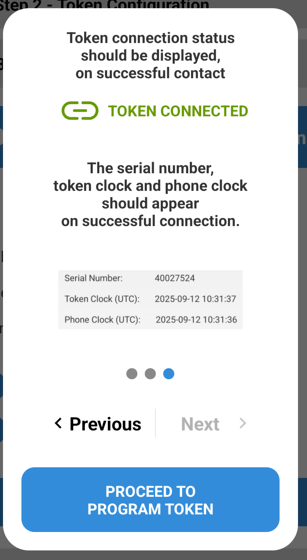
Part of the information displayed is an assessment of any time drift that has been detected on your token.
Generally speaking, if more than 2 seconds drift has been detected we would advise you click on the "Synchronise Token Clock" option prior to burning your token.
If you are ready to burn the token press the  button.
When the token has been burned with the required details, the message "TOKEN PROGRAMMED SUCCESSFULLY" is displayed.
To verify that burning was performed correctly turn off then back on the token then press the  button t;
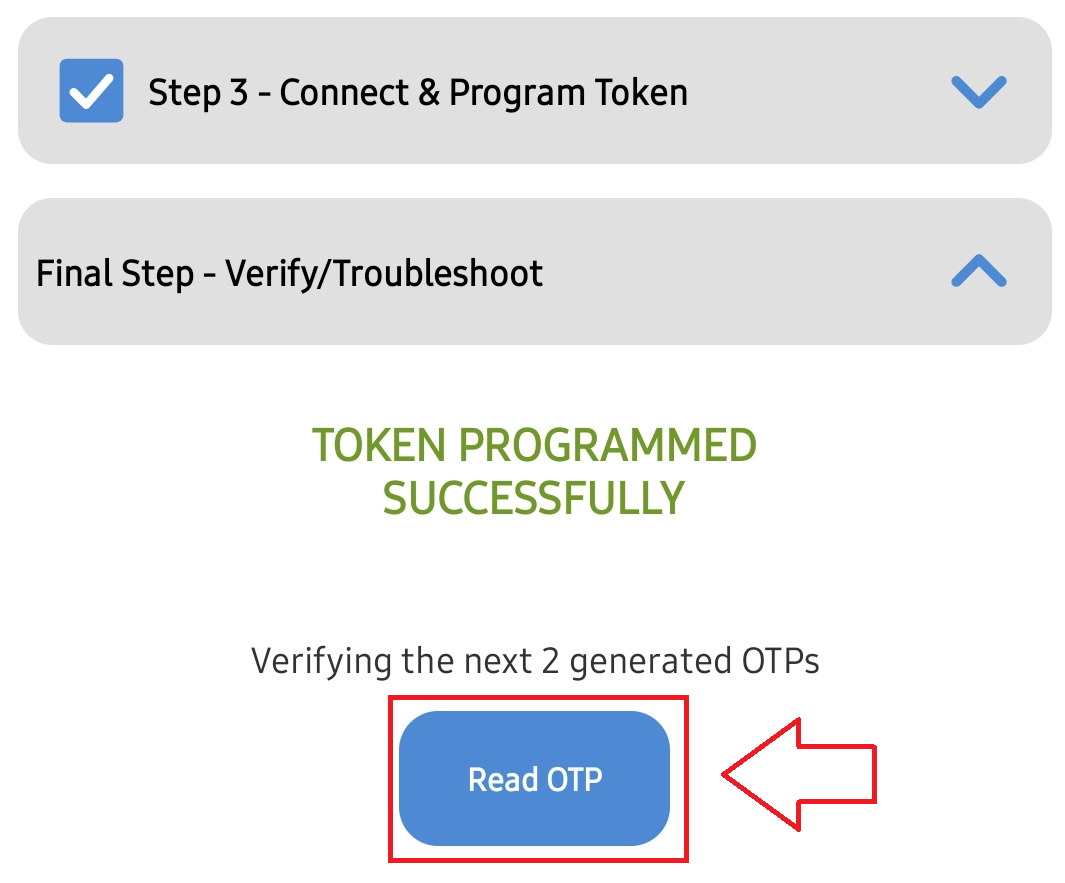
After pressing this button you will need to ensure the token is placed on the back of the phone (if not this message will show);