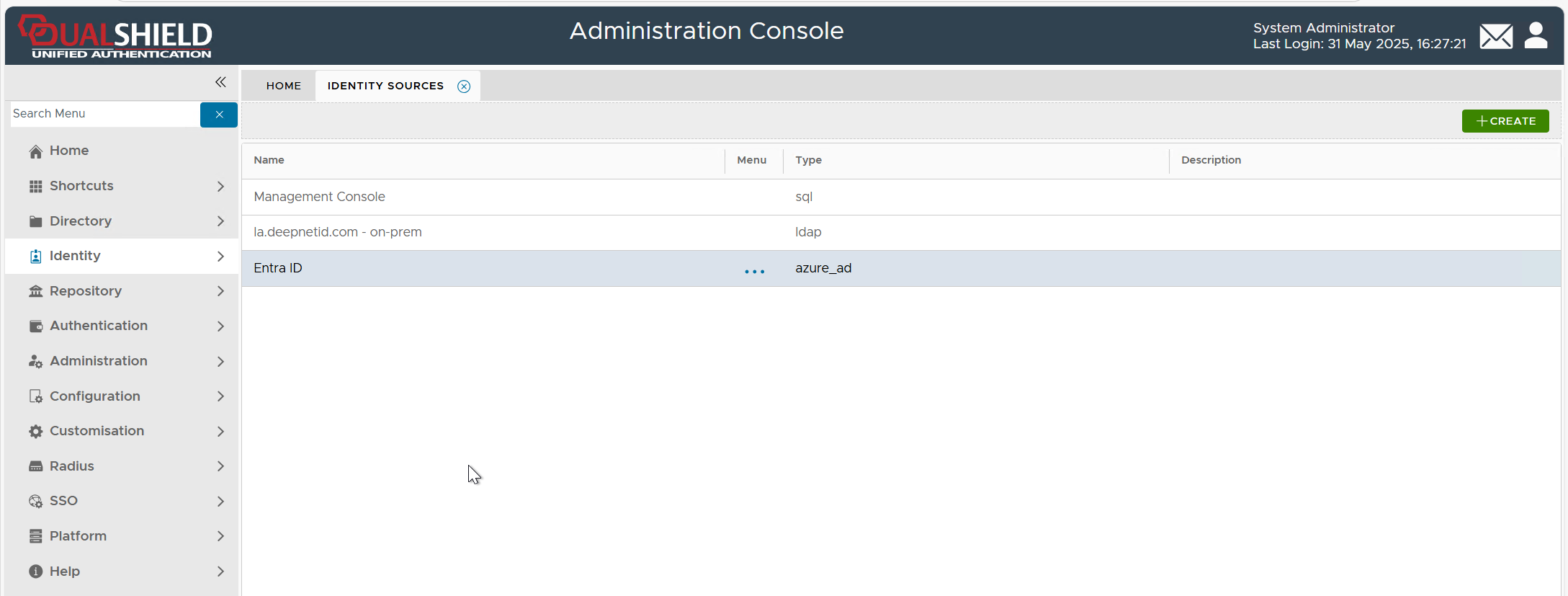
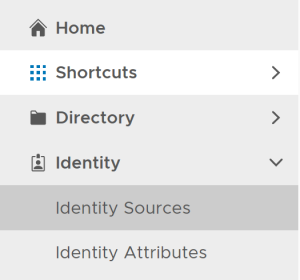
In the DualShield Admin Console, navigate to "Identity | Identity Source"
Click the "Create" button to bring up the "Identity Source Registration" wizard.
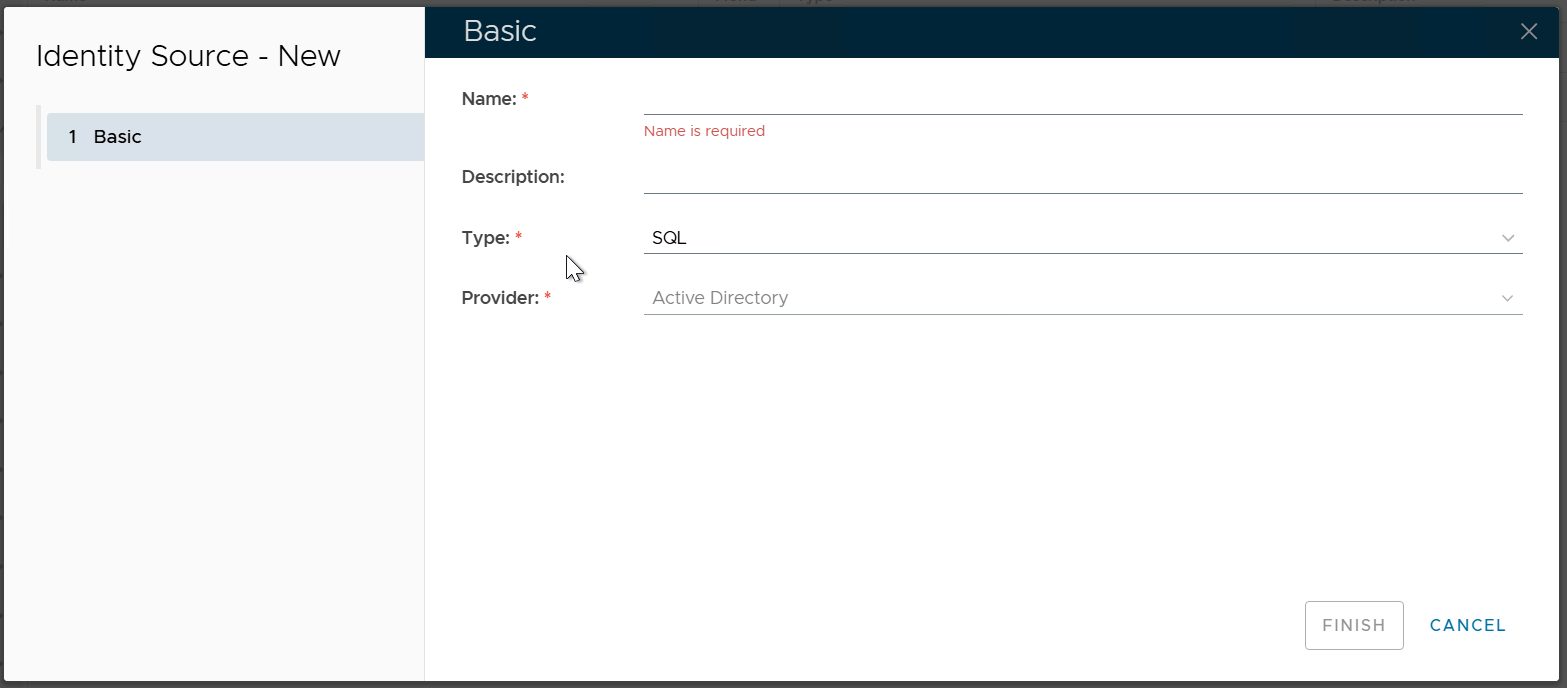
In the "Name" box, enter a name that describes the AD
In the "Type" box, select "AZURE"
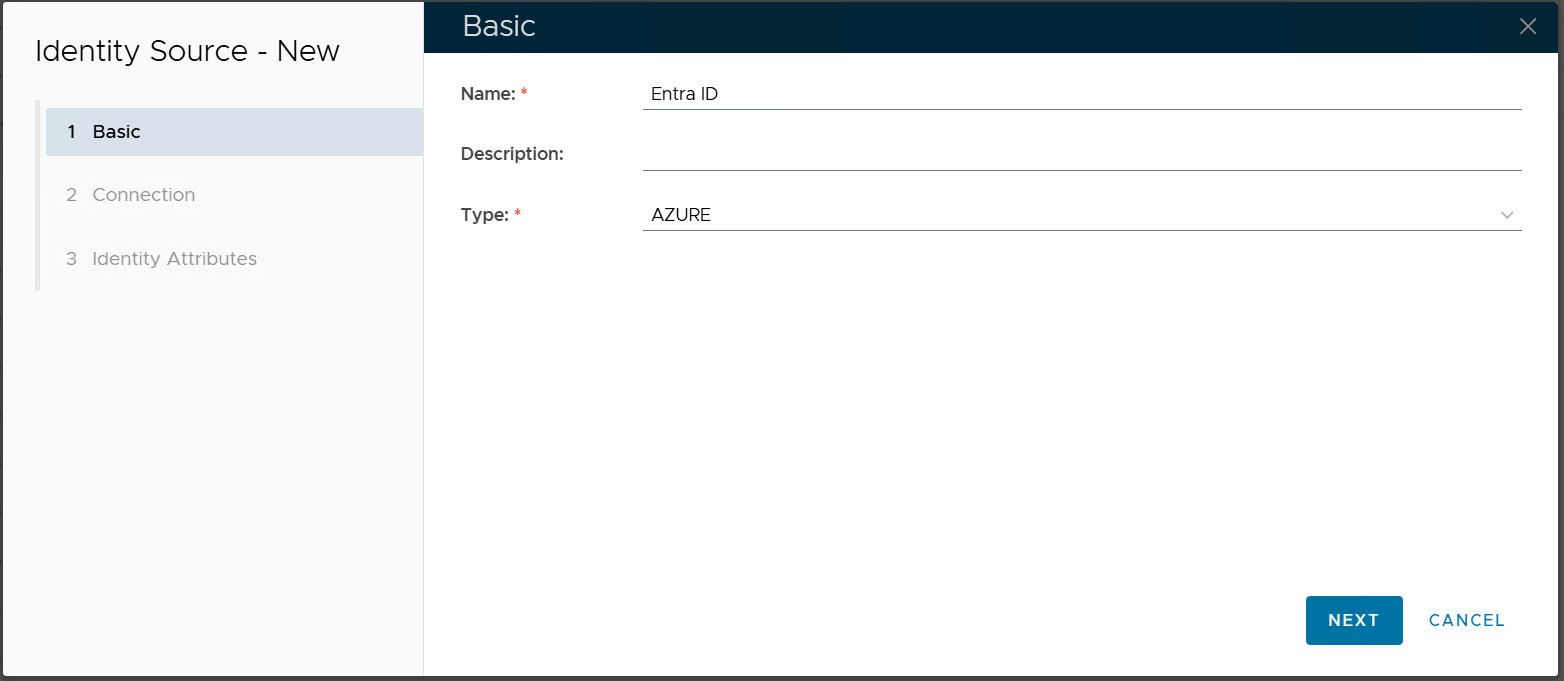
Click "NEXT"
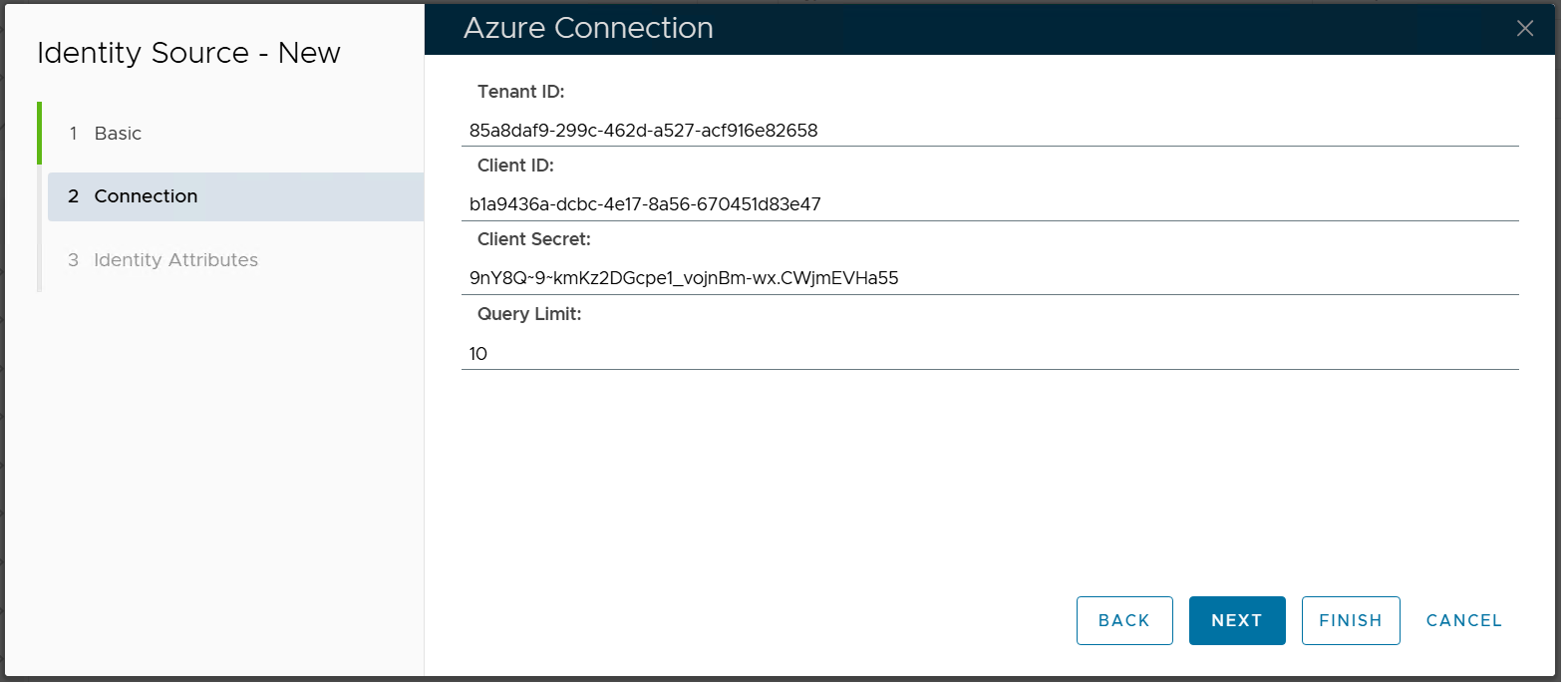
Click "FINISH"