Prerequisites
The DualShield Biometrics Server (DBS) requires Microsoft Visual C++ 2015 Redistributable Update 3 and Windows Media Foundation. Depending on the version of the Windows server OS, you might need to install thoese two components prior to installing the DualShield Biometrics Server.
Add Media Foundation via PowerShell
Run the following command:
Install-WindowsFeature Server-Media-Foundation
Add Media Foundation via Server Manager
Launch Server Manager (ServerManager.exe)
Navigate to Manage → Add Roles and Features → Next → Next → Next → Scroll Down
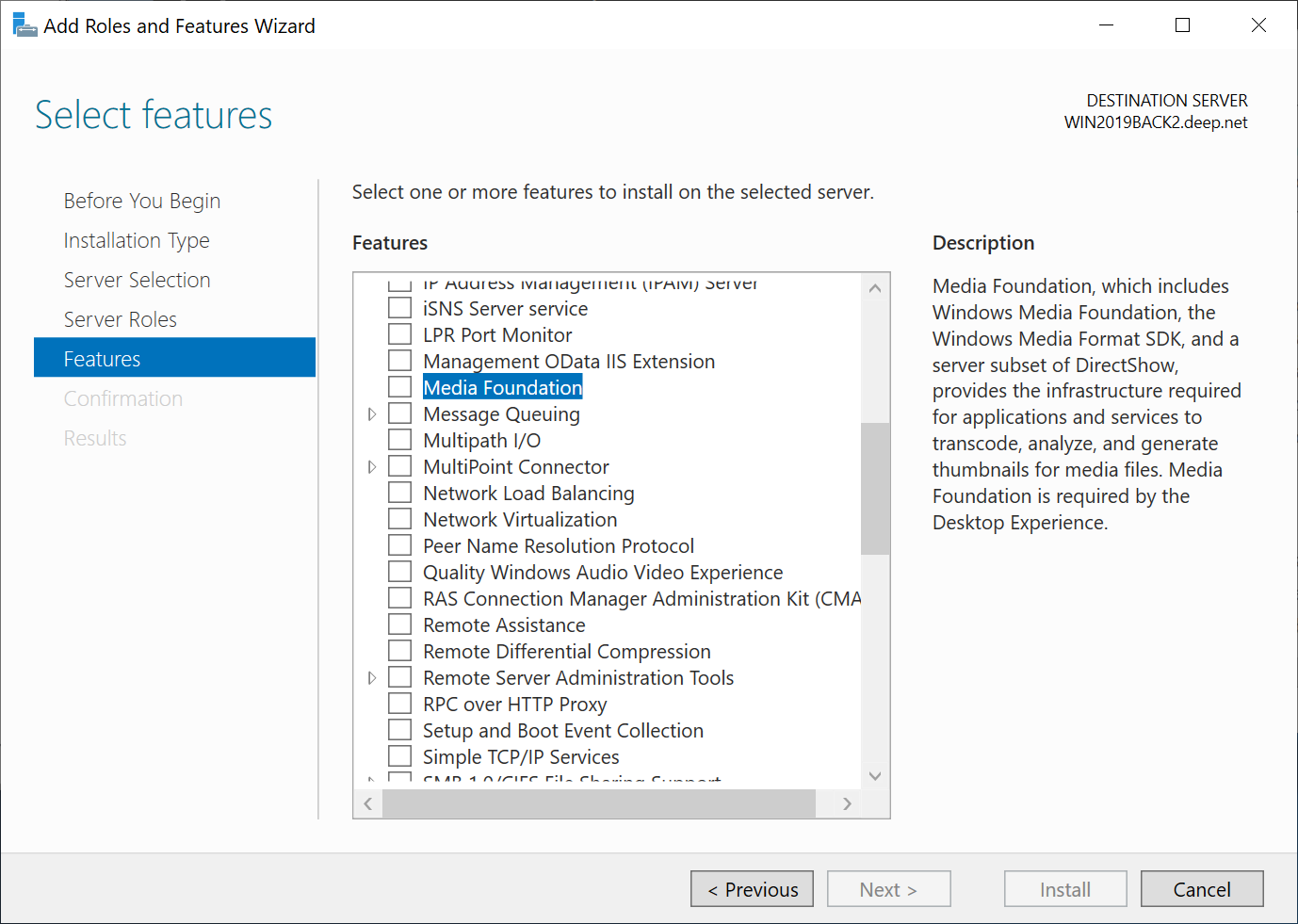
Select Media Foundation

Click Next

Click Install

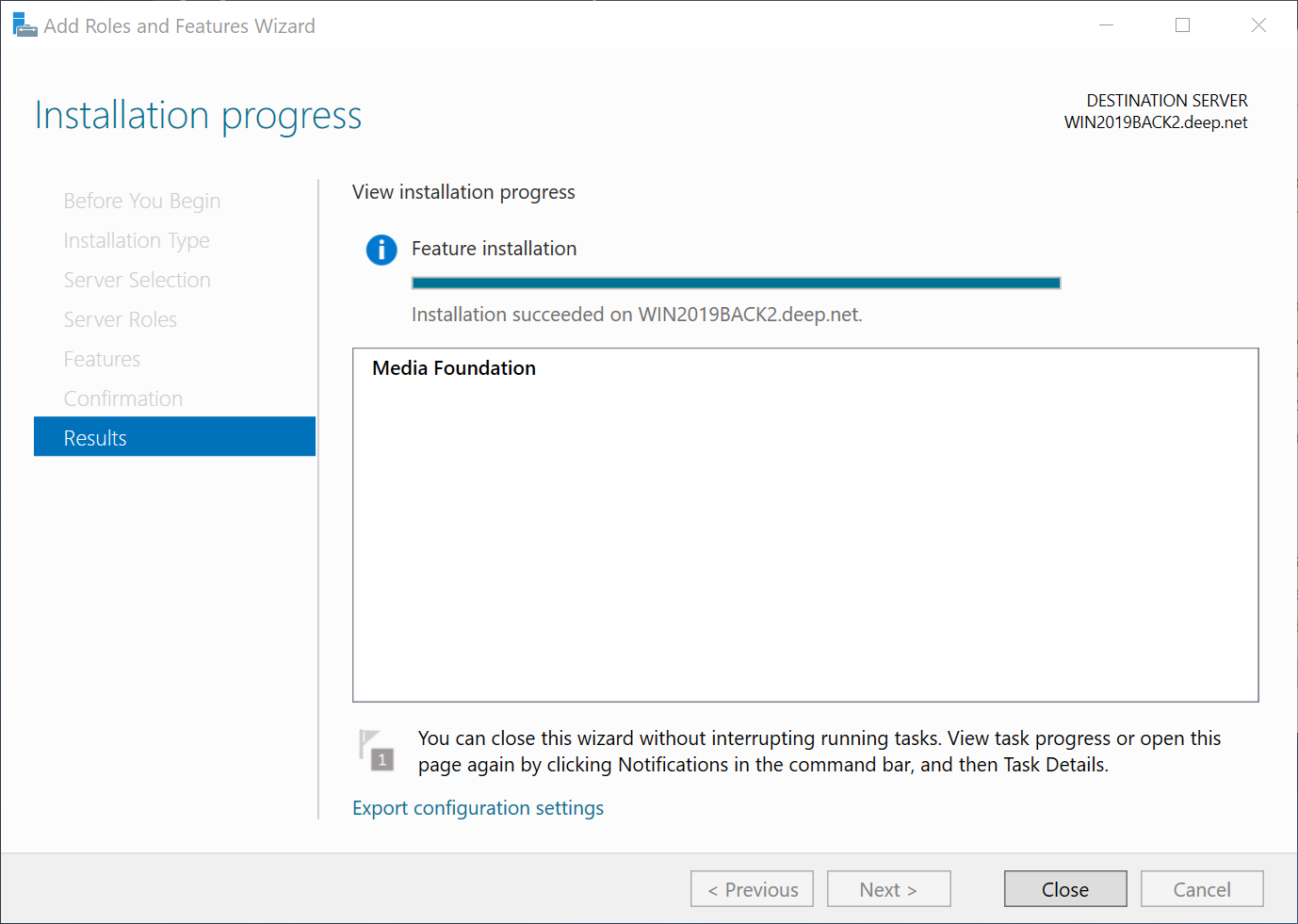
Installation Steps
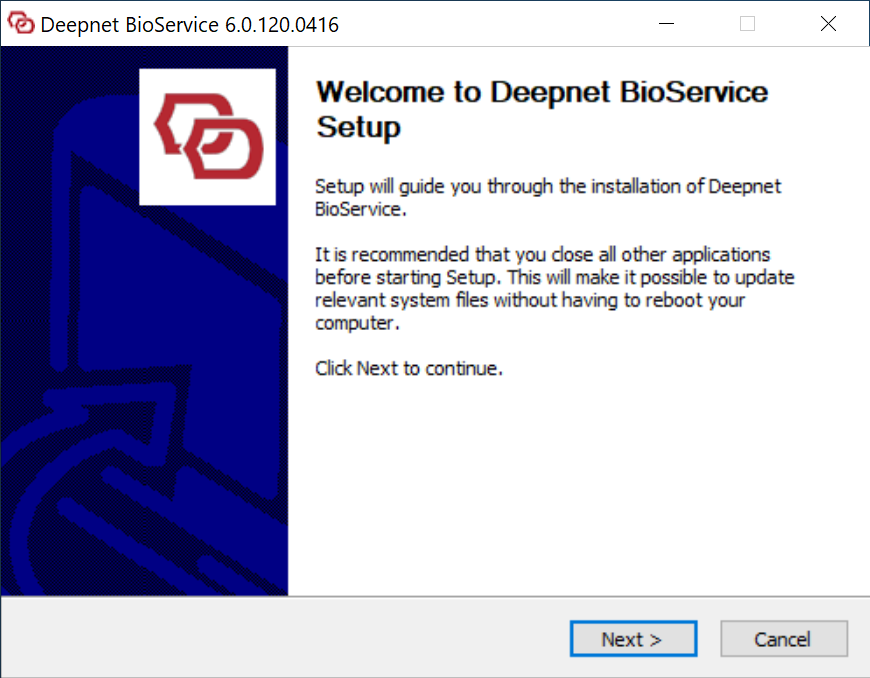
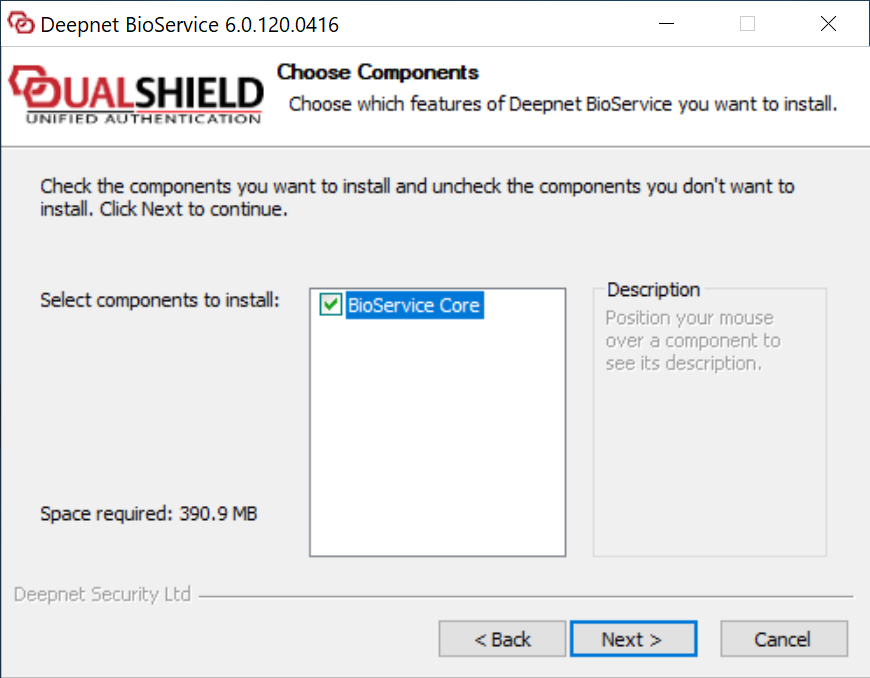
To install