You are viewing an old version of this page. View the current version.
Compare with Current
View Page History
« Previous
Version 12
Next »
Below is the workflow of a challenge & response process
| The 3rd-Party application calls the Dualshield API /auth/generate to generate a Challenge Code | Method:/auth/getChallengeCode
Parameters:
{
	"user":
	{
		"loginName":"login name",
		"domain.id":"domainid"
	},
	"token":
	{
		"id":"tid1"
	},
	return:["id", "code", "starts", "expires"]
}
Response:
{
	"error":0,
	"result":{"id":1, "code":"xxx", "starts":"xxx", "expires":"xxx"}
}
Examples:
The GridGo challenge code is the matrix in JSON string
{
	"user":
	{
		"loginName":"login name",
		"domain.id":"domainid"
	},
	"token":
	{
		"product.method":"GridGo"
	},
	"return":["id", "code", "reference"]
}
Response:
{
	"error":0,
	"result":
	{
		"id":"#i#_ChallengeCode_22",
		"code":
			"{\"grid\":[\"53c1s3npxgws4pw6jp5kx3\",
			\"scmmu698wp9t1sag5spxzz\",
			\"gmmzdj97x3jn4bpe9cvu1r\",
			\"ps0hs5g2nh5xer6r93fj7x\",
			\"mn8zbs5nnnm8rxt2r5ekd0\",
			\"0jr935hx618a3vcvzdehn0\",
			\"9xtr71jff7jaz255n5rtc4\",
			\"dr96rxn7pgs3anmfzpeu7y\",
			\"uf06ttmc3kfvhrun2remk9\",
			\"z7c3ytf9u2xtfmc60p06ax\"],
			\"rows\":10,
			\"cols\":22,
			\"indiecs\":\"ABCDEFGHJKMNPRSTUVWXY\"
			}",
		"reference":"10948e64-b829-47be-be2a-414217bee16f"
	}
}
|
| The 3-Party application displays the Challenge Code on the screen | 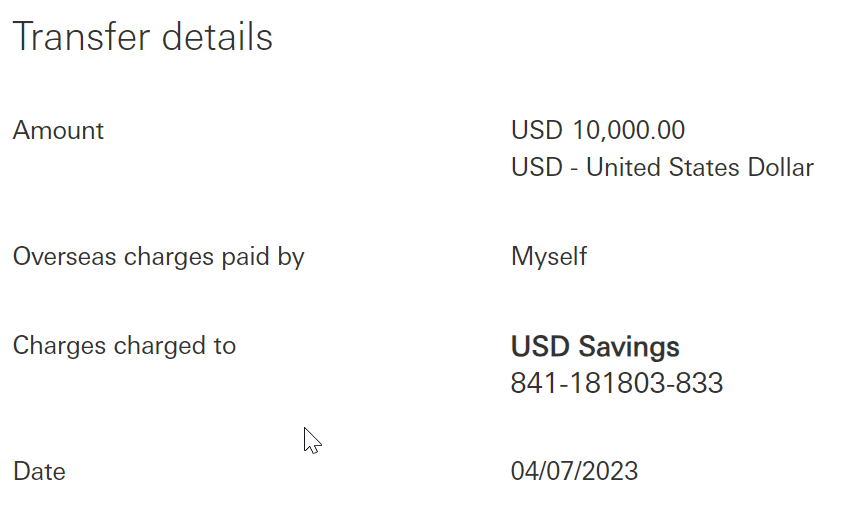
Enter the digit as shown onto the MobileID app:
07880384 These digits were generated based on the payee account number. Please verify and never enter digits that are unknown to you. |
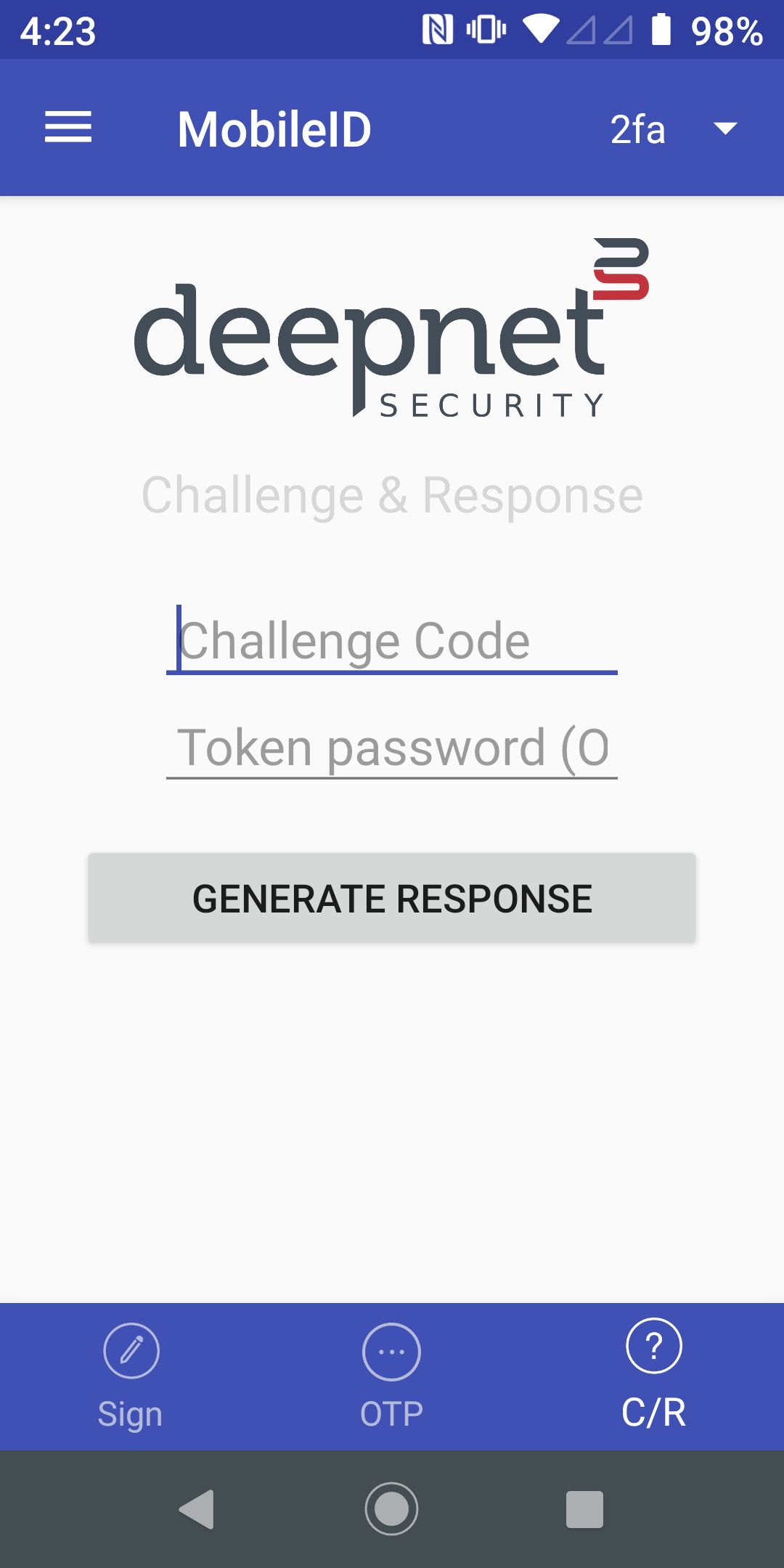
| The user opens the MobileID app, and switches to the C/R page | |
| The user enters the Challenge Code in the MobnileID app | |
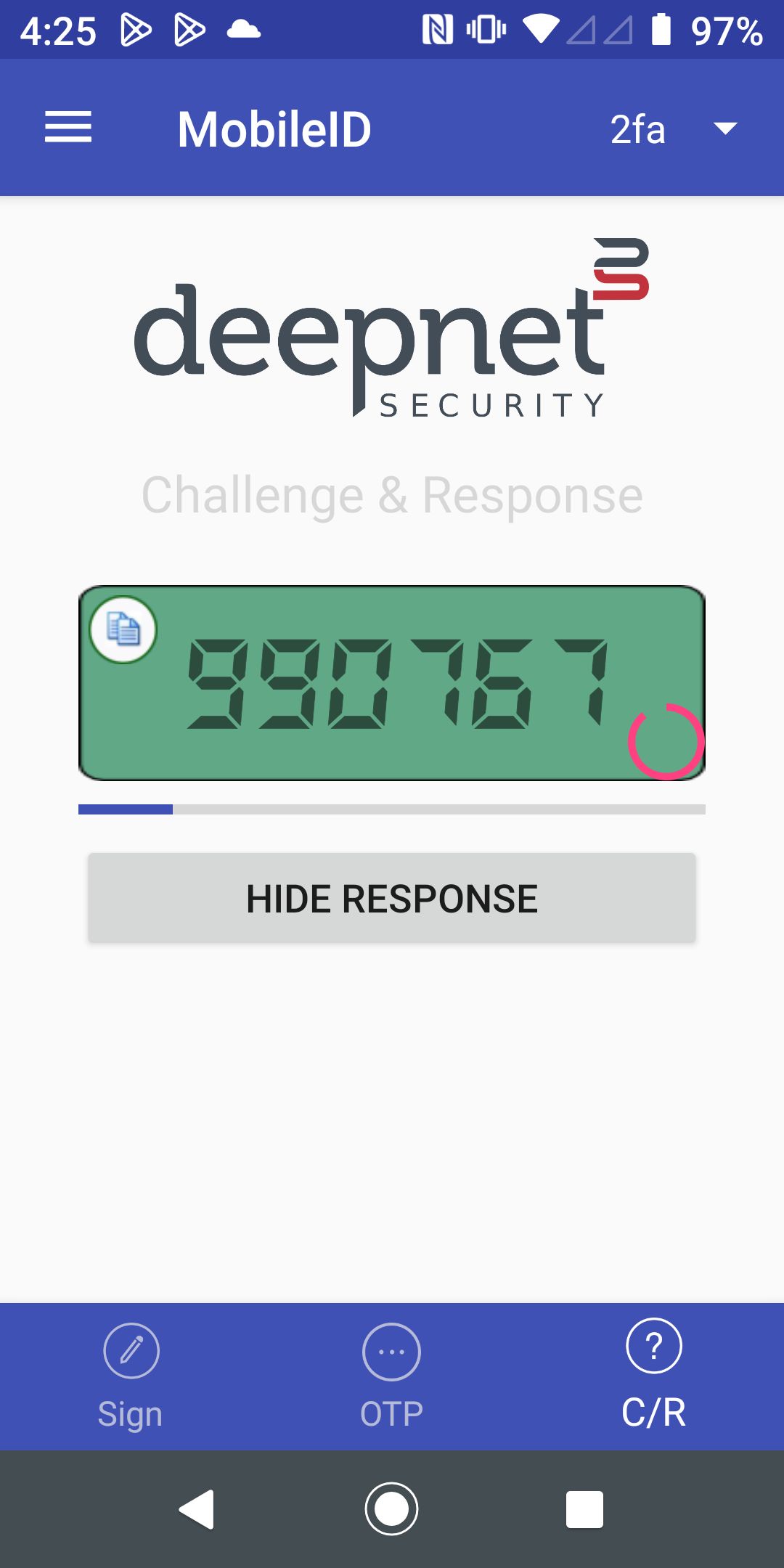
| The user presses "Generate Response" to generate the Response Code | |
| The user enters the Response Code in the 3-Party application | Enter the response code 
|
| The 3rd-Party application calls the DualShield API /auth/verifyResponse to verify the Response Code | Method:/auth/verifyResponse Parameters:
{
	"user":
	{
		"id":"userid"
	},
	"token":
	{
		"serial":"10000000"
	},
	"credential":
	{
		"otp":"xxxxxx",
		"cc":"xxxxxx"
	}
}
Response:
|
|
|