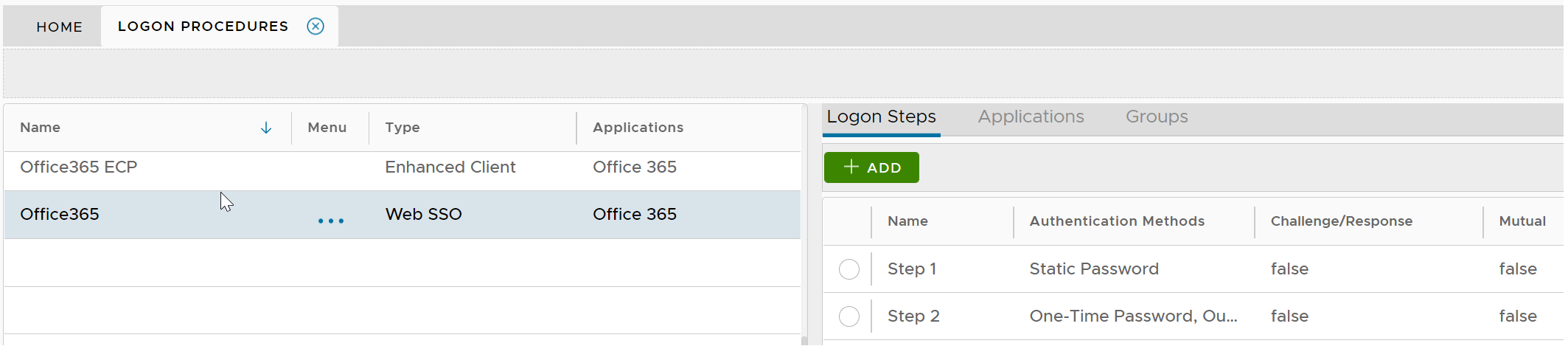
An application for Office 365 integration must have 2 logon procedures, one must be set as Web SSO and the other must be set as Enhanced Client, respectively.
The Web SSO logon procedure will be used in logins from web browsers as wel as logins from Office desktop clients that support modern authentication. On the other hand, the Enhanced Client logon procedure will be used by client applications that do not support modern authentications, such as some old versions of Outlook, and some third-party mail clients such as Thunderbird, Apple Mail, and Android Mail.
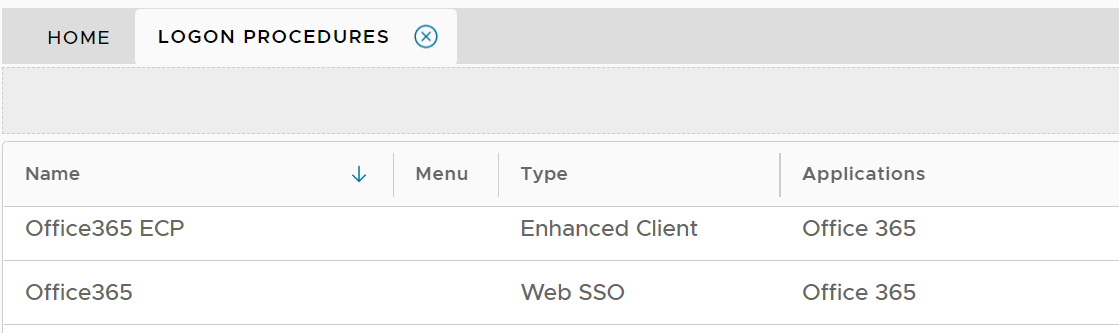
The logon procedure for the Enhanced Client must include only one logon step, and the logon step must include the Static Password only as the authentication method.

The logon procedure for the Web SSO usually includes 2 logon steps for 2-factor authentication.