On a PC the agent can be discovered by network broadcasting. Unfortunately, this method does not work very well on Macs and therefore DNS entries for dswagent and dswsslagent are much more reliable
You can follow this guide on how to setup: Discover Windows Logon Agent, however it must be noted that if you created a virtual domain, then you must add the DNS entries in a corresponding lookup zone.
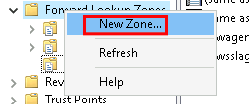
To add a new forward lookupzone open DNS Manager expand the server name , right-click on Forwad Lookup Zones and select New Zone
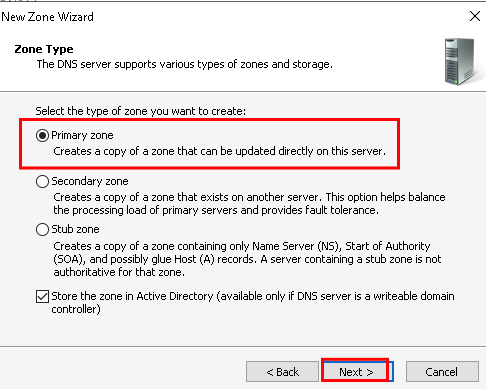
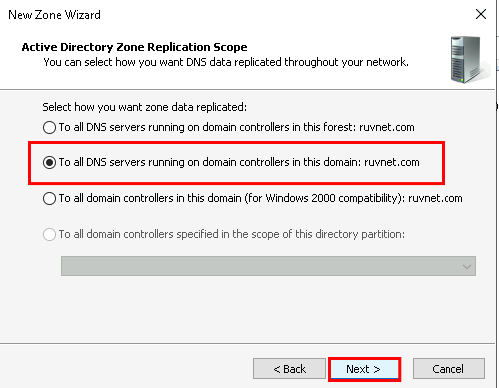
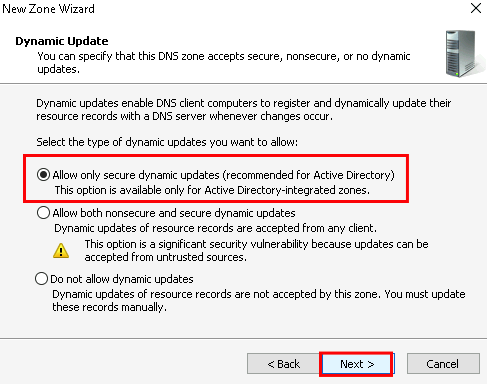
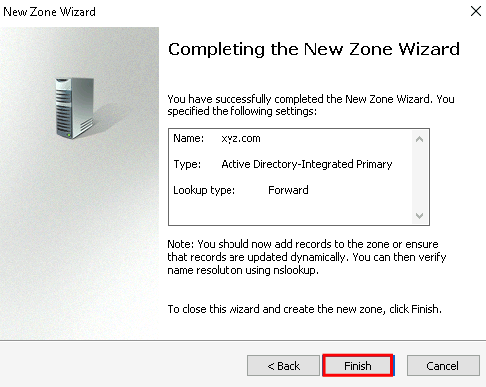
Keep the default settings in the New Zone Wizard

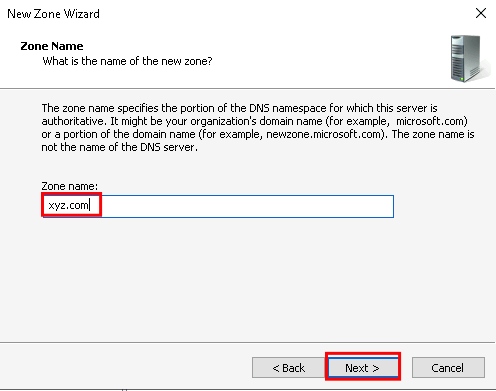
Enter the name of the virtual domain you created on DualShield
Add new host A records for your dswagent and dswsslagent:

Make sure you can ping the agent from the end client workstation.