To enable logs in the DualShield Windows Logon Client, you need to have its version 5.9.9.0519 or later.
Launch the Windows Registry Editor, RegEdit.exe
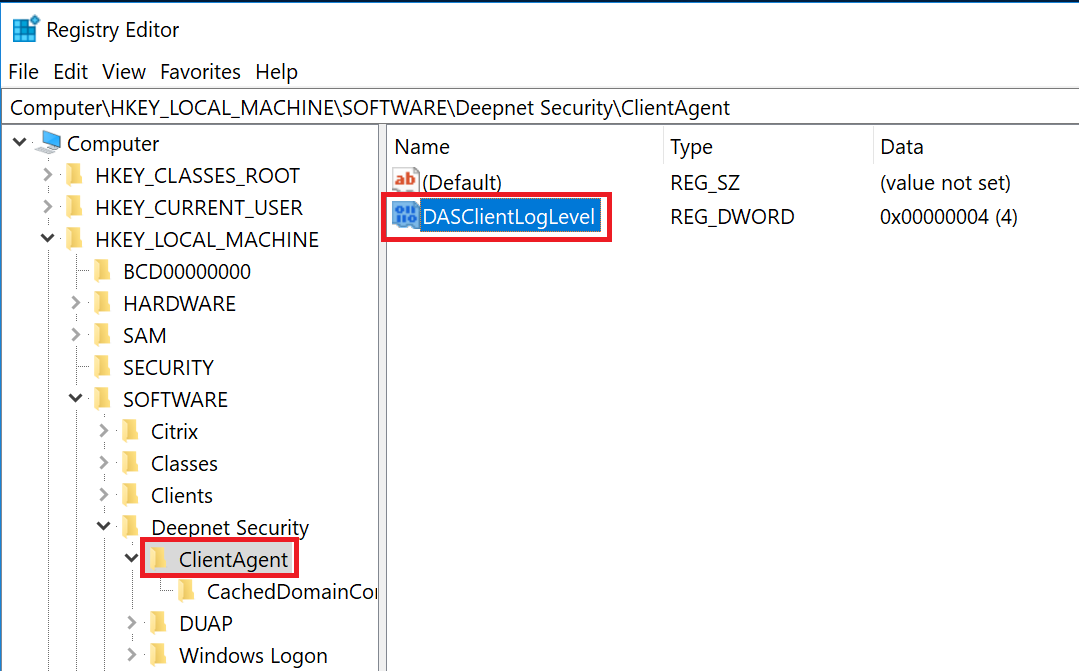
Navigate to "Computer\HKEY_LOCAL_MACHINE\SOFTWARE\Deepnet Security\ClientAgent" (If the registry key "ClientAgent" does not exist, then create it)
Create a DWORD value named "DASClientLogLevel" and set its value data to "4"
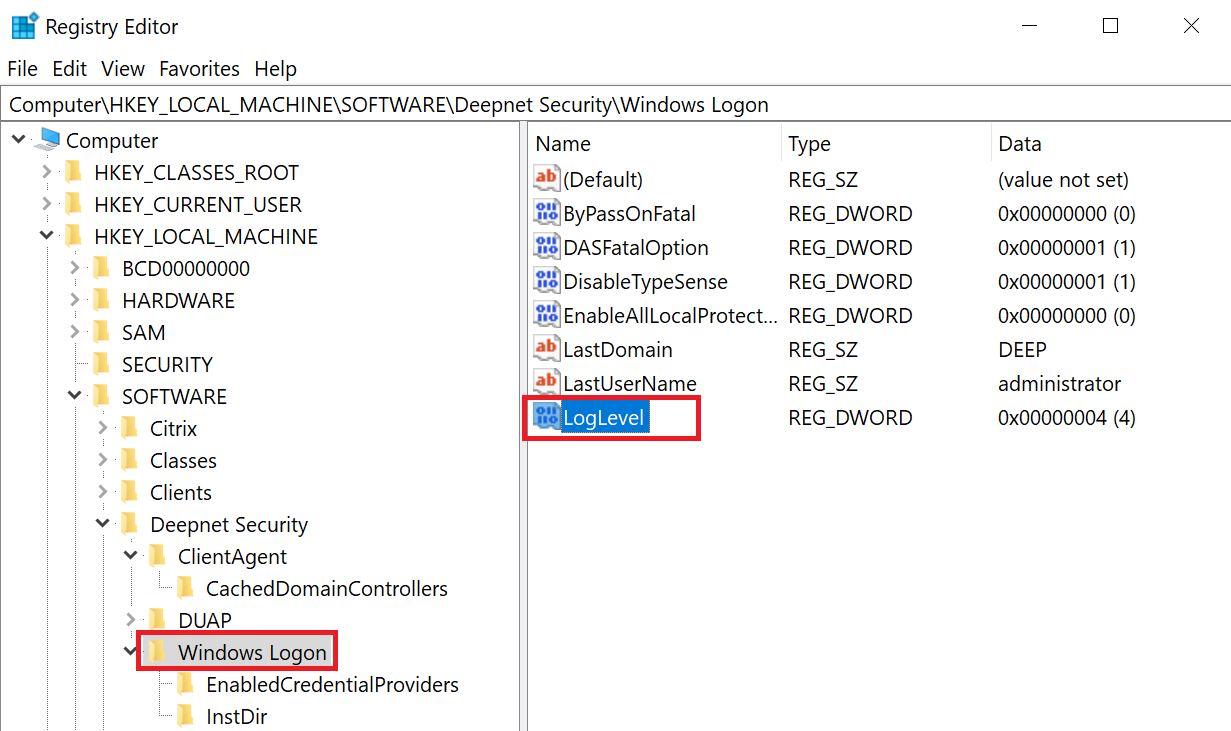
Navigate to "Computer\HKEY_LOCAL_MACHINE\SOFTWARE\Deepnet Security\Windows Logon"
Create a DWORD value named "LogLevel" and set its value data to "4"
After the above changes, you must restart the DualShield Windows Logon Service for the changes to be effective.
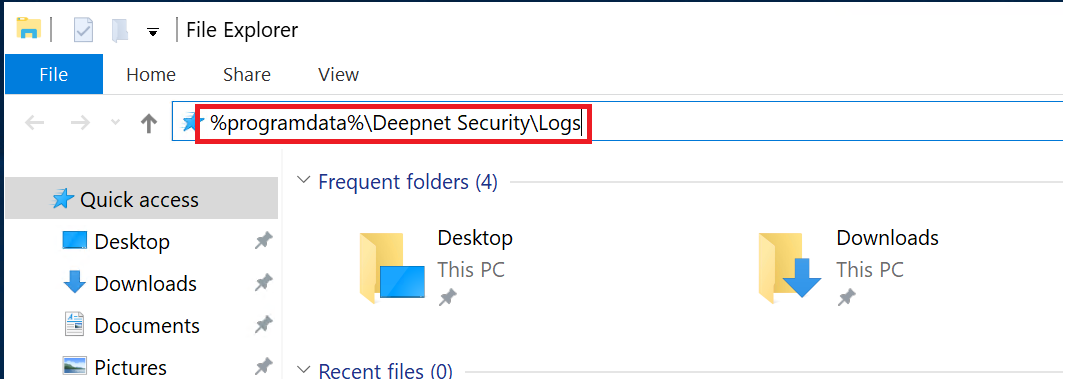
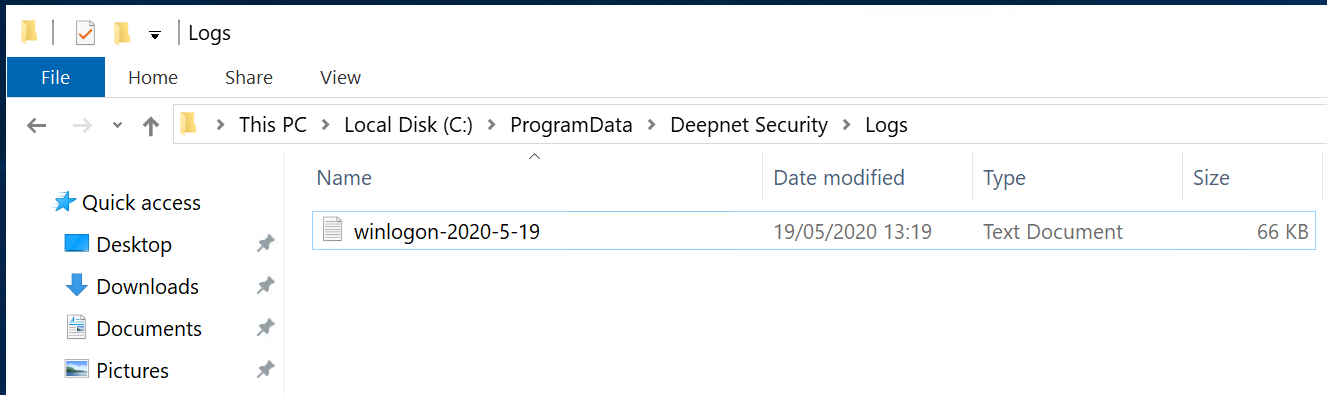
The log files will be saved in the folder "%programdata%\Deepnet Security\Logs"