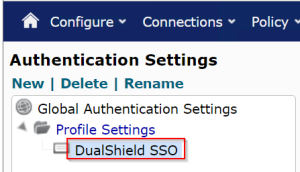
It is not mandatory but recommended to create an authentication profile in Netmotion Mobility for SAML authentication.
In the Mobility console,
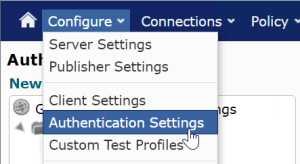
1. Navigate to "Configure > Authentication Settings"
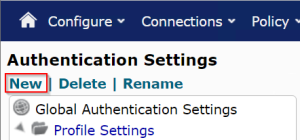
2. Click on "New"
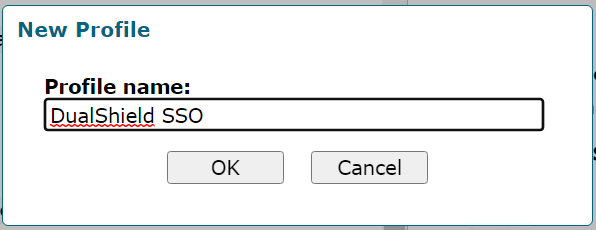
3. Enter the name for the new profile, e.g DualShield SSO
4. New authentication profile is created