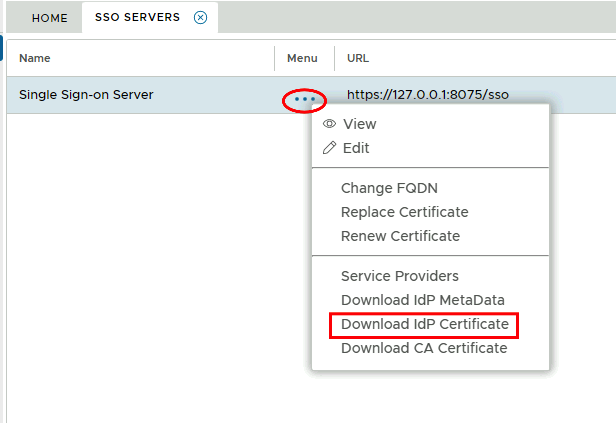
Download the IDP Certificate file from the DualShield Administration Console
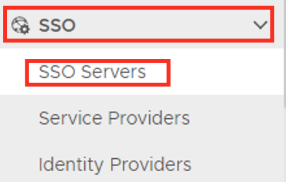
Go to SSO>SSO Servers
Select the drop down menu corresponding to the SSO server you will be using and click on Download IDP Metadata.
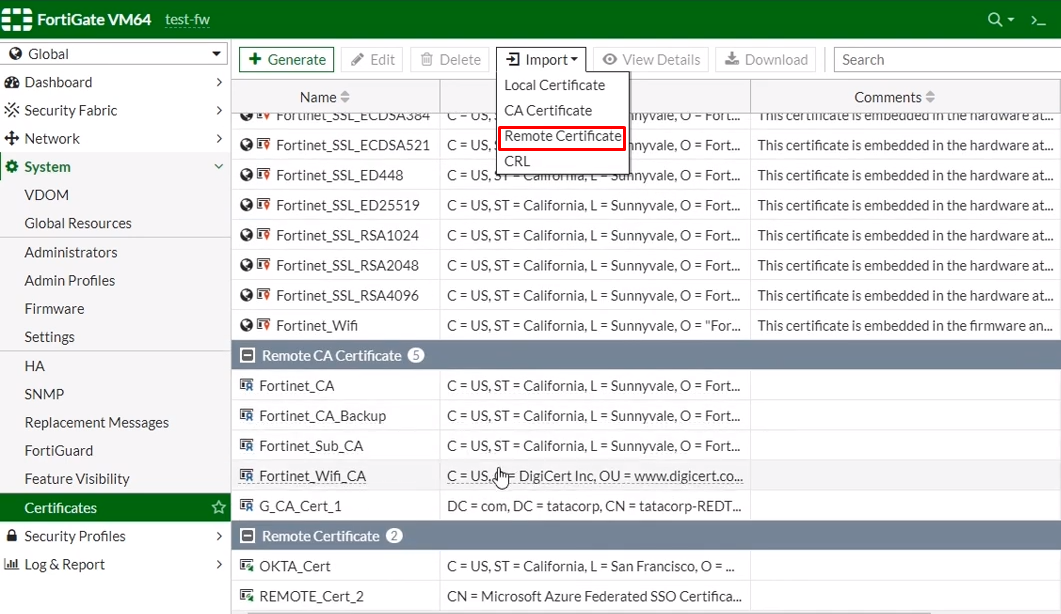
Import the certificate onto the Fortinet Admin Console
Go to System > Certficates
Import as a Remote Certificate.