- Launch a web browser and navigation to your application's logon page. Enter the username, select "Out of Band Authentication" as the authenticator:
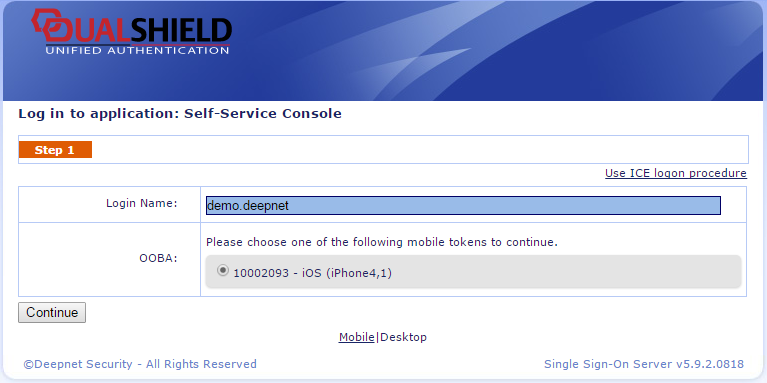
- Click "Continue".
- The logon request will be sent to the registered mobile device, see the following screen:
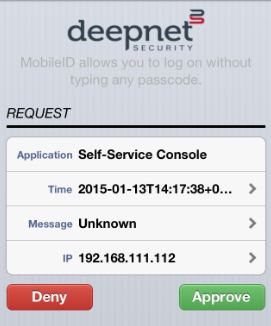
- Click "Approve" button to accept the logon request.
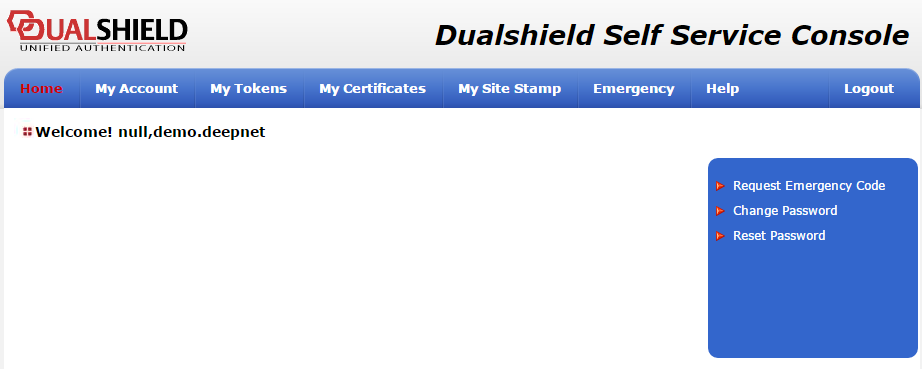
- And now, you have successfully logged into the web application via Out-of-Band authentication.
Overview
Content Tools