The Window Logon Client can be installed on Windows 10/11 PCs as well as Windows 2016/2019/2022 servers.
DualShield provides two MSI installers for the Windows Logon Client, which enables the system administrators to deploy the Logon Client by Windows Group Policy.
- SetupDSClient.xxxx.MSI - for all Windows OS 32bits
- SetupDSClient64.xxxx.MSI - for all Windows OS 64bits
To install the Windows Logon Client, launch the installer “SetupDSClient.xxxx.exe” on a desktop machine then follow the on-screen instructions:
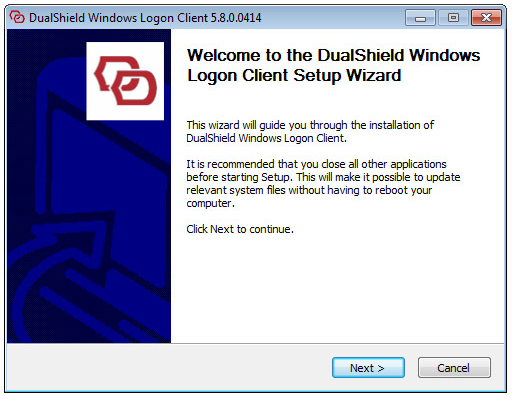
- Welcome
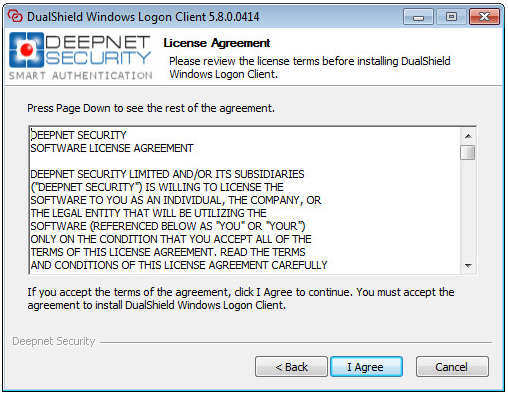
- License Agreement
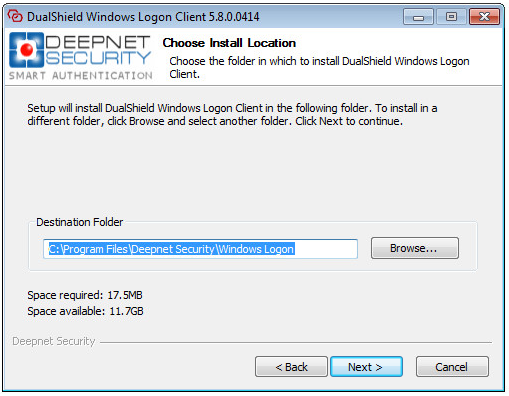
- Installing Path
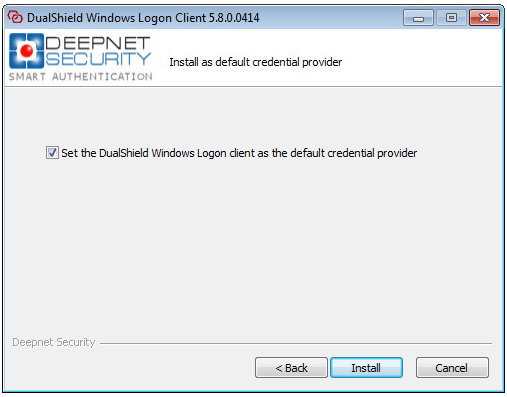
- Install Credential Provider
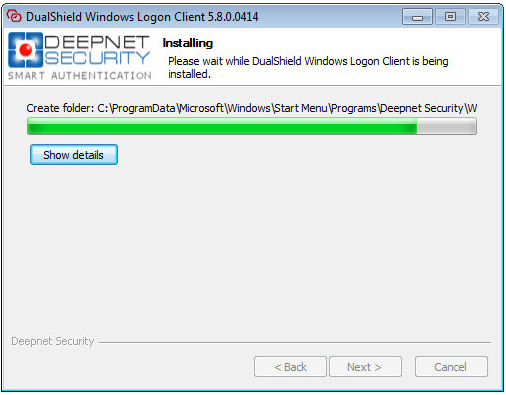
- Installing
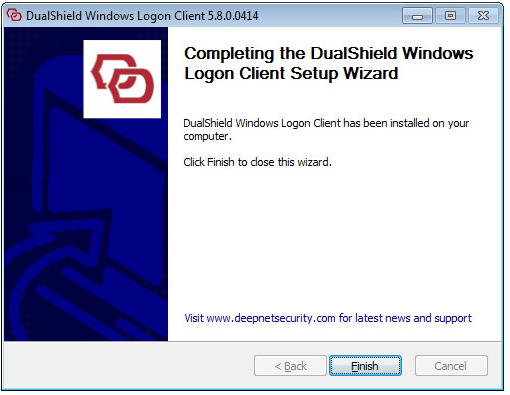
- Finish
Step 1: Welcome
Step 2: License Agreement
Step 3: Choose Install Location
Step 4: Set the default credential provider
Step 5: Installing
Step 6: Installation Completed