When a user attempts to sign in to a computer that cannot communicate with its authentication service provider, the DualShield MFA server, then the computer enters the so-called Offline Login mode.
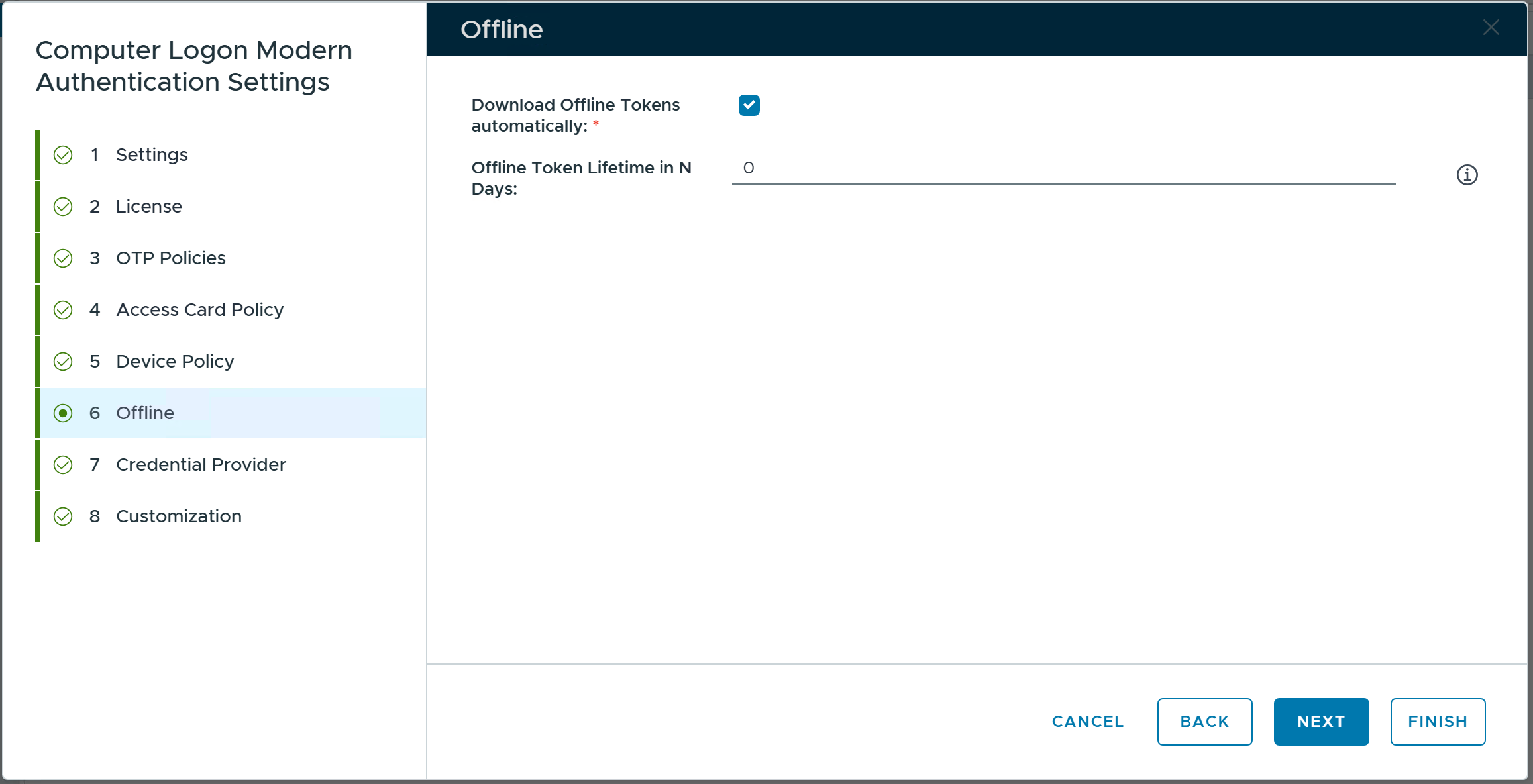
First, the system administrator has to decide whether or not MFA is required for offline login. This option is in the Computer Logon Modern Authentication system policy.
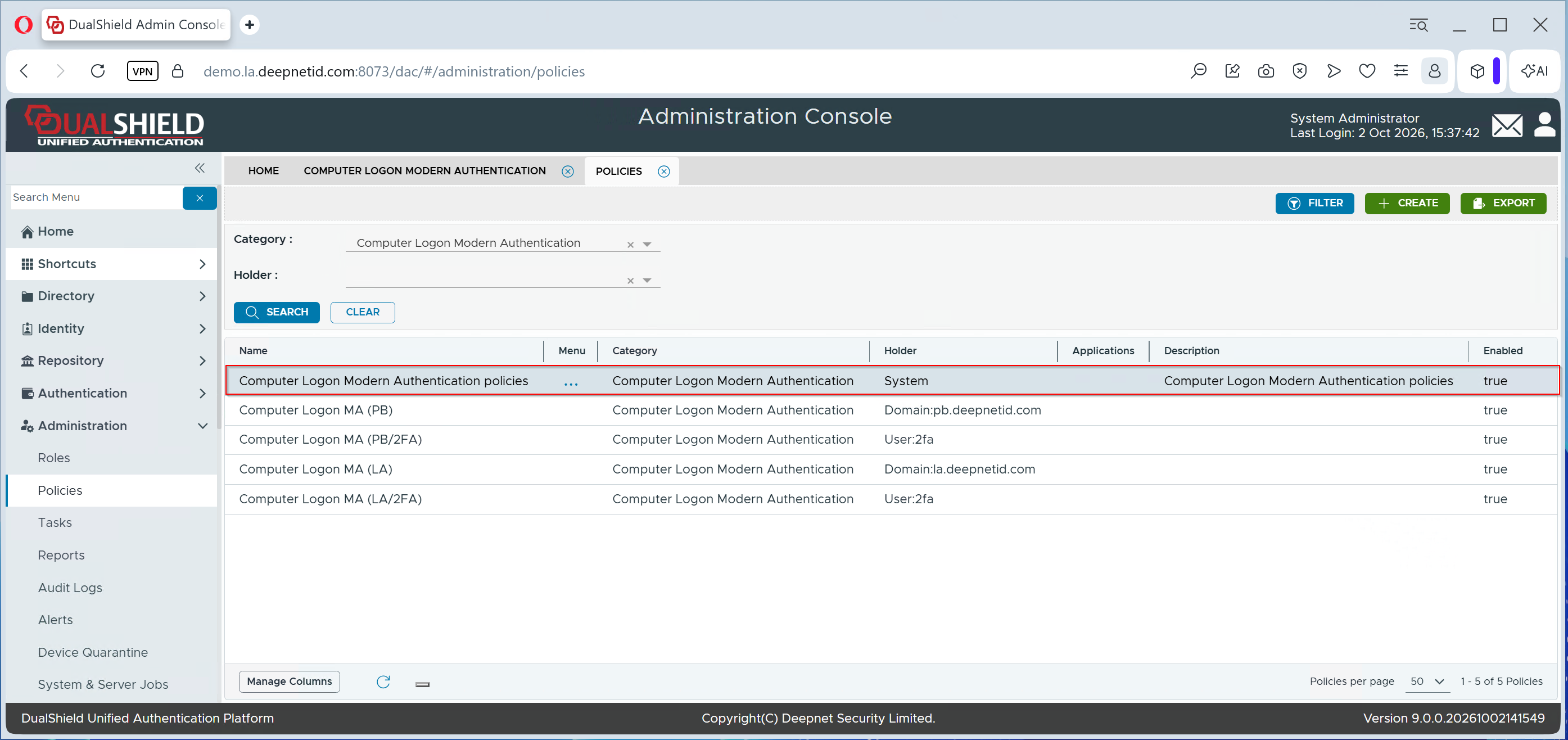
To manage MFA Policies for Computer Logon MA, navigate to Administration \ Policies in the Dualshield Admin Console
In the Category list, select "Computer Logon Modern Authentication", then click the Search button