Since DualShield 6.9.0.20240119, OAuth 2.0 can be used for agent authentication. To use OAuth 2.0 Authentication, you need to obtain the for following information from the agent:
- Client ID
- Client Secret
To obtain the credential for OAuth 2.0, in the Agents list, click the context menu of your agent and select "Edit", then switch to "OAuth 2.0" tab:
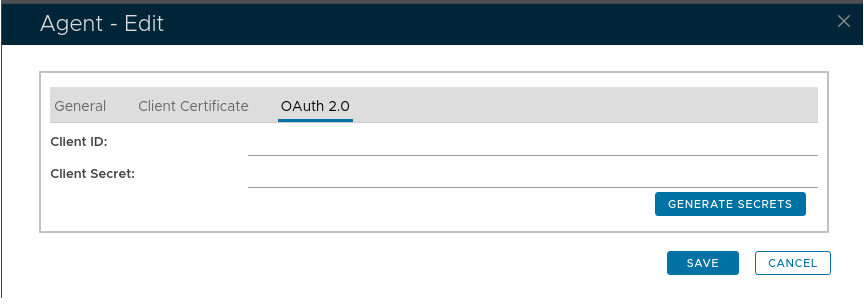
If the client id and client secret are blank, click "Generate Secrets" to generate them:
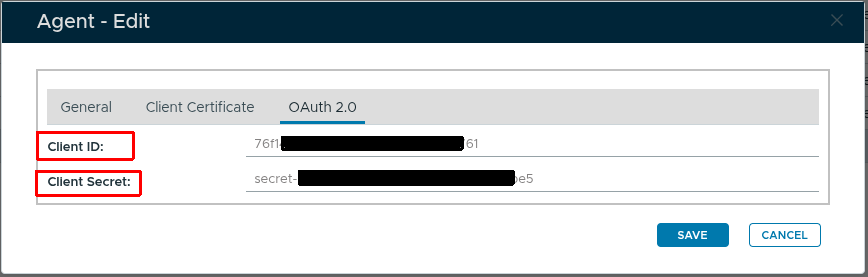
The values of "Client ID" and "Client Secret" can be used in your client code to perform the agent authentication.