You can use the Deepnet Configuration Editor to build a custom installer that includes your configurations, settings, and license key etc.
Download the latest version of the original installer of the Computer Logon MA
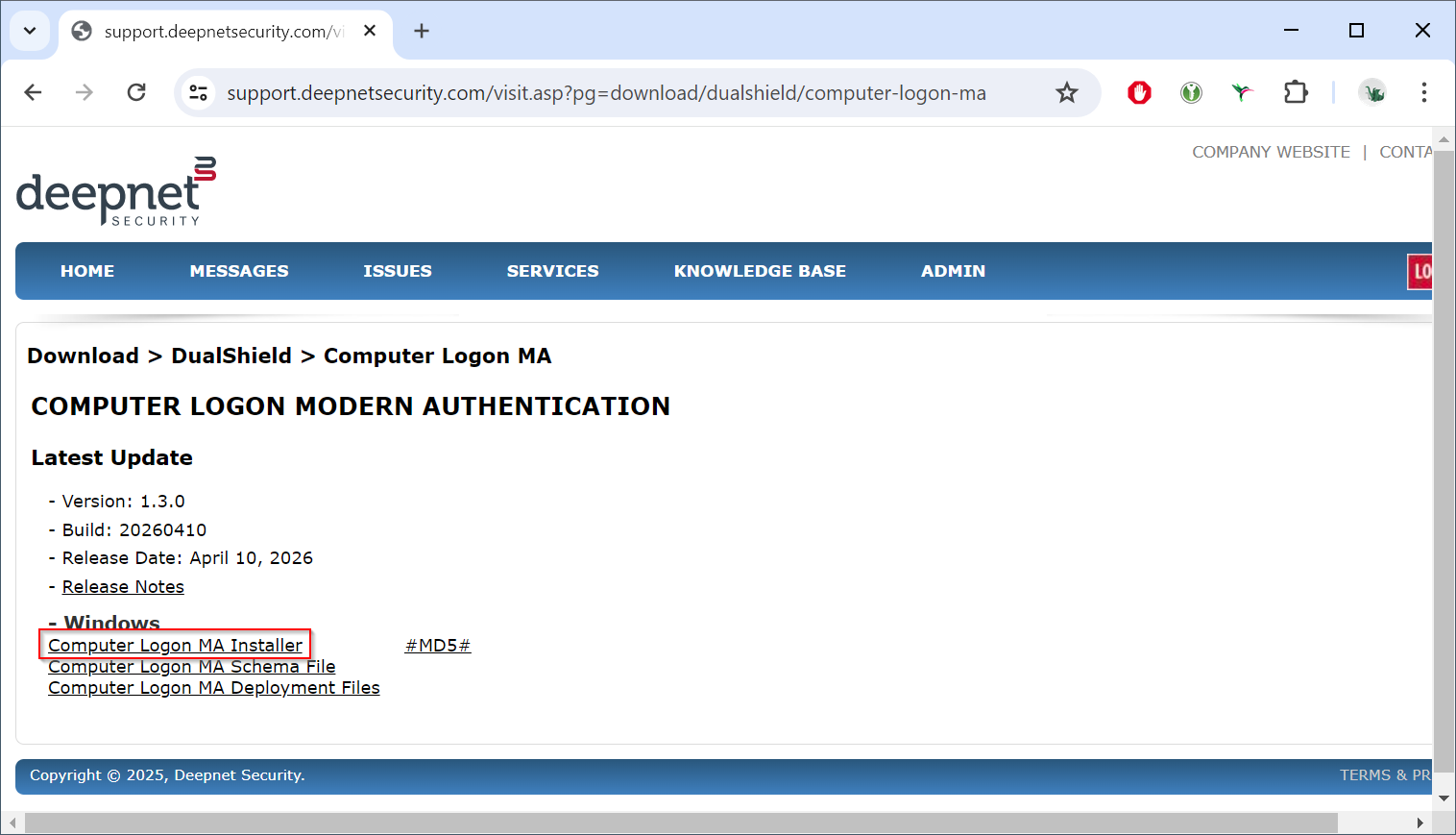
Download the Computer Logon MA Installer file:
computer-logon-modern-authentication-x.y.z.msi
(where x.y.z. is the version and build number, e.g. computer-logon-modern-authentication-1.3.0.20260410.msi)
Save it to a local folder.
Launch the Deepnet Configuration Editor, open the Computer Logon MA project
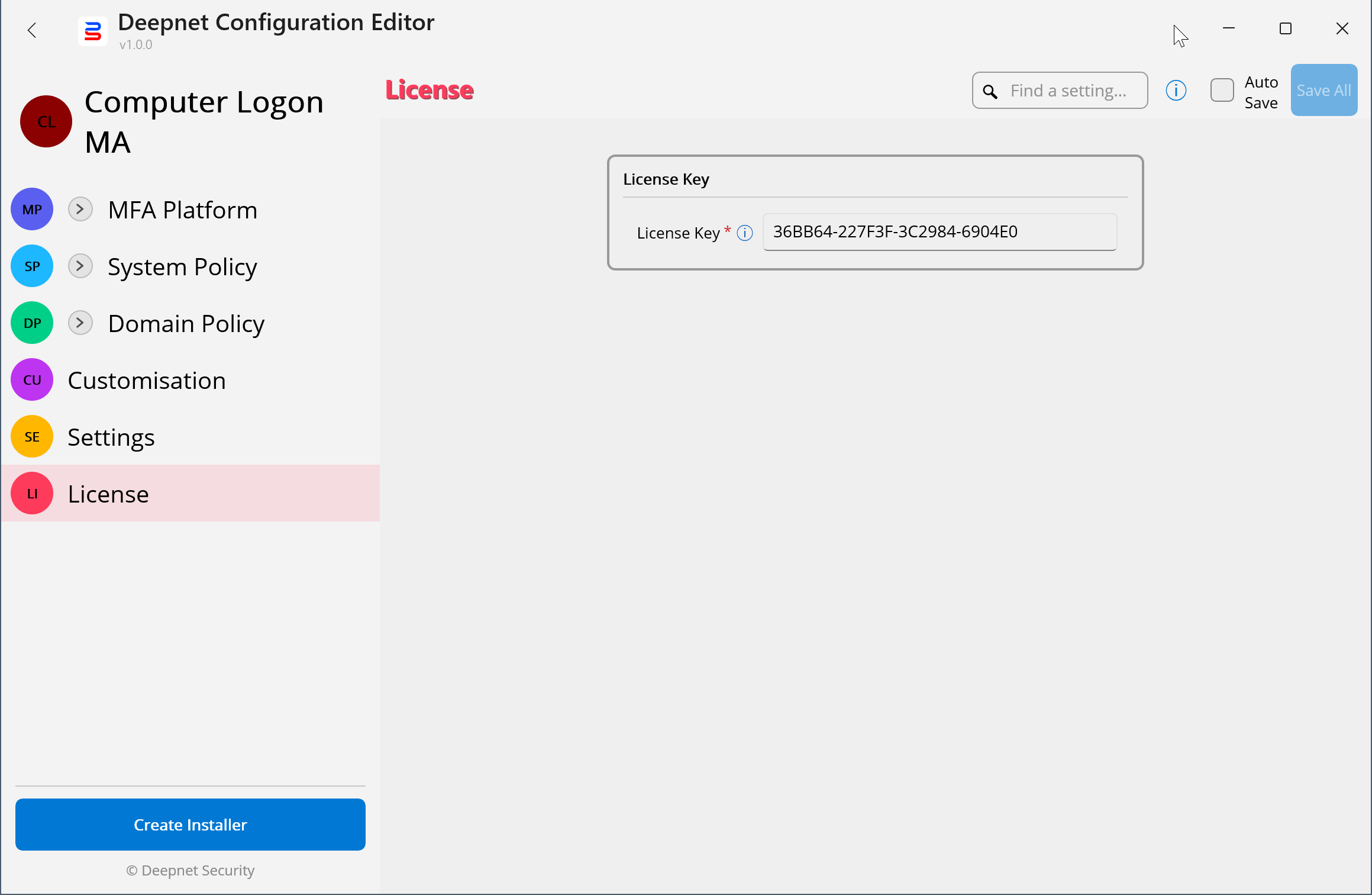
Press the "Create Installer" button
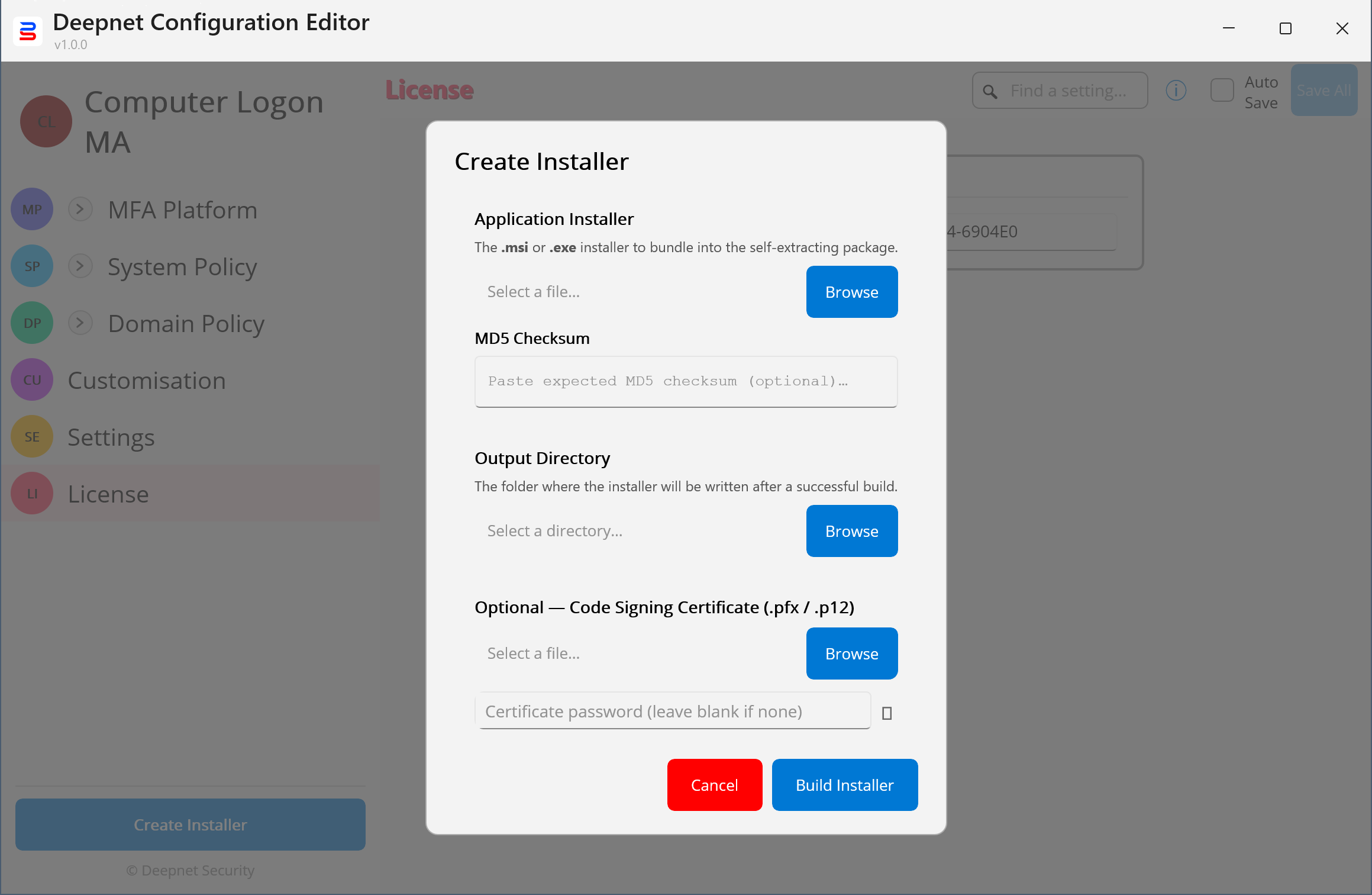
In the "Application Installer" field, select the original installer file of Computer Logon MA that you have downloaded
Optionally, enter the MD5 of the installer file
Select the "Output Directory" where the customer installer file will be saved
Optionally, you can sign the custom installer file with your own signing certificate
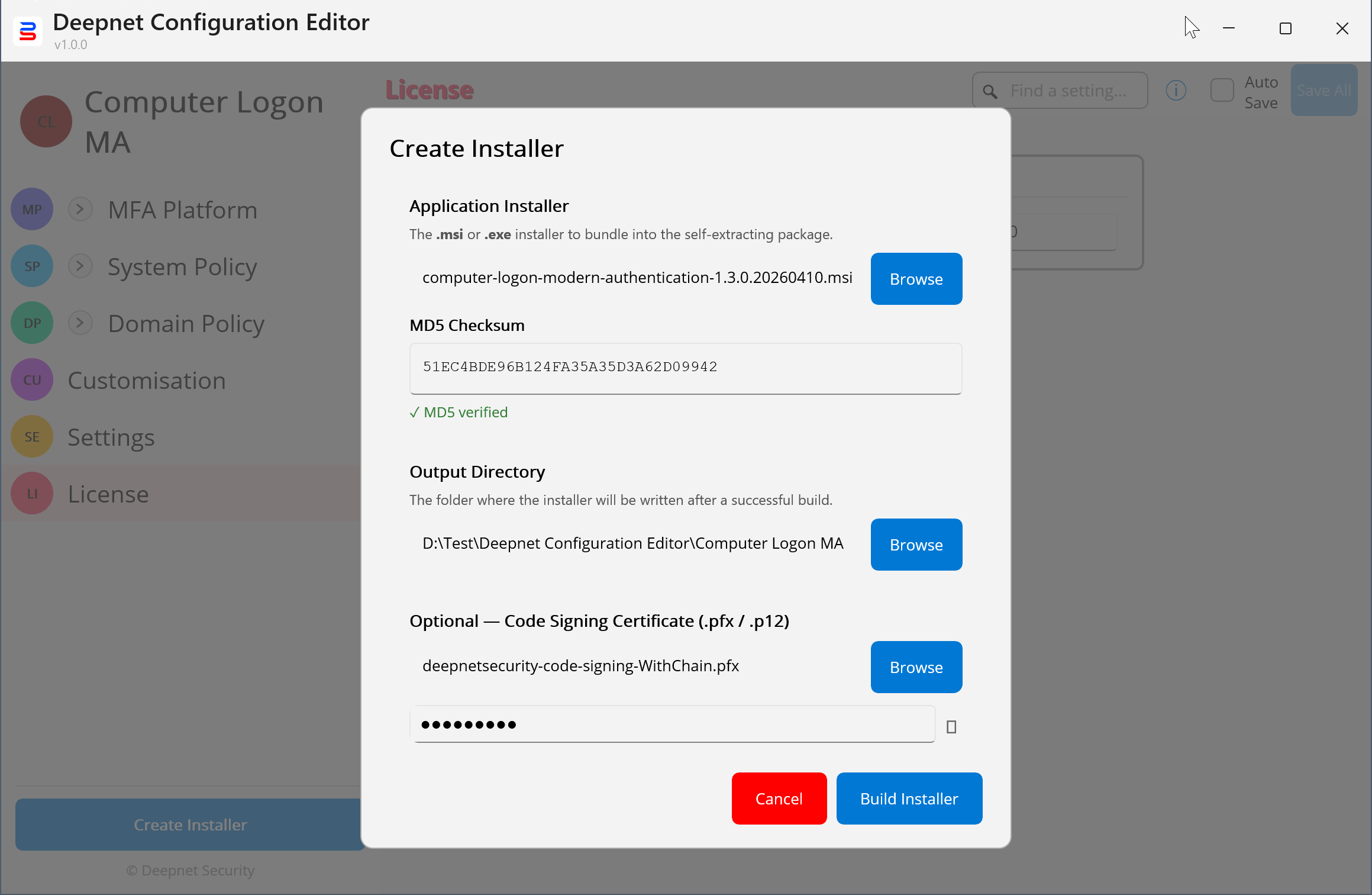
Press the "Build Installer" button
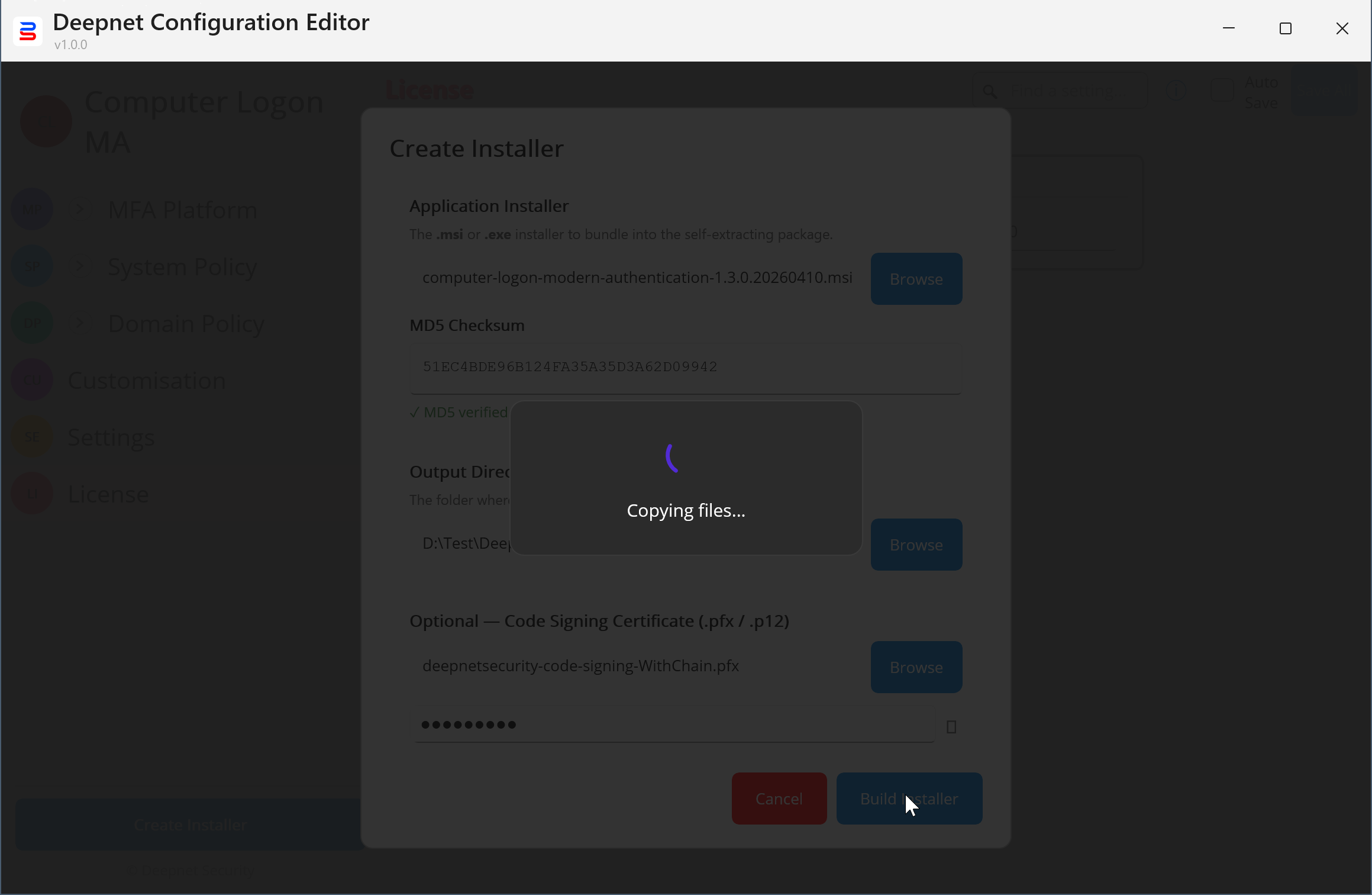
The custom installer will be completed shortly
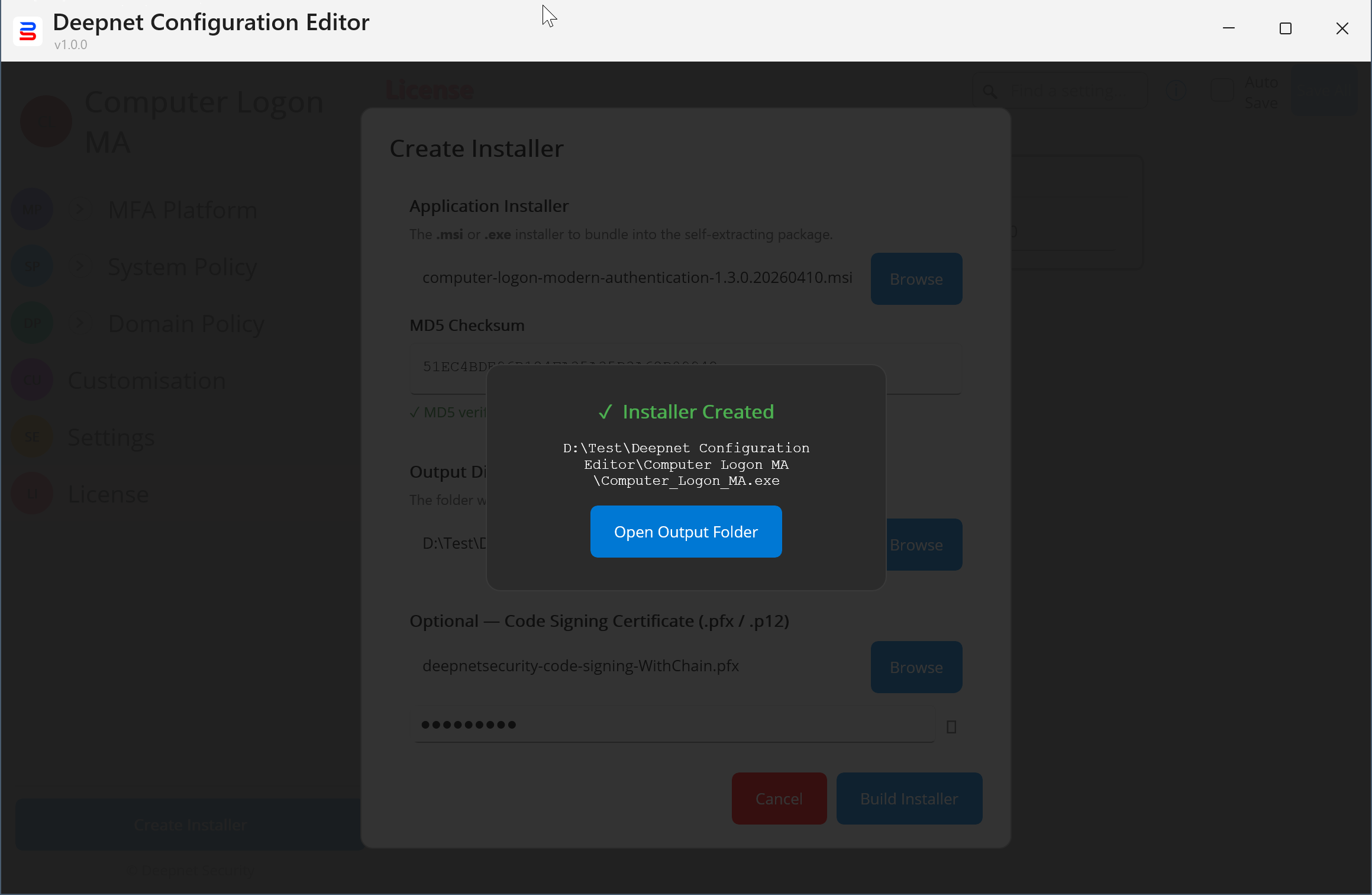
Press the "Open Output Folder"
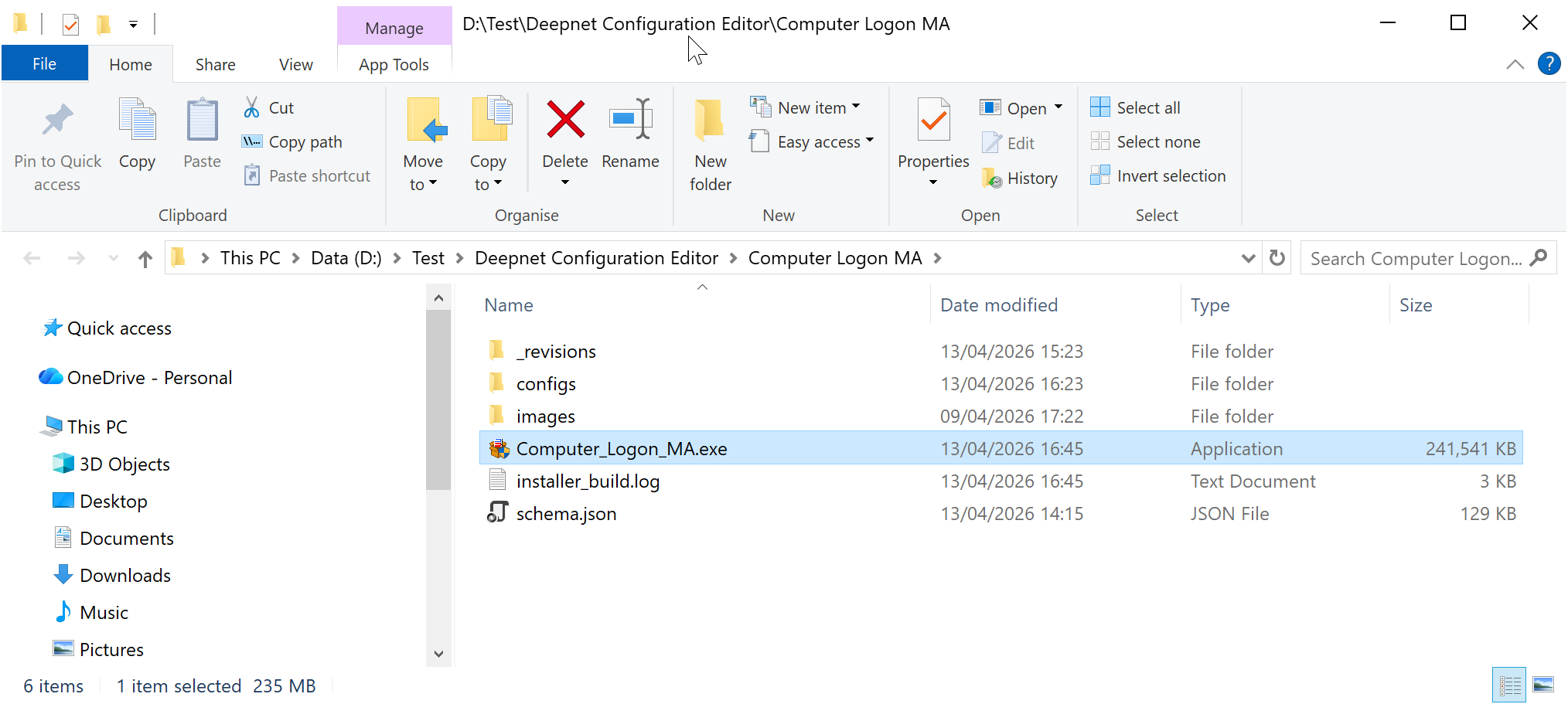
Your custom installer is named "Computer_Logon_MA.exe"