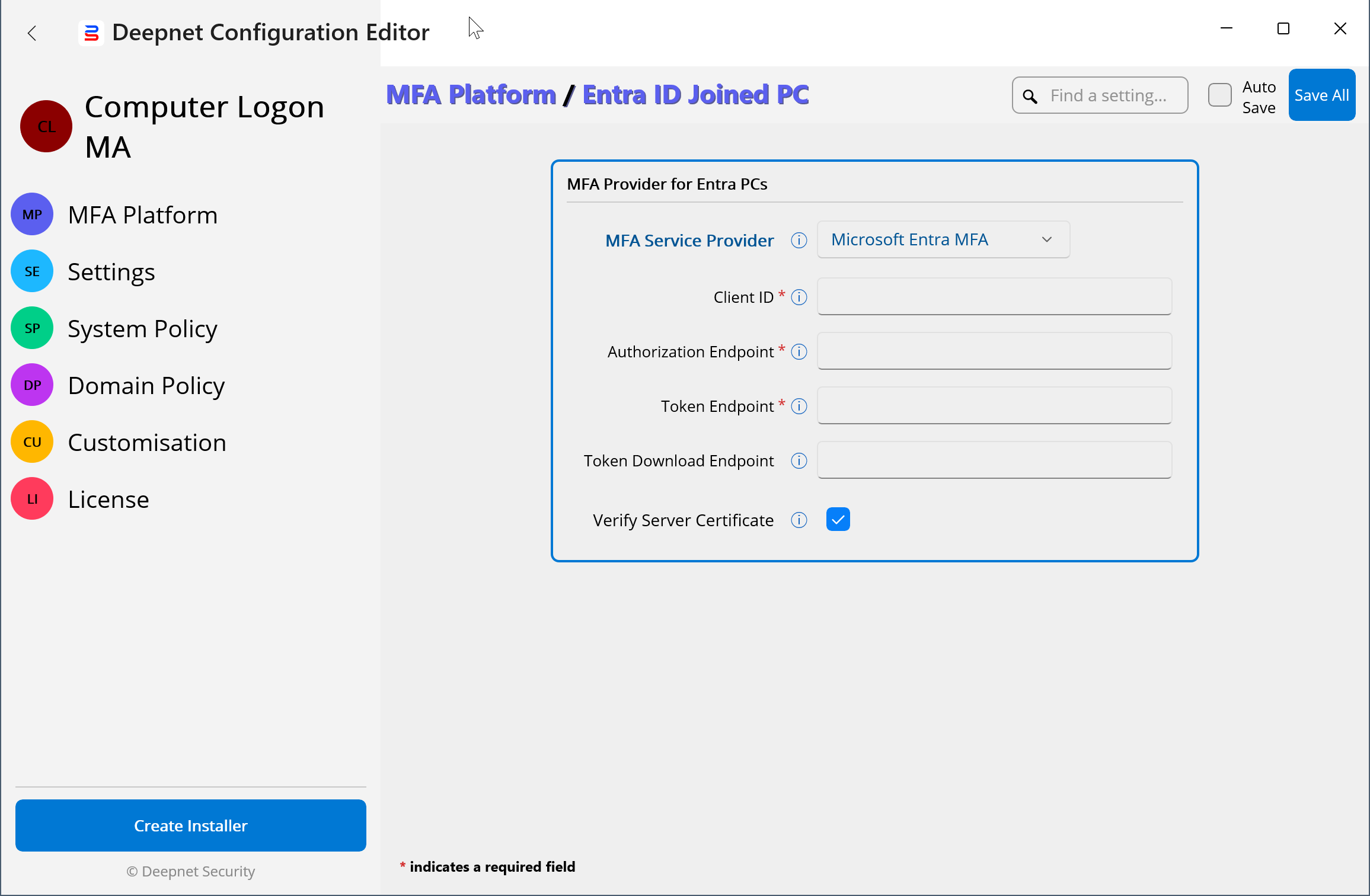
To configure the Computer Logon MA, you need to use the Deepnet Configuration Editor.
Install the Deepnet Configuration Editor
Download Here - Deepnet Configuration Editor
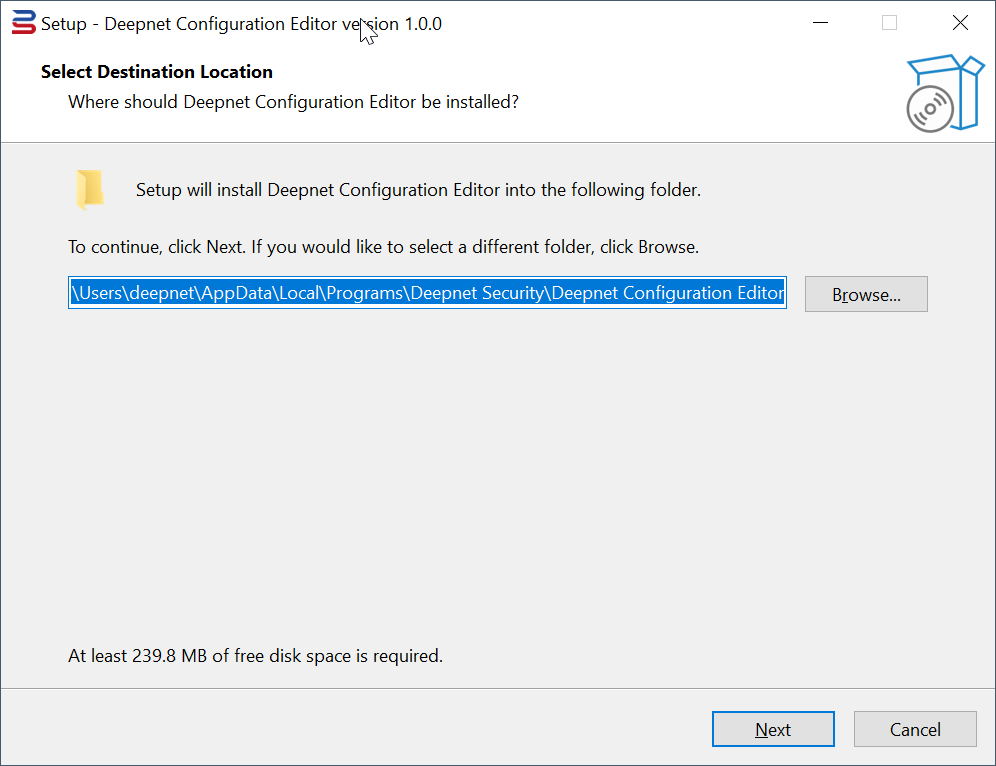
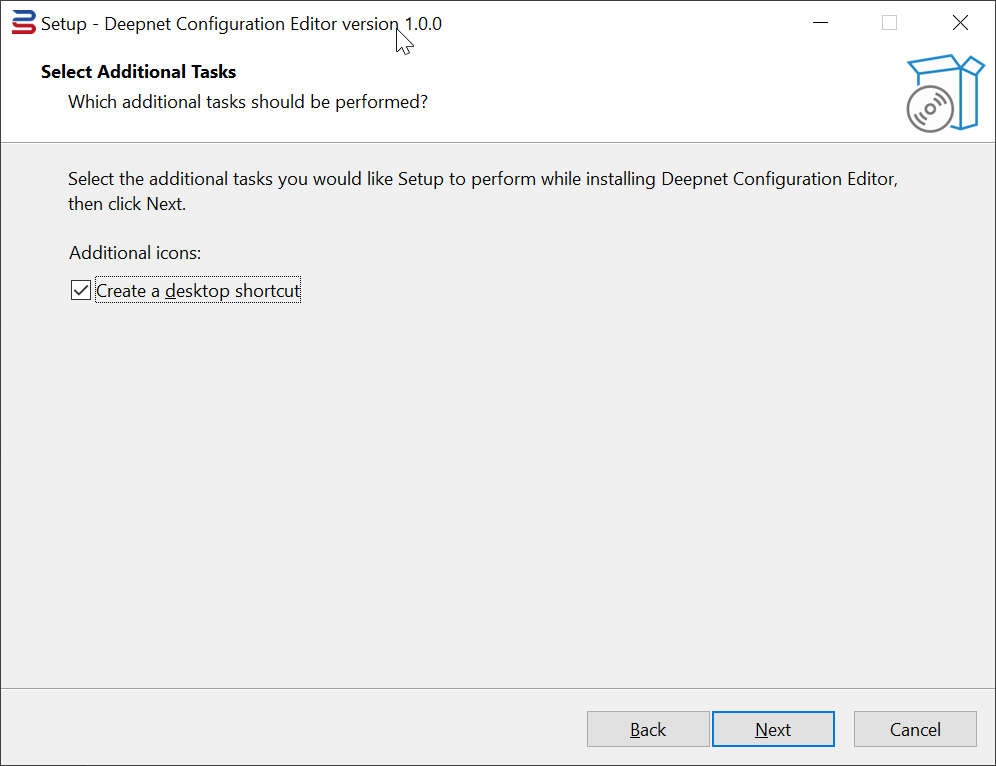
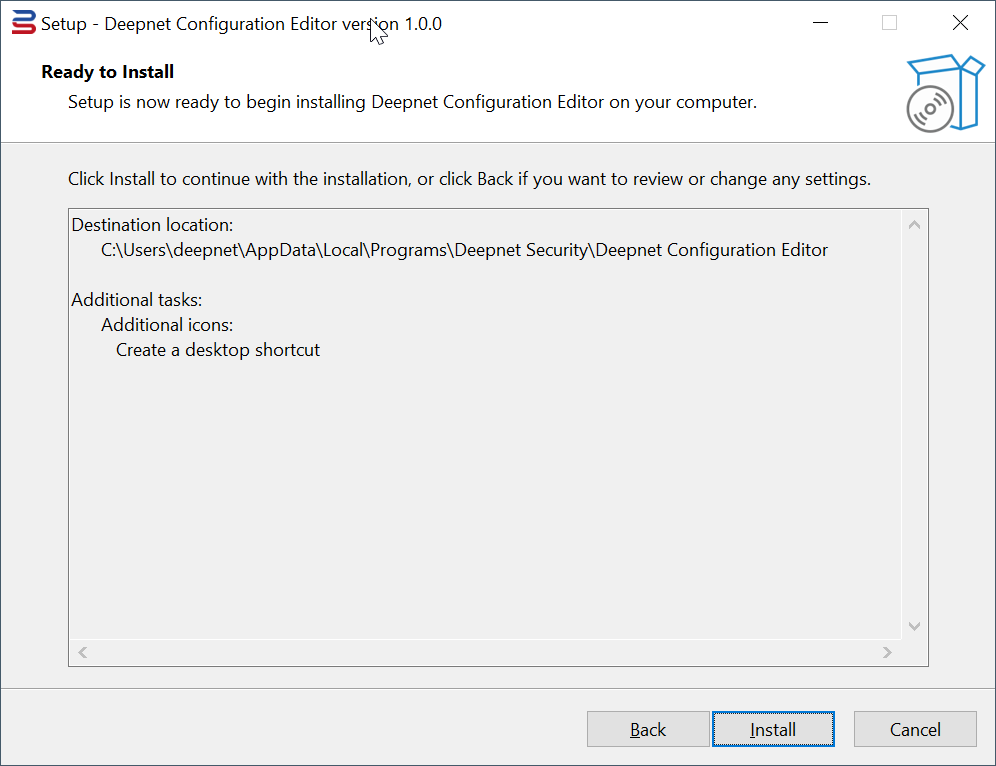
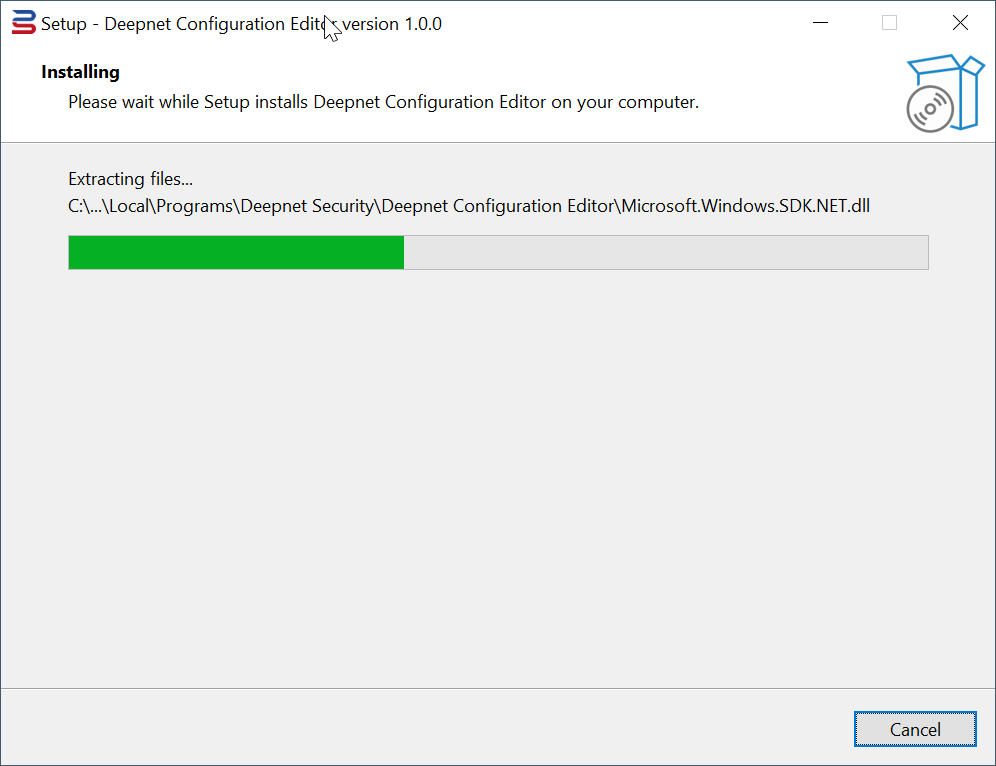
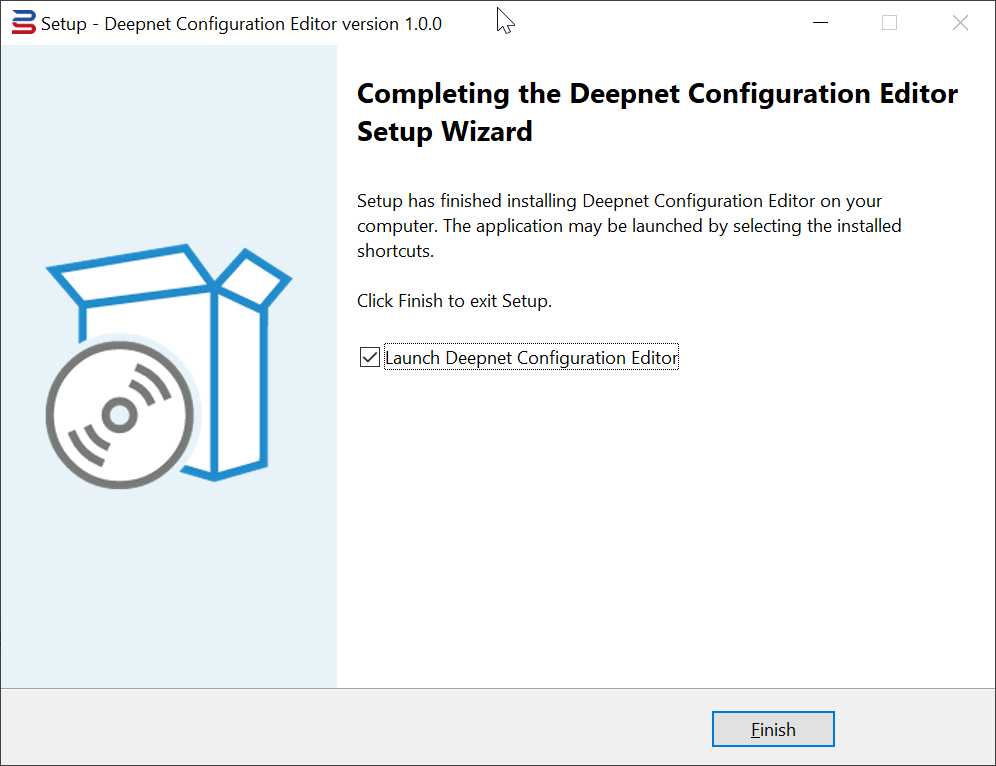
Launch the installer to install the editor:
Download the Schema File for the Computer Logon MA
Create a project for the Computer Logon MA in the Deepnet Configuration Editor
An application can have one or more JSON config files, and each config file contains different content. Therefore, to use the Deepnet Configuration Editor to edit an application's JSON config files, you need to download the application's schema file and use it to create a project in the Deepnet Configuration Editor for the application.
First, download the application's schema file, e.g. "clo.batch.schema.json"
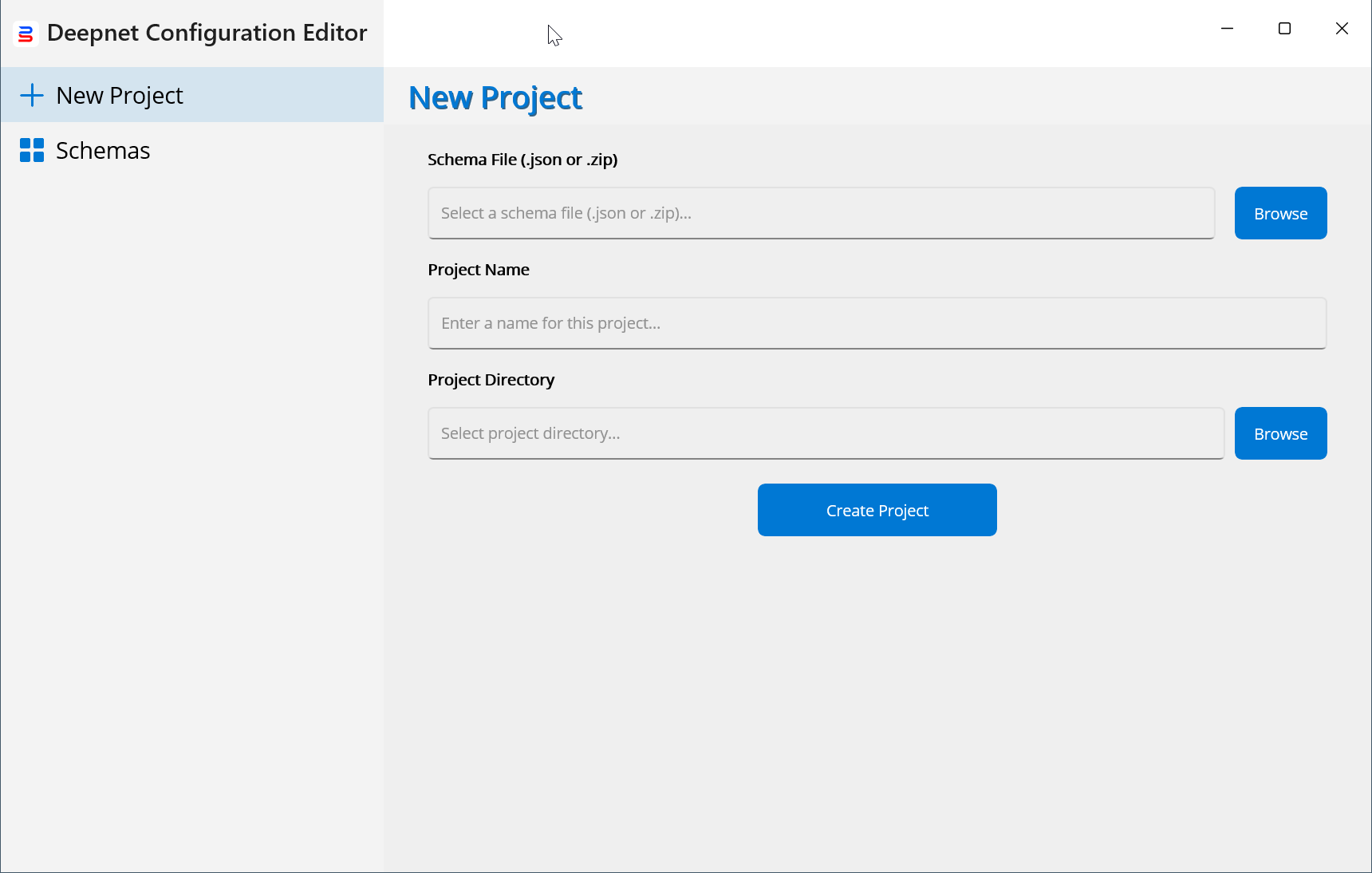
Then, launch the Deepnet Configuration Editor
Load the schema file into the editor
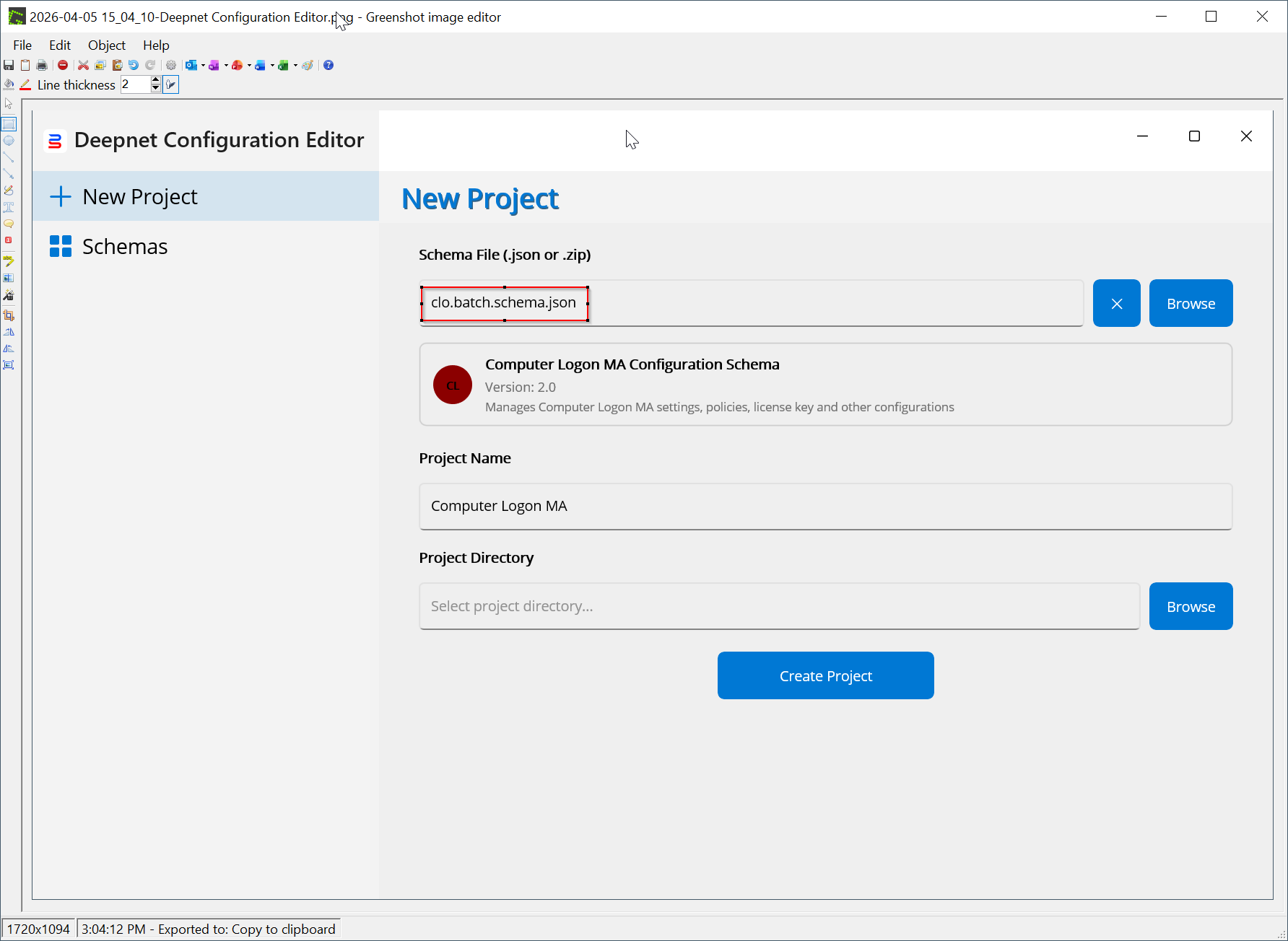
Now specify the project location where the config files will be saved.
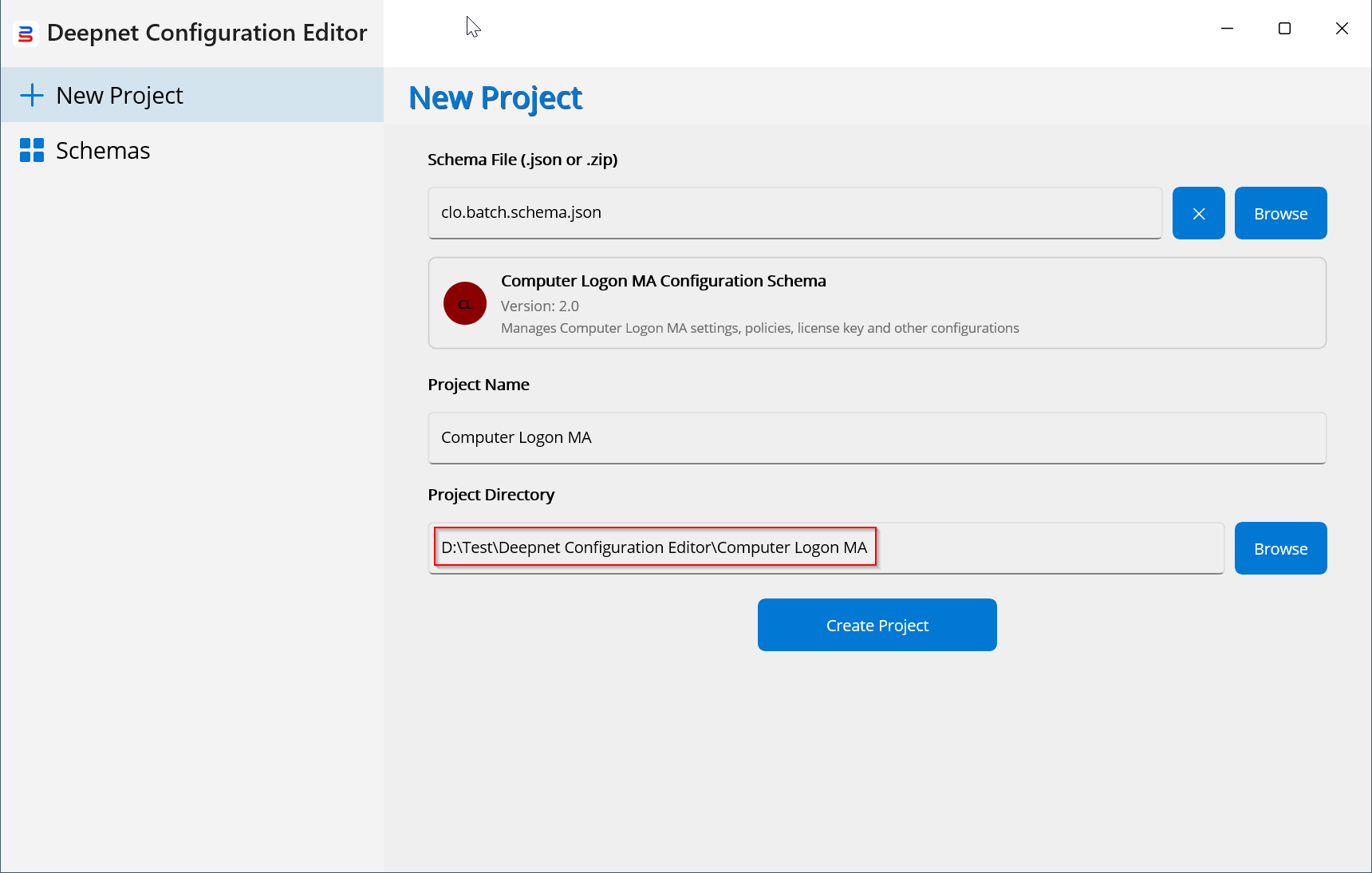
Finally, press the "Create Project" button to create the project