Click the "Advanced Logon Settings" button to bring up the window below:
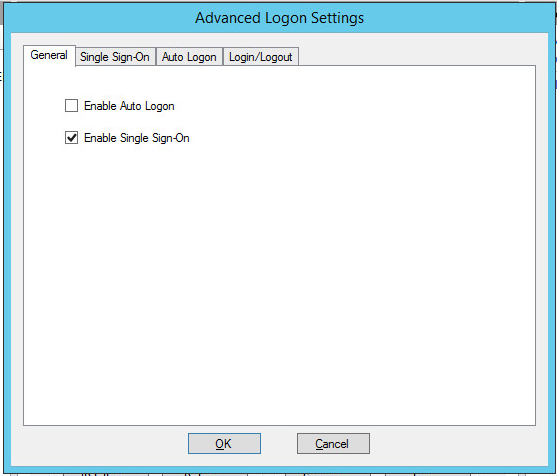
Enable the "Enable Single Sign-On" option.
Click the "Single Sign-On" tab

In the following boxes:
WorkspaceID
RDPCertificates
RedirectorName
Enter the values that you took in the Preparation process.
Click "OK" button to save the advanced settings.