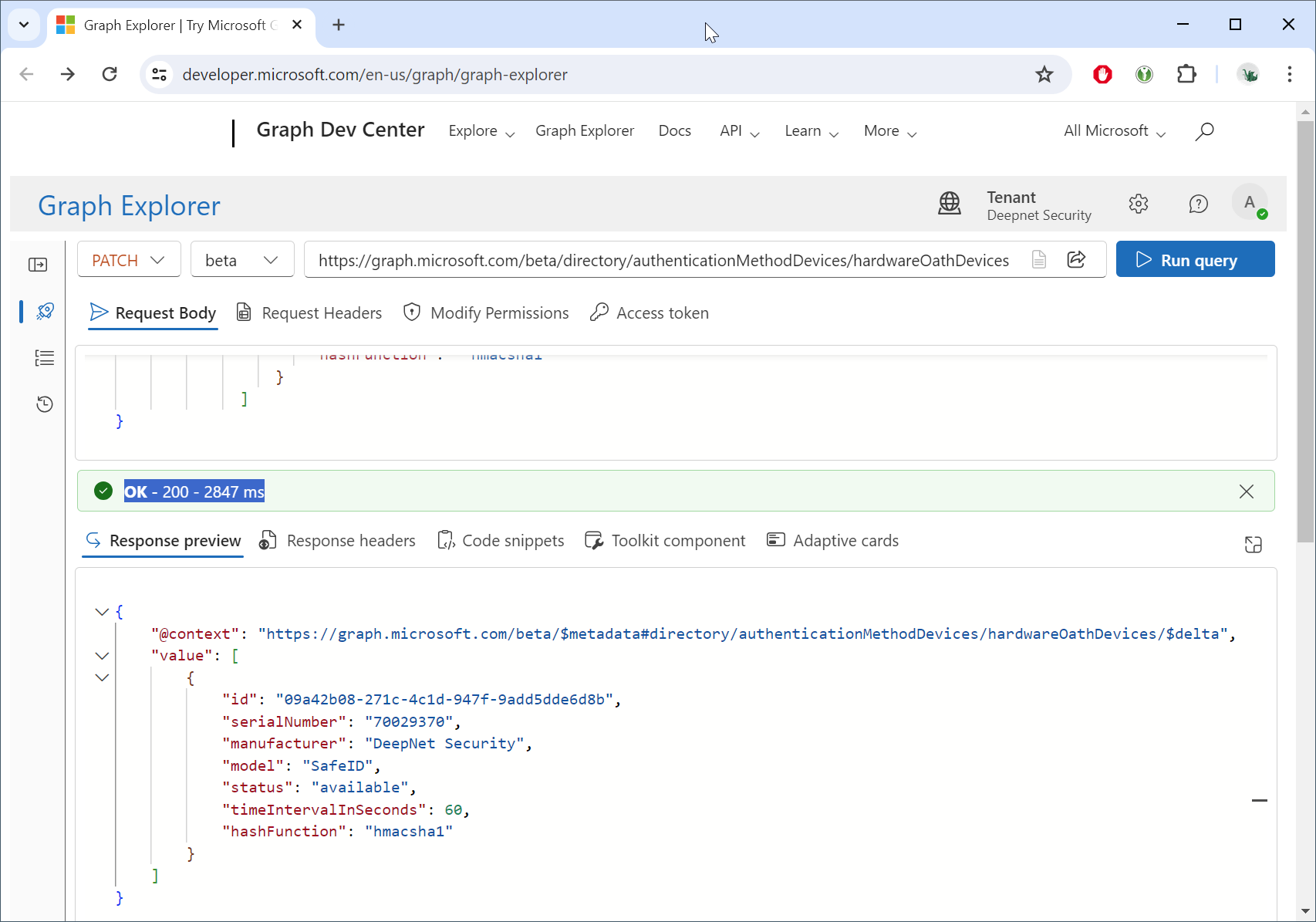
To access the Graph Explorer, visit: https://developer.microsoft.com/en-us/graph/graph-explorer
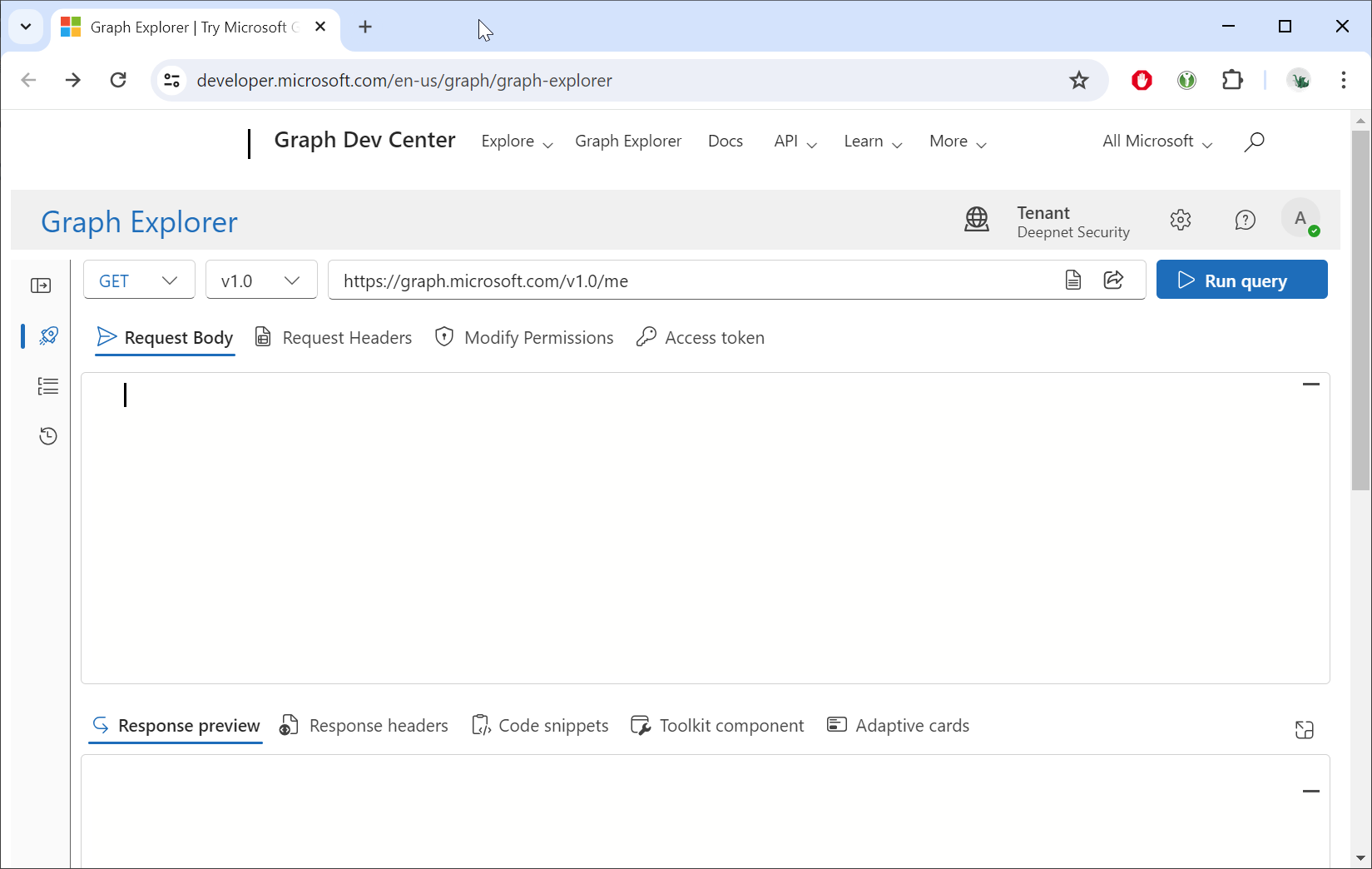
Sign in using your Entra account
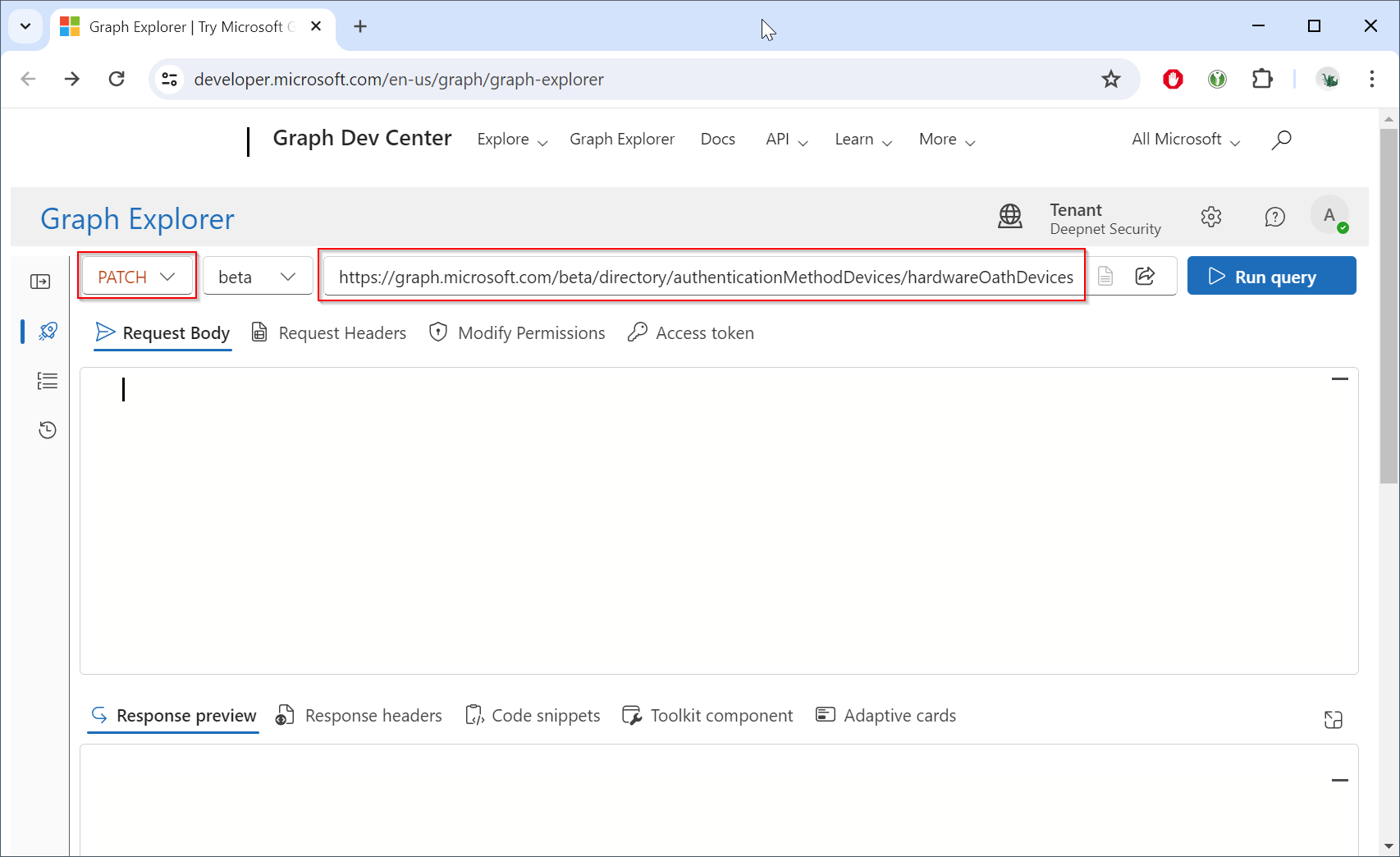
Change the HTTP method from "GET" to "PATCH", and change the endpoint to "https://graph.microsoft.com/beta/directory/authenticationMethodDevices/hardwareOathDevices"
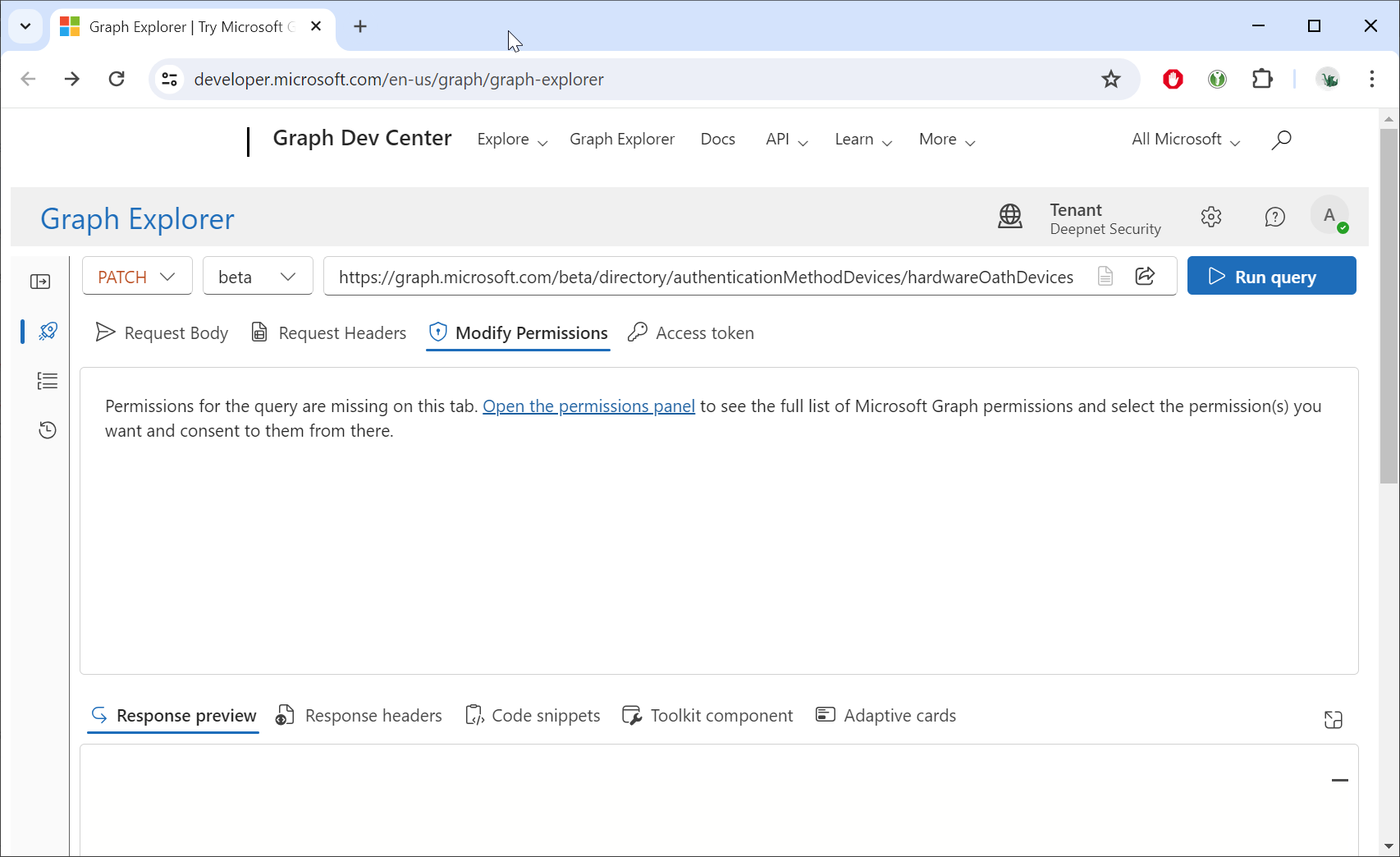
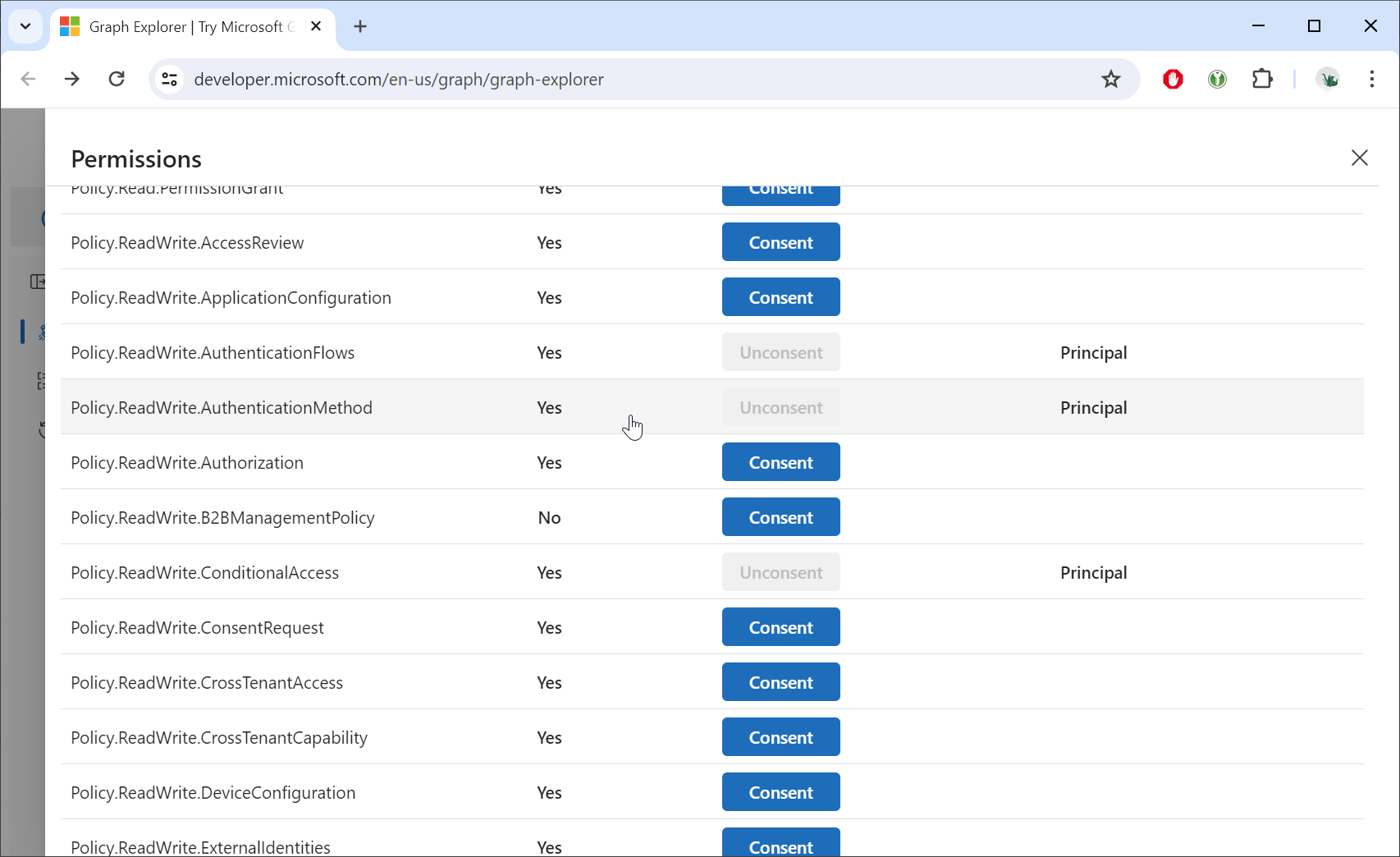
Click the "Modify Permissions"
Grant consent for the "Policy.ReadWrite.AuthenticationMethod" permission
Click the "Request body" tab
Open the JSON file in a text editor, copy all the contents, and paste the data into the Request body
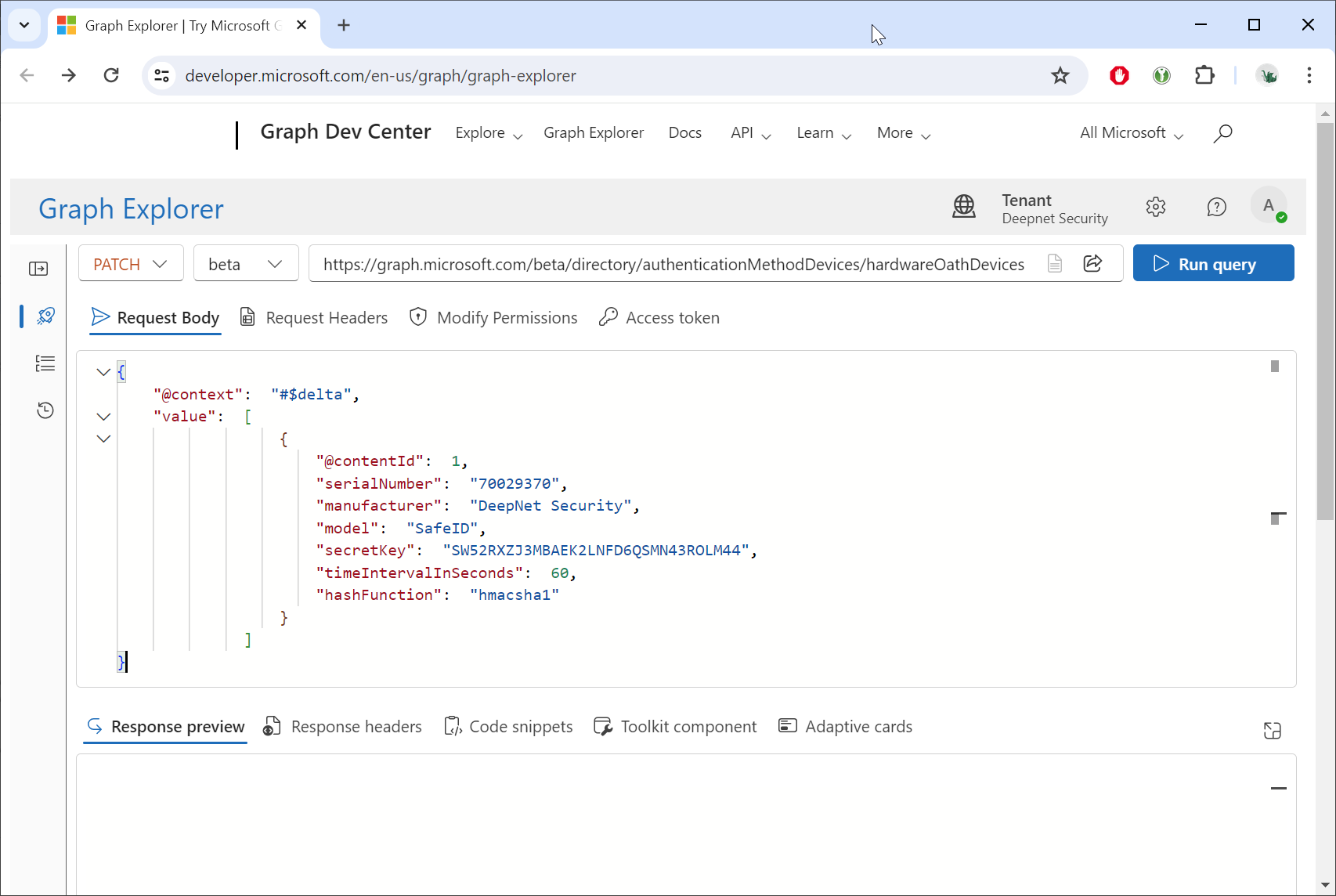
Click the Run query button.