To access the Graph Explorer, visit: https://developer.microsoft.com/en-us/graph/graph-explorer
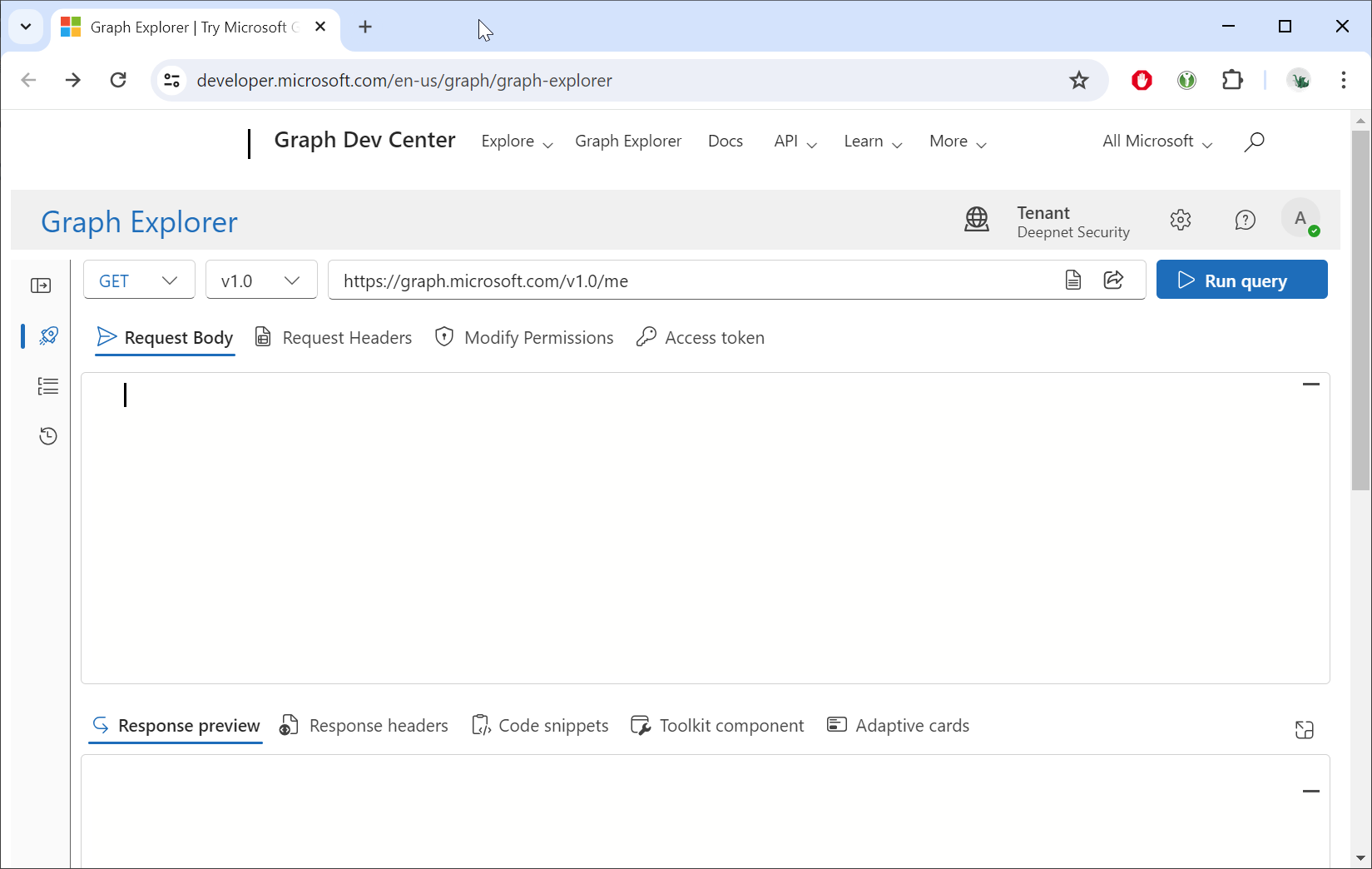
Sign in using your Entra account
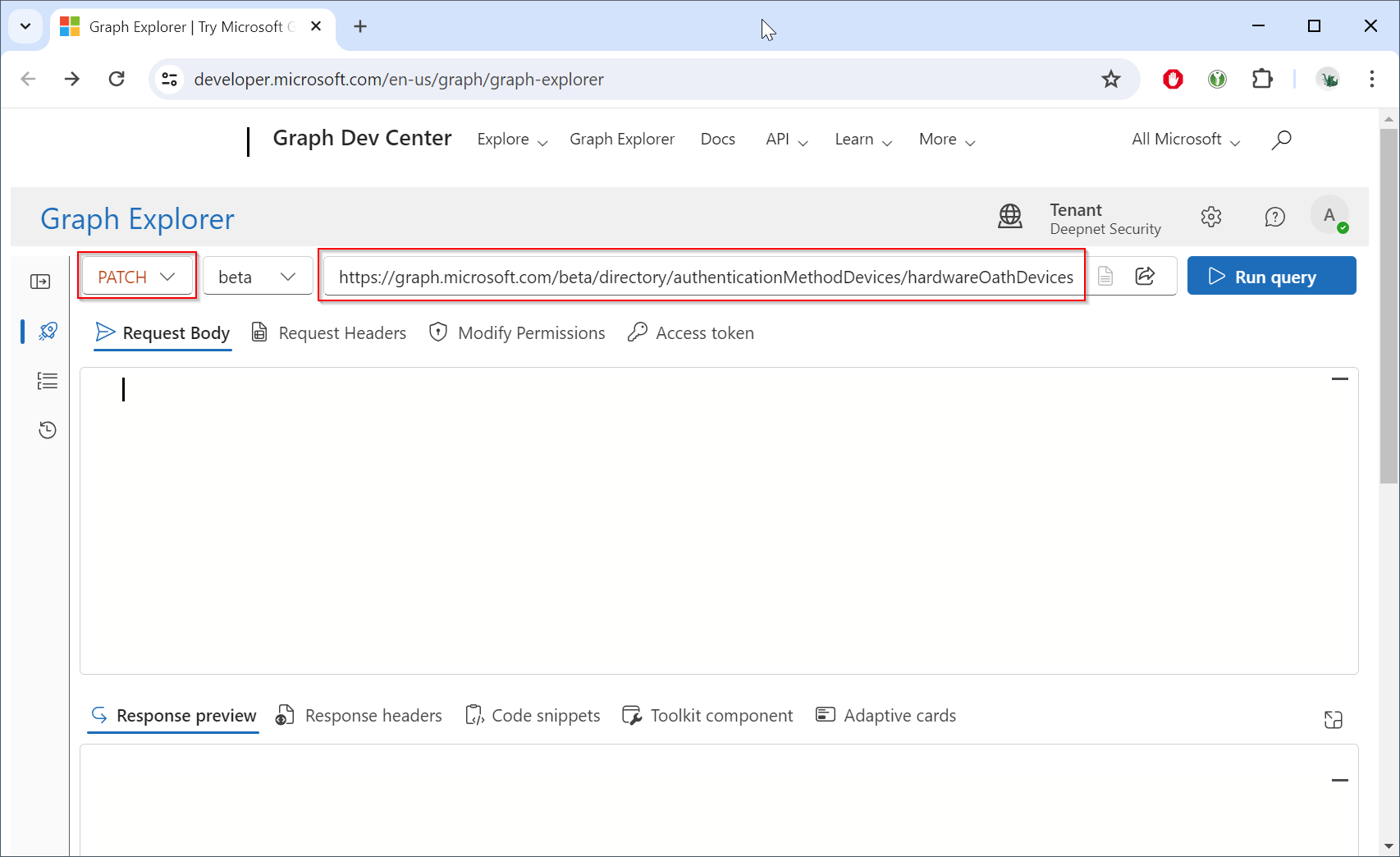
Change the HTTP method from "GET" to "PATCH", and change the endpoint to "https://graph.microsoft.com/beta/directory/authenticationMethodDevices/hardwareOathDevices"
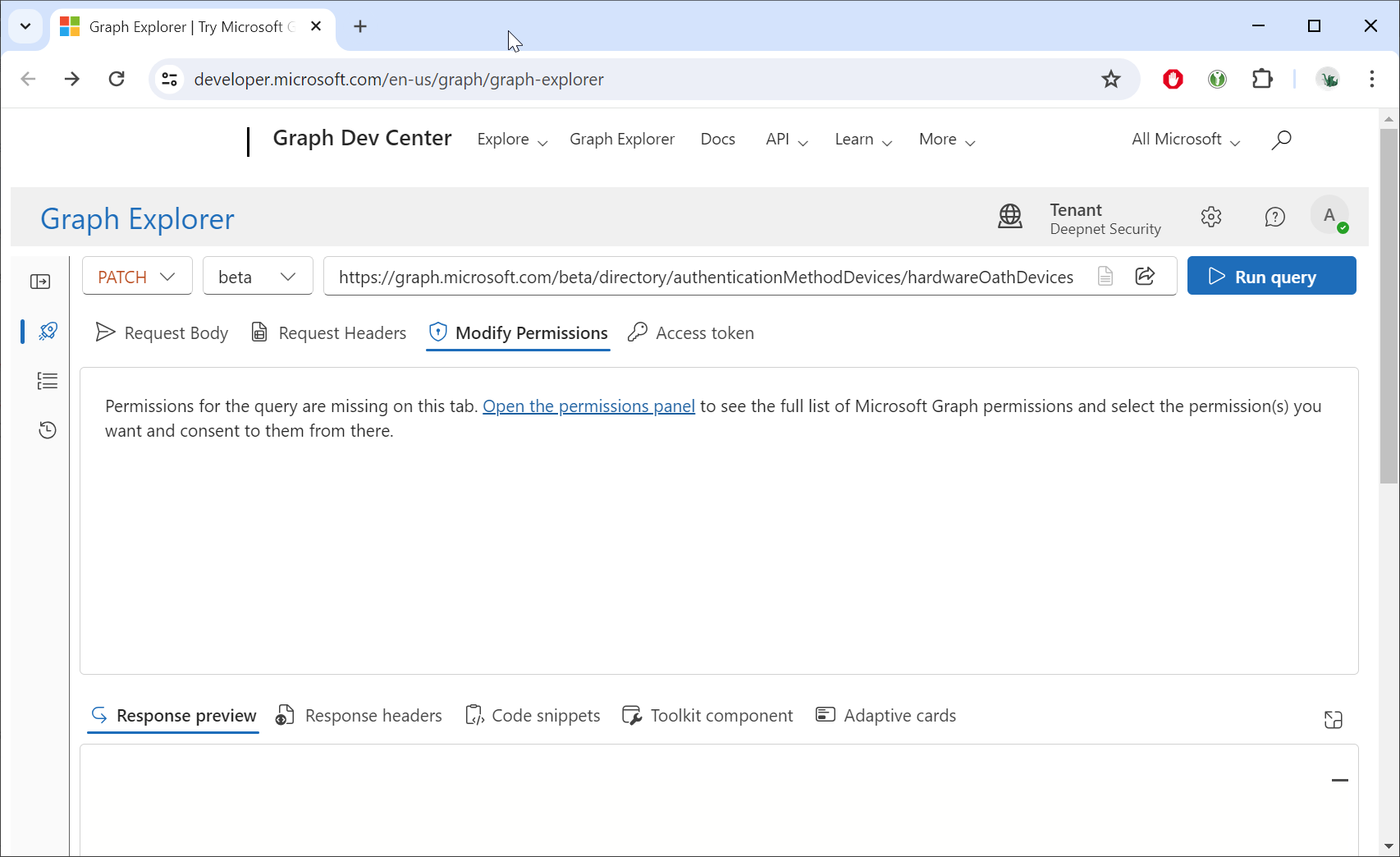
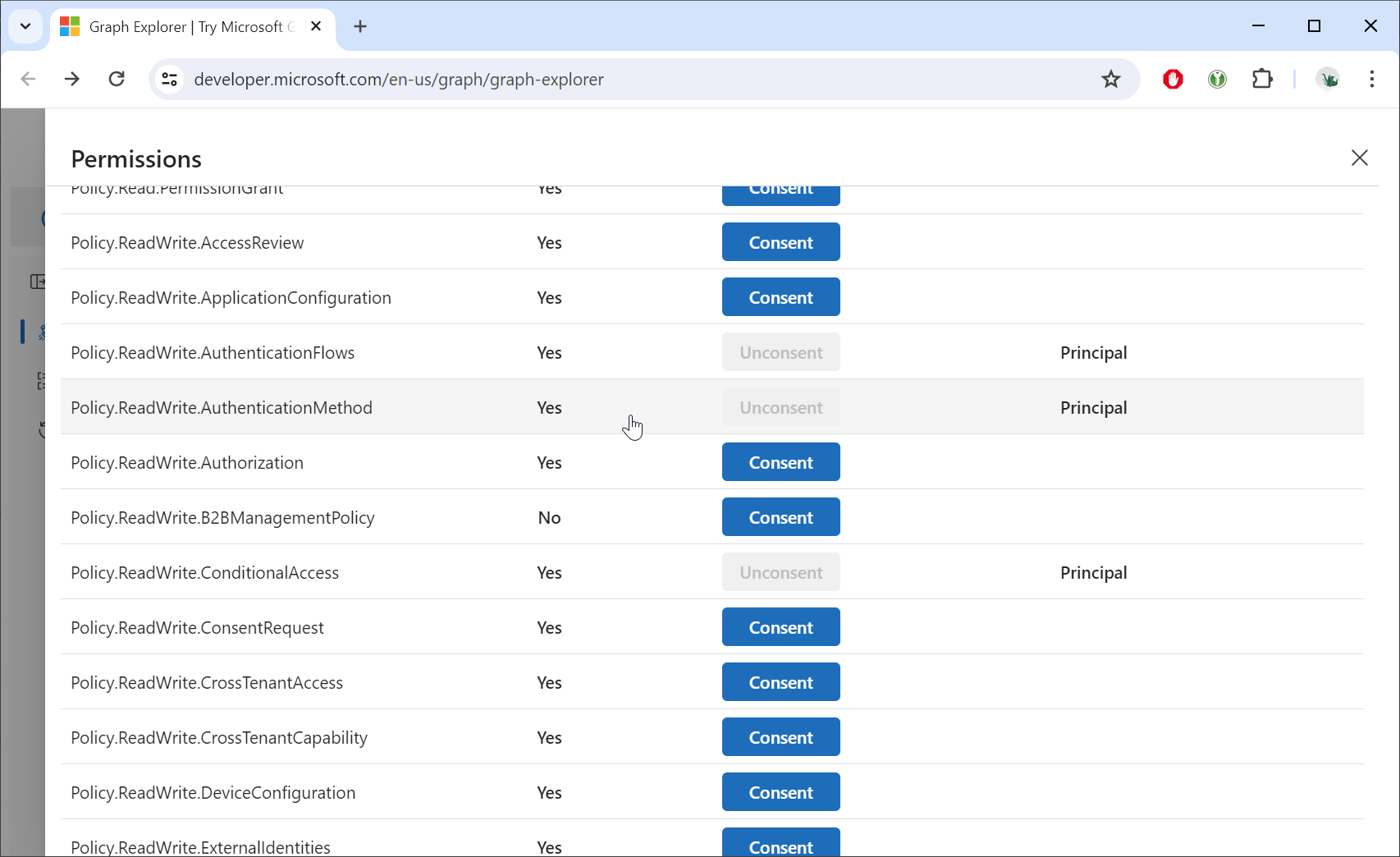
Click the "Modify Permissions"
Grant consent for the "Policy.ReadWrite.AuthenticationMethod" permission
Click the "Request body" tabe
Open the JSON file in a text editor, copy all the contents, and paste the data into the Request body
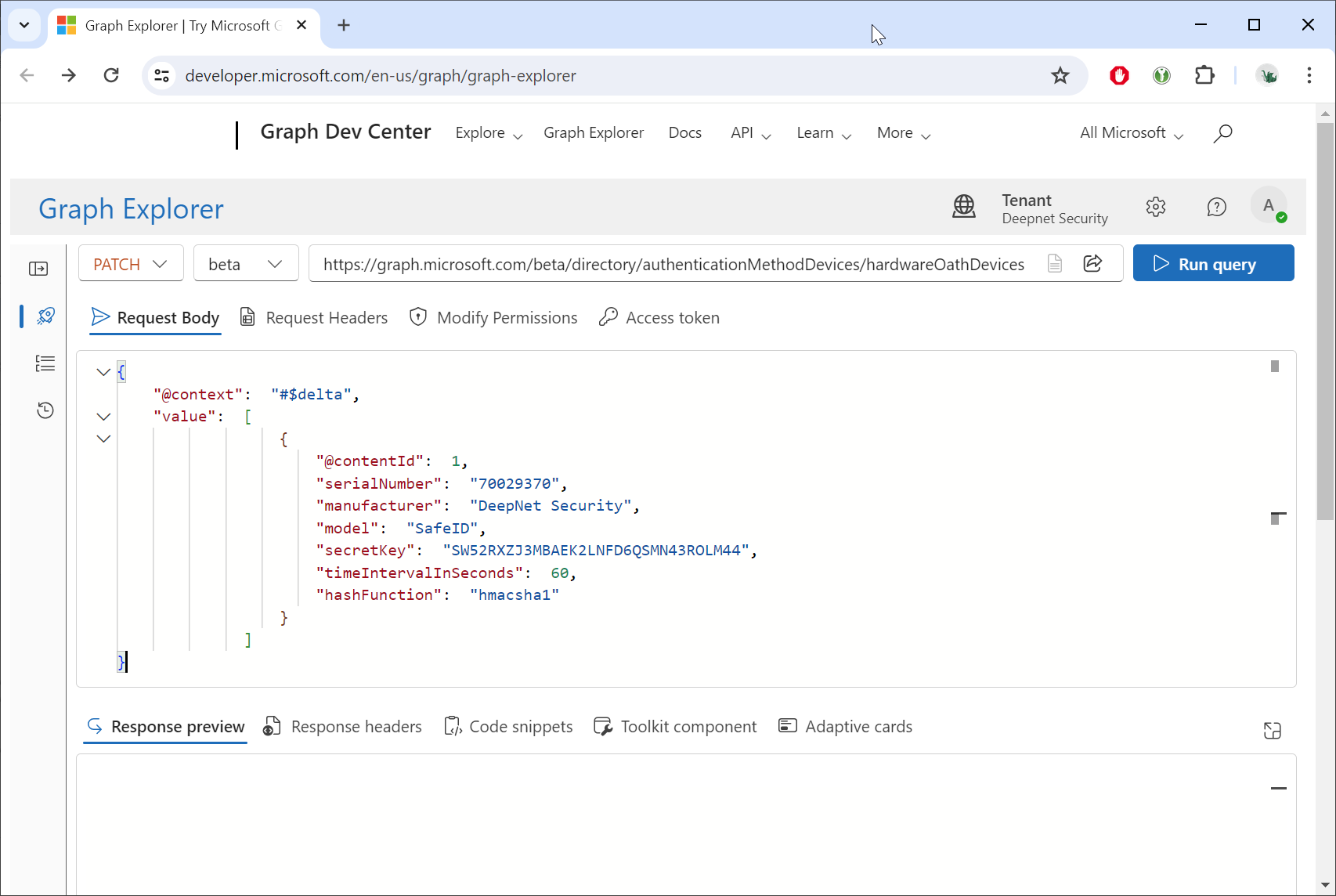
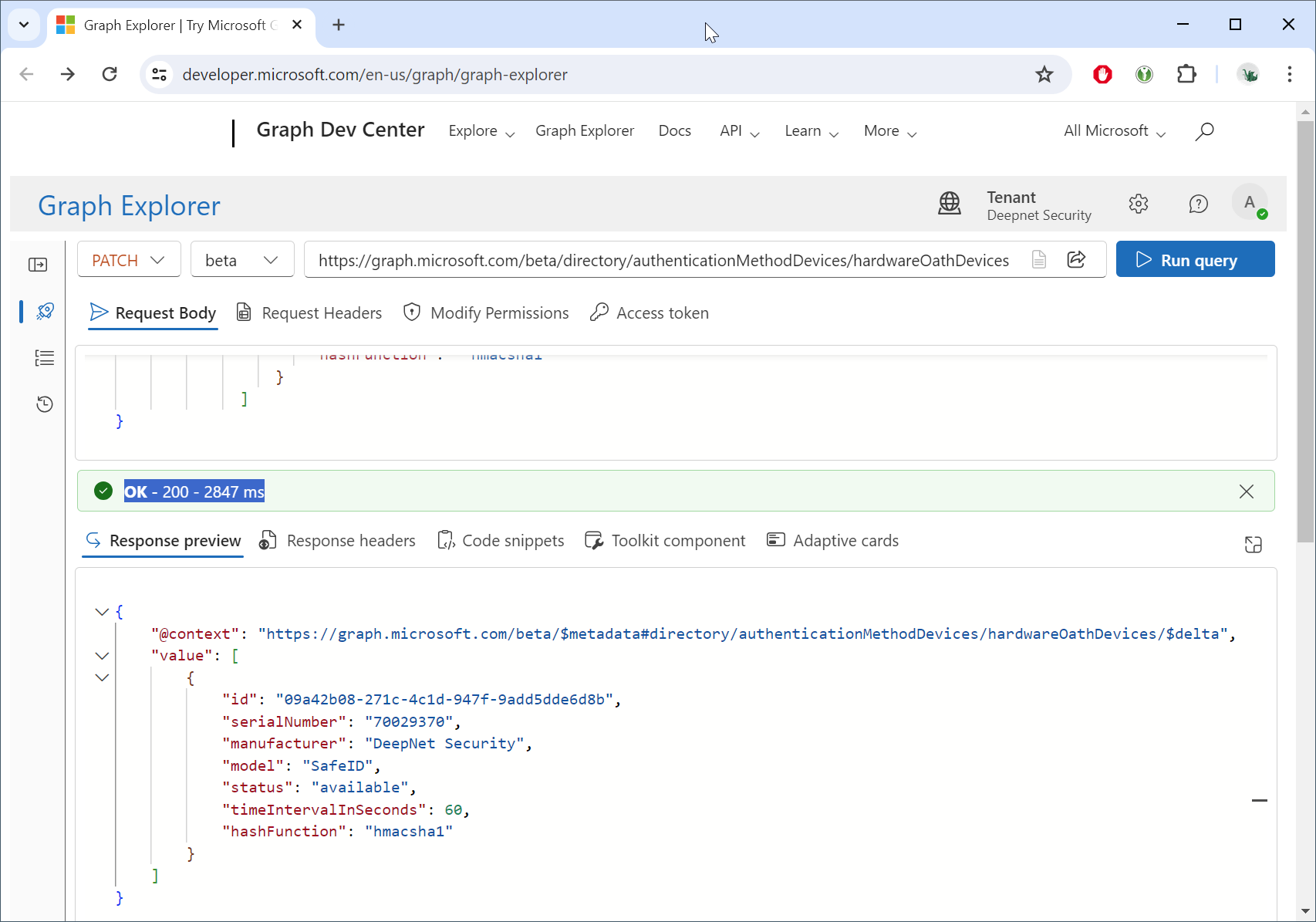
Click the Run query button.
You can check the current token repository by check the HTTP method to "GET"
(Make sure that the endpoint URL is: https://graph.microsoft.com/beta/directory/authenticationMethodDevices/hardwareOathDevices)
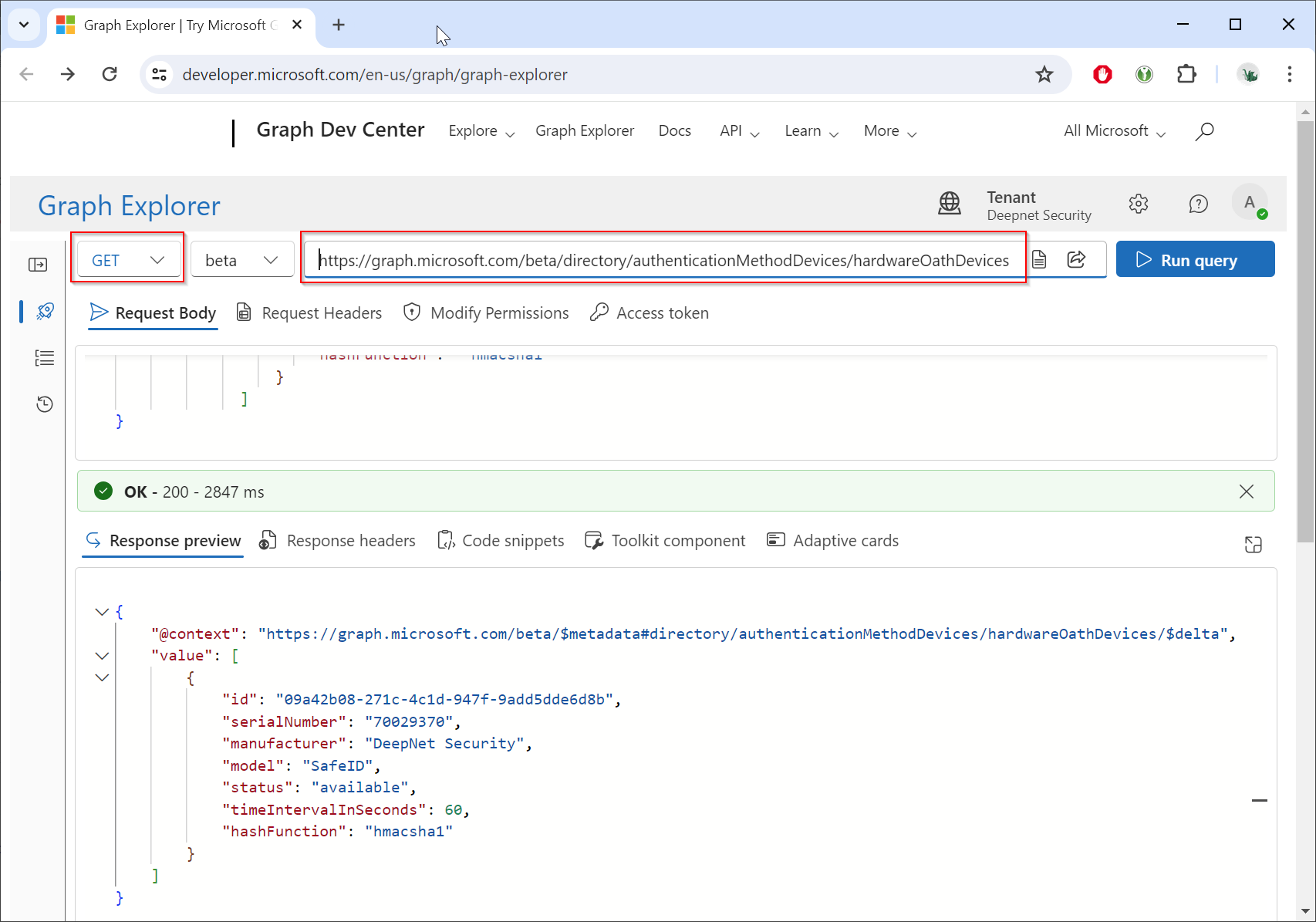
Click "Run Query"
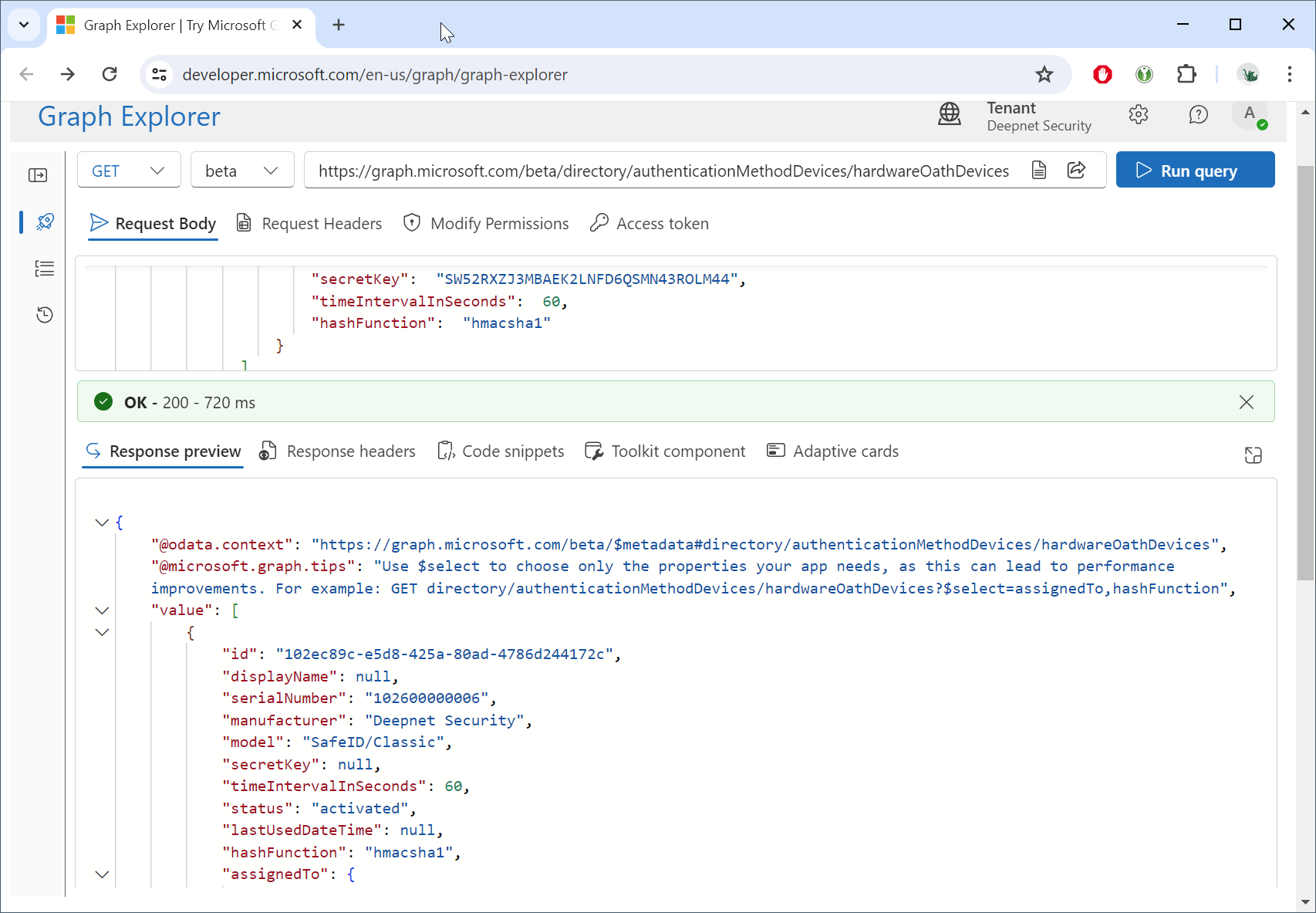
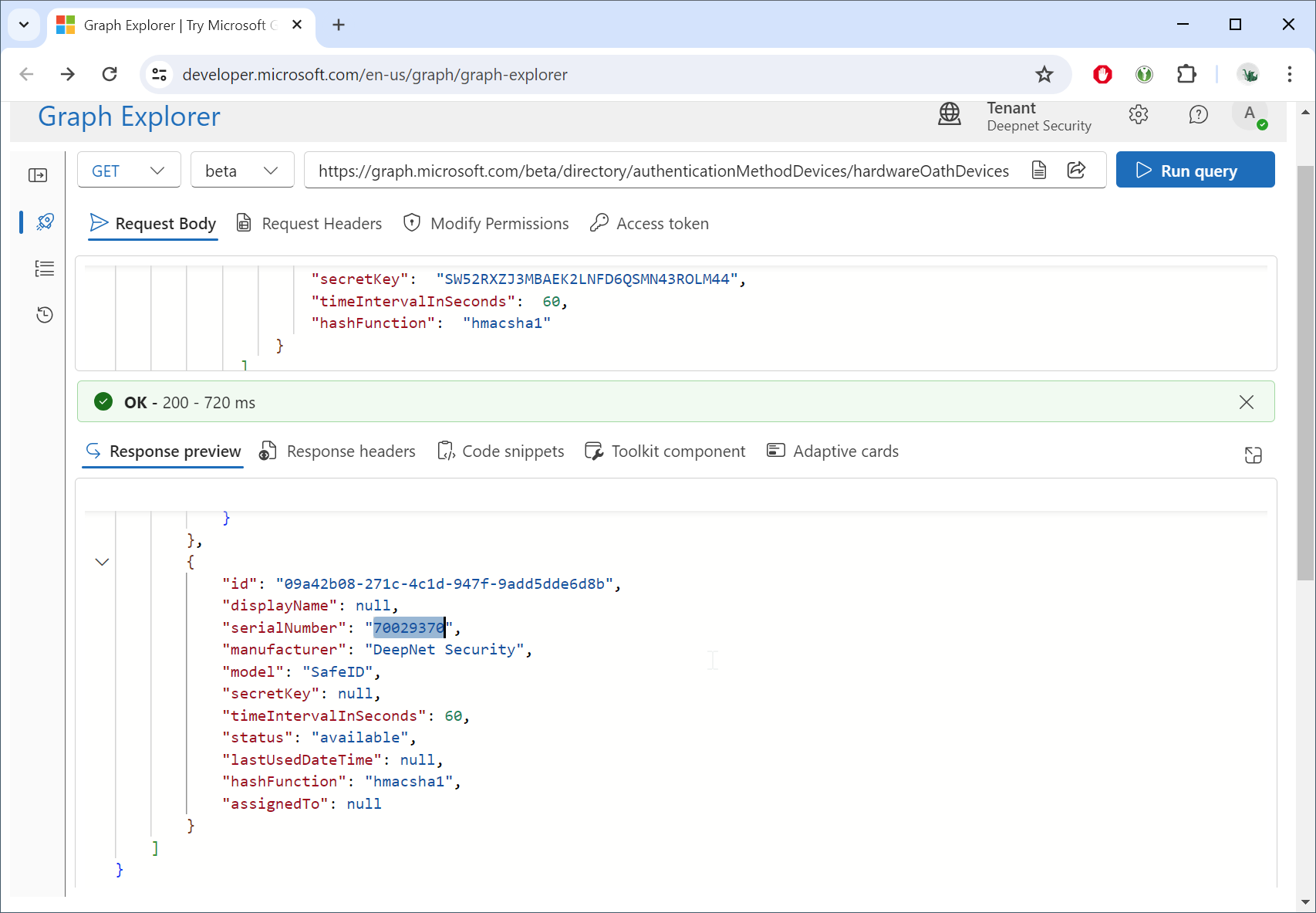
You can scroll down to find the tokens that you have just uploaded, e.g. "serialNumber": "70029370",