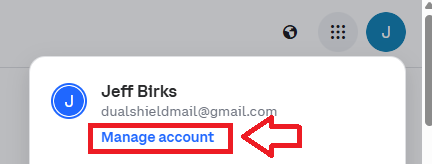
Log in to your Coinbase account, then click on the icon on the top right of your Coinbase console page, then select the option "Manage Account";
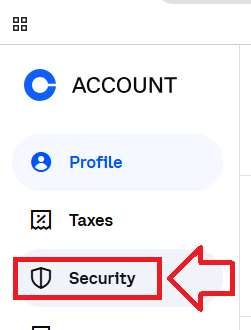
Then in the options on the left hand column, select the option "Security";
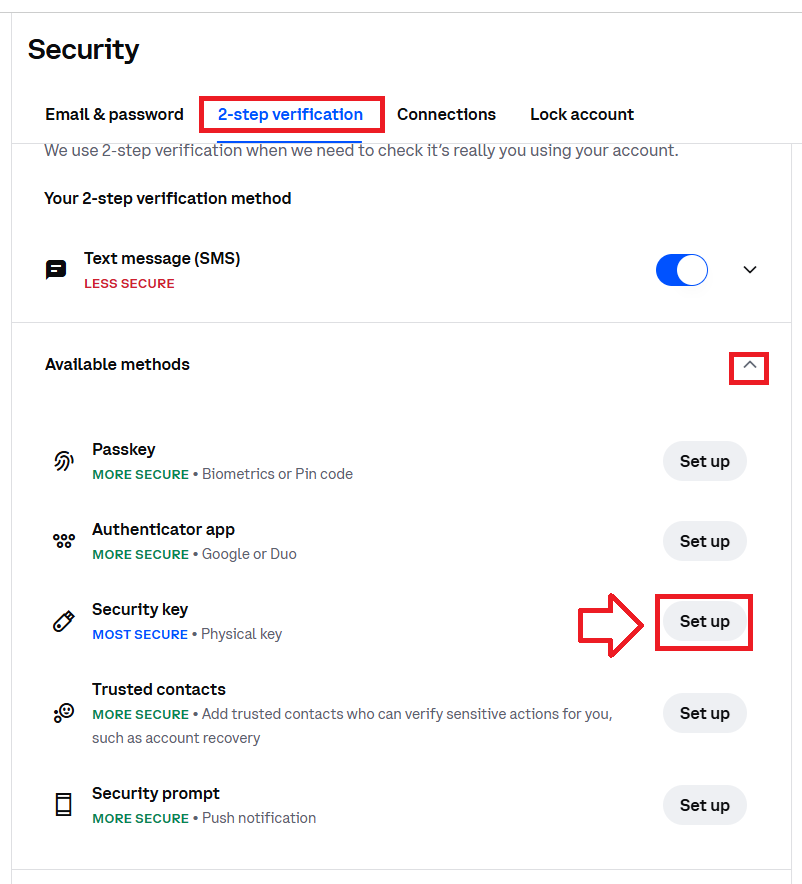
Select the sub-menu "2-step verification", then expand the section "Available methods", then against security key click the "Set up" button;
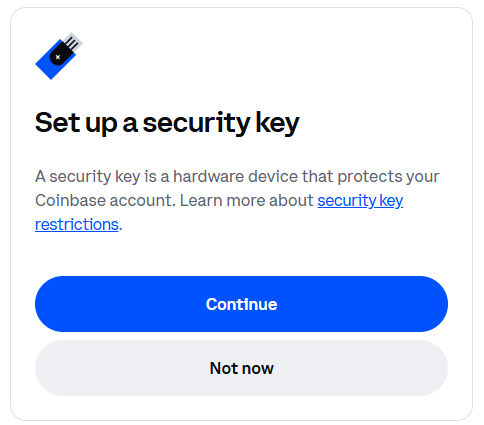
A new window will now open titled "Set up a security key", then click 
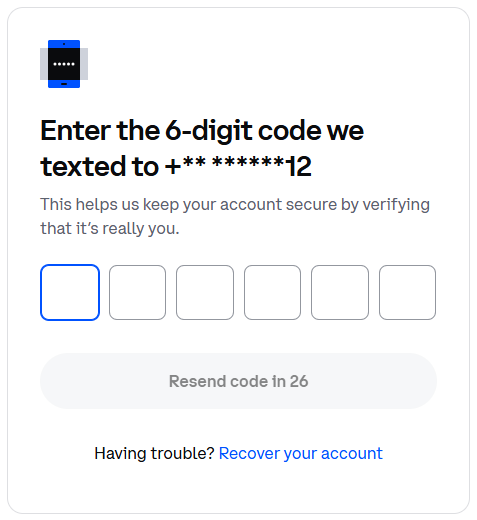
Enter the code that was sent to the number you provided to Coinbase;
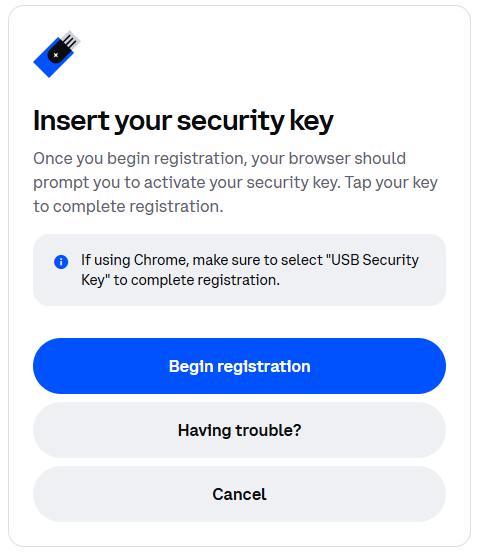
Next you are prompted to insert you security key, plug in your Fido2 into an available USB port, then click 
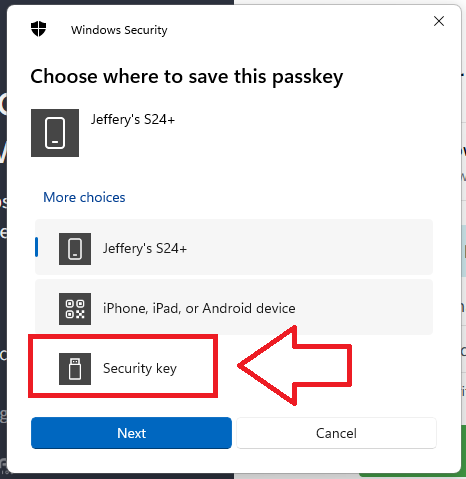
You will now be presented with a number of Fido2 authentication options for your passkey, insert your Fido2 key into a USB port, select the option "Security key" then click  ;
;
After selecting the security key option you will be notified that the security key is being set up, click  ;
;
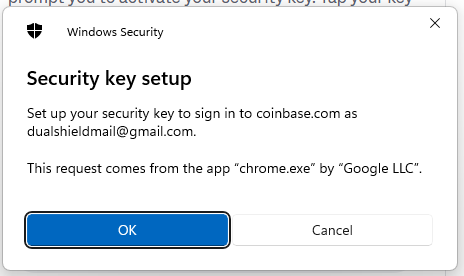
You will then be asked to confirm your intention, click ;

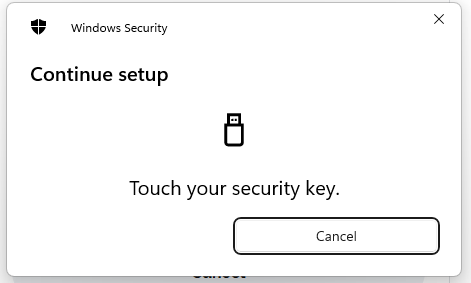
You are then asked to touch the security key - press the button on the Fido2 key;
Finally you are notified that the passkey has been saved;
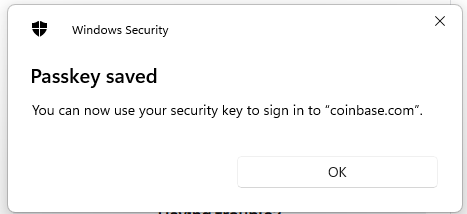
Click "OK", and the Fido2 key will be added to the available authentication methods;
