Register your FIDO2 key in your Coinbase account
Before you can use your FIDO2 key as an access method for your Coinbase account you will need to register the key with Coinbase using the following procedure;
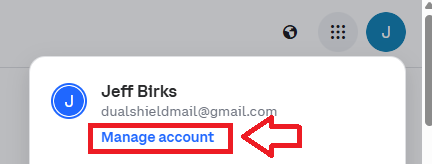
- Log in to your Coinbase account, then click on the icon on the top right of your Coinbase console page, then select the option "Manage Account";
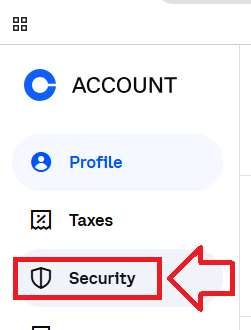
Then in the options on the left hand column, select the option "Security";
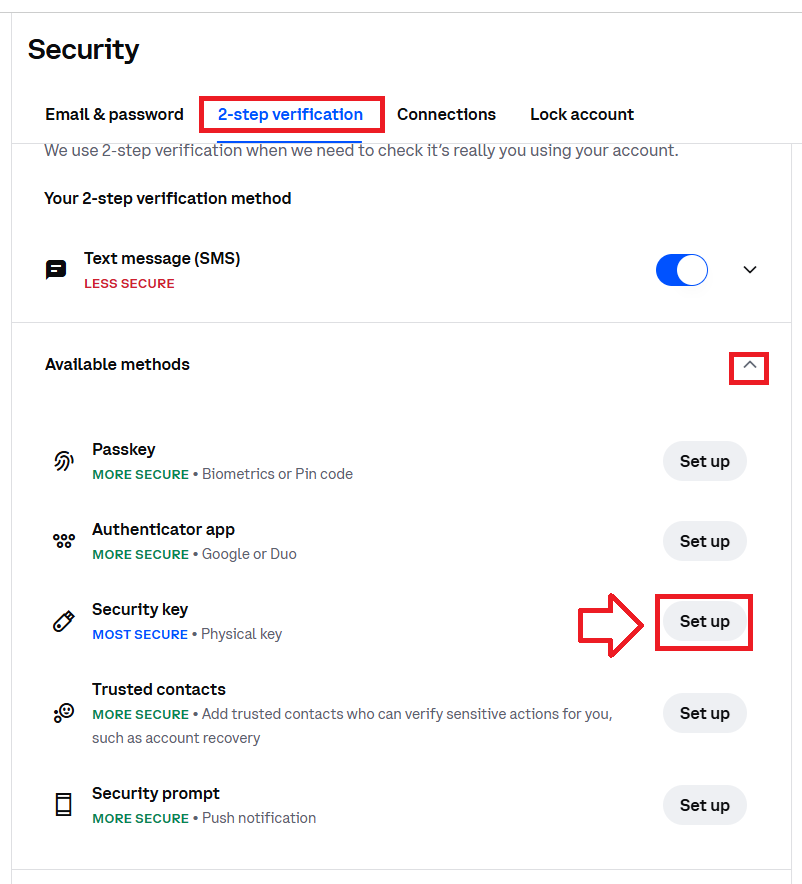
Select the sub-menu "2-step verification", then expand the section "Available methods", then against security key click the "Set up" button;
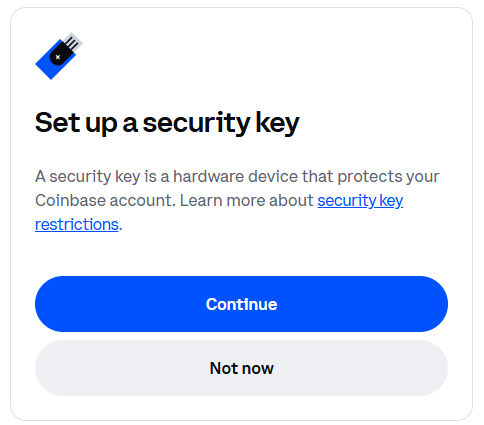
A new window will now open titled "Set up a security key", then click

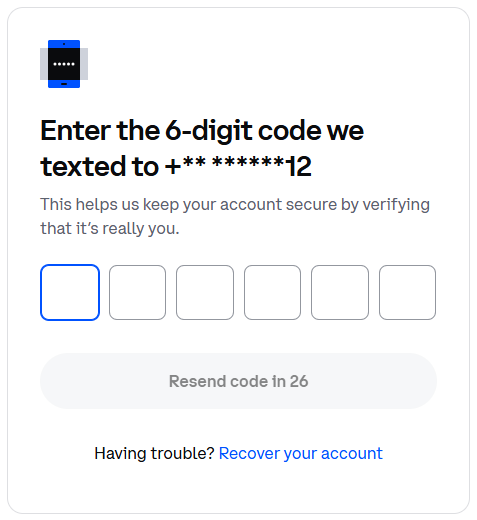
Enter the code that was sent to the number you provided to Coinbase;
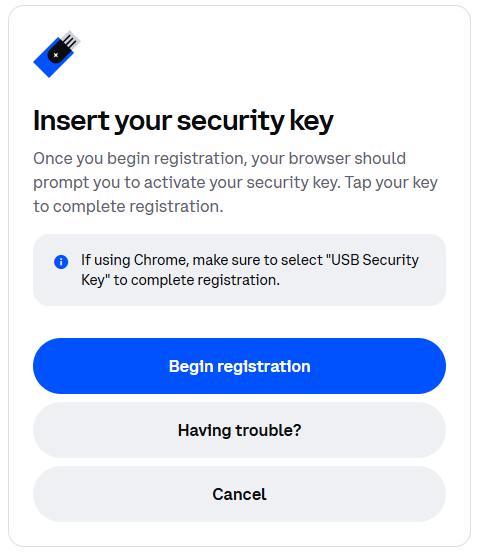
Next you are prompted to insert you security key, plug in your Fido2 into an available USB port, then click

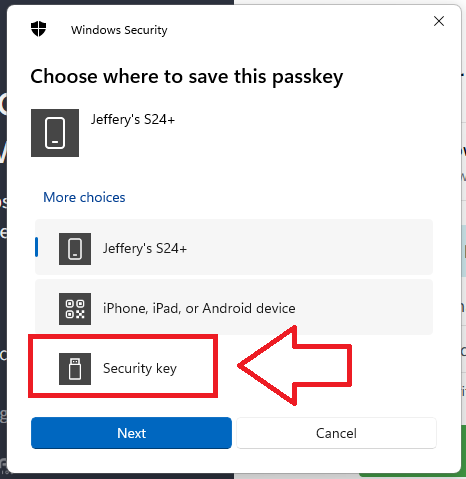
You will now be presented with a number of Fido2 authentication options for your passkey, insert your Fido2 key into a USB port, select the option "Security key" then click
 ;
;
After selecting the security key option you will be notified that the security key is being set up, click
 ;
;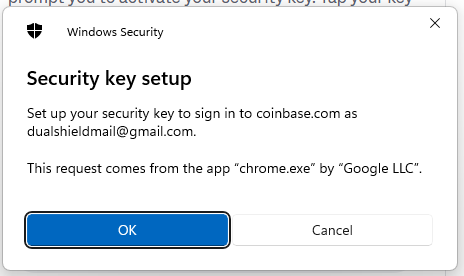
You will then be asked to confirm your intention, click
;
You are then asked to touch the security key - press the button on the Fido2 key;
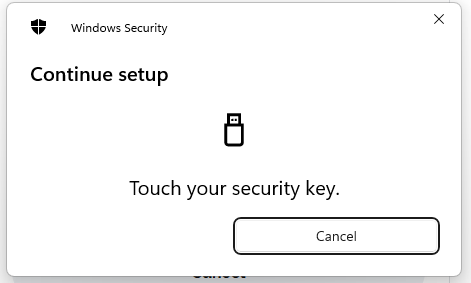
Finally you are notified that the passkey has been saved;
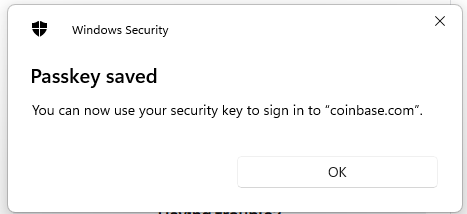
Click "OK", and the Fido2 key will be added to the available authentication methods;

Signing in to an Coinbase account with a FIDO2 key
Once you have registered you FIDO2 key with Coinbase the key will be ready to be used as an authentication method when accessing your account;
- Before logging in to your account, insert your Fido2 key into an available USB port.
Next, log in to your Coinbase account, but instead of accessing your account directly after supplying your username and password, you will be presented with a prompt similar to the following;
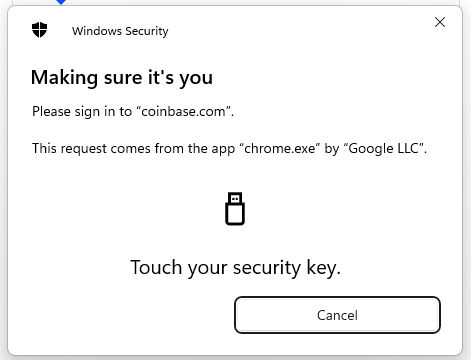
Touch the button on your Fido2 key, and your account will be accessed.
Related Articles