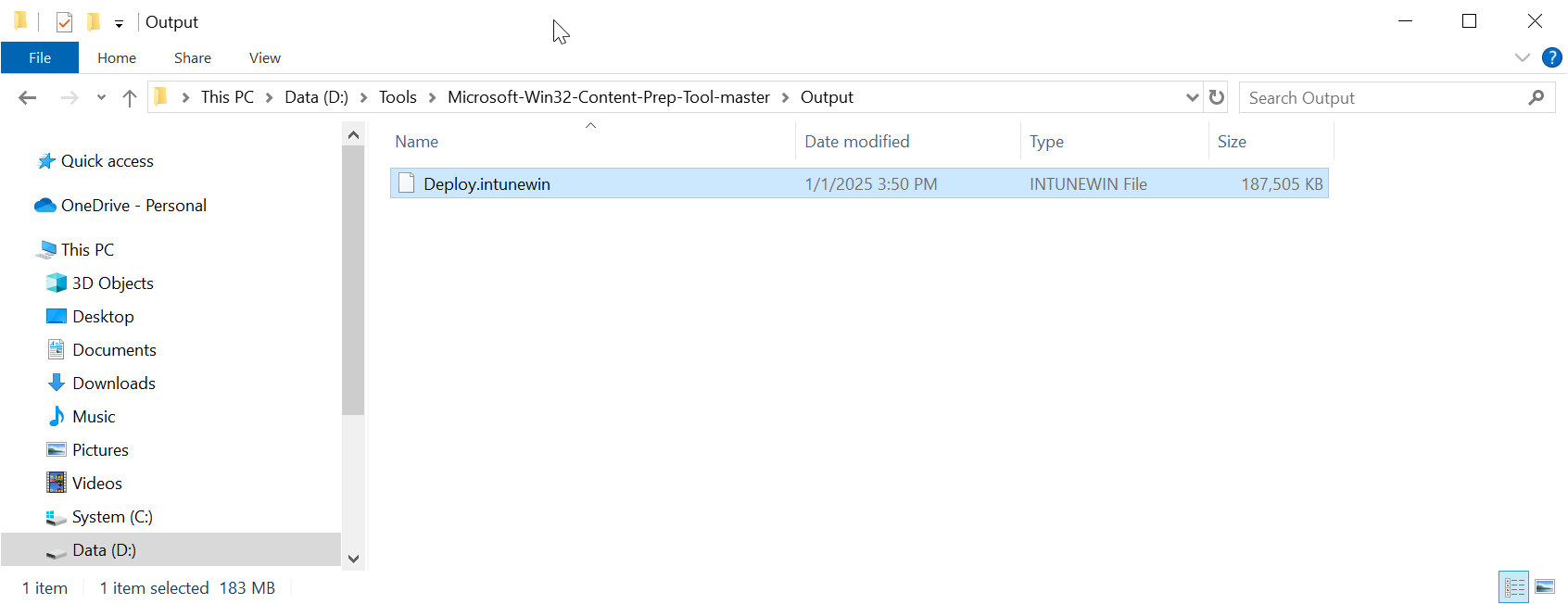
Follow the steps below to create an Intune deploy package file for the Deepnet Computer Logon for Entra ID
Download the Microsoft Win32 Content Prep Tool
https://github.com/Microsoft/Microsoft-Win32-Content-Prep-Tool
Unpack the tool to a local file folder. e.g. D:\Tools\Microsoft-Win32-Content-Prep-Tool-master
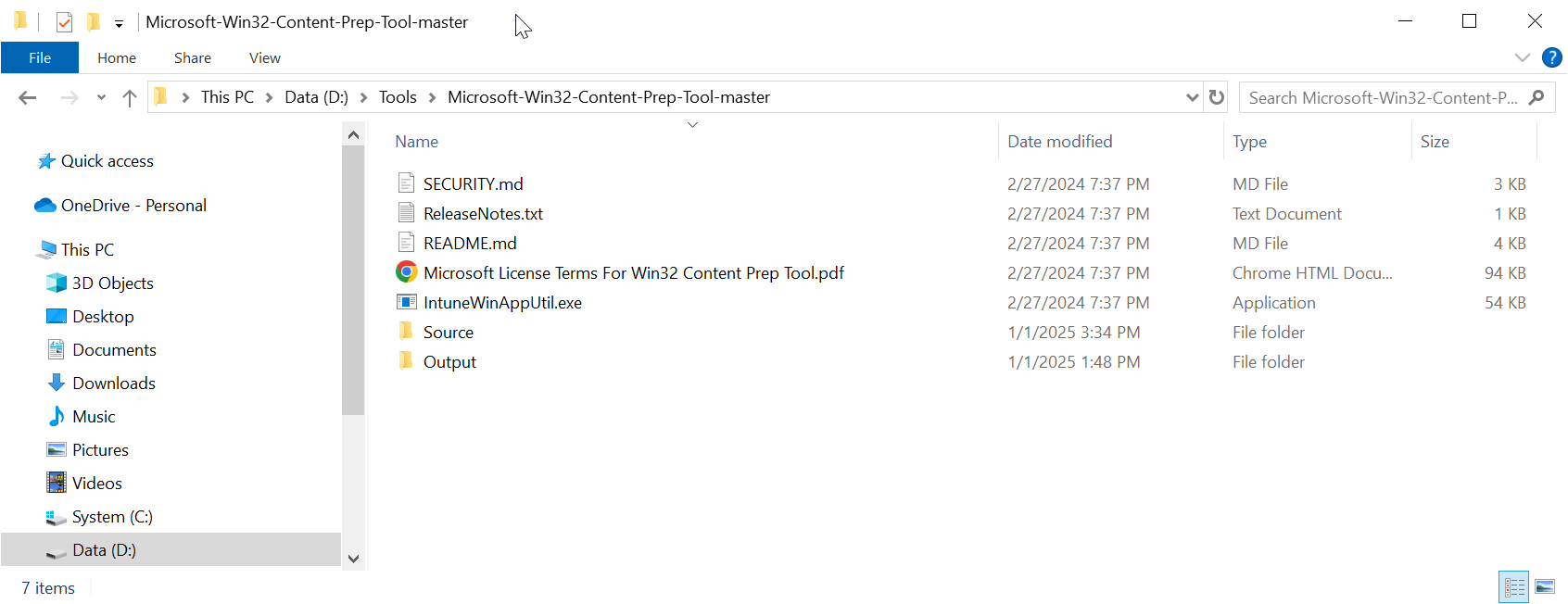
Copy the Deepnet Computer Logon for Entra ID files
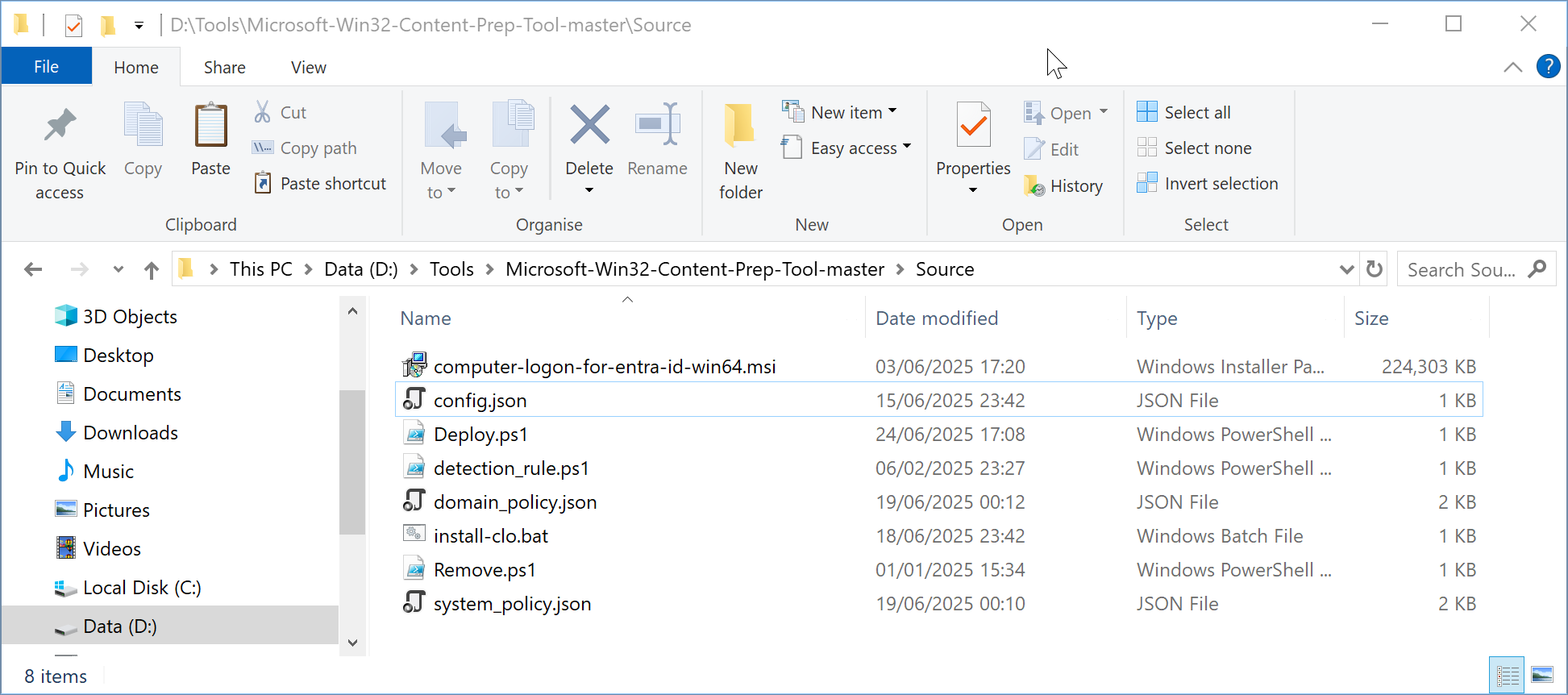
Create a subfolder called "Source" in the folder where you have unpacked the Microsoft Win32 Content Prep Tool, e.g. D:\Tools\Microsoft-Win32-Content-Prep-Tool-master\Source
Now, copy the files that you have prepared in the previous step "Prepare installation files for the Deepnet Computer Logon Agent for Entra ID"
to the "Source" subfolder.
Build an Intune deploy package
Open a Windows command shell, and run the command
IntuneWinAppUtil.exe -c "Source" -s "Deploy.ps1" -o "Output"
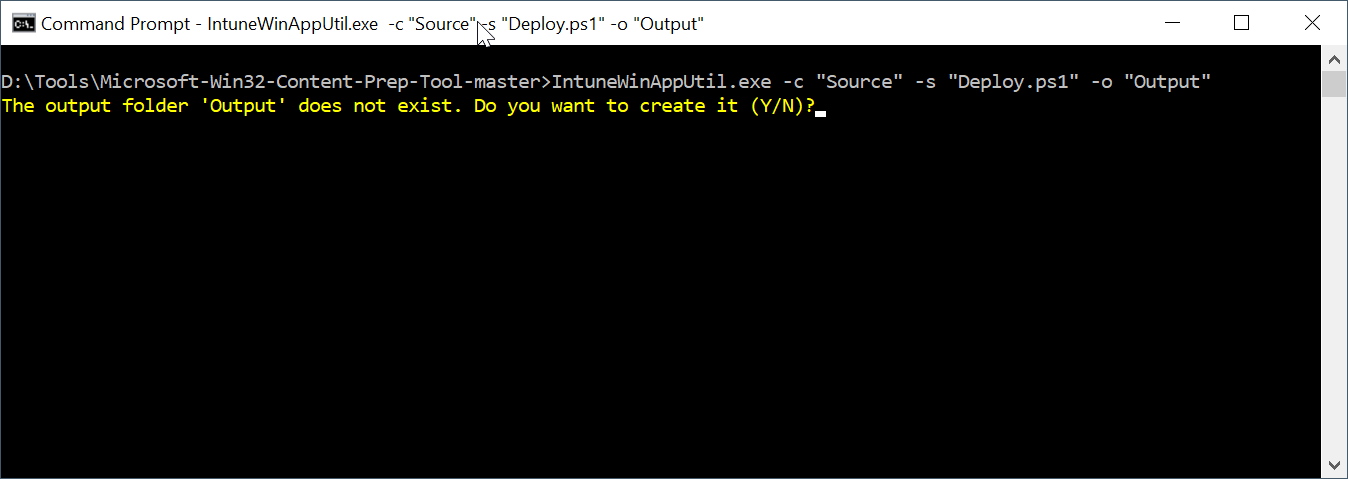
Enter "Y" to continue
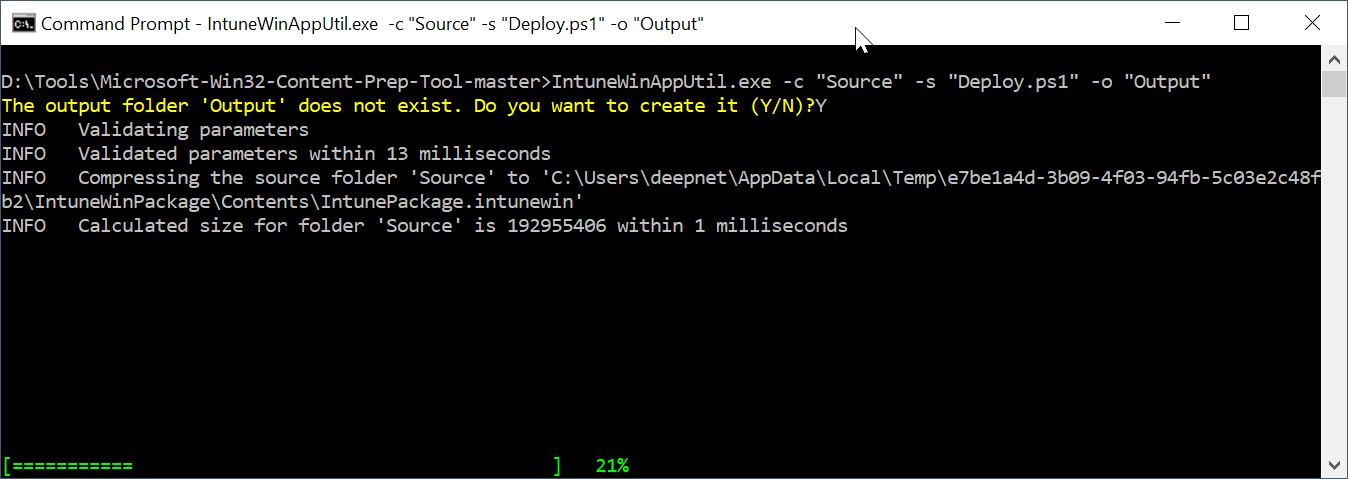
Wait for it to complete
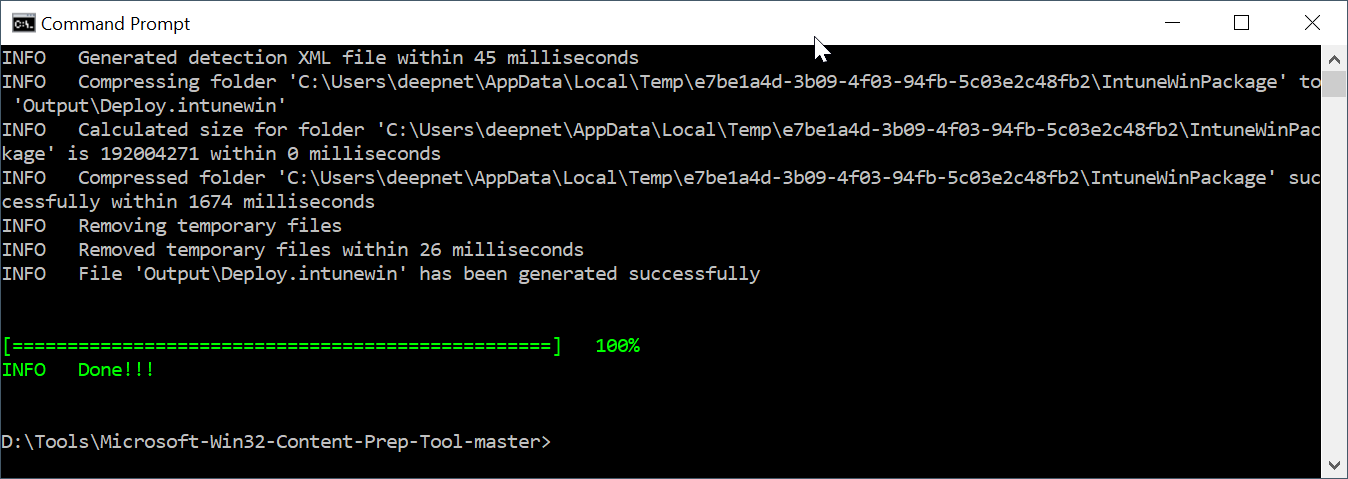
The package is named "Deploy.intunewin"