To build an application using the Application Wizard, follow the steps below.
First, you need to build a realm
Realm is a collection of domains.
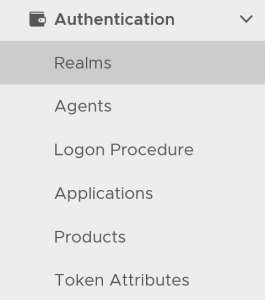
In the DualShield Admin Console, in the side panel, select "Authentication | Realms"
Click the "Create" button. This will bring up the new realm dialog window:
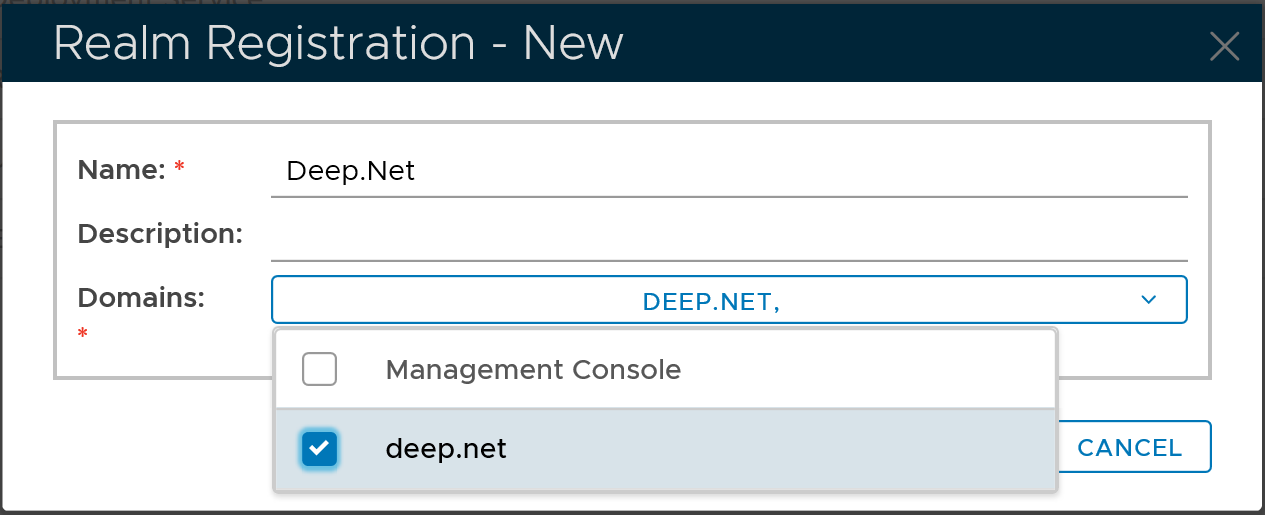
Select the domain to be included in the new realm, e.g. "deep.net"
Click the "Save" button to finish
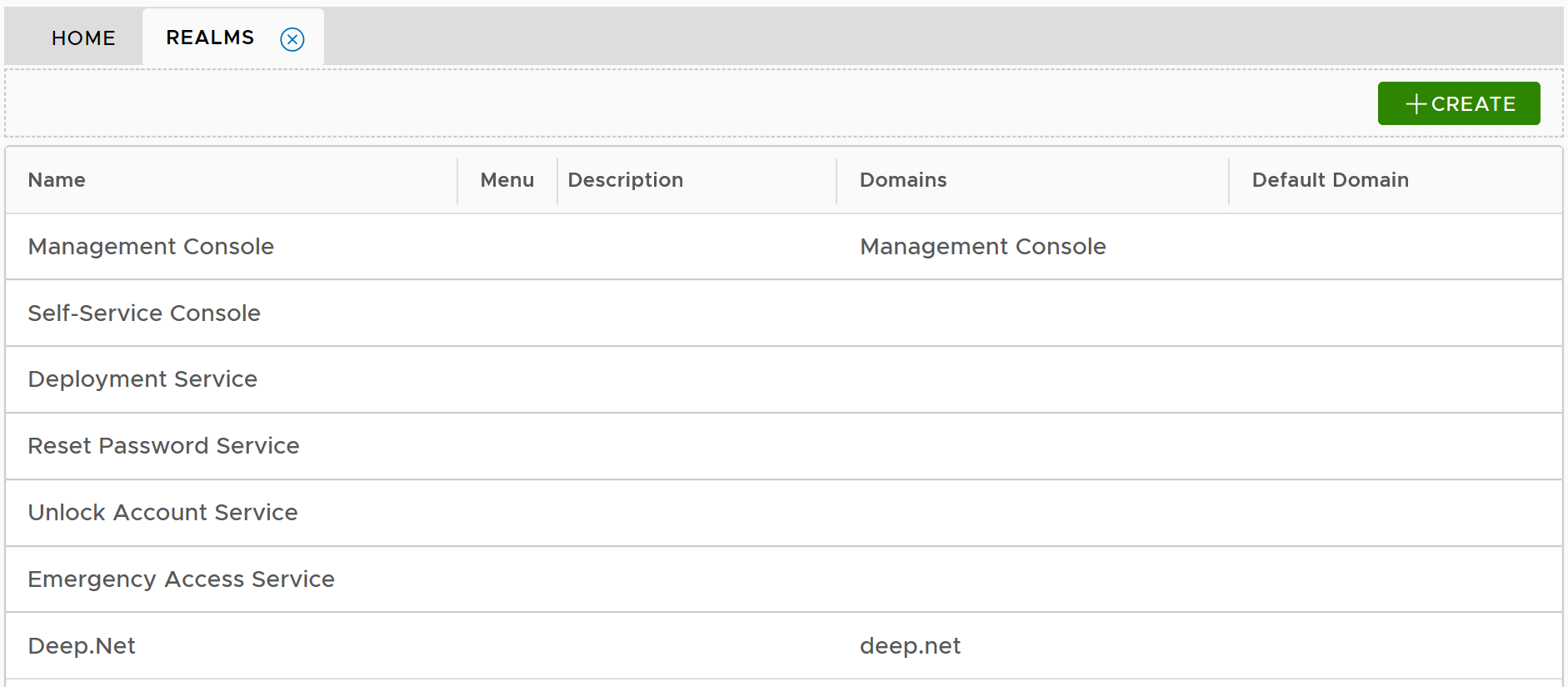
Then, launch the Application Wizard