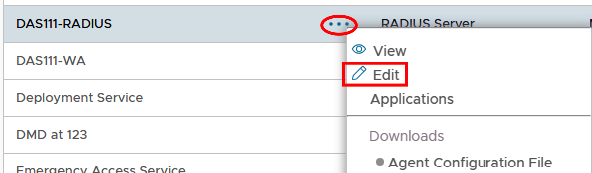
Generate a Client ID and Secret on the DualShield Admin Console by going into Authentication>Agents and editing the agent used for DualShield Radius.
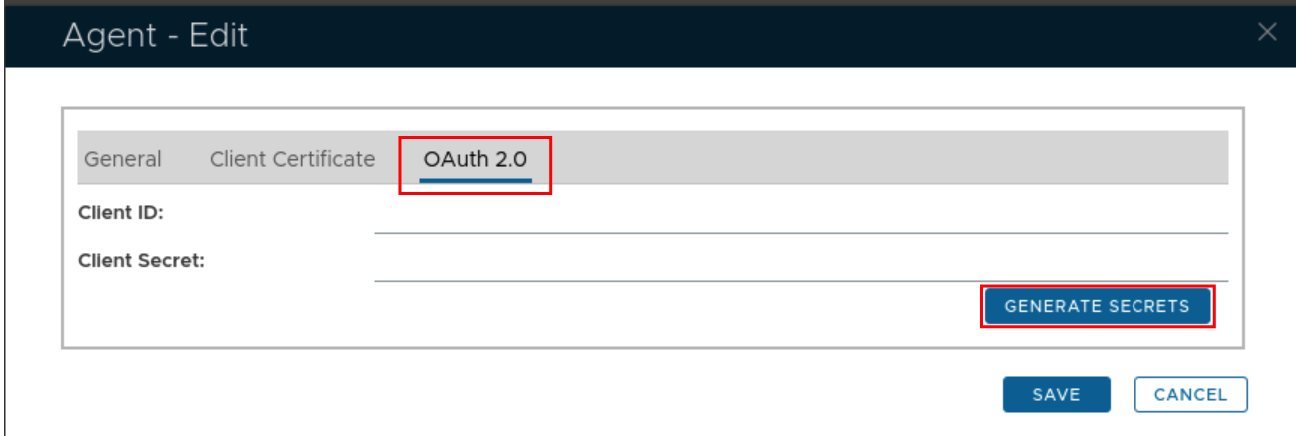
Select the OAuth2.0 tab and click on Generate Secrets
The edit window will populate the Client ID and Secret...
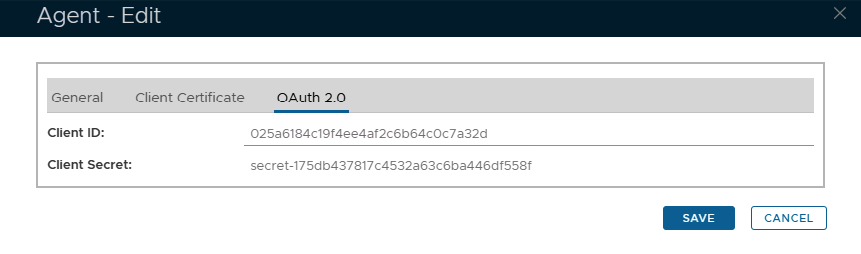
click Save
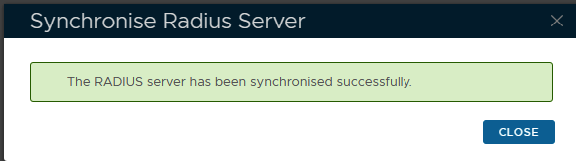
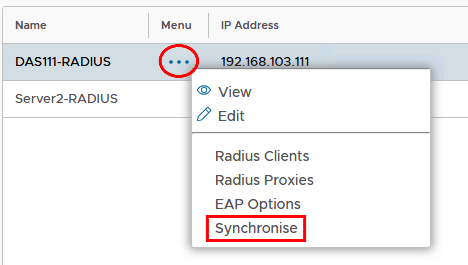
Go to Radius>Radius Server and click on the ellipses corresponding to the Radius server you wish to update.
Select Synchronise from the drop-down menu.
If successful, you will see this message..