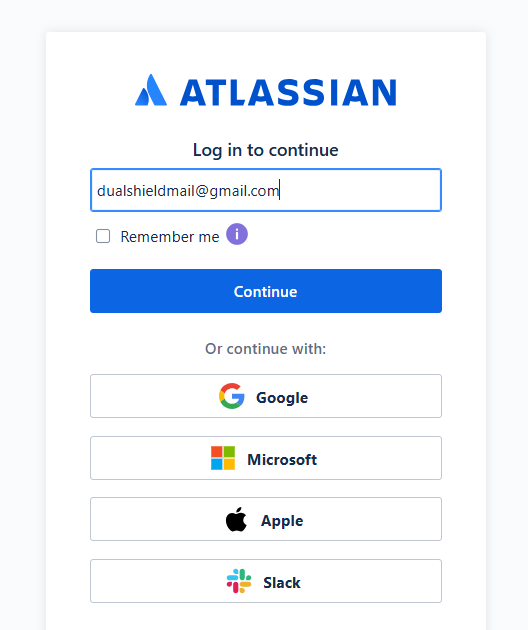
Log in to your Atlassian account in by supplying your email address at the log in prompt (please note if you log in using one of the alternatives offered, then your Fido2 authentication will not take place);
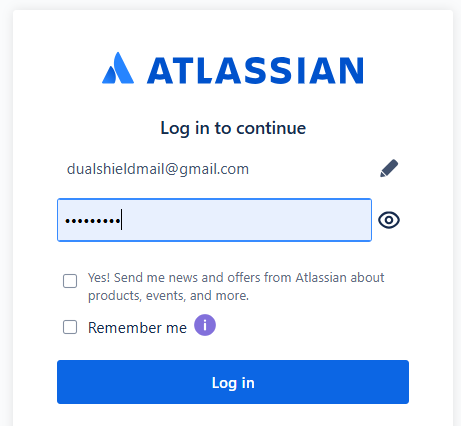
Next enter your password, then click  ;
;
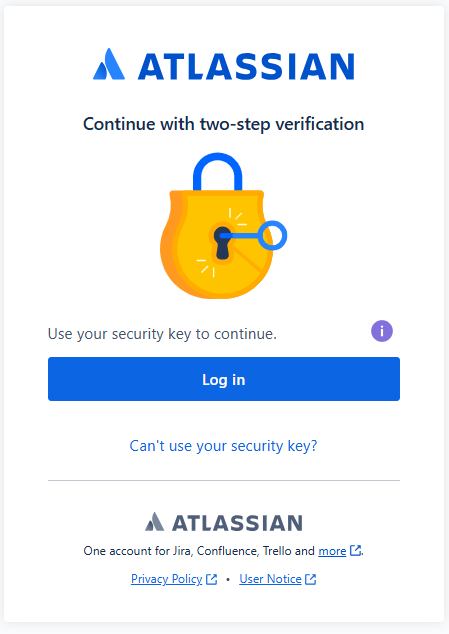
After supplying your password you will then be asked to supply the two-step verification, click  ;
;
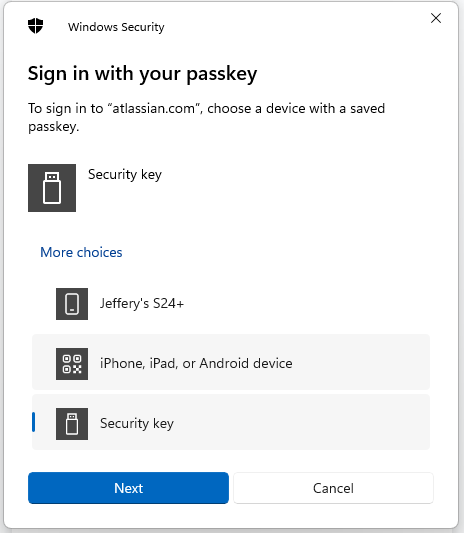
When asked to sing in with your passkey select the option "Security Key", then click  ;
;
You are now notified that access to google will be prepared with your Fido2 security key - click  to proceed to the next step;
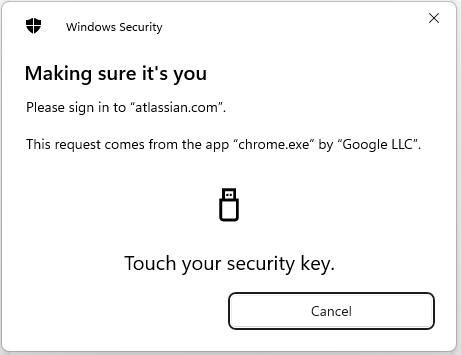
Once the key has been touched you will be logged in to your Atlassian account.