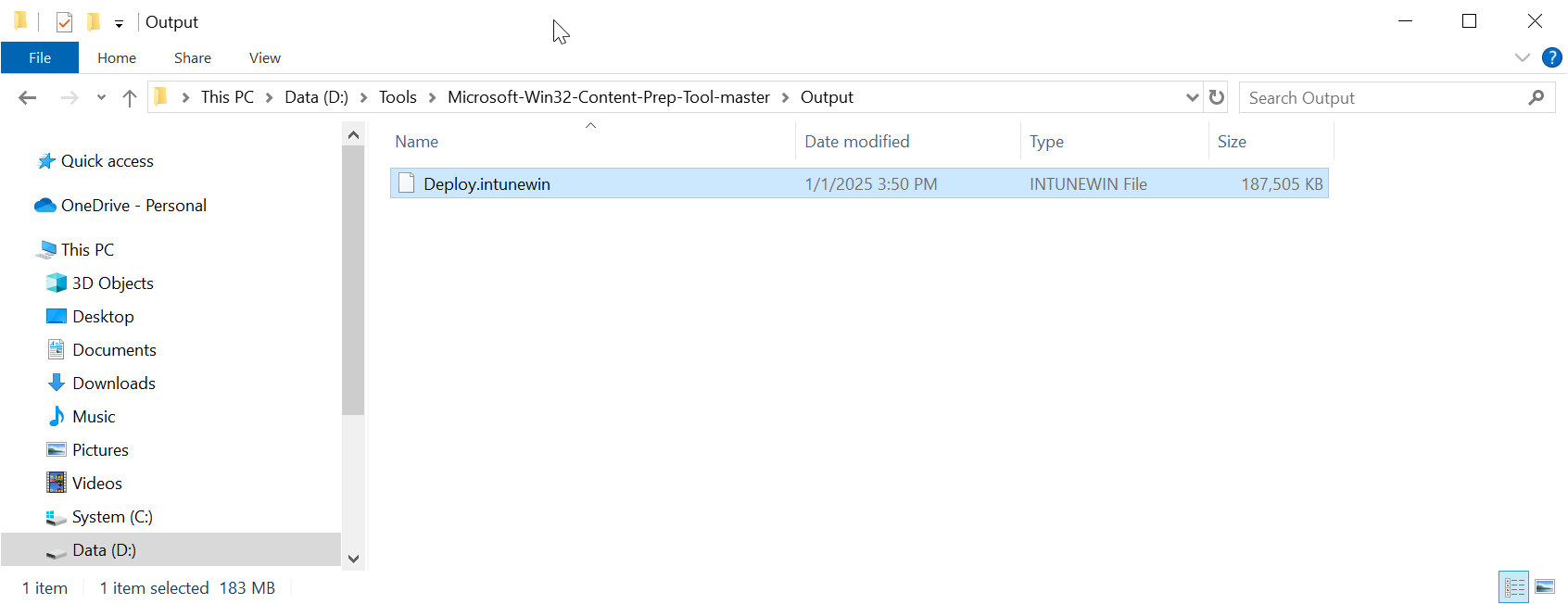
Follow the steps below to create an Intune deploy package file for the Deepnet Computer Logon for Entra ID
Download the Microsoft Win32 Content Prep Tool
https://github.com/Microsoft/Microsoft-Win32-Content-Prep-Tool
Unpack the tool to a local file folder. e.g. D:\Tools\Microsoft-Win32-Content-Prep-Tool-master
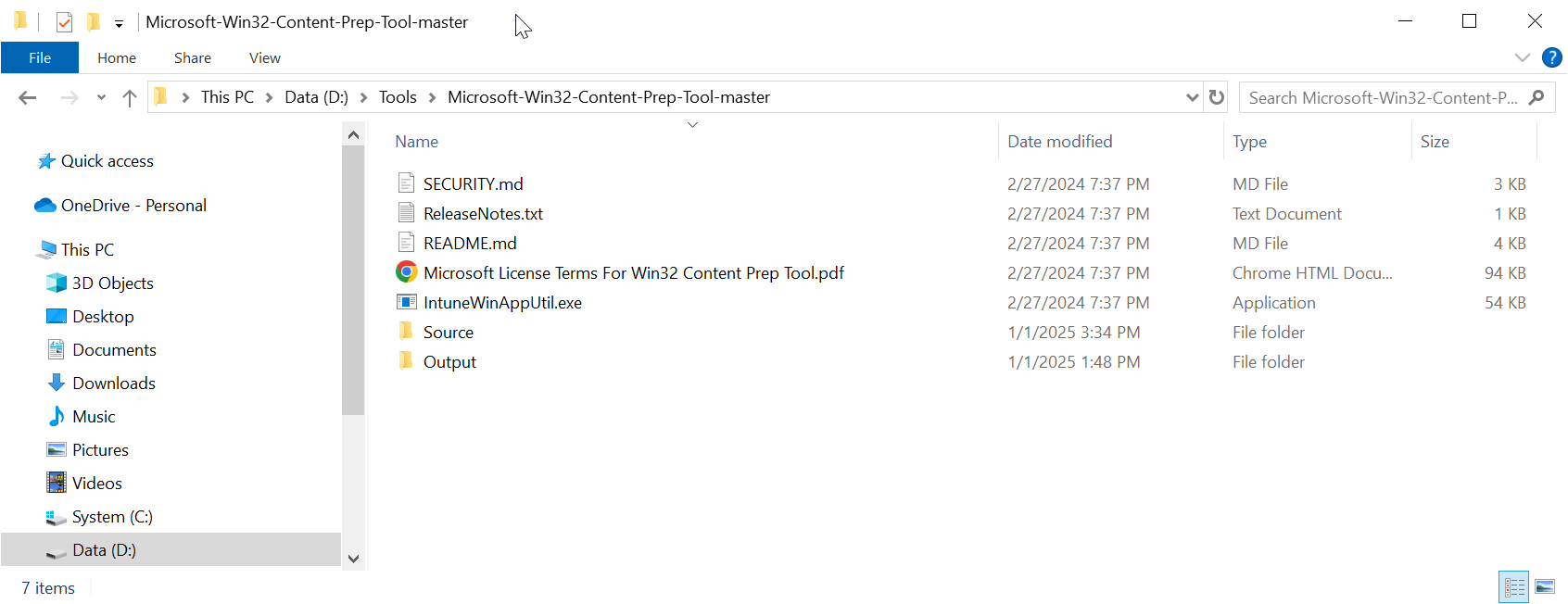
Download the Deepnet Computer Logon for Entra ID file
https://download.deepnetsecurity.com/
Unpack the file to a subfolder called "Source", e.g. D:\Tools\Microsoft-Win32-Content-Prep-Tool-master\Source
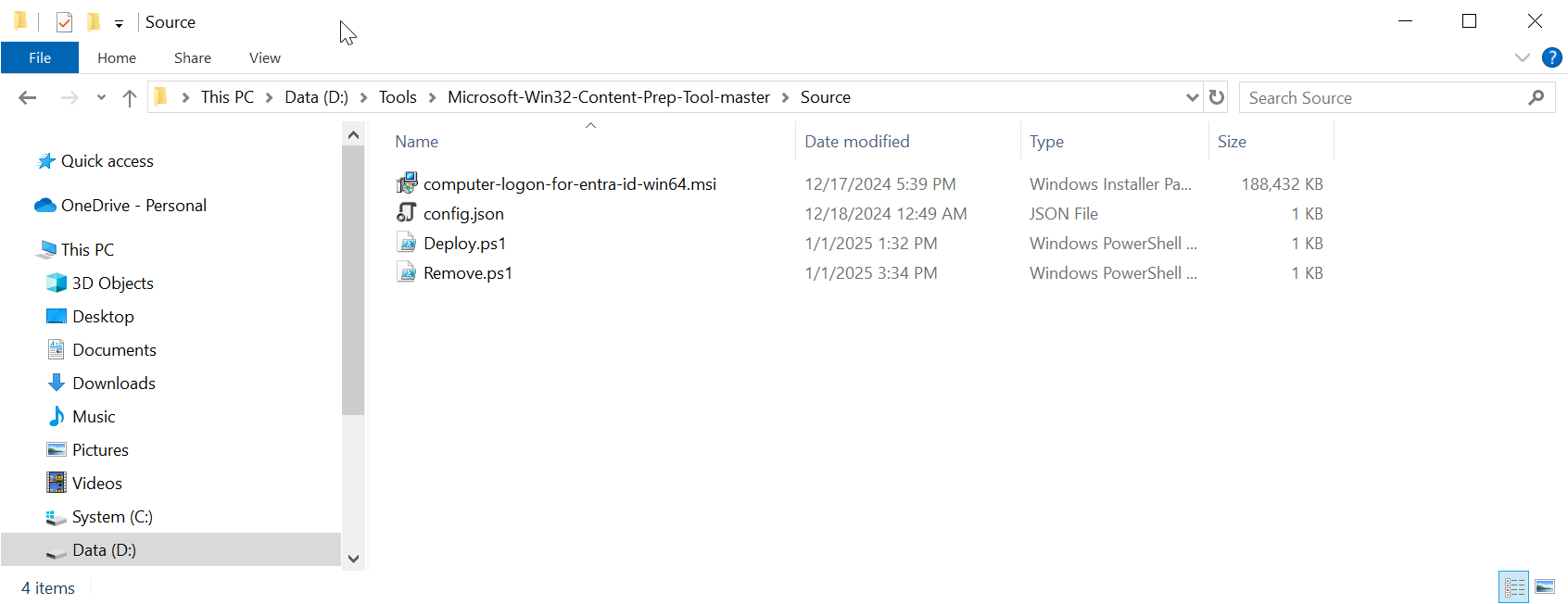
Build an Intune deploy package
Open a Windows command shell, and run the command
IntuneWinAppUtil.exe -c "Source" -s "Deploy.ps1" -o "Output"
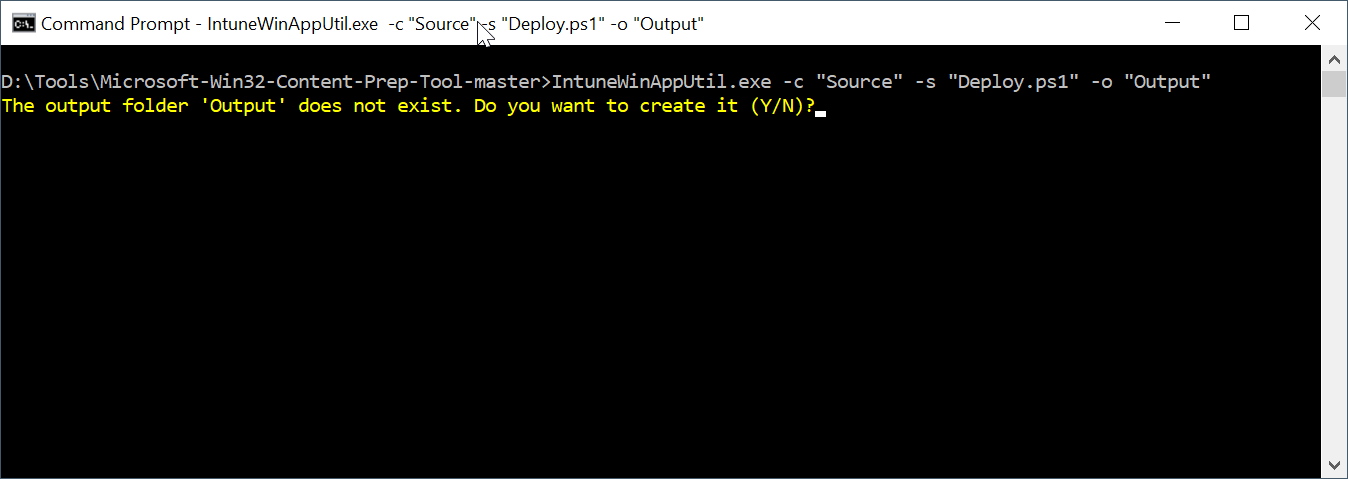
Enter "Y"
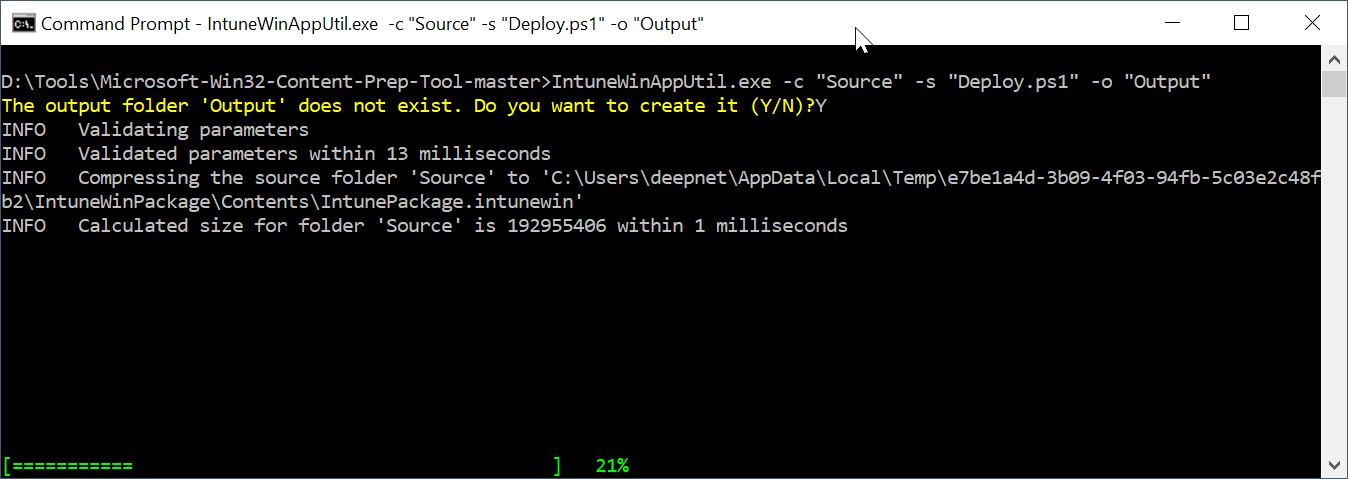
Wait for it to complete
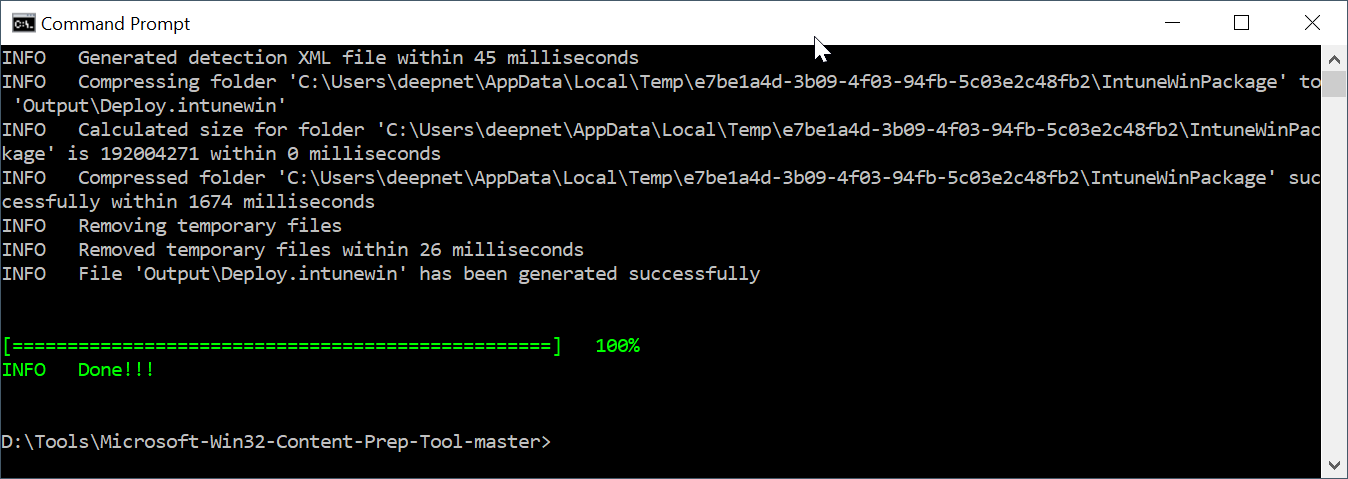
The package is named "Deploy.intunewin"