If for some reason, the automatic download option is not desirable or possible, then users must be asked to download offline tokens manually by themselves.
The user's tokens for offline logon is downloaded to the logon client automatically when the logon client connects to the logon agent. Typically, this happens when the user makes an on-site login. However, in some cases where users cannot make an on-site login at all, or automatica download is disabled or not desirable then the users have to manually import their tokens in to their logon clients.
In the User Console, click the "Tokens" tab
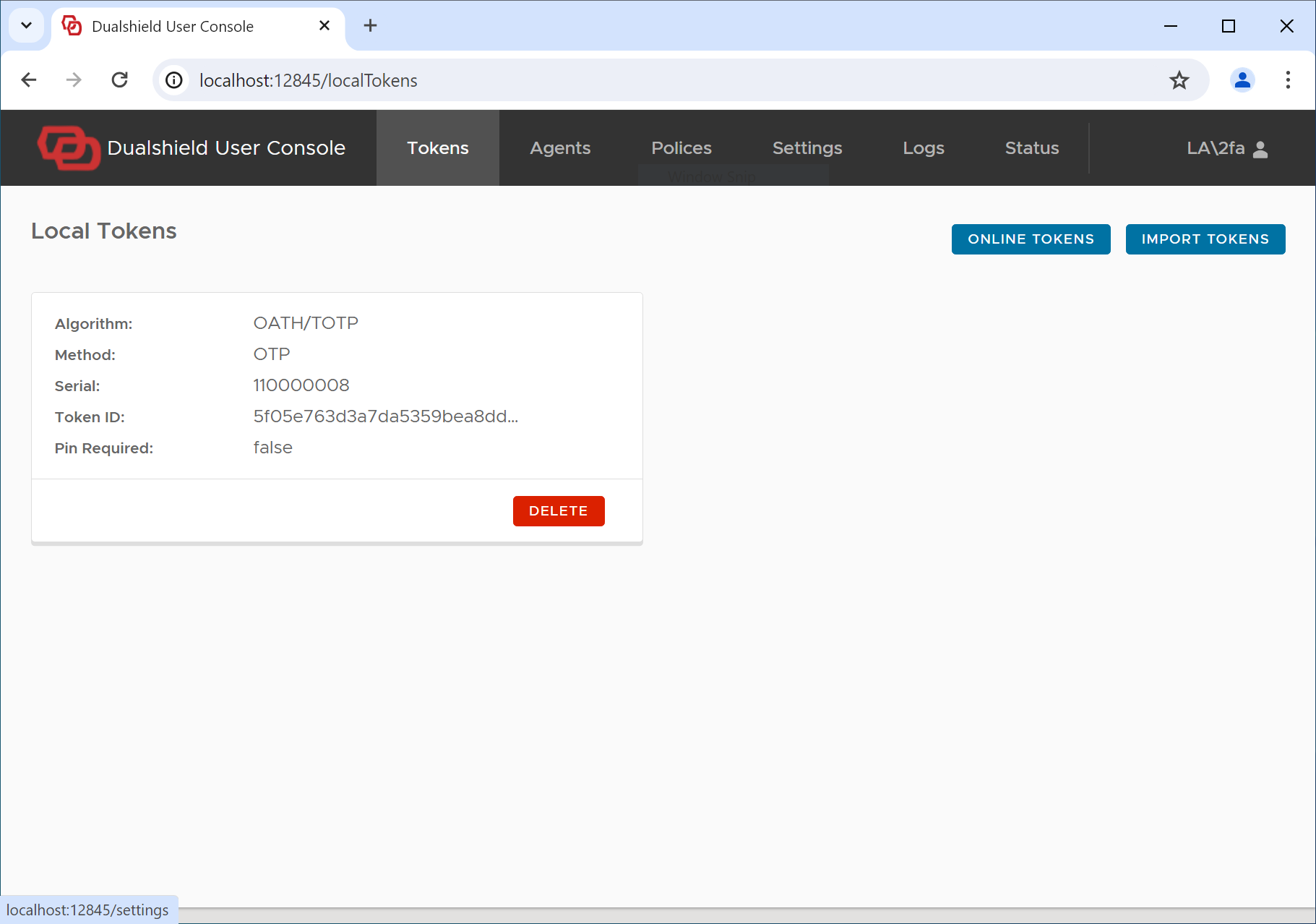
click the "Import Tokens" button
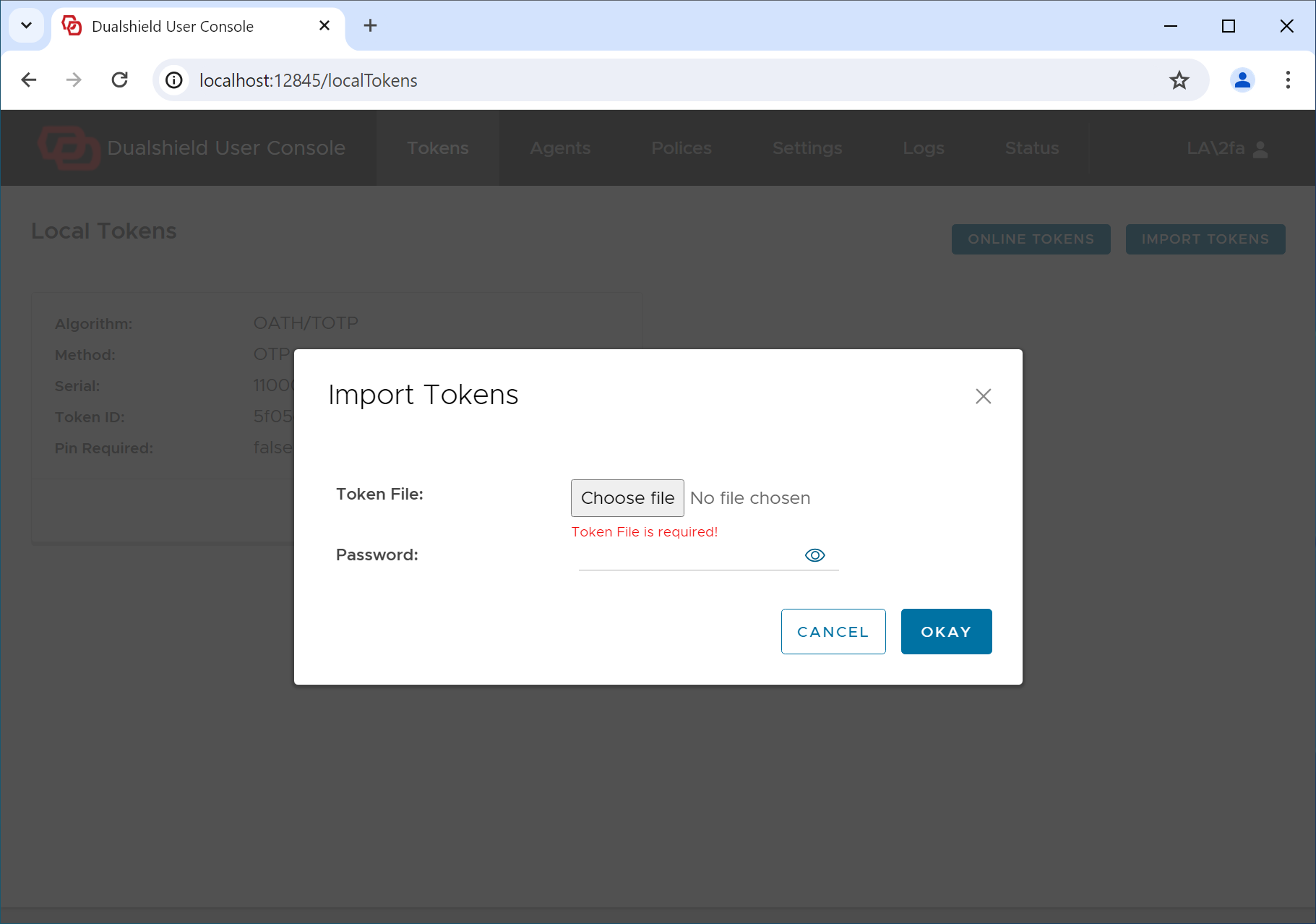
Select the token file that you want to import, and enter the password of the token file
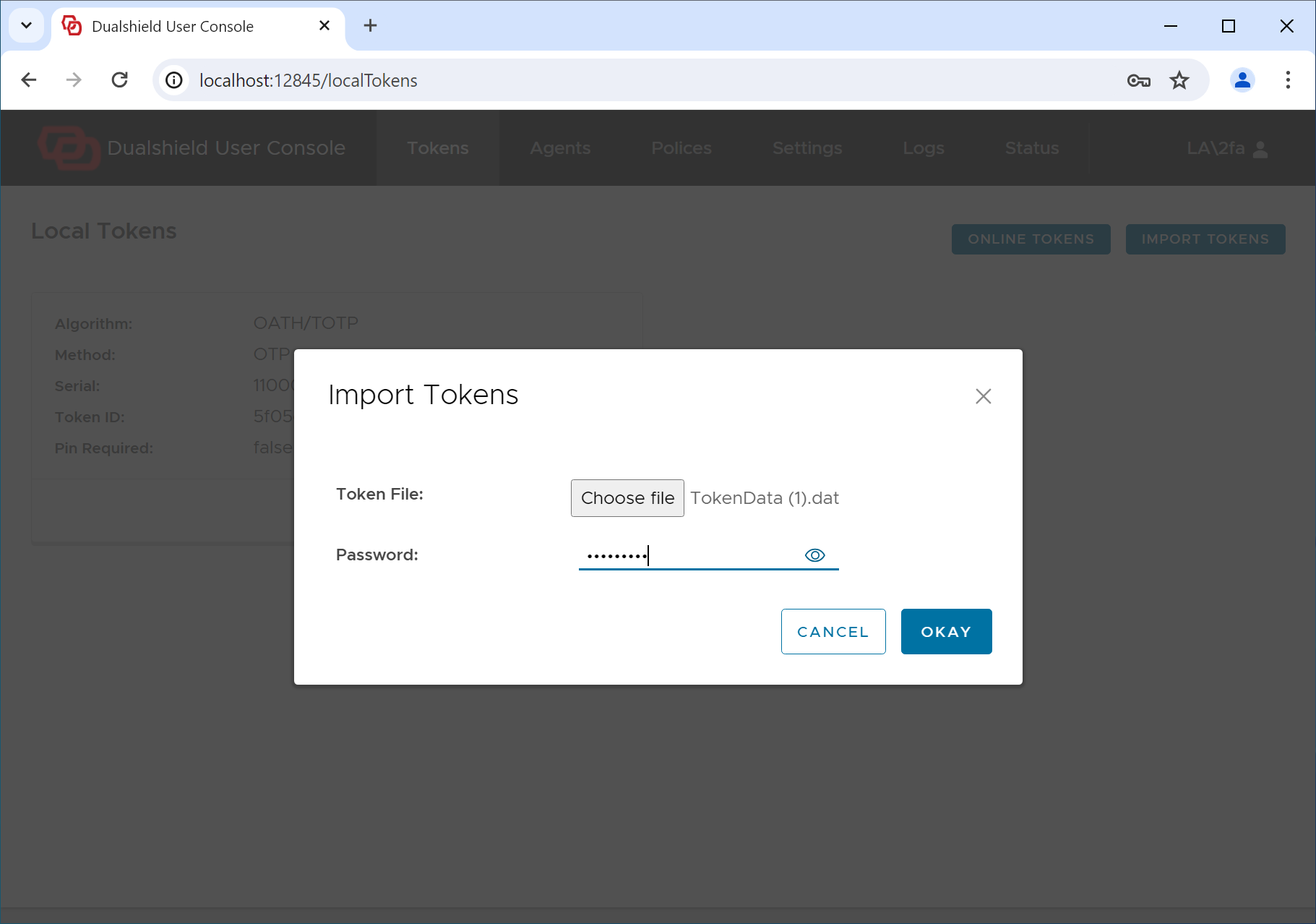
Click "OKAY"
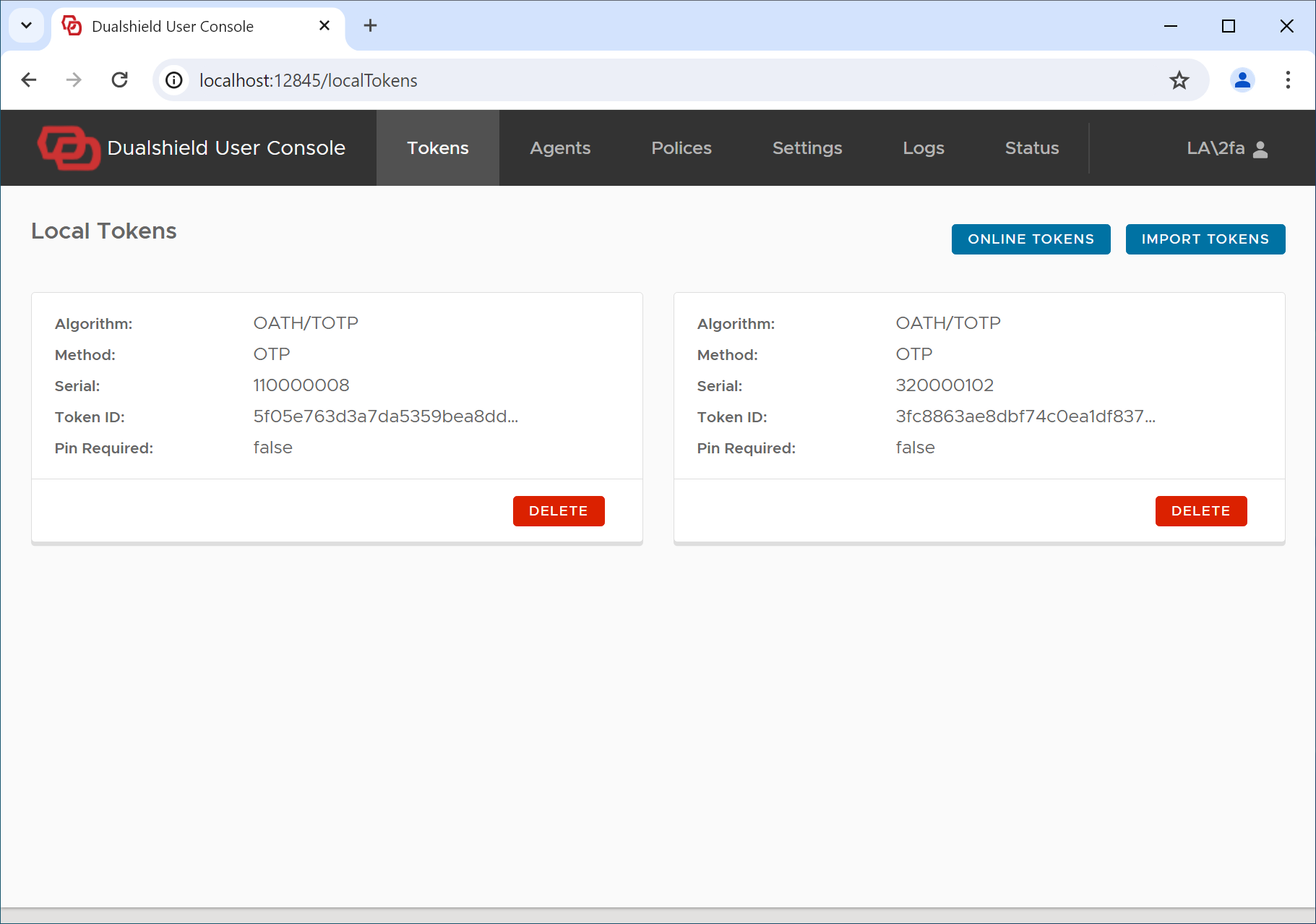
The new token is successfully imported.