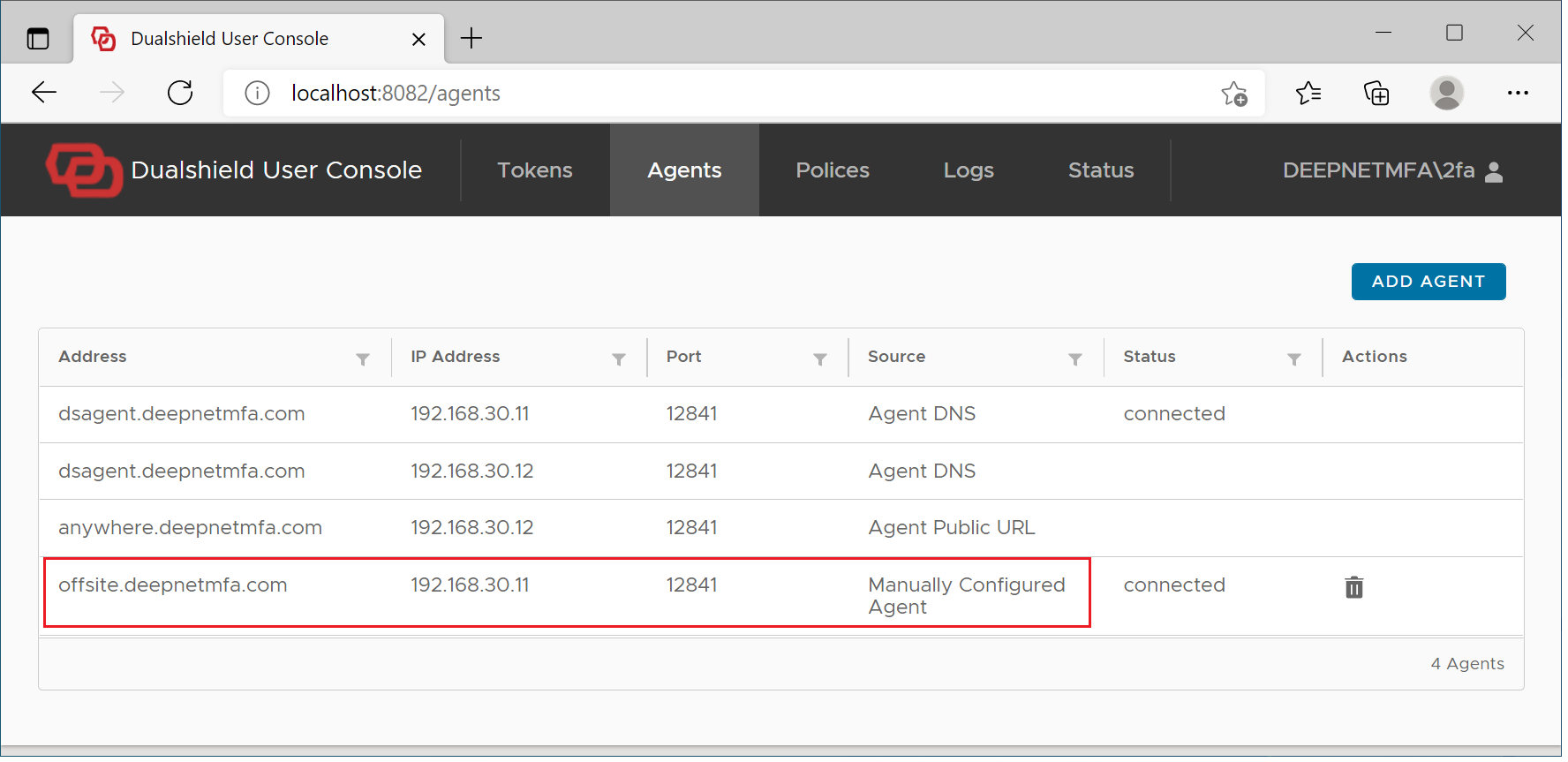
If you do not want to provide a public URL for your Dualshield Computer Logon Agent, and add an A record to your public DNS records, then your users will have to manually set up their DualShield computer logon clients in order to carry out MFA for offsite logins.
To manually set up offsite MFA logon, visit the User Console at http://localhost:12845
Select "Agents"
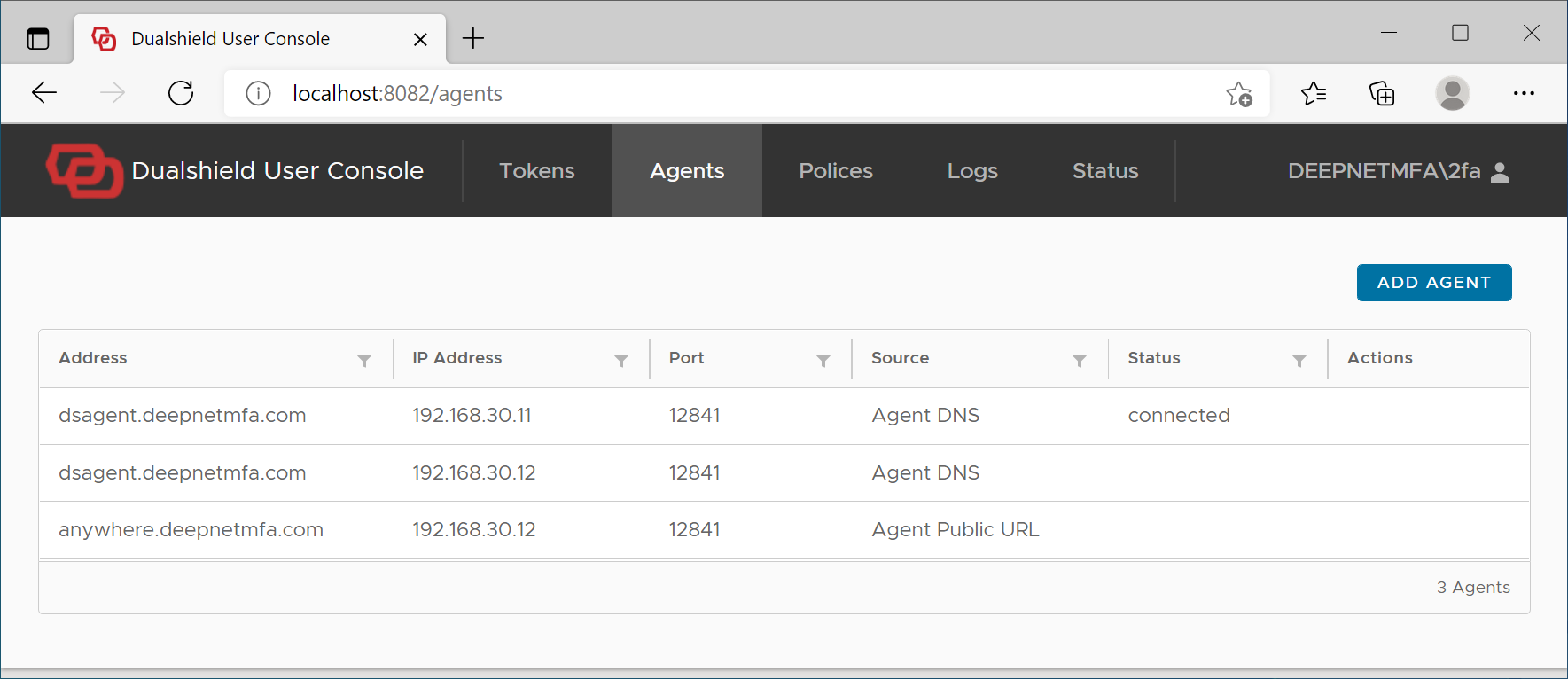
Click "Add Agent" button
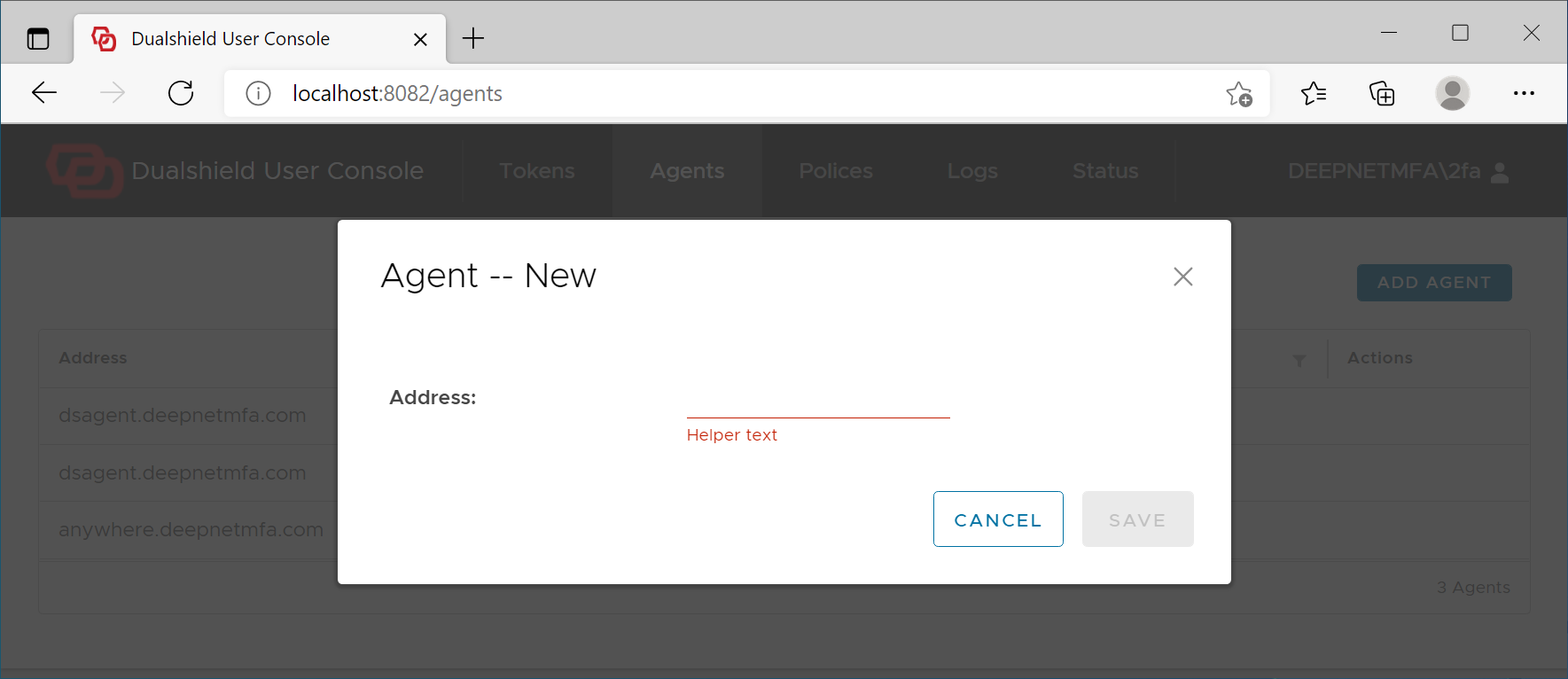
Add the Agent's address
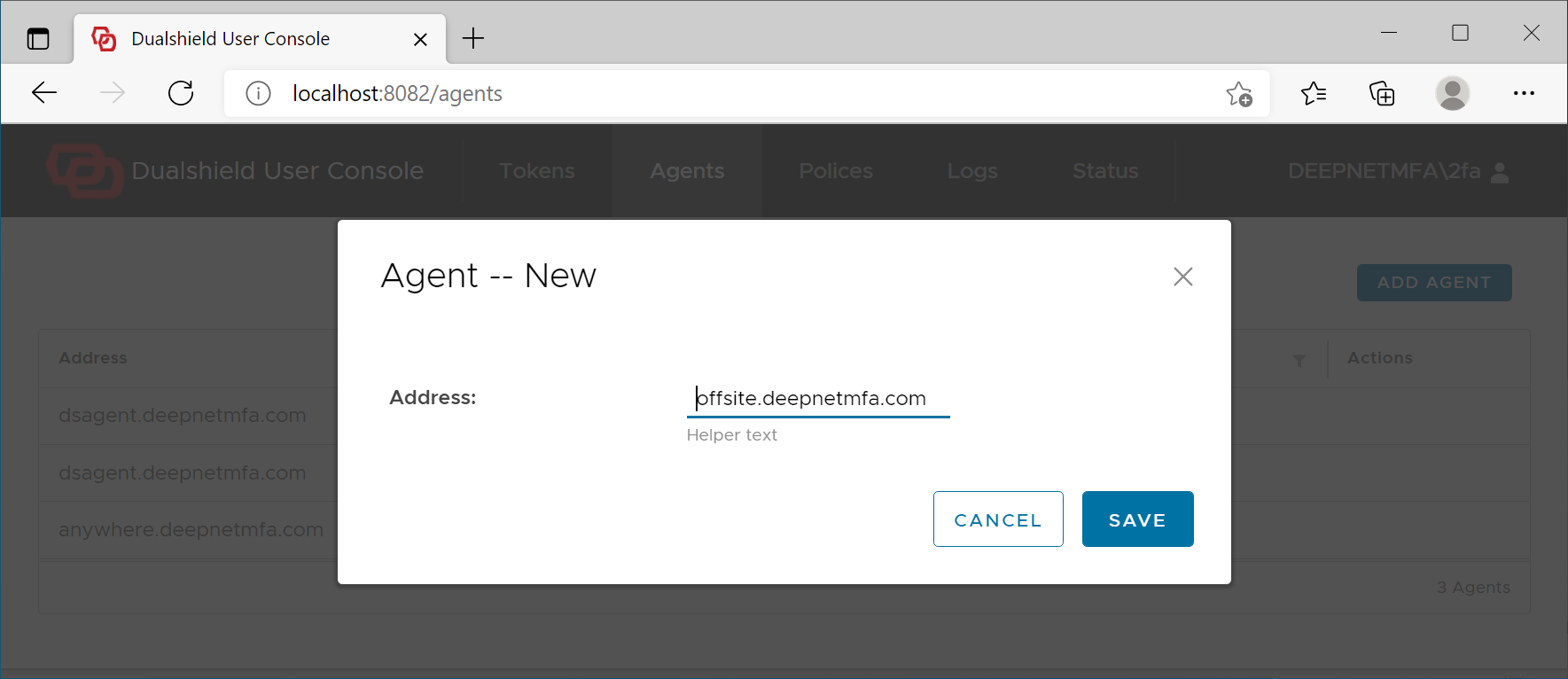
Click Save
If the Agent's address is correct, then it will be added to the logon client